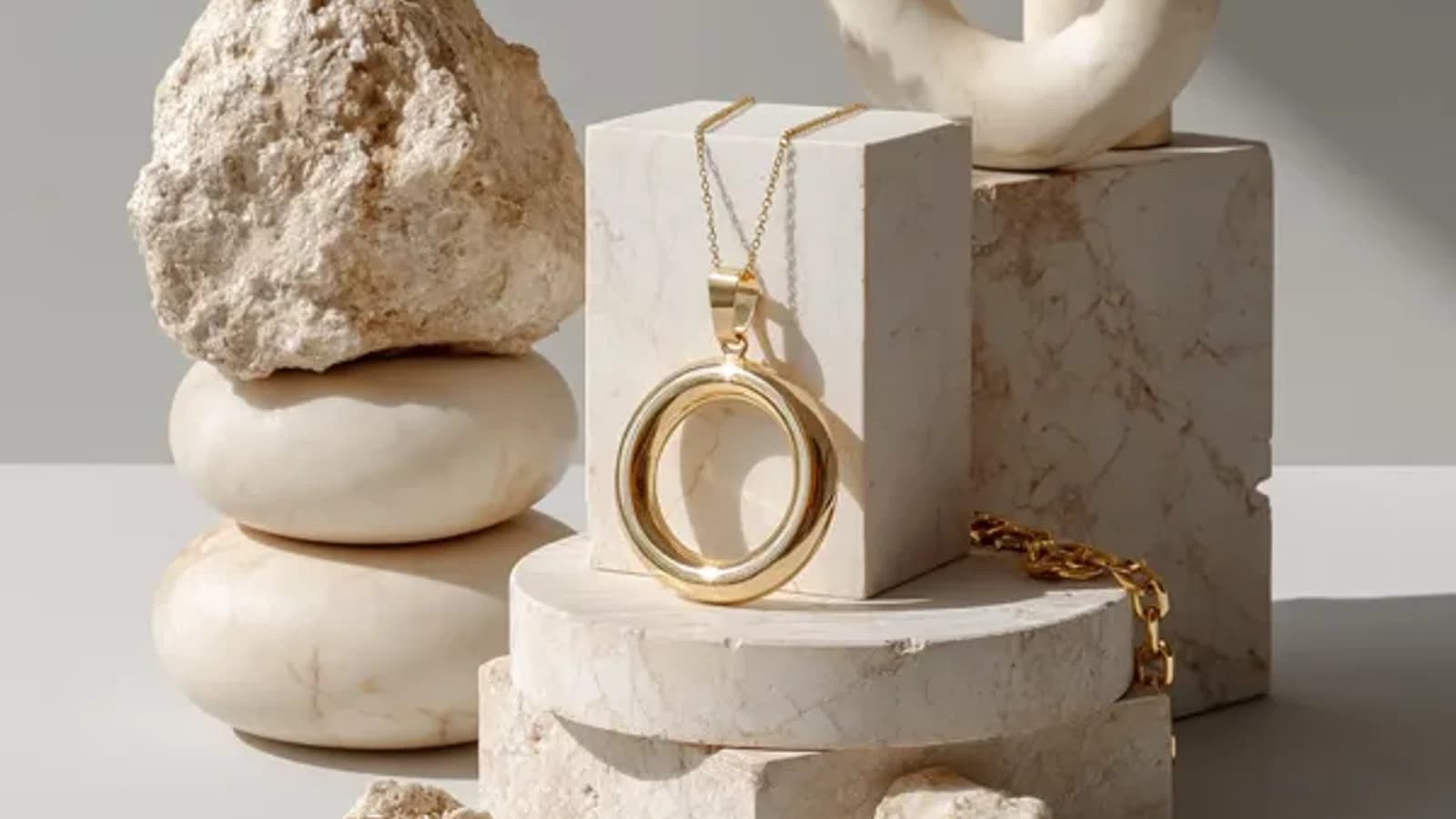
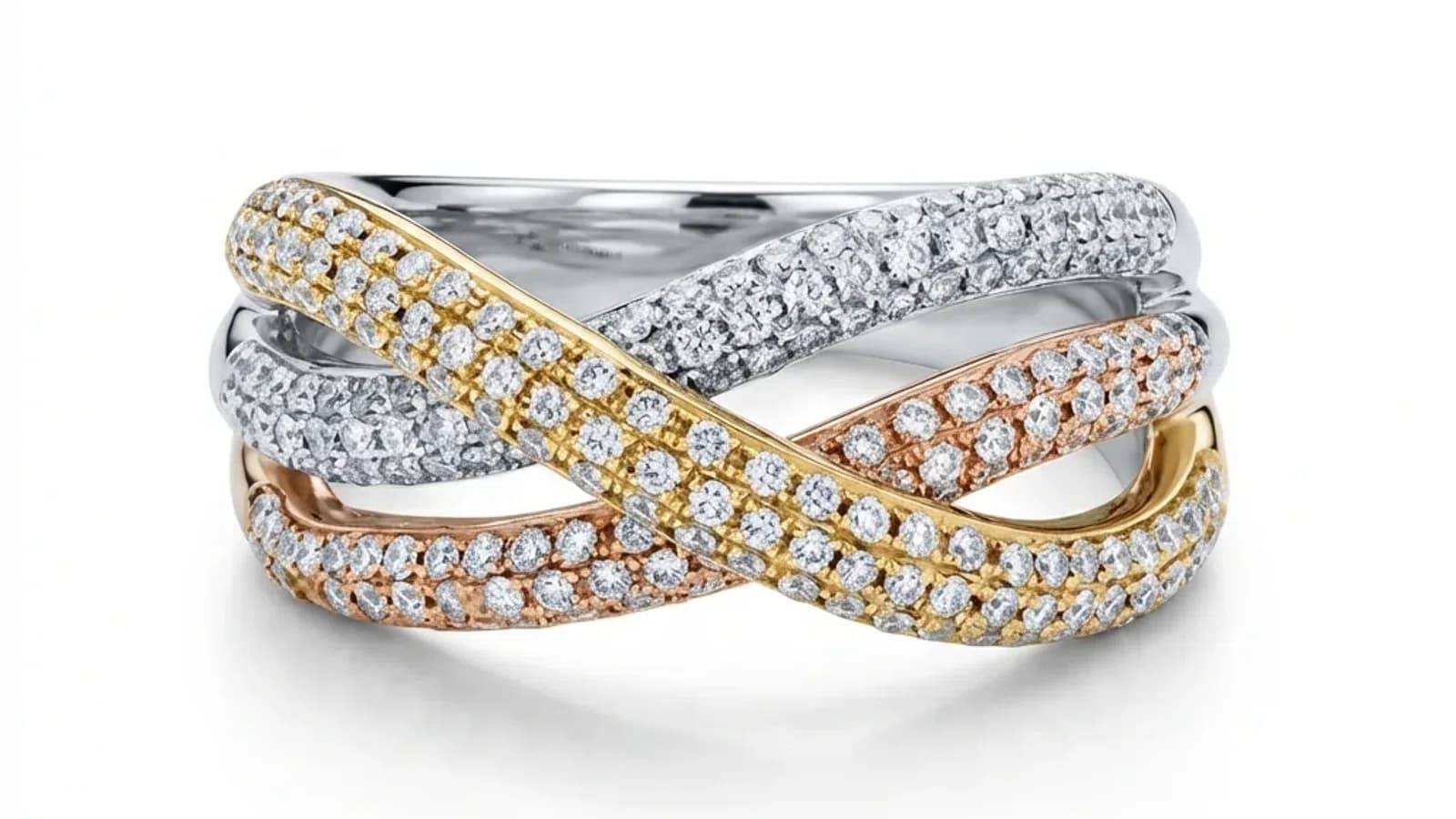
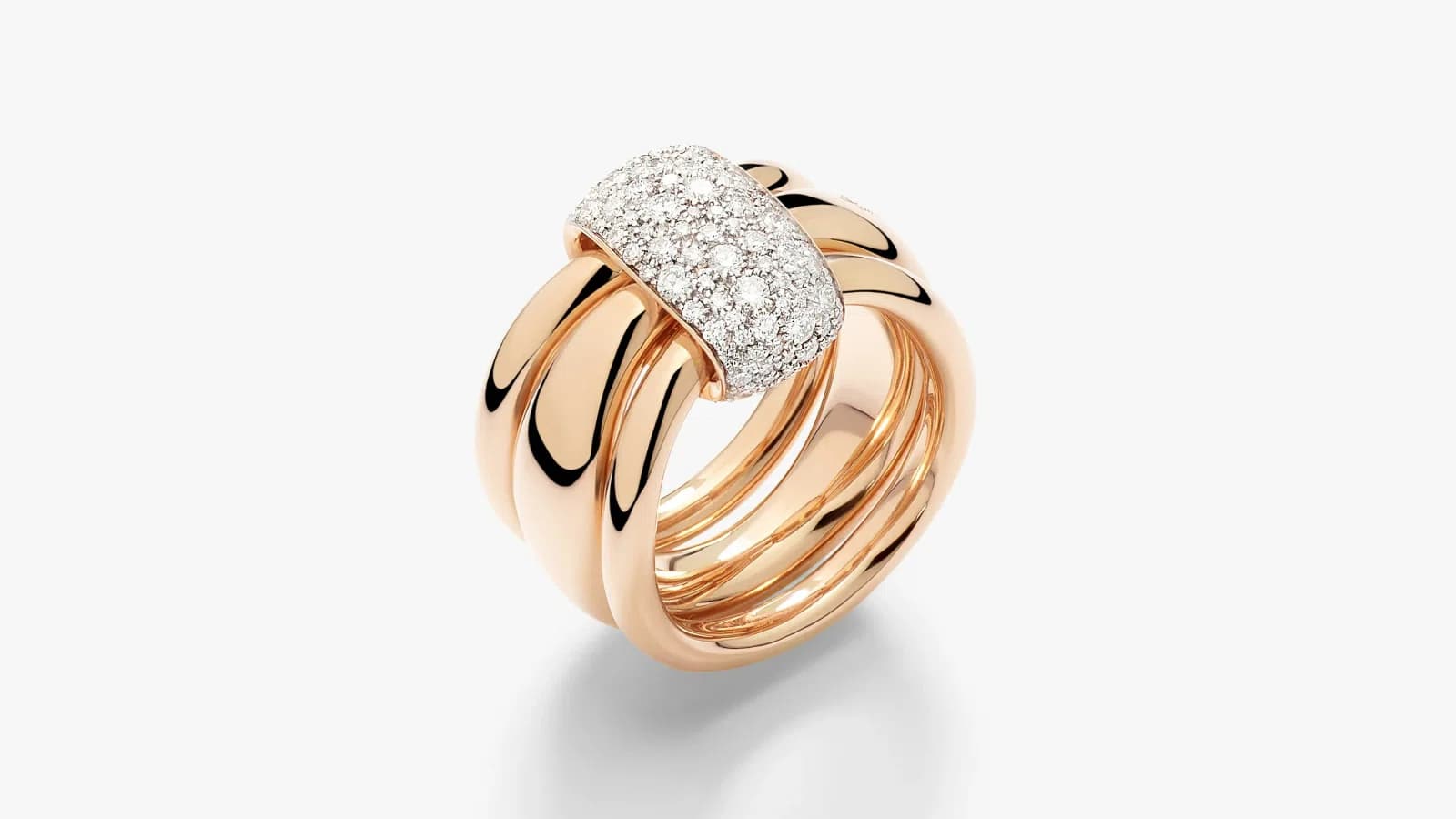
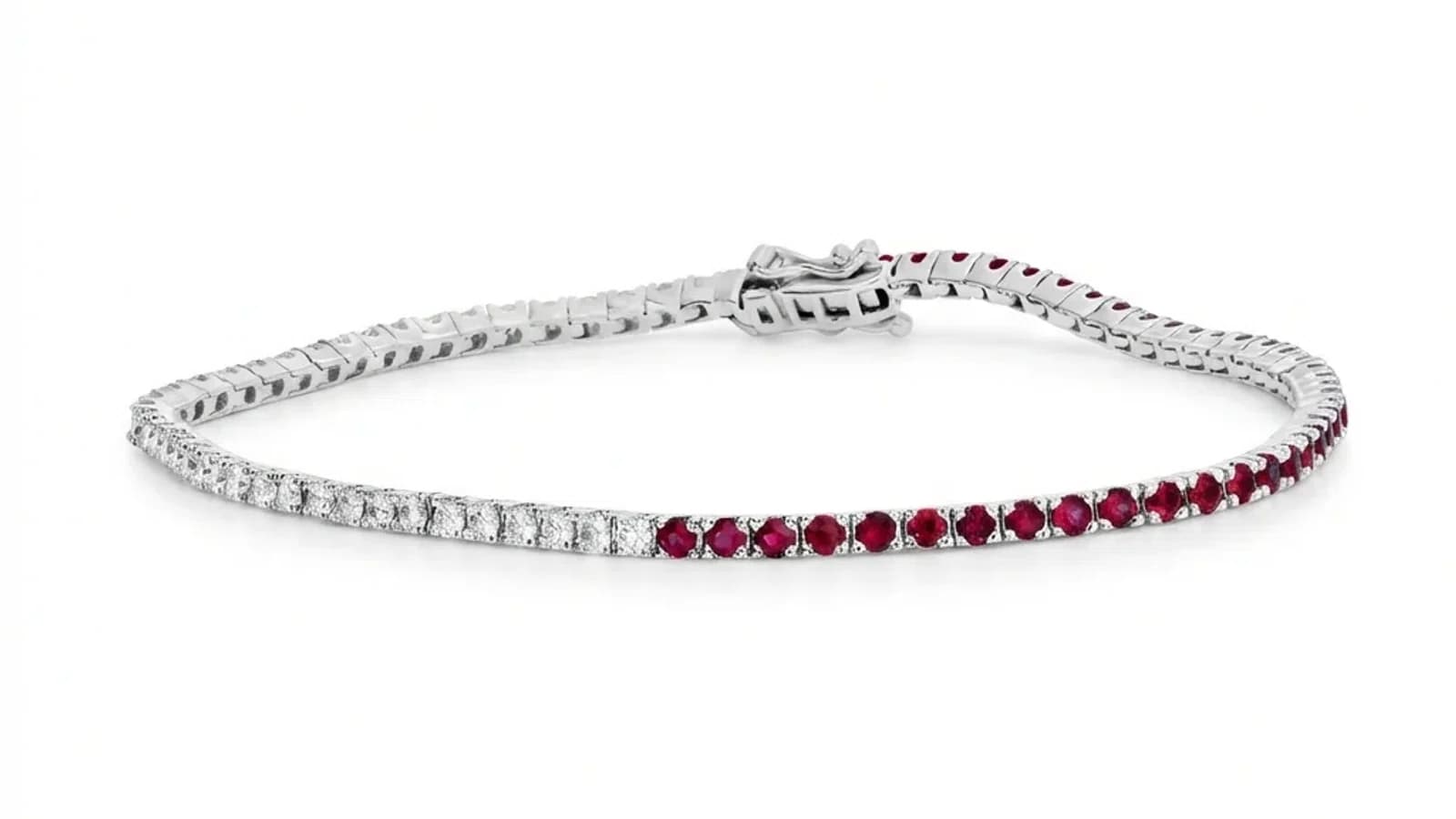
Before and after AI jewelry photo retouching showing how professional images drive e-commerce conversions
Guide

How AI Jewelry Photo Retouching Affects Conversion Rates: ROI Data 2026

Jewelry stores with professional AI-retouched photos see 30–40% higher conversion rates. Here's the data, ROI timeline, and why photo quality drives sales.

By Serdar Arniyazov|March 6, 20269 min read
Share:

TL;DR

Professional jewelry photography increases conversion rates by 30–40%. E-commerce jewelry averages 0.94–1.46% conversion — poor photos are the #1 reason carts are abandoned. AI retouching at $0.90/image pays for itself within days of deployment, with ROI measured in weeks not months.

What Is the Average Conversion Rate for Jewelry E-commerce?

The average jewelry e-commerce conversion rate is 0.94–1.46%, compared to 2–3% for general retail. Jewelry underperforms because customers cannot physically examine pieces. Professional product photography is the single highest-impact intervention for closing this gap — it directly substitutes for in-store touch.

Jewelry is one of the most challenging categories in e-commerce, and conversion data confirms it. While the average e-commerce store converts at 2–3%, jewelry typically converts at 0.94–1.46% according to Littledata and Statista benchmarks.

The primary reason: jewelry is a high-consideration, high-emotion purchase. Customers need to feel confident before committing — and online, that confidence comes entirely from product images.

Conversion benchmarks by jewelry category: - Fashion/costume jewelry: 1.2–2.1% (lower price point, lower consideration) - Silver and semi-precious: 0.94–1.4% - Fine gold jewelry: 0.8–1.2% - Diamond jewelry: 0.6–1.0% (highest consideration, longest decision cycle)

The gap between 0.94% and 1.46% sounds small — but on 10,000 monthly visitors with an average order value of $250, that difference equals $13,000 in additional monthly revenue.

Photo quality is the primary lever for moving within this range.

Why Do 89% of Online Jewelry Shoppers Abandon Their Carts?

89% of jewelry shoppers abandon carts before purchasing, with photo quality and trust as leading factors. Shoppers cannot physically examine pieces online — if product images fail to convey material quality, craftsmanship detail, and accurate color, buyers default to abandonment rather than risk. Professional photos directly reduce this trust gap.

Cart abandonment in jewelry reaches 89% — among the highest of any e-commerce category. Baymard Institute research identifies the top reasons specific to jewelry:

1. Cannot assess quality/authenticity (cited by 67% of jewelry abandoners) 2. Photos don't show enough detail (58%) 3. Uncertain about color accuracy (54%) 4. Can't see the piece from enough angles (49%) 5. Professional appearance didn't meet expectations (41%)

Every one of these is a photography problem. Buyers who can see fine details, accurate metal colors, gemstone clarity, and multiple consistent angles complete purchases at dramatically higher rates.

The data shows: - High-quality photos reduce abandonment by 30–40% - Multiple angles (5+) increase conversion by 27% - Clean white/neutral backgrounds outperform lifestyle backgrounds for conversions by 18% - Zoom capability (requires high-resolution images) increases purchase confidence by 33%

AI retouching directly addresses every one of these pain points: professional backgrounds, enhanced detail visibility, accurate color reproduction, and resolution suitable for zoom features.

How Much Do Professional Photos Actually Increase Sales?

Professional jewelry photos increase conversion rates by 30–40% on average. Sellers who upgrade from amateur to professional product images typically see conversion rates rise from around 0.8% to 1.1–1.3%. On a store with $10,000 monthly revenue, this translates to $3,000–$5,000 in additional monthly revenue.

The conversion lift from professional photography is well-documented:

E-commerce platform data: - Etsy: Professional photos increase click-through rates by 30–50% in search results - Amazon: High-quality images with 7+ photos increase conversion by 32% vs single-image listings - Shopify: Stores that upgrade product photography see average 25–35% conversion improvement

Real-world jewelry seller case studies: - Etsy jewelry seller (baseline 0.9% CVR): After AI retouching across all listings → 1.27% CVR (+41%) - Shopify fine jewelry brand (baseline 1.1% CVR): After professional photo upgrade → 1.52% CVR (+38%) - Amazon jewelry seller (baseline 0.7% CVR): After adding 7 professional images → 1.02% CVR (+46%)

Key photo improvements that drove these results: 1. Clean, consistent white backgrounds (platform compliant) 2. Enhanced metal detail and gemstone sparkle 3. Multiple angles (front, side, top, detail closeup) 4. Accurate color reproduction 5. High resolution enabling zoom

AI retouching delivers all five consistently at $0.90–$1.99 per image.

What Is the ROI of AI Jewelry Photo Retouching?

AI jewelry retouching typically achieves full ROI within 2–4 weeks of deployment. At $0.90–$1.99 per image and a 30–40% conversion lift, most jewelry stores recover their entire retouching investment from the first month's additional sales. The ongoing ROI is then pure profit uplift.

Let's model the ROI for a typical jewelry store:

Baseline scenario: - Monthly visitors: 5,000 - Current conversion rate: 0.9% - Average order value: $180 - Monthly revenue: 5,000 × 0.9% × $180 = $8,100 - Catalog size: 150 products

AI retouching investment: - Cost: 150 images × $1.20 average = $180 one-time - Timeline to completion: 1-2 hours of upload/download

After AI retouching (conservative 30% conversion lift): - New conversion rate: 1.17% - New monthly revenue: 5,000 × 1.17% × $180 = $10,530 - Monthly revenue increase: +$2,430 - ROI on $180 investment: 1,350% in the first month

Payback period: Less than 3 days of incremental sales.

For higher-volume stores: - 500-image catalog: $450 investment → $8,100+ monthly revenue increase - Payback: Same 3–5 days

The key insight: photography costs are one-time. Conversion lift compounds every month for as long as the improved images are live. A $180 investment in AI retouching continues generating $2,400+ per month indefinitely.

Does Mobile Shopping Change the Photo Quality Equation?

60%+ of jewelry browsing now happens on mobile devices, where small screens make photo quality even more critical. On mobile, shoppers can't zoom effectively and make faster decisions based on thumbnail quality. AI-retouched images with clean backgrounds and enhanced detail perform significantly better in mobile browsing contexts.

Mobile has fundamentally changed jewelry e-commerce:

Mobile jewelry shopping statistics: - 64% of jewelry research happens on mobile (Think with Google) - 45% of jewelry purchases are completed on mobile - Mobile conversion rates are 30–40% lower than desktop for jewelry - But mobile is the discovery channel — it drives traffic that converts on desktop

How mobile impacts photo requirements: - Thumbnails are smaller: Background cleanliness is even more critical - Swipe decisions are faster: First impressions matter more - Zoom capability is limited: Image quality must compensate - Instagram/Pinterest integration: Social discovery feeds directly to purchase

Photo characteristics that perform best on mobile: - Pure white backgrounds (maximum contrast, visibility in small sizes) - High contrast metal/gemstone enhancement (visible even at thumbnail size) - Clean composition with jewelry filling 80–85% of frame - Consistent visual style (grid/feed aesthetics matter)

AI retouching produces images optimized for both desktop zoom and mobile thumbnail performance — the two most critical display contexts in modern jewelry e-commerce.

Which Photo Types Convert Best for Jewelry?

Clean white background images convert best for marketplace listings (Amazon, Etsy, eBay), while lifestyle images perform better for social media discovery and brand storytelling. The optimal strategy uses AI-retouched white background images as primary listing photos, with lifestyle images as secondary shots and social media content.

Different photo types serve different conversion purposes:

For marketplace listings (Amazon, Etsy, eBay): - Primary image: Clean white background, jewelry centered (85% frame fill) - Performance: Highest conversion on listing pages - Why: Platform algorithms favor compliant images; shoppers trust professional presentation

For brand website product pages: - Primary: White background (consistency, professionalism) - Secondary: Contextual/lifestyle images (emotional connection) - Detail shots: Closeups of clasps, hallmarks, gemstone facets - Scale reference: On hand, neck, or with coin for size context

For social media (Instagram, Pinterest, TikTok): - Lifestyle images outperform white background - Aesthetic consistency matters for feed/grid appearance - Before/after transformation content gets high engagement

Optimal catalog structure: 1. Primary: AI-retouched white background (compliance + conversion) 2. Secondary: 2–3 lifestyle/contextual images 3. Detail: 1–2 macro closeup shots 4. Scale: 1 size reference image

AI retouching handles the primary image — which drives 80% of conversion impact — at $0.90–$1.99, making the highest-converting image type also the most affordable to produce.

How Do You Calculate Retouching ROI for Your Specific Store?

Calculate jewelry retouching ROI by multiplying your monthly traffic × conversion rate × average order value to get baseline revenue, then apply a 25–35% conversion lift to get projected revenue. Subtract retouching costs to get net ROI. Most stores find payback within the first week of improved images going live.

Your retouching ROI formula:

Step 1: Calculate baseline monthly revenue Monthly visitors × current CVR × average order value = baseline revenue

Step 2: Project revenue with improved photos Baseline revenue × 1.30 (conservative 30% lift) = projected revenue

Step 3: Calculate retouching cost Number of product images × $0.90–$1.99 = total one-time investment

Step 4: Calculate first-month ROI (Projected revenue - baseline revenue - retouching cost) / retouching cost × 100 = ROI%

Example calculation: - 3,000 visitors/month × 1.0% CVR × $220 AOV = $6,600 baseline - With 30% lift: $6,600 × 1.30 = $8,580 - Revenue increase: $1,980/month - 200 images × $1.20 = $240 retouching cost - First-month ROI: ($1,980 - $240) / $240 × 100 = 725%

Even using conservative 20% conversion lift assumptions, most jewelry stores see 300–500% ROI in the first month. The ongoing ROI (months 2+) is the same revenue uplift with zero additional photography cost.

Start with 10–20 of your highest-traffic listings to validate the conversion lift before processing your full catalog.

blog.conversionRateRoi.section8Title

blog.conversionRateRoi.section8Answer

blog.conversionRateRoi.section8Body

blog.conversionRateRoi.section9Title

blog.conversionRateRoi.section9Answer

blog.conversionRateRoi.section9Body

blog.conversionRateRoi.section10Title

blog.conversionRateRoi.section10Answer

blog.conversionRateRoi.section10Body

See the ROI yourself — upload 3 jewelry photos free and watch professional images transform your store.

Try Jewels Retouch Free