ComparisonFebruary 17, 20268 min read

AI vs Manual Jewelry Retouching: When to Use Each, and When to Combine Them

A practical decision guide for jewelry sellers: use AI for repeatable catalog work, manual retouching for complex repair and campaign hero images, and a hybrid workflow when accuracy matters.

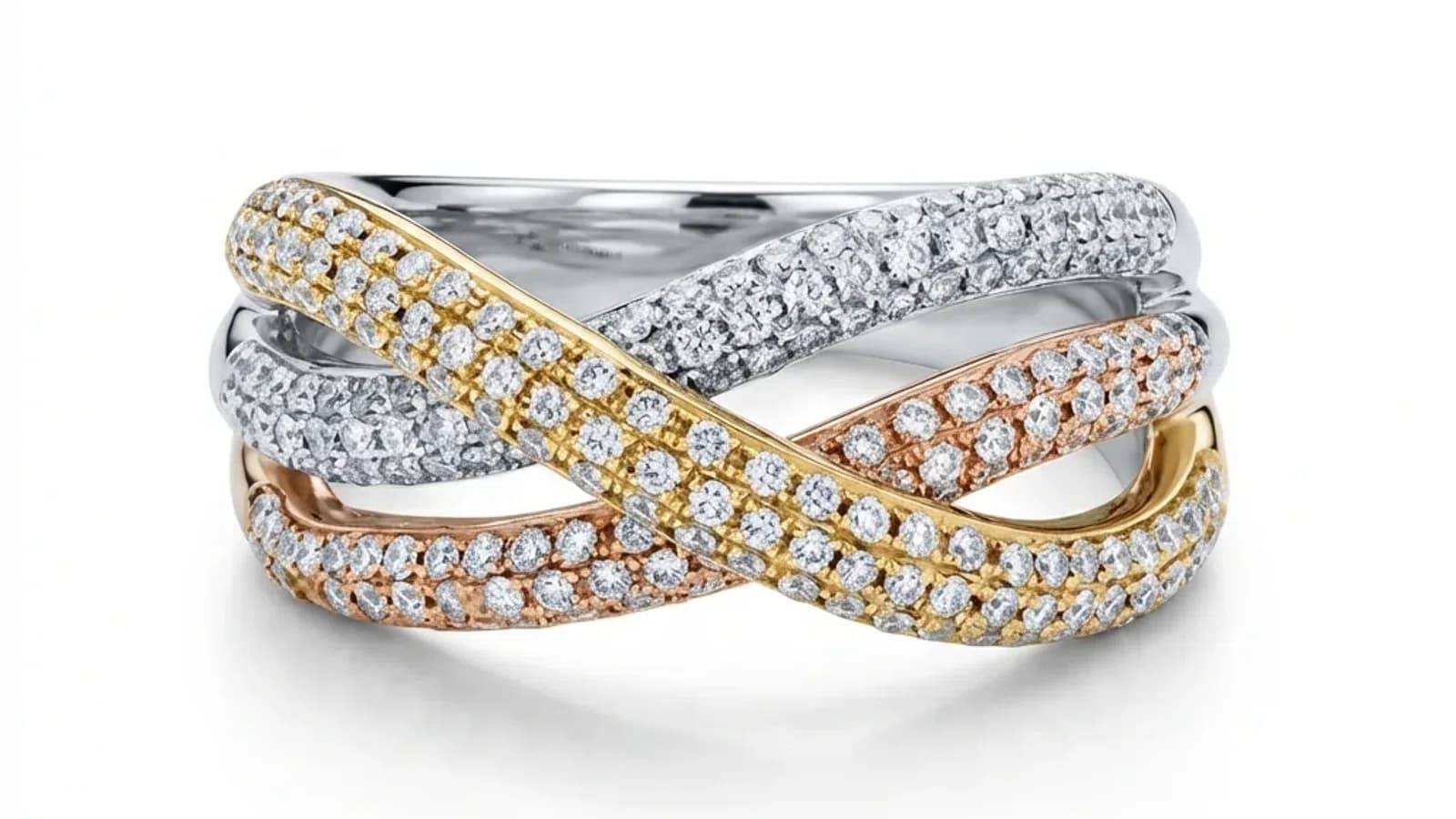
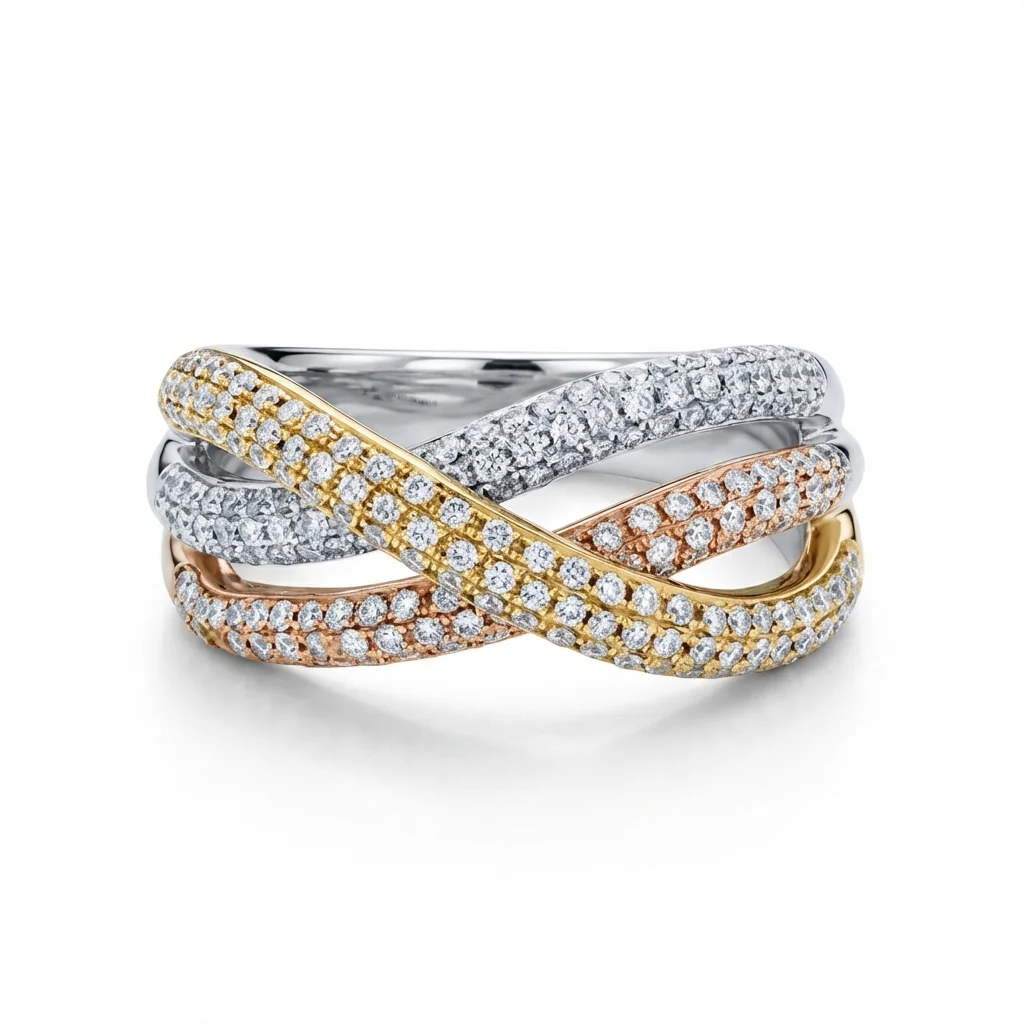
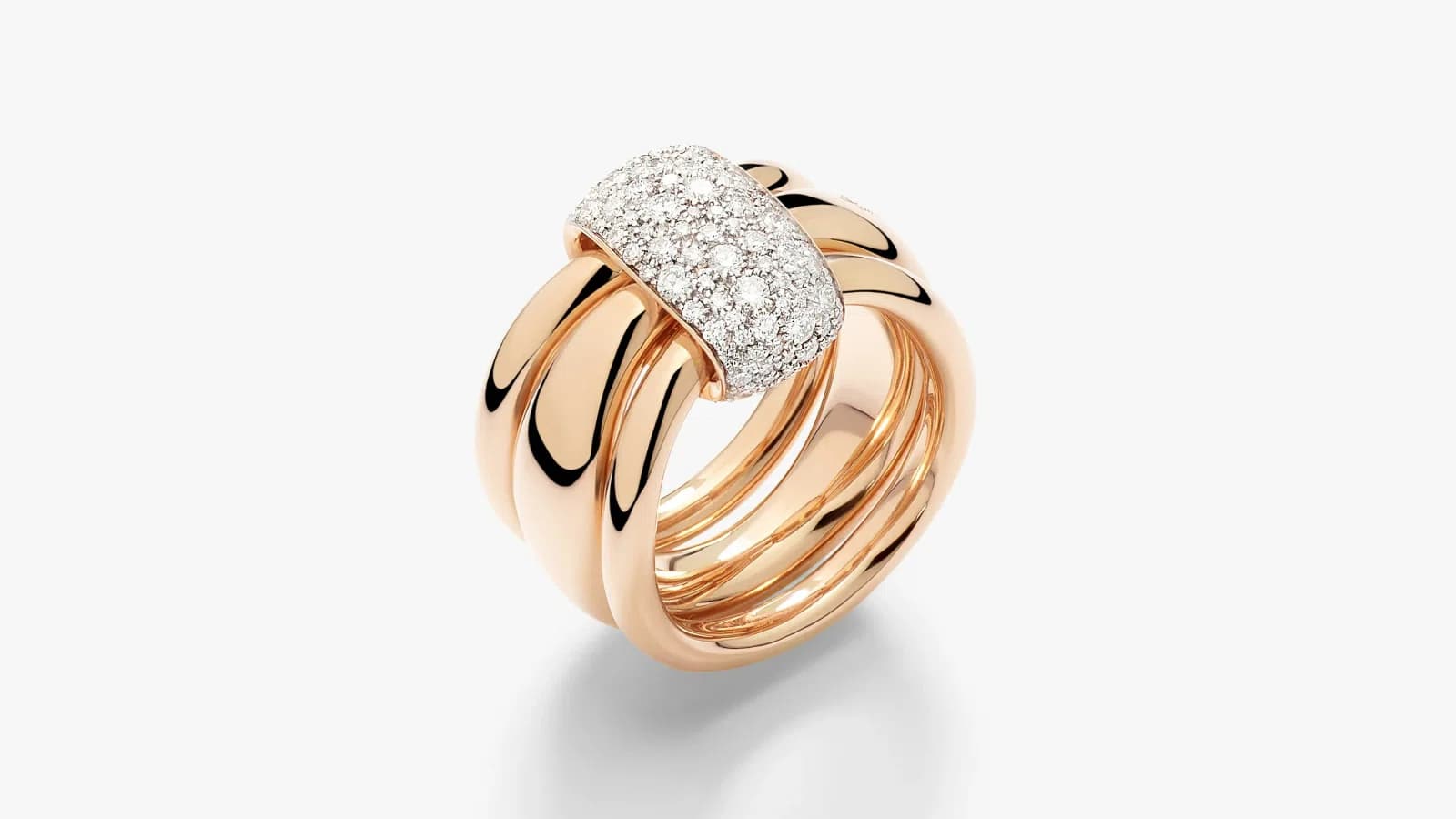
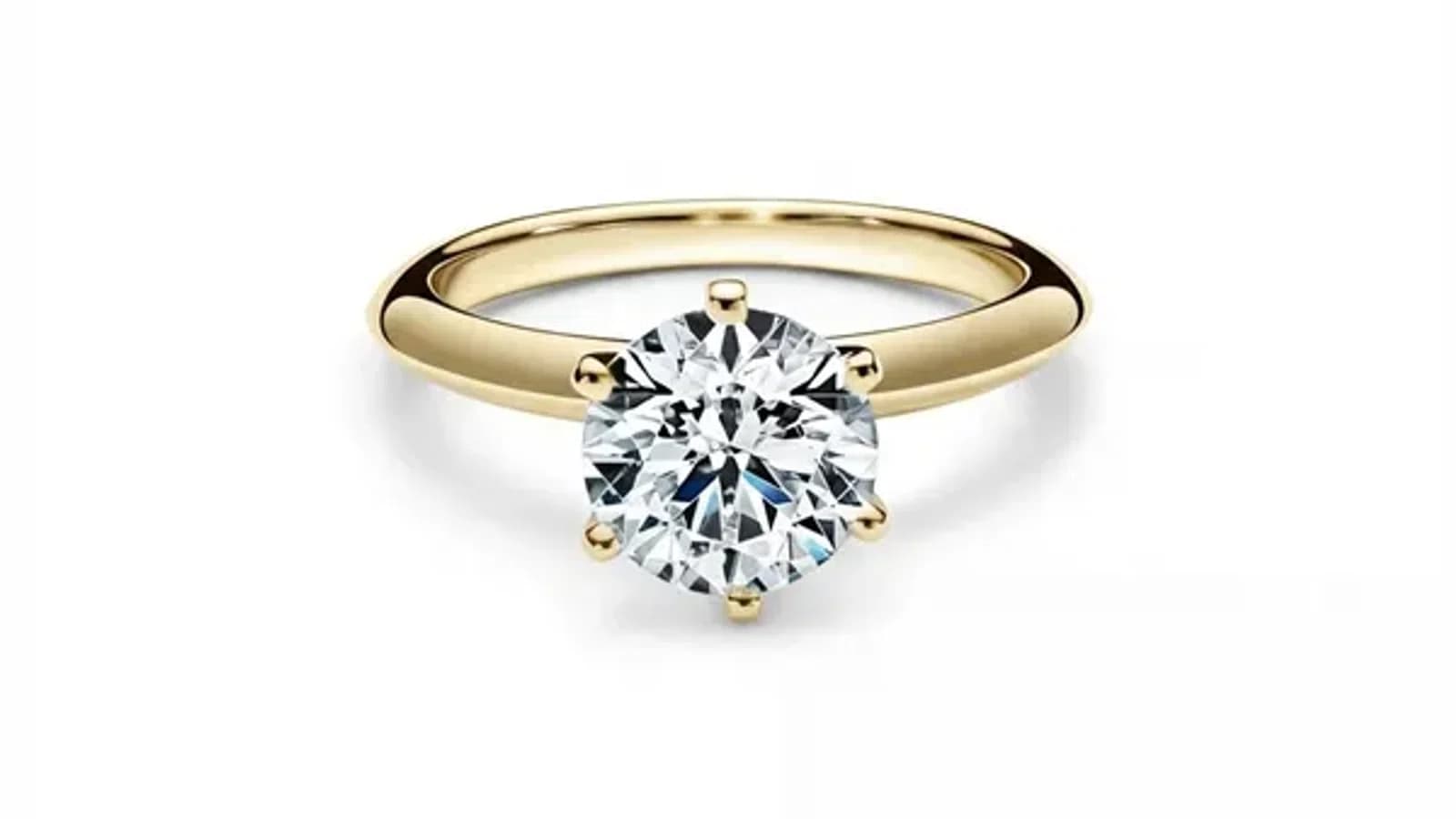
Side-by-side comparison of AI retouched jewelry vs manually edited jewelry photo
Serdar ArniyazovUpdated May 26, 2026
Share

01

What is jewelry photo retouching?

Jewelry photo retouching turns a raw product photo into an image a buyer can inspect. The work may include background cleanup, dust removal, metal-tone correction, gemstone clarity, shadow control, and crop consistency.

The important distinction is judgment. Manual retouching is strongest when the image needs repair, taste, or creative direction. AI is strongest when the input is readable and the desired output is repeatable: a silver hoop on white, a solitaire ring for Etsy, a 200-SKU wholesale line sheet, or a Shopify product grid where every item needs the same visual rhythm.

02

How much does manual jewelry retouching cost?

Manual jewelry retouching pricing varies significantly depending on the editor's skill level and location:

  • Professional photography studios: $25-$200 per image
  • Freelance retouchers on marketplace platforms: $5-$25 per image
  • In-house editor (salary): $3,000-$6,000/month

For a jewelry brand with 200 product SKUs, manual retouching costs range from $1,000 to $5,000 just for initial product photos. Seasonal updates, new collections, and marketing materials multiply these costs further.

03

How much does AI jewelry retouching cost?

AI jewelry retouching services like Jewels Retouch make catalog work easier to budget:

  • Single pack: 1 credit
  • Starter pack: 10 credits
  • Growth pack: 50 credits
  • Pro pack: 200 credits

A 200-SKU catalog can be planned around the Pro credit pack instead of per-image freelancer quotes. Credits never expire, and new accounts start with 3 free previews + 1 HD download.

04

Speed: how long does each method take?

This is where AI retouching creates the biggest advantage:

  • Manual editing: 24-48 hours turnaround per batch
  • AI retouching: usually about 60-90 seconds per image

A 50-image product shoot that takes a freelancer 1-2 weeks can be processed sequentially with AI in the same day. For jewelry businesses running flash sales, seasonal launches, or daily Etsy listings, this speed difference is hard to ignore.

05

Quality: can AI match human editors?

The quality question is not 'AI or human?' in the abstract. It is 'what does this image need?'

Use AI first when the photo already contains enough detail and the job is repeatable:

  • white-background catalog images
  • Etsy and Shopify hero shots
  • SKU variants with the same angle and shadow
  • wholesale line-sheet photos
  • daily listing updates

Use manual or hybrid work when the photo needs judgment:

  • antique jewelry with patina that should not be polished away
  • damaged source photos
  • complex necklaces with overlapping chains
  • campaign hero images
  • heavy compositing, styling, or creative color direction

A good workflow does not pretend AI replaces every retoucher. It uses AI where repetition is the burden and humans where taste is the value.

06

Consistency: the hidden advantage of AI

One of the most overlooked benefits of AI retouching is consistency. When you hire different freelancers or even the same editor on different days, results vary. Colors shift, shadows differ, and positioning changes.

AI retouching with a style reference keeps lighting, background, and composition aligned across the catalog. For jewelry brands building a professional catalog, that consistency is often worth more than any single edit.

07

Which should you choose?

A practical decision matrix is simple:

Choose AI first for:

  • 200 standard SKU catalog images
  • Etsy sellers adding daily or weekly listings
  • Shopify collection pages that need consistent thumbnails
  • wholesale line sheets where every row must feel like one collection
  • straightforward background, shadow, and metal-tone cleanup

Choose manual or hybrid for:

  • a high-value engagement ring hero campaign
  • heavily damaged or blurry photos
  • antique, oxidized, or highly textured metal
  • complex gemstone color-sensitive work
  • editorial ads where composition matters more than speed

Most jewelry teams should not choose one forever. Use AI for the catalog body, then spend human retouching budget on the few images buyers will stare at longest.

Jewelry Photography Tips & Updates

Get expert tips on jewelry photography, retouching techniques, and exclusive offers.

No spam, ever. Unsubscribe anytime.

Start

Try AI jewelry retouching free. Start with 3 free previews + 1 HD download, no credit card required.