How to Photograph Jewelry for Etsy: Complete Guide
Step-by-step guide to photographing jewelry for Etsy listings. Lighting, backgrounds, angles, camera settings, and AI editing tips to boost your Etsy shop sales.
TL;DR
Great Etsy jewelry photos need diffused lighting (lightbox or window light), a clean white background, a tripod for stability, and multiple angles. Use all 10 Etsy photo slots. AI retouching transforms phone photos into professional listings for under $2/image, eliminating the need for expensive studio shoots.
Why Jewelry Photos Make or Break Your Etsy Shop
On Etsy, your first listing photo is your storefront. Etsy's search algorithm heavily weights listing quality, and photos are the primary quality signal. Shops with professional jewelry photos receive 2–3x more views, higher click-through rates, and significantly more sales. Your photo quality directly determines your Etsy search ranking and revenue.
blog.photographJewelryForEtsy.section1Body
Essential Equipment for Etsy Jewelry Photography
You need a smartphone or camera with macro capability, a lightbox or diffused window light setup, a tripod or phone holder, a clean white background surface, and optionally a macro lens attachment ($15–$30). Total setup cost: $50–$150. Professional equipment is not required — proper technique matters more than expensive gear.
blog.photographJewelryForEtsy.section2Body
Lighting Setup for Jewelry on Etsy
Use diffused soft light — either a $40–$80 LED lightbox or natural window light filtered through a white curtain. Position light at 45 degrees from above. Avoid direct flash, which creates harsh reflections on metal. For gemstones, add a small point light source to create sparkle. Consistent lighting across all listings is essential for a professional shop appearance.
blog.photographJewelryForEtsy.section3Body
Background and Styling for Etsy Jewelry Listings
White backgrounds perform best as your primary Etsy listing image — they look professional in search results and make jewelry pop. Use lifestyle photos (jewelry on wood, fabric, or styled scenes) as secondary images for emotional connection. Etsy allows creative backgrounds unlike Amazon, so mix clean product shots with styled images across your 10 photo slots.
blog.photographJewelryForEtsy.section4Body
How to Use All 10 Etsy Photo Slots Effectively
Maximize all 10 photos: (1) clean white background hero shot, (2) lifestyle/styled image, (3) scale reference on hand or with coin, (4) gemstone detail close-up, (5) side profile view, (6) back view showing clasp or hallmark, (7) material close-up, (8) packaging if gift-ready, (9) color variation, (10) brand lifestyle shot. The first image is most critical — it is your search thumbnail.
blog.photographJewelryForEtsy.section5Body
Camera Settings and Angles for Jewelry
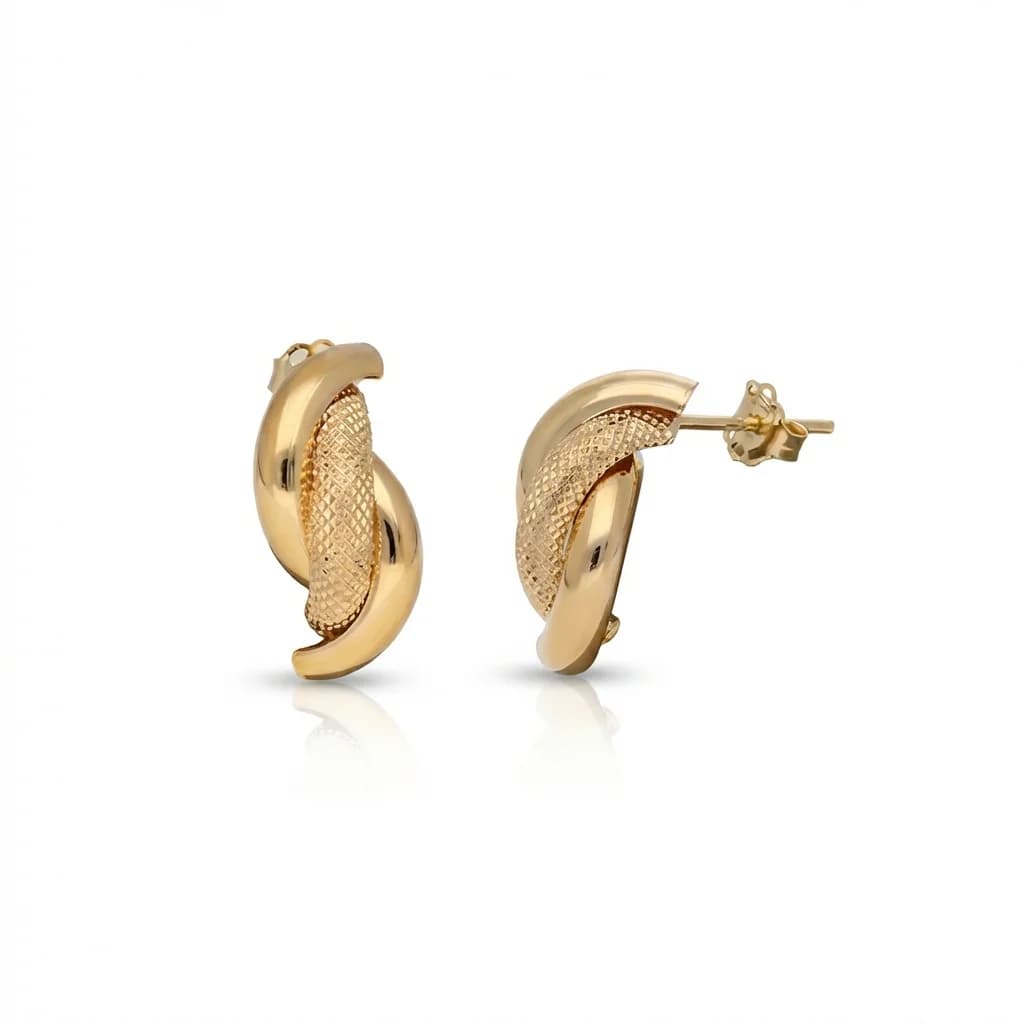
Use aperture f/8–f/16 for sharp depth of field, ISO 100–400 for minimal noise, and always use a tripod. For rings, shoot at 15–20 degrees tilt face-on. For necklaces, shoot flat lay from directly above. For earrings, photograph pairs symmetrically. Smartphones work well in macro mode with locked focus — tap to focus on the jewelry and hold steady.
blog.photographJewelryForEtsy.section6Body
How AI Retouching Transforms Etsy Jewelry Photos
AI retouching takes your phone photos and produces professional listing images in 30 seconds: background replacement, dust removal, metal polishing, gemstone enhancement, and consistent styling. At $0.90–$1.99 per image, it costs less than the cheapest Fiverr editors while delivering faster, more consistent results. Process your entire Etsy shop for under $100.
blog.photographJewelryForEtsy.section7Body
blog.photographJewelryForEtsy.section8Title
blog.photographJewelryForEtsy.section8Answer
blog.photographJewelryForEtsy.section8Body
blog.photographJewelryForEtsy.section9Title
blog.photographJewelryForEtsy.section9Answer
blog.photographJewelryForEtsy.section9Body
blog.photographJewelryForEtsy.section10Title
blog.photographJewelryForEtsy.section10Answer
blog.photographJewelryForEtsy.section10Body