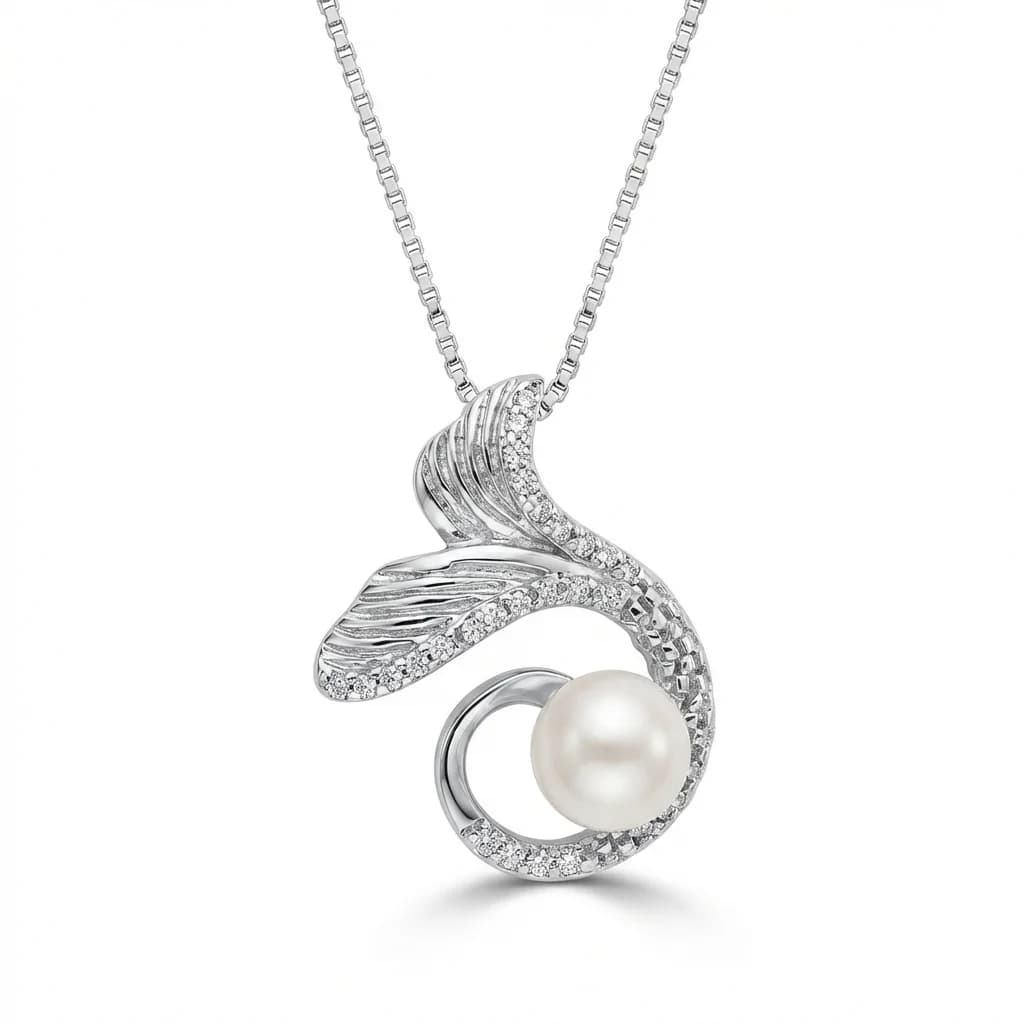
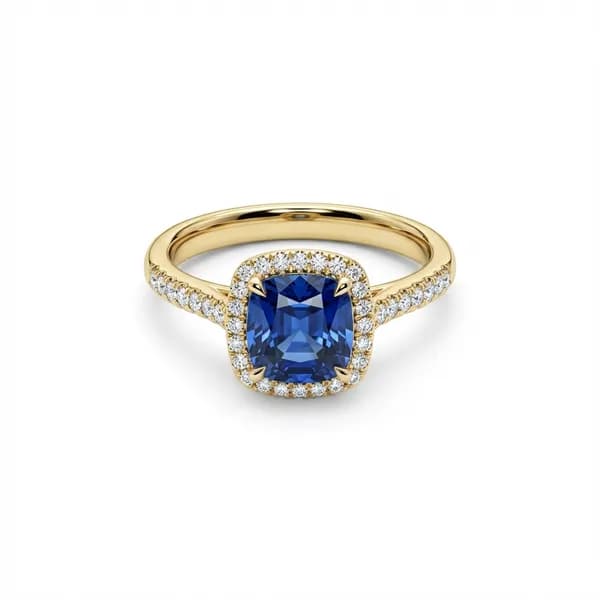
AI jewelry photo retouching.
A more realistic finish for your jewelry photos.Bring out your jewelry's beauty with a natural photographic finish: believable metal reflections, material texture and balanced gemstone sparkle. Guide styling and gold tones, then inspect the result against your piece.
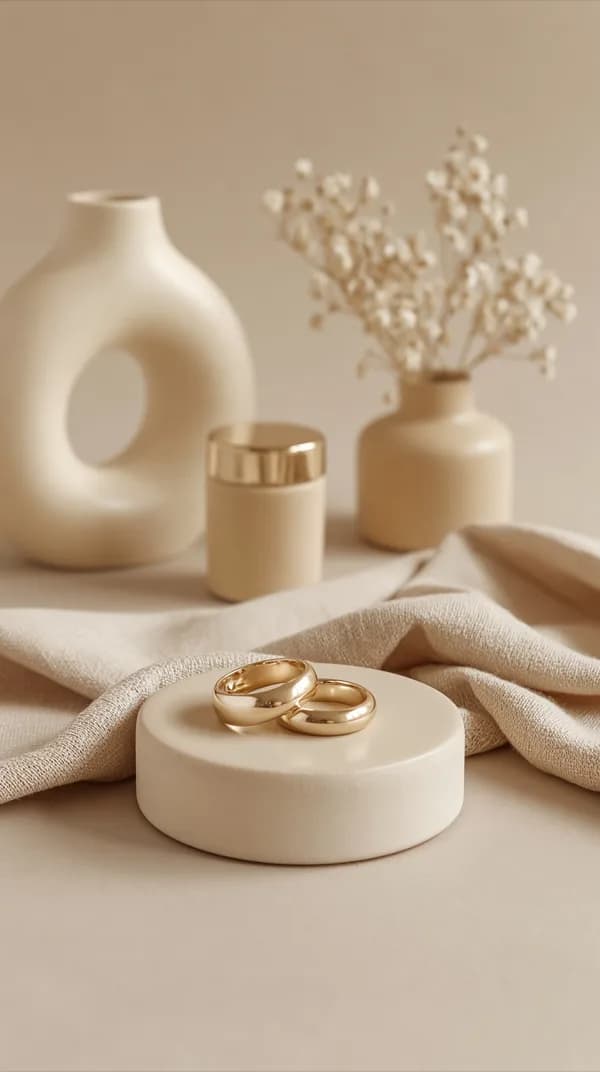
Instagram Scenes
Also create Instagram and lifestyle scenes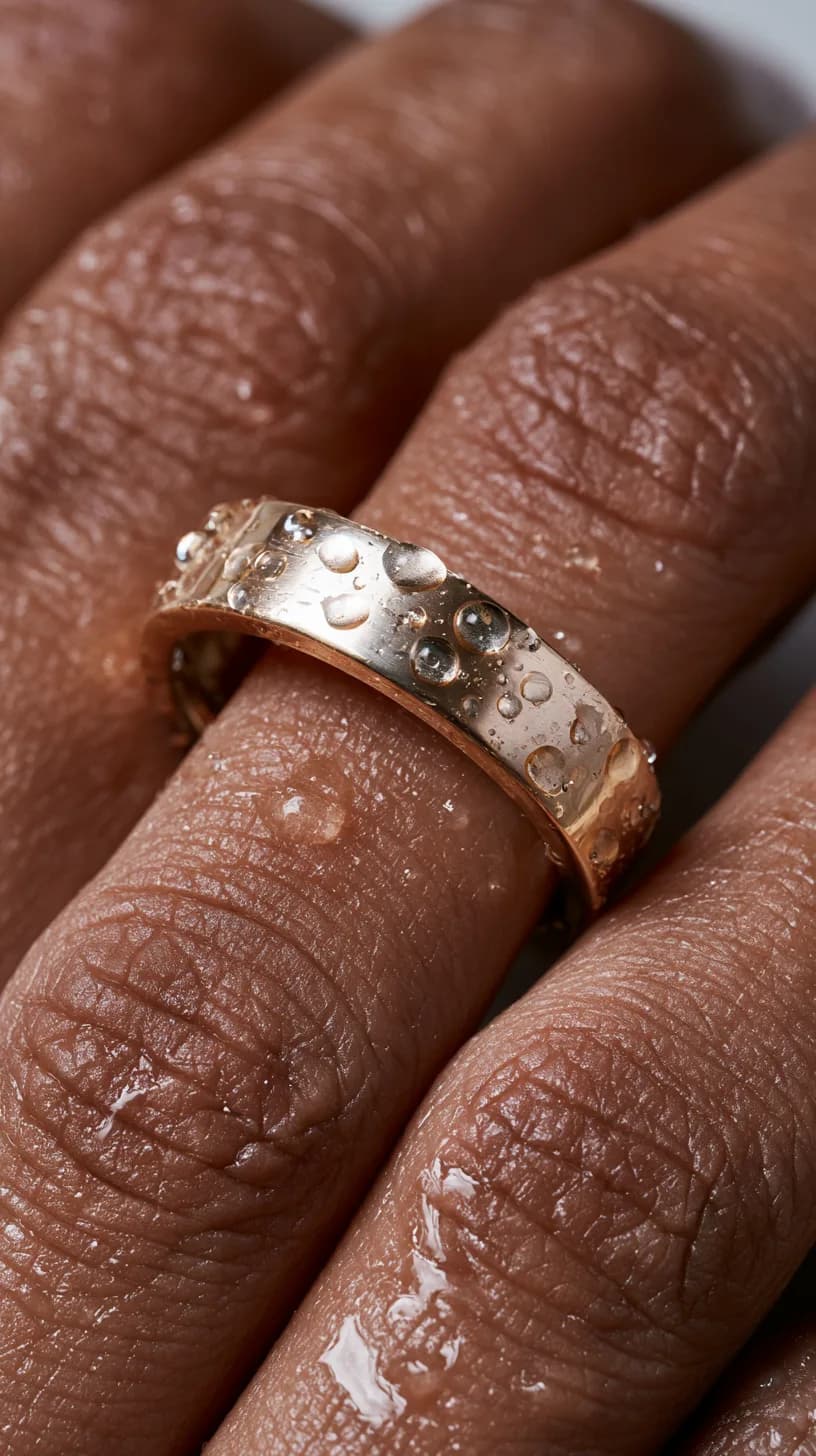
Jewelry on a Model
Requires your jewelry already worn on a hand, body, mannequin, or jewelry bust.
Check my photo
Generate a video using a reference video
Reference video · 5 seconds at 480p = 2 credits; 720p = 4 credits
Use its framing, scenery and rhythm as the brief. We analyze the reference and tell you which jewelry photos the new video needs before you approve generation.
Create from a referenceSecure checkoutNo card to tryFailed-credit restore
How to retouch jewelry photos with AI
3 free previews + 1 HD download · no card
Upload
Upload a clear jewelry photo. A style reference is optional for catalog retouching.
Preview
Choose Catalog retouch, create a preview, and review the details.
Download
Keep the result you want and download it in HD.
See what your jewelry can become.
A cleaner finish. A stronger first impression.
Refine metal, reveal stone detail, and clear the background for your catalog.
Retouch my jewelry photoThe same piece. A different setting.
Turn a catalog image into a styled scene for your store or social posts.
Instagram ScenesJewelry on a Model
Requires your jewelry already worn on a hand, body, mannequin, or jewelry bust.
Check my photoRetouched beautifully. Still looking real.
Explore selected original photos and AI-retouched results. Open each example for a closer look, then inspect your own piece.
01 / 06
Why Jewels Retouch
Retouched beautifully. Still looking real.
Start with the piece you photographed. Guide the presentation, compare the details and choose the result that meets your standard.
A more realistic finish
Bring out the character of the metal, the texture of the surface and the life of the stones. A natural photographic finish means believable reflections, balanced sparkle and fine detail.
Give gold its own reference
Use your gold sample to guide tone within yellow, rose or white gold. Gold-tone correction uses 0 credits. An already unlocked HD result downloads without an extra charge; an unpaid preview still needs its normal HD unlock.
Preview first, continue when you need
Try 3 previews and 1 HD download free. Continue with one-time credit packs and keep unused purchased credits for your next job. No subscription or automatic renewal.
More care, already included.
Consistent gold tone
Use the same gold sample across your collection. The gold-tone fix uses 0 credits. Corrected results already unlocked in HD download at no extra charge; unpaid previews still need their normal HD unlock.
Free retry protection
For an eligible credit-paid standard photo rated 1–3 stars, choose one retry credit or one credit back. One remedy per result; dashboard limits apply.
Built with experience from the jewelry trade.
Serdar Arniyazov brings more than ten years in gold jewelry sales across Europe and the Baltics to Jewels Retouch. That experience shapes its attention to jewelry presentation, gold tones and the details buyers need to recognize in a photograph.
Meet the founderJewelry in motion
AI jewelry videos with a direction worth watching.
Make the piece the star of your next Reel, product film or campaign. Start with a reference video you love, or build a direction from your own jewelry photos.
Generate a video using a reference video
Use its framing, scenery and rhythm as the brief. We analyze the reference and tell you which jewelry photos the new video needs before you approve generation.
Create from a referenceReference video · 5 seconds at 480p = 2 credits; 720p = 4 credits
Generate a video from photos
Choose a jewelry campaign structure, mood, sound and format. Add a setting or idea in your own words, then give each product the photos its story needs.
Create from photosPhoto campaign · 5 seconds at 480p = 2 credits; 720p = 4 credits
Choose 480p or 720p, then select the video length, frame and sound. Both workflows cost 2 credits per started 5 seconds at 480p or 4 at 720p. Photo campaigns also add 1 credit when generation starts from a still-unpaid photo preview. Video uses paid credits; the free starter allowance is for photos.
AI-generated style example
Explore the feeling a short jewelry film can create. Your sources and selected direction shape your result; inspect the jewelry before publishing.
Working on a whole catalog?
Bring several jewelry photos into a shared workflow. Use a style reference, process catalog photos in saved batches, and review each result individually.
Prepare a wholesale selection, store update or new collection while keeping attention on each piece. Model Worn and Instagram remain single-photo workflows. Existing preview allowances and tool credit costs apply.
Preview first. Choose your HD photos.
Preview your jewelry before buying a pack. Included first previews use no credits; additional versions do.
For standard photos, 1 credit unlocks HD or pays for an additional version.
Choose the finish you would put in front of a customer.
Look closely at the metal, stones and fine details in the examples, then try your own jewelry photo. Start with 3 previews and 1 HD download, then choose a one-time credit pack.
See ExamplesFree Trial $0
3 free previews + 1 HD download · No credit card required
One time only. Does not renew. The free trial is for photos. Video requires paid credits.
Free gold-tone fix for gold jewelry photos
Photo result protection
For eligible credit-paid standard photos rated 1–3 stars, choose one returned credit or one retry credit. One remedy per result and lifetime account limits apply. This returns credits, not cash. If a generation fails without delivering an output, the applicable spent credits are restored automatically.
One-time purchase, no subscription, no monthly charge, credits never expire
Use one credit balance for photos, compositions, video and upscaling. A standard-photo HD download costs 1 credit. Other tools show their cost before you use them.
Single Image
1 Output Credit + 1 included first preview
Available with this pack: Working on a whole catalog?
Bring several jewelry photos into a shared workflow. Use a style reference, process catalog photos in saved batches, and review each result individually. Prepare a wholesale selection, store update or new collection while keeping attention on each piece. Model Worn and Instagram remain single-photo workflows. Existing preview allowances and tool credit costs apply.
Available with this pack: Catalog retouching
Clean backgrounds and polished product photos.
First previews are included. Use 1 credit to download a standard photo in HD or create an additional version.
Available with this pack: Instagram-style photos
Styled scenes for your social media content.
First previews are included. Use 1 credit to download a standard photo in HD or create an additional version.
Available with this pack: Jewelry on a model
Start with a photo of your jewelry already being worn.
First previews are included. Use 1 credit to download a standard photo in HD or create an additional version.
Not enough credits in this pack: Video campaigns
This pack alone does not have enough credits for video.
2 credits per 5 seconds from photos; 2 credits per 5 seconds from a reference video.
Video totals use your own uploaded photo or an unlocked image. Using an unpaid photo preview adds 1 source credit.
- Available with this pack: Free gold-tone fix for gold jewelry photos
Available with this pack: Free retry or credit back
For eligible standard photos rated 1–3 stars, choose one free retry or get 1 credit back. The photo must be paid for with credits. Available once per photo, within your account's lifetime limit.
$1.99
Choose Single Image$1.99 per HD download
One-time purchase, no subscription, no monthly charge, credits never expire
02 / 03
A standard HD download uses 1 credit. Compositions use 2; video costs 2 credits per started 5 seconds at 480p or 4 credits at 720p.
Video pricing
Generate 5-, 10-, 15-, or 30-second campaign videos from jewelry photos, or reference videos from 4 to 30 seconds. Both start at 2 credits per started 5-second interval at 480p or 4 credits at 720p. Photo campaigns can use supporting angles or scene images.
480p or 720p; 720p costs twice the credits per started 5 seconds.
Generating from a still-unpaid photo preview adds 1 source credit to the selected runtime price.
Secure Lemon Squeezy checkout · one-time payment · no auto-renew
Buy once. Purchased credits do not expire.
Buy Jewels Retouch credits once and use them for your next collection or a future launch. No subscription, monthly fees, expiration date, or auto-renewal.
One-time purchase · zero auto-renew · zero recurring charges
Buy when you need them, spend whenever you want
FAQ
+ 23 more questions- show fewer
AI jewelry photo retouching.
Bring out your jewelry's beauty with a natural photographic finish: believable metal reflections, material texture and balanced gemstone sparkle. Guide styling and gold tones, then inspect the result against your piece.
Retouch my jewelry photo