Catalog Retouching · Feature
AI jewelry catalog retouching, collection by collection.
Give a new collection a clear visual standard. Start with product photos, optionally choose a style reference, and process them in a saved catalog batch. Guide the background, lighting and finish, then review each result.
3 free previews + 1 HD download
A standard jewelry-photo job usually takes about 60–90 seconds. No credit card needed.
No credit card required
Sign up for 3 free previews + 1 HD downloadCatalog Retouching Results
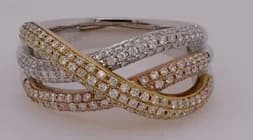 Before
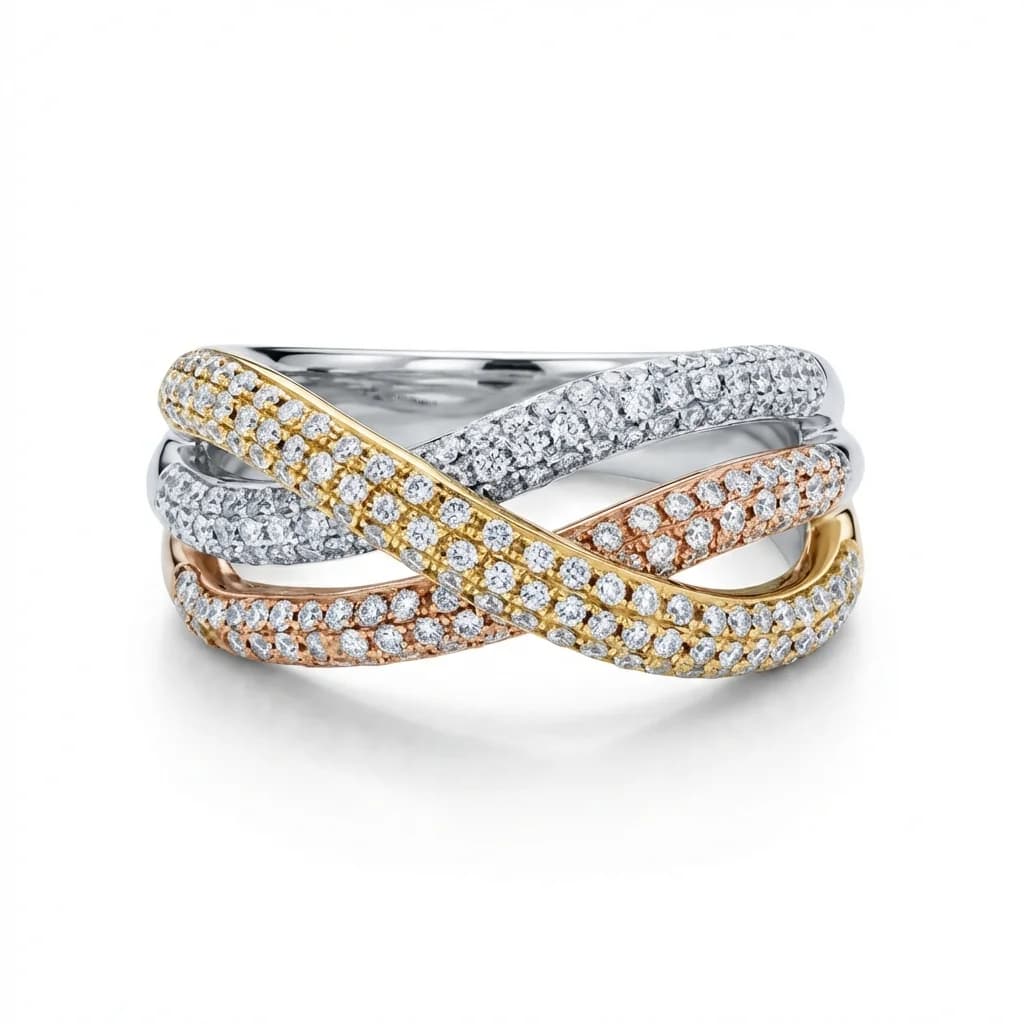 After
After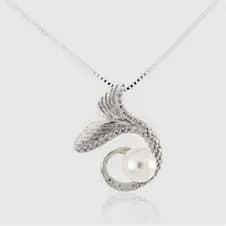 Before
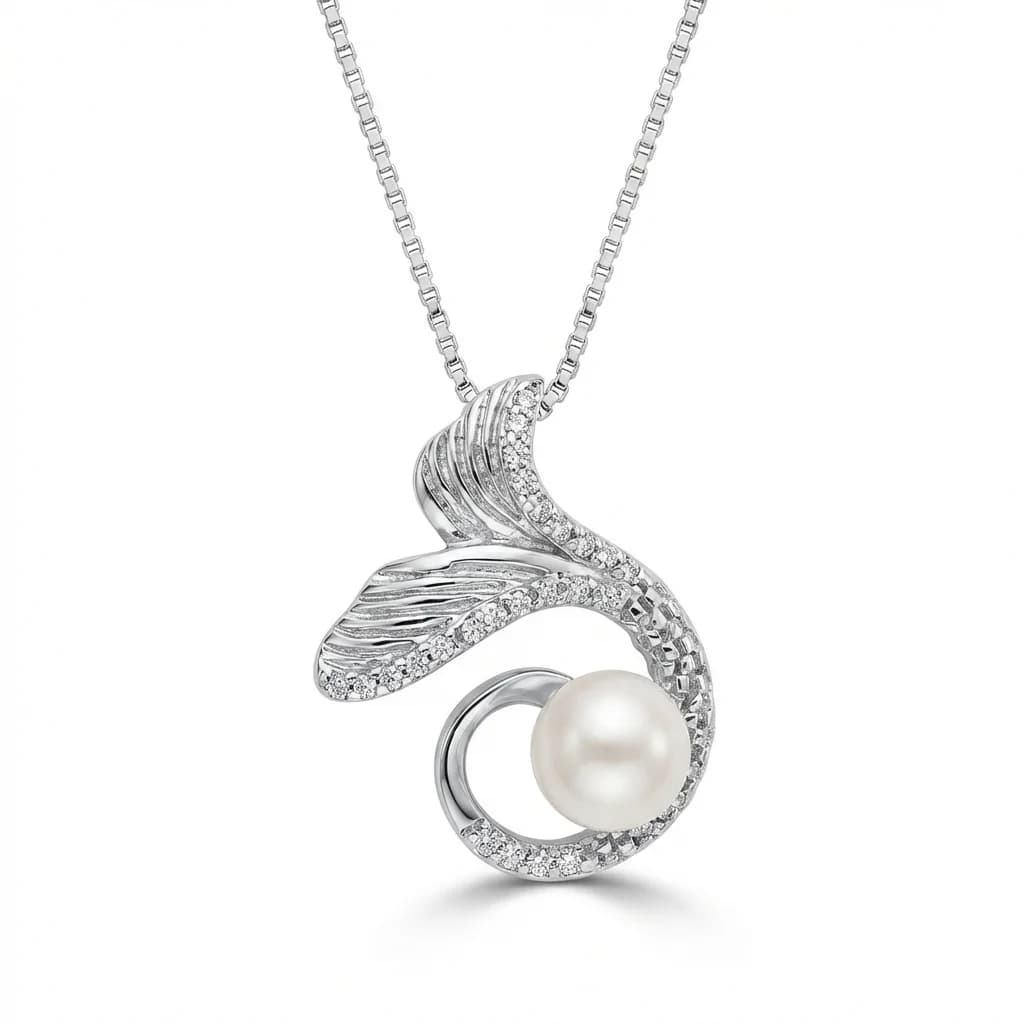 After
After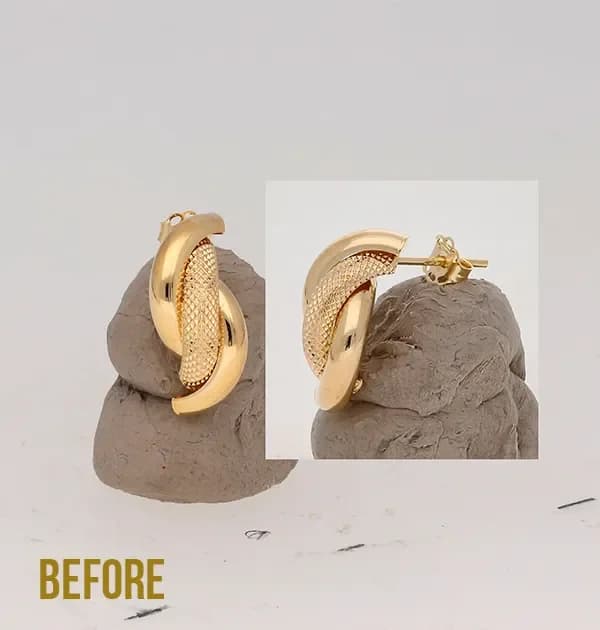 Before
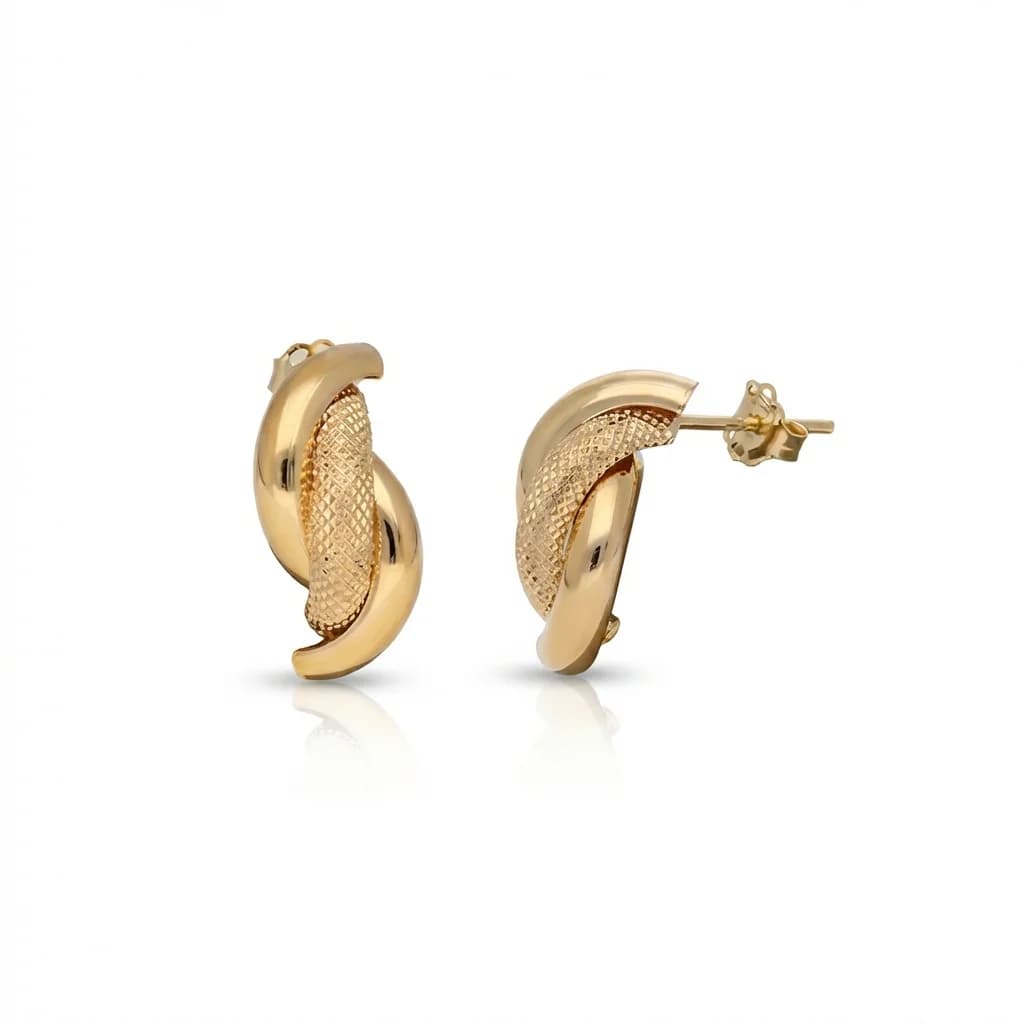 After
AfterInspect the details that make it your piece.
Compare stones, settings, connections and gold tone with the original, then review the collection together. Our checklist gives your team points to inspect before approving an image.
01
A Cohesive Catalog Look
Bring your collection together with reference-guided backgrounds, lighting, and presentation, while keeping each piece’s visible design details central.
02
One Collection, One Visual Direction
Use shared settings and an optional style reference across a collection. Saved batches keep each photo’s result separate for review and editing.
03
Cost-Effective at Volume
Choose a one-time credit pack for the HD results you need. Pro includes 200 credits for $179.99; a standard-photo HD unlock uses 1 credit.
AI jewelry photo retouching for a catalog
01
Set Your Catalog Standard
Optionally choose a finished jewelry photo as a style reference for background, lighting and finish.
02
Upload Product Photos
Add eligible product photos to a saved catalog batch, choose its settings and start processing. Check each photo’s design details and presentation in the results.
03
Download Consistent Catalog
Choose the results that meet your catalog standard and download them in HD for your website, marketplace, or print catalog.
Working on a whole catalog?
Bring several jewelry photos into a shared workflow. Use a style reference, process catalog photos in saved batches, and review each result individually.
Prepare a wholesale selection, store update or new collection while keeping attention on each piece. Model Worn and Instagram remain single-photo workflows. Existing preview allowances and tool credit costs apply.
FAQ
Related Tools
Related concepts
Pure White Background
A pure white image background uses RGB 255/255/255, or #FFFFFF, around the product. Amazon generally requires white for main product images.…
Catalog photo
A jewelry catalog photo presents a specific product clearly for a listing or product range. Consistent framing, lighting and color help buye…
AI Jewelry Retouching
AI jewelry retouching edits the background, reflections and presentation of a jewelry photo. Start with a clear source image and compare the…
Polished Jewelry Photos for Your Catalog
Try free, process your first HD catalog image now.