Pag-retouch ng Katalogo · Tampok
Pag-retouch ng Larawang Pangkatalogo Gamit ang AI
Maramihang pag-retouch ng larawan ng alahas na tumutugma sa larawang sanggunian. Pare-parehong kalidad sa buong katalogo ng produkto.
Subukan ang 3 libreng pag-retouch ng alahas
Ang isang karaniwang trabaho sa pagkuha ng litrato ng alahas ay karaniwang tumatagal ng humigit-kumulang 60–90 segundo. Hindi kailangan ng credit card.
Hindi available sa ngayon ang mga libreng pagsubok sa larawan. Maaari kang magparehistro para magpatuloy.
Sign up for 1 credit + 3 kasamang mga unang previewMga Resulta ng Pag-retouch ng Katalogo
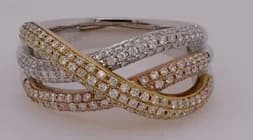 Bago
Bago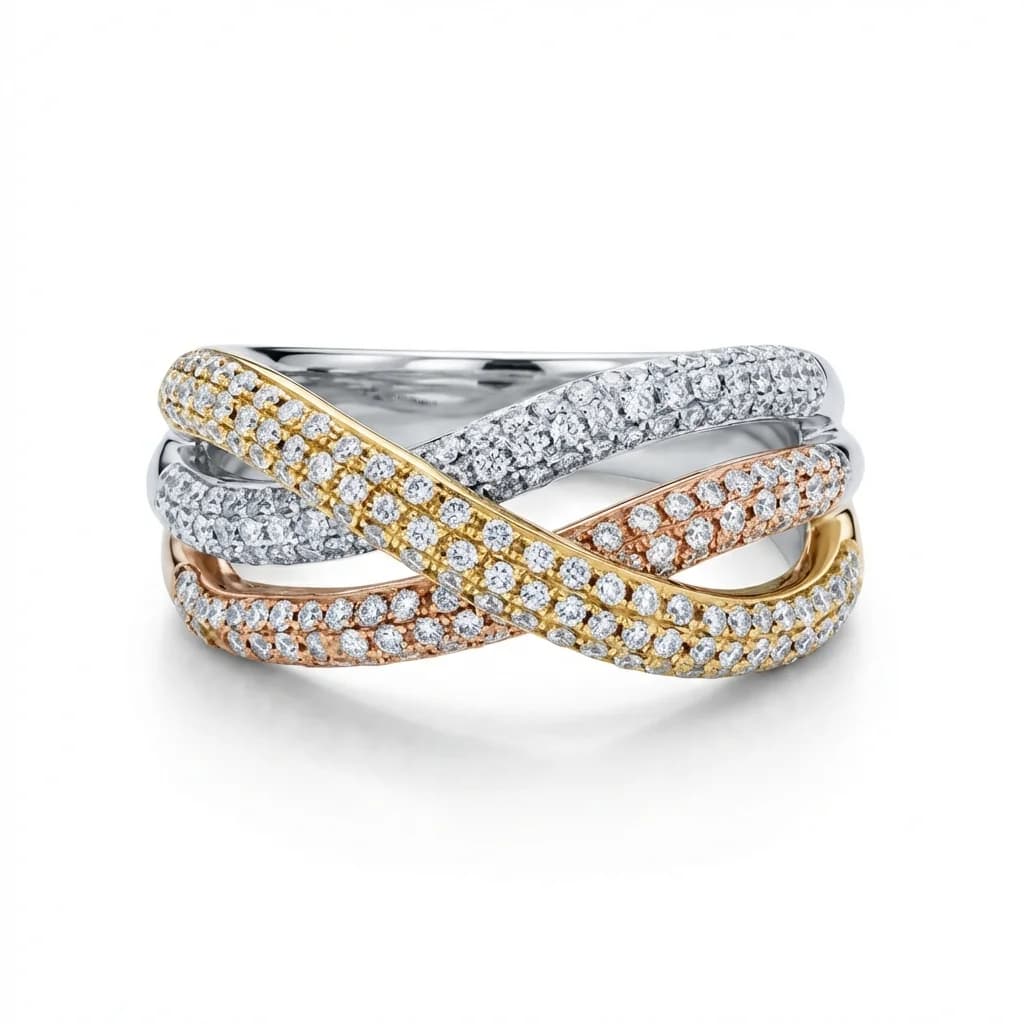 Pagkatapos
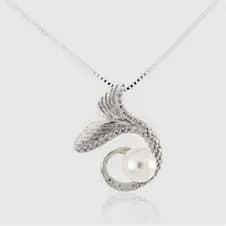 Bago
Bago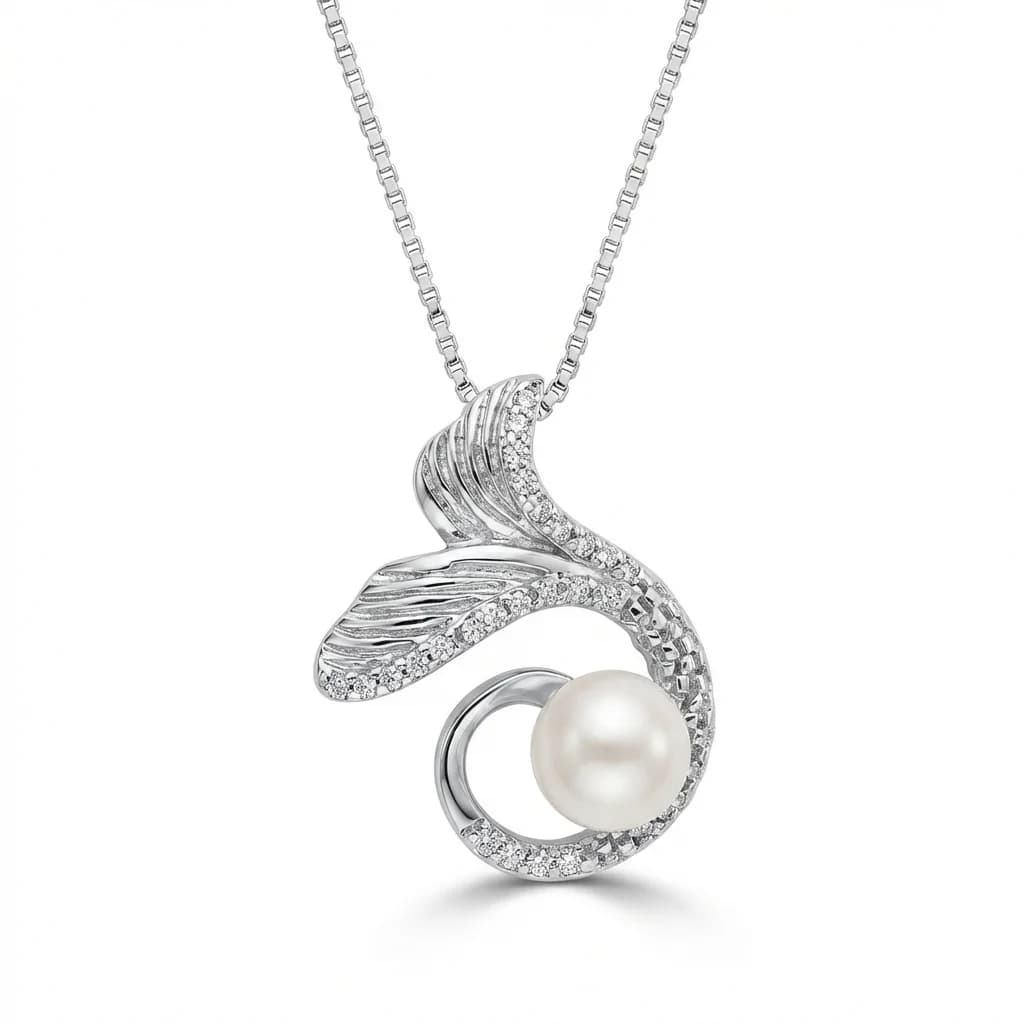 Pagkatapos
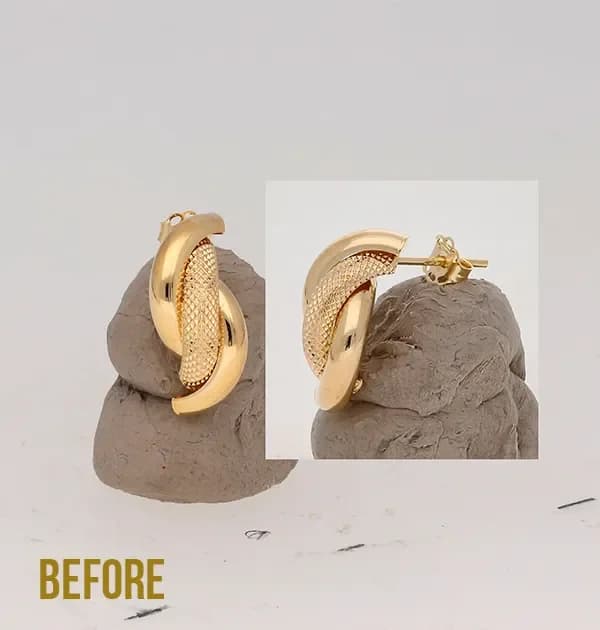 Bago
Bago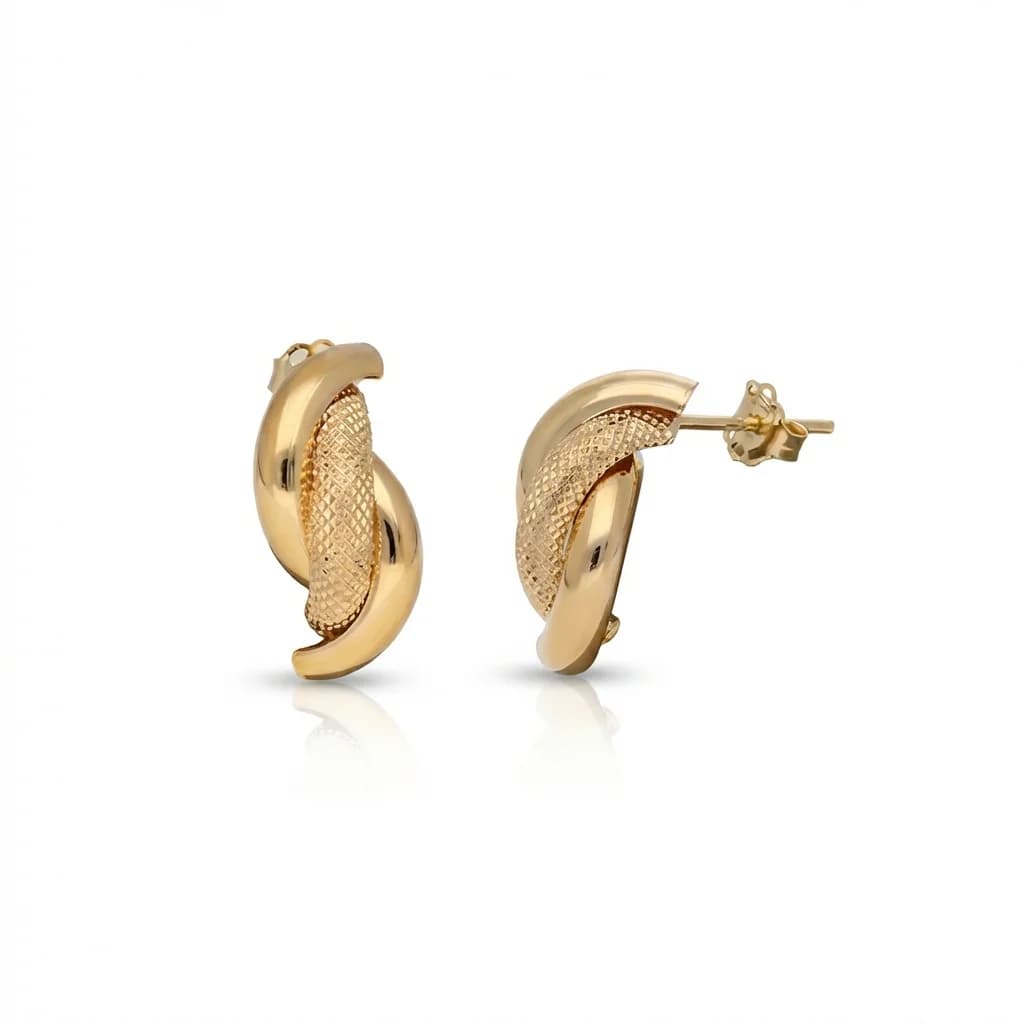 Pagkatapos
01
Maramihang Pagproseso
Mag-retouch ng maraming larawan ng alahas at itugma ang lahat sa iisang larawang sanggunian.
02
Garantisadong Pagkakapare-pareho
Pareho ang background, ilaw, anino, at pangkalahatang estetika ng bawat larawan sa iyong katalogo.
03
Propesyonal na Pamantayan ng Katalogo
Sa presyo ng Pro na pakete, $450 ang halaga ng katalogong may 500 piraso sa halip na mahigit $5,000 para sa manu-manong pag-retouch.
Paano Ito Gumagana
01
I-upload ang Larawang Sanggunian
I-upload ang propesyonal na larawan ng alahas na gusto mong gawing pamantayan para sa lahat.
02
I-upload ang mga Larawan ng Alahas
Mag-upload ng mga larawan ng iyong alahas nang isa-isa. Pinoproseso ang bawat larawan upang tumugma sa iyong sanggunian.
03
Ire-retouch ng AI ang mga Larawan
Pareho ang background, ilaw, at estilo ng bawat larawan, kaya handa na ang mga ito para sa iyong website, marketplace, o naka-print na katalogo.
Madalas na Itatanong
Kaugnay na mga Tool
Mga kaugnay na konsepto
Purong Puting Background
Background sa potograpiya ng produkto na eksaktong RGB 255/255/255, walang gradient, matinding repleksiyon, o nakikitang bakas sa pagitan ng…
Larawan ng Katalogo
Larawan ng produktong alahas na in-optimize para sa marketplace listings, karaniwang may purong puting background na RGB 255, malinis at pan…
Pag-retouch ng Alahas Gamit ang AI
Paggamit ng computer vision na sinanay sa alahas upang linisin ang mga repleksiyon, pagandahin ang mga hiyas, palitan ang background, at gum…
Bumuo ng Propesyonal at Pare-parehong Katalogo ng Alahas
Subukan nang libre at iproseso ngayon ang una mong HD na larawan para sa katalogo.