AI catalog jewelry retouching: iproseso ang mga larawan nang may pare-parehong estilo
Paano nakakatulong ang AI retouching sa jewelry brands na gawing consistent ang catalog photos gamit ang reference-based style at mas kaunting manual editing.

Magbasa pa
Ano ang Catalog Jewelry Retouching?
Makakatulong ang style reference na itugma ang background, ilaw, crop, at shadow sa buong catalog, pero kailangan pa rin ng magagandang source photos at human review.
- 01Ano ang Catalog Jewelry Retouching?Ang catalog jewelry retouching ay pagdadala ng maraming larawan ng alahas sa iisang visual standard. Paisa-isa pa ring hinahawakan ang bawat image, pero iisang reference ang ginagamit para manatiling consistent ang background, ilaw, anino, framing, at kulay.
- 02Kailan Kailangan Mo ng Catalog-Scale Processing?Mahalaga ang catalog-scale processing kapag regular mong hinahawakan ang 20+ na mga imahe: mga seasonal collection launches, mga update sa marketplace listing, mga refresh ng wholesale catalog, mga redesign ng brand, o anumang senaryo kung saan ang konsistensya sa maraming mga imahe ay mas mahalaga kaysa sa indibidwal na malikhaing editing.
- 03Mga Pinakamahusay na Gawi para sa Batch Jewelry RetouchingTuloy-tuloy na kalidad ng input at malinaw na mga pamantayan.
Ano ang Catalog Jewelry Retouching?
Ang catalog jewelry retouching ay pagdadala ng maraming larawan ng alahas sa iisang visual standard. Paisa-isa pa ring hinahawakan ang bawat image, pero iisang reference ang ginagamit para manatiling consistent ang background, ilaw, anino, framing, at kulay.
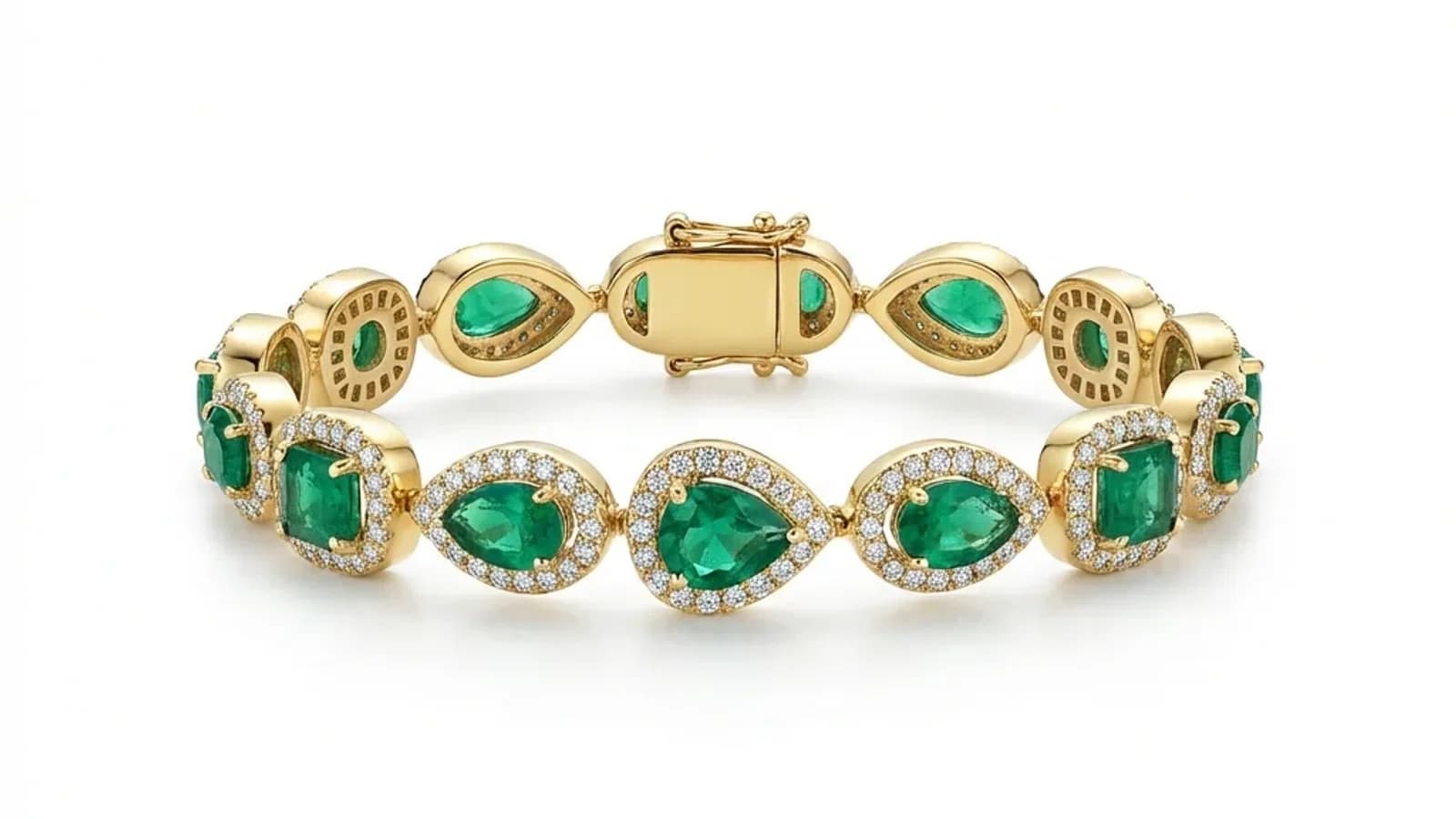
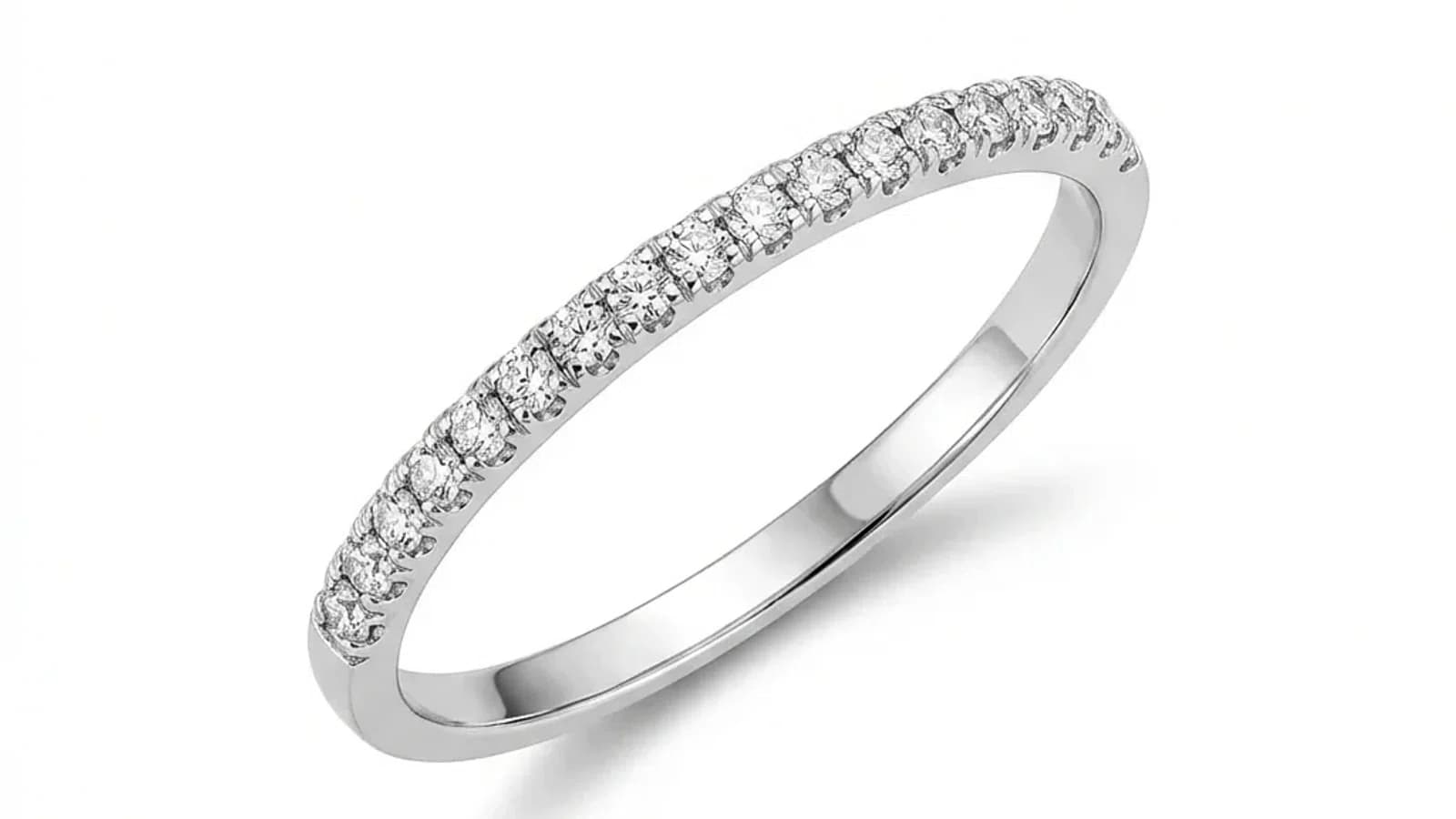
Sa isang jewelry catalog, hindi sapat na maganda ang bawat larawan nang mag-isa. Dapat pare-pareho rin ang itsura kapag magkakatabi na ang singsing, kuwintas, hikaw, at bracelet sa grid. Dito pumapasok ang catalog retouching: hindi lang ito paglilinis ng image, kundi pagpapanatili ng iisang visual system sa buong collection.
Kailan Kailangan Mo ng Catalog-Scale Processing?
Mahalaga ang catalog-scale processing kapag regular mong hinahawakan ang 20+ na mga imahe: mga seasonal collection launches, mga update sa marketplace listing, mga refresh ng wholesale catalog, mga redesign ng brand, o anumang senaryo kung saan ang konsistensya sa maraming mga imahe ay mas mahalaga kaysa sa indibidwal na malikhaing editing.
Ang indibidwal na one-off retouching ay maayos para sa 5-10 hero images, ngunit nagiging kinakailangan ang catalog-scale workflows sa mga senaryong ito:
Mga bagong koleksyon:
- 50-200 bagong piraso ang nangangailangan ng mga katalog-ready na larawan bago ilunsad
- Mahigpit na mga deadline para sa mga trade show o seasonal openings
- Lahat ng mga imahe ay dapat tumugma sa umiiral na pamantayan ng katalogo
Mga update sa marketplace:
- Ang mga listing sa Etsy, Amazon, at Shopify ay nangangailangan ng malinis, konsistenteng pangunahing mga imahe
- Ang bawat produkto ay dapat magmukhang bahagi ng parehong brand
- Ang mga bagong SKUs ay dapat tumugma sa mga mas lumang listing nang hindi na kailangang i-shoot muli ang buong katalogo
Mga Pinakamahusay na Gawi para sa Batch Jewelry Retouching
Tuloy-tuloy na kalidad ng input at malinaw na mga pamantayan.
Gamitin ang parehong kalidad ng input at hayaan ang AI na magbigay ng tuloy-tuloy na mga resulta.
AI-Powered Catalog Retouching: Paano Ito Gumagana
Gumagamit ang AI catalog retouching ng style reference para tukuyin ang target output, pagkatapos ay inaayos ang bawat larawan para tumugma sa standard na iyon. Sa ngayon, paisa-isa ang upload sa Jewels Retouch dashboard, pero puwede pa ring panatilihin ang consistency gamit ang parehong reference at review process.
Makakatulong ang style reference na itugma ang background, ilaw, crop, at shadow sa buong catalog, pero kailangan pa rin ng magagandang source photos at human review.
Mga Pagtitipid sa Gastos at Oras sa AI Catalog Processing
Ang 200-image catalog ay puwedeng planuhin gamit ang Pro credit pack sa halip na per-image manual quotes. Mas mabilis ang render time kaysa sa manual labor hours, pero ang dashboard workflow ngayon ay isang image muna sa bawat pagkakataon, kaya kailangan pa rin ng review at maayos na sequencing.
Malinaw ang economics ng AI catalog processing kumpara sa tradisyunal na trabaho. Para sa 200 images, ang manual editing ay maaaring umabot ng 100-200 oras kung 30-60 minuto bawat larawan. Ang outsourced team ay madalas may 1-2 linggong turnaround. Sa Jewels Retouch, karamihan ng karaniwang larawan ay nasa humigit-kumulang 60-90 segundo at pinoproseso nang sunud-sunod sa kasalukuyang dashboard. Ang tunay na benepisyo ay predictable cost, mas mabilis na iteration, at style consistency.
Pagsisimula sa Catalog Jewelry Retouching
Magsimula sa pag-aayos ng photos ayon sa category: rings, necklaces, earrings, bracelets. Pumili ng ideal reference image para sa bawat category. Magproseso muna ng 10-20 images isa-isa para ma-check ang kalidad, pagkatapos ay ituloy ang buong catalog category by category. Kapag malinaw na ang style standard at review flow, mas praktikal gumamit ng mas malaking credit pack dahil hindi nag-e-expire ang credits.
Makakatulong ang style reference na itugma ang background, ilaw, crop, at shadow sa buong catalog, pero kailangan pa rin ng magagandang source photos at human review.