AI目录珠宝修图:以一致的风格处理照片
AI修图如何帮助珠宝品牌以一致的参考风格处理产品目录——每张图片不到1美元,减少手动编辑。

阅读更多
什么是目录珠宝修图?
风格参考可以帮助统一整个目录的背景、光线、裁切和阴影,但仍需要好的原始照片和人工审核。
什么是目录珠宝修图?
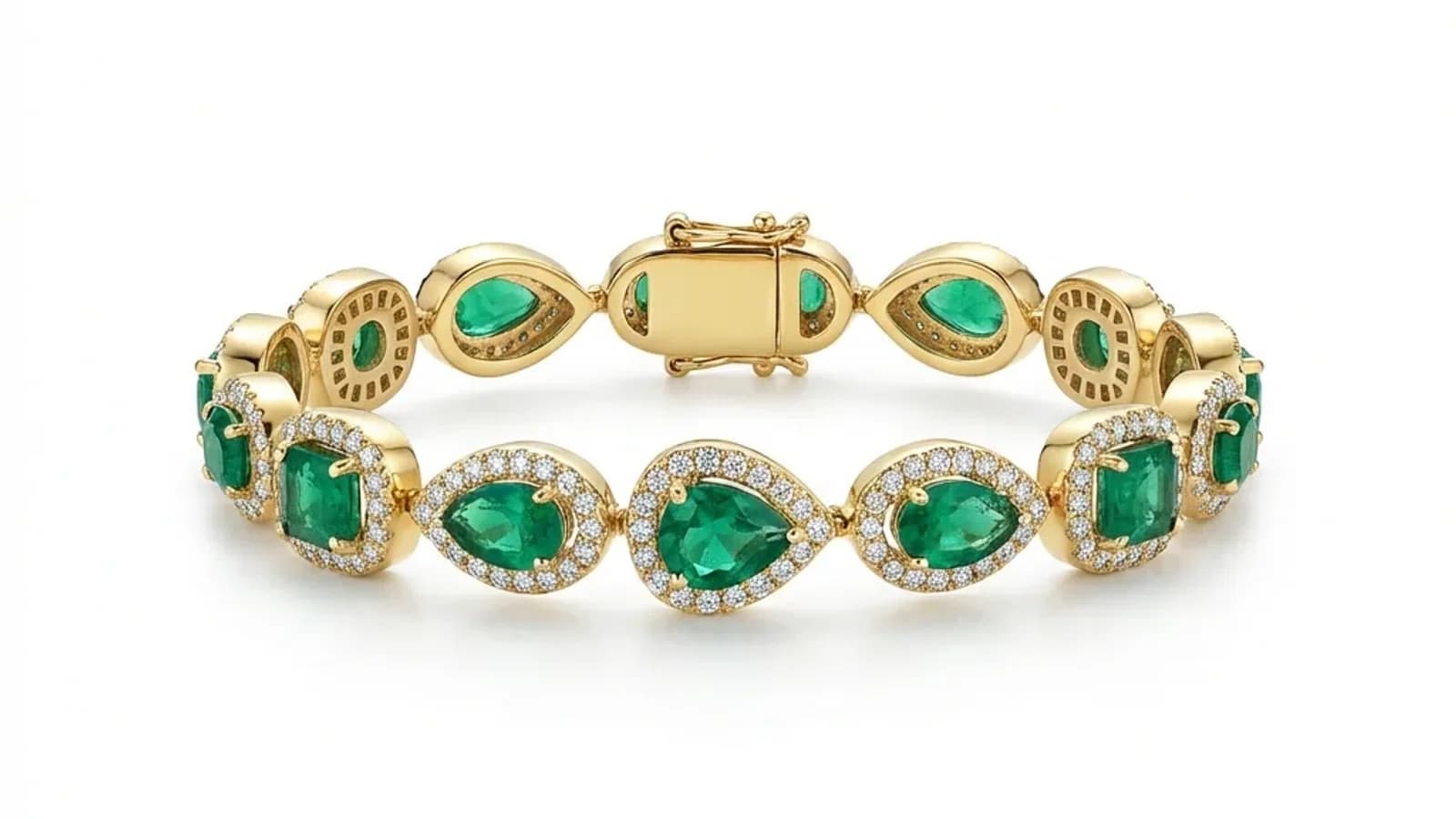
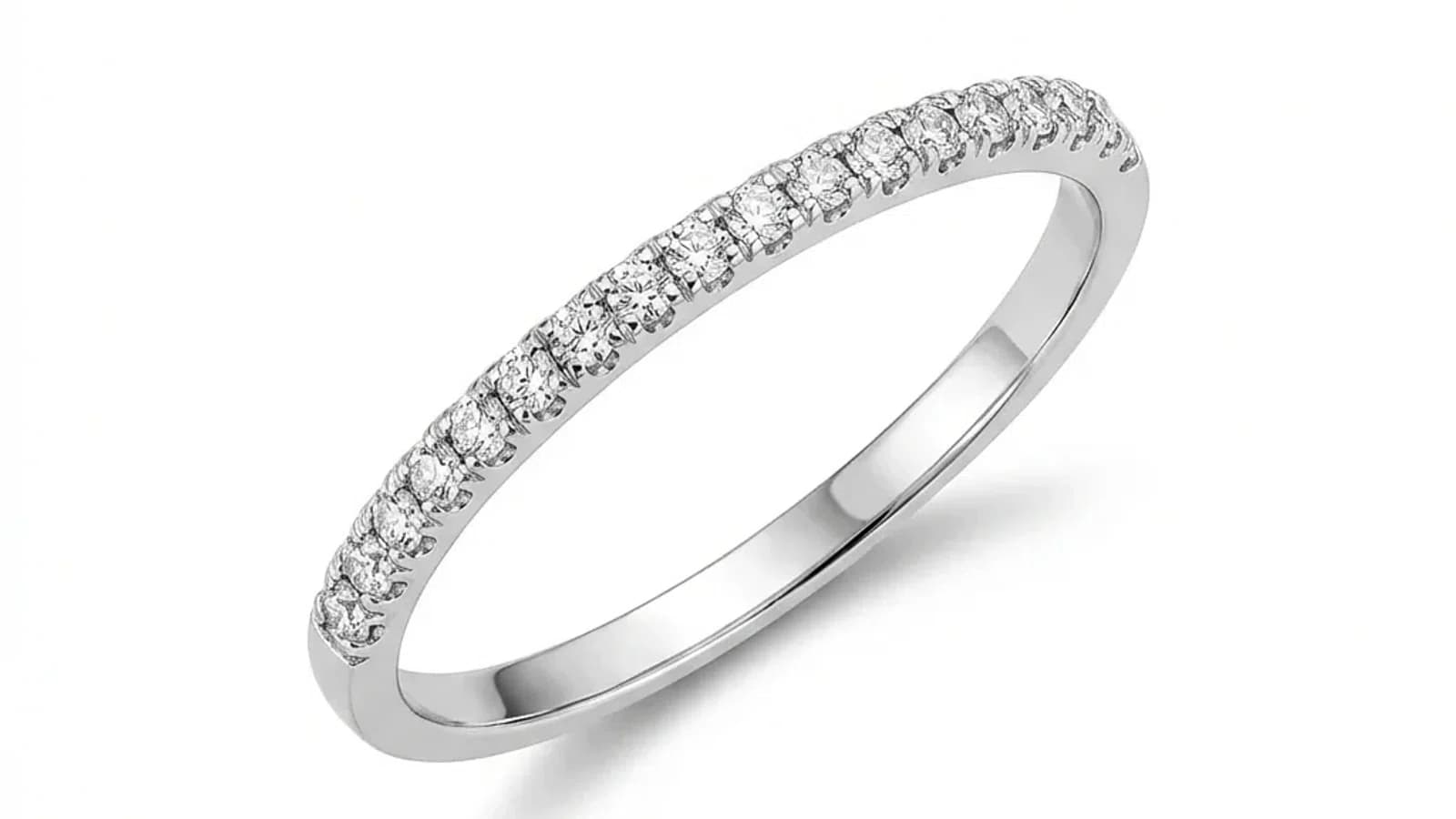
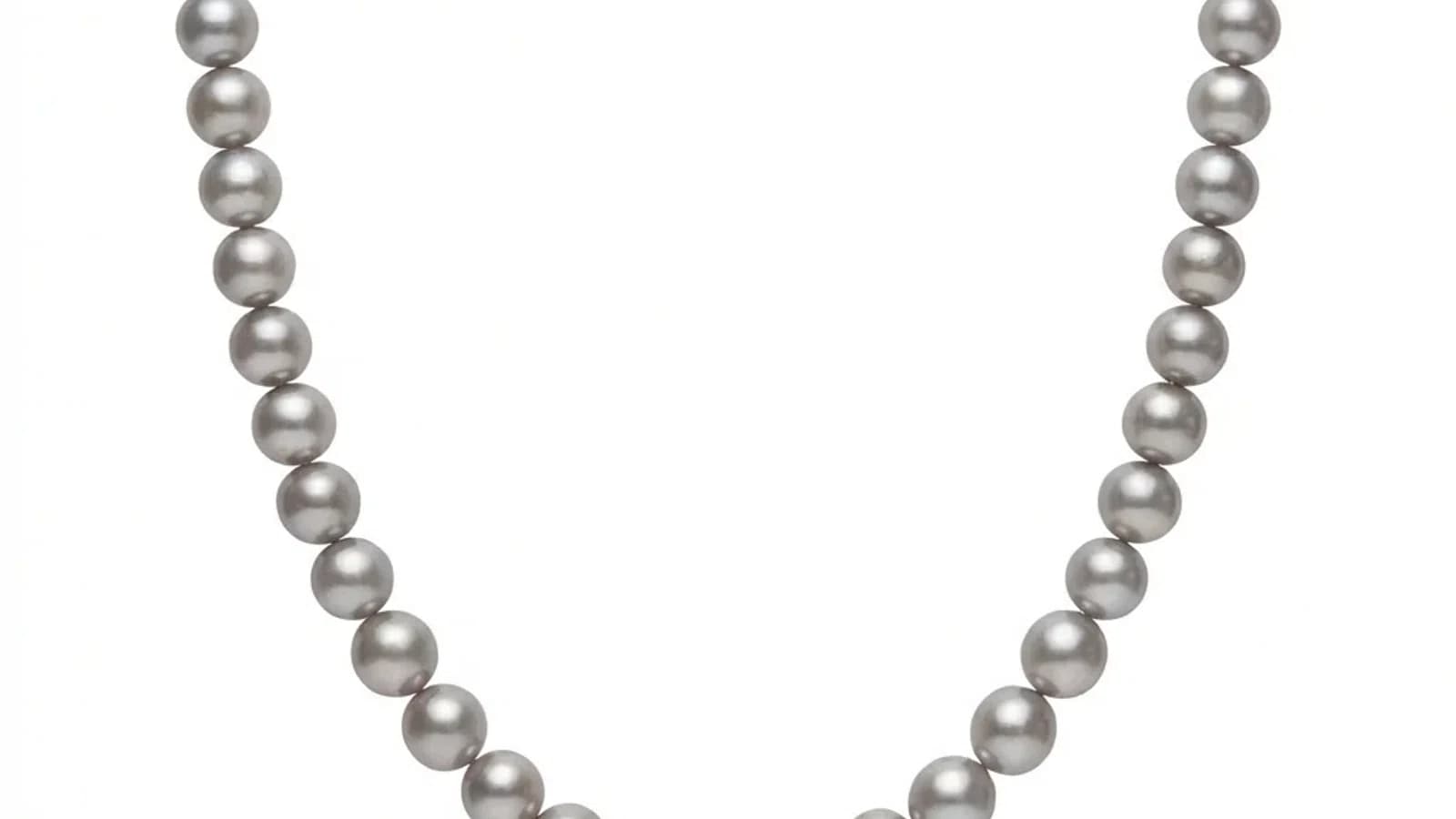
目录珠宝修图意味着将多张珠宝照片处理到相同的视觉标准。每张图片单独处理,但共享的参考保持背景、光线、阴影和颜色的一致性。
目录修图意味着通过标准化的视觉工作流程处理多张产品图片,而不是从头开始编辑每一张。对于珠宝企业来说,这很重要,因为目录通常包含数十到数千个SKU,都需要相同的处理。
Jewels Retouch今天对每张上传的照片应用参考风格。这意味着当前的产品不是一个文件夹上传批处理工具;它是一个快速的顺序仪表板工作流程,旨在实现一致的目录输出。
何时需要目录规模处理?
当您定期处理20张以上的图片时,目录规模处理很重要:季节性系列发布、市场上架更新、批发目录刷新、品牌重新设计,或任何需要在多张图片之间保持一致性而非单独创意编辑的场景。
单独的单次修图适合5-10张主图,但在以下场景中,目录规模工作流程变得必要:
新系列发布:
- 50-200件新产品在发布前需要目录准备好的图片
- 展会或季节性开幕的紧迫截止日期
- 所有图片必须符合现有目录标准
市场更新:
- Etsy、Amazon和Shopify的上架需要干净、一致的主图
- 每个产品都应看起来属于同一品牌
- 新SKU应与旧上架匹配,而无需重新拍摄整个目录
珠宝批量修图的最佳实践
稳定的输入质量和明确的标准。
使用相同的输入质量,让 AI 提供稳定的效果。
AI驱动的目录修图:如何运作
AI目录修图使用风格参考图像来定义输出标准,然后处理每张照片以匹配该参考。Jewels Retouch今天一次处理一张图片,同时通过共享参考保持一致性。
风格参考可以帮助统一整个目录的背景、光线、裁切和阴影,但仍需要好的原始照片和人工审核。
AI目录处理的成本和时间节省
200 张图片的目录可以围绕 Pro 积分包来规划,而不是逐张计算人工修图报价。目前照片任务需要在控制台中逐张处理,但每个已确认的输出都会遵循同一个参考标准,而不是依赖不稳定的人工工时。
AI 目录处理和传统方式之间的经济差异很明显:
时间比较(200 张图片):
- 手工编辑:100-200 小时(每张 30-60 分钟)
- 外包团队:通常 1-2 周交付
- Jewels Retouch:目前通过仪表板逐张顺序处理,标准照片任务通常每张约 60-90 秒
成本比较:
- 手工修图师按 $10-$25/张:$2,000-$5,000
- Jewels Retouch Pro 套餐:200 个图片积分 $180
节省是真实存在的,但当前工作流不是一次性上传整个文件夹的批量上传。
开始目录珠宝修图
先按珠宝品类整理照片。每个品类选择一张理想的参考图。先逐张处理 10-20 张测试图片来确认质量,然后按品类处理完整目录,并检查输出的一致性。确定有整套目录要处理时,可以使用更大的积分套餐,因为积分不会过期。
风格参考可以帮助统一整个目录的背景、光线、裁切和阴影,但仍需要好的原始照片和人工审核。