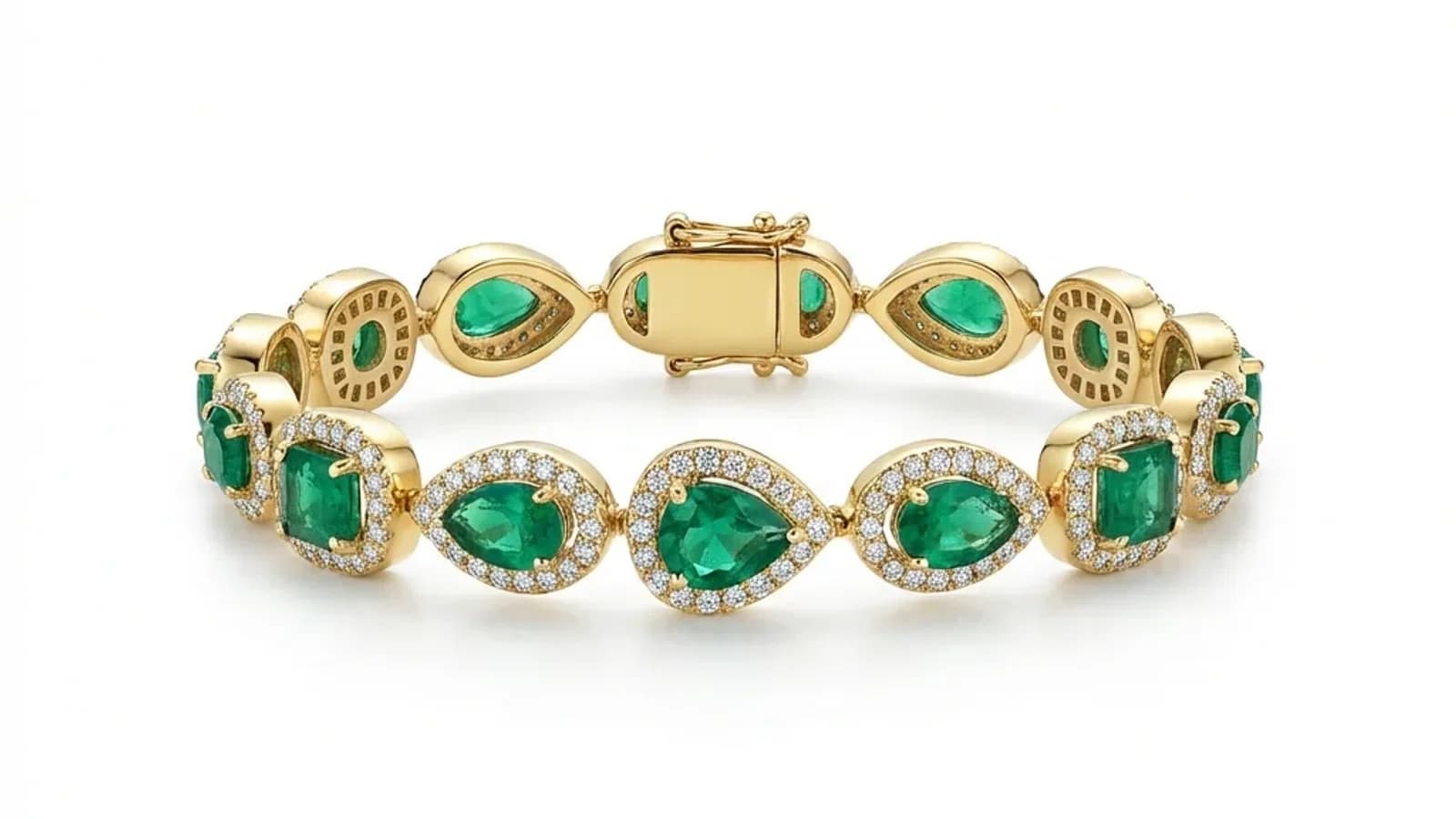
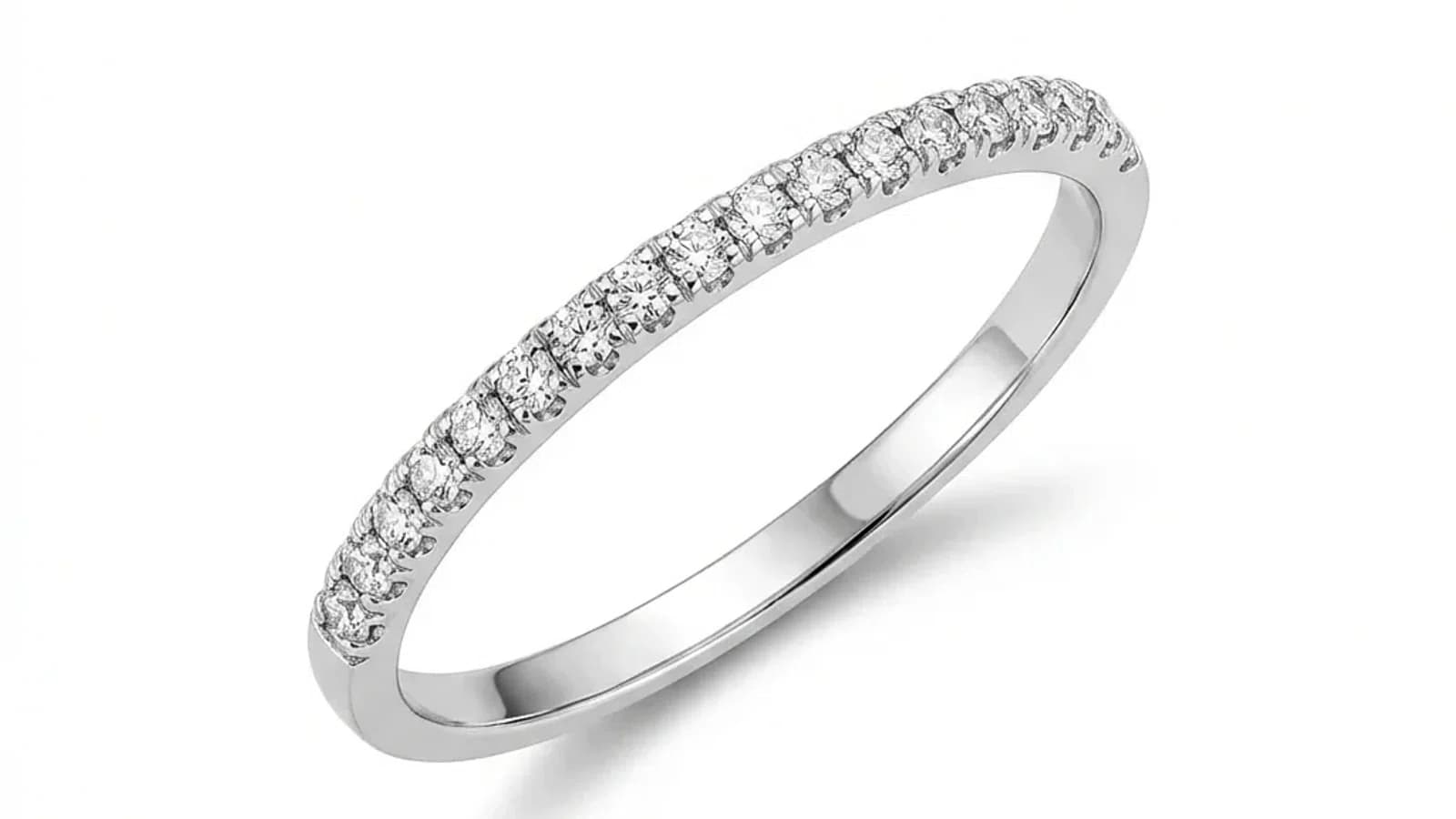
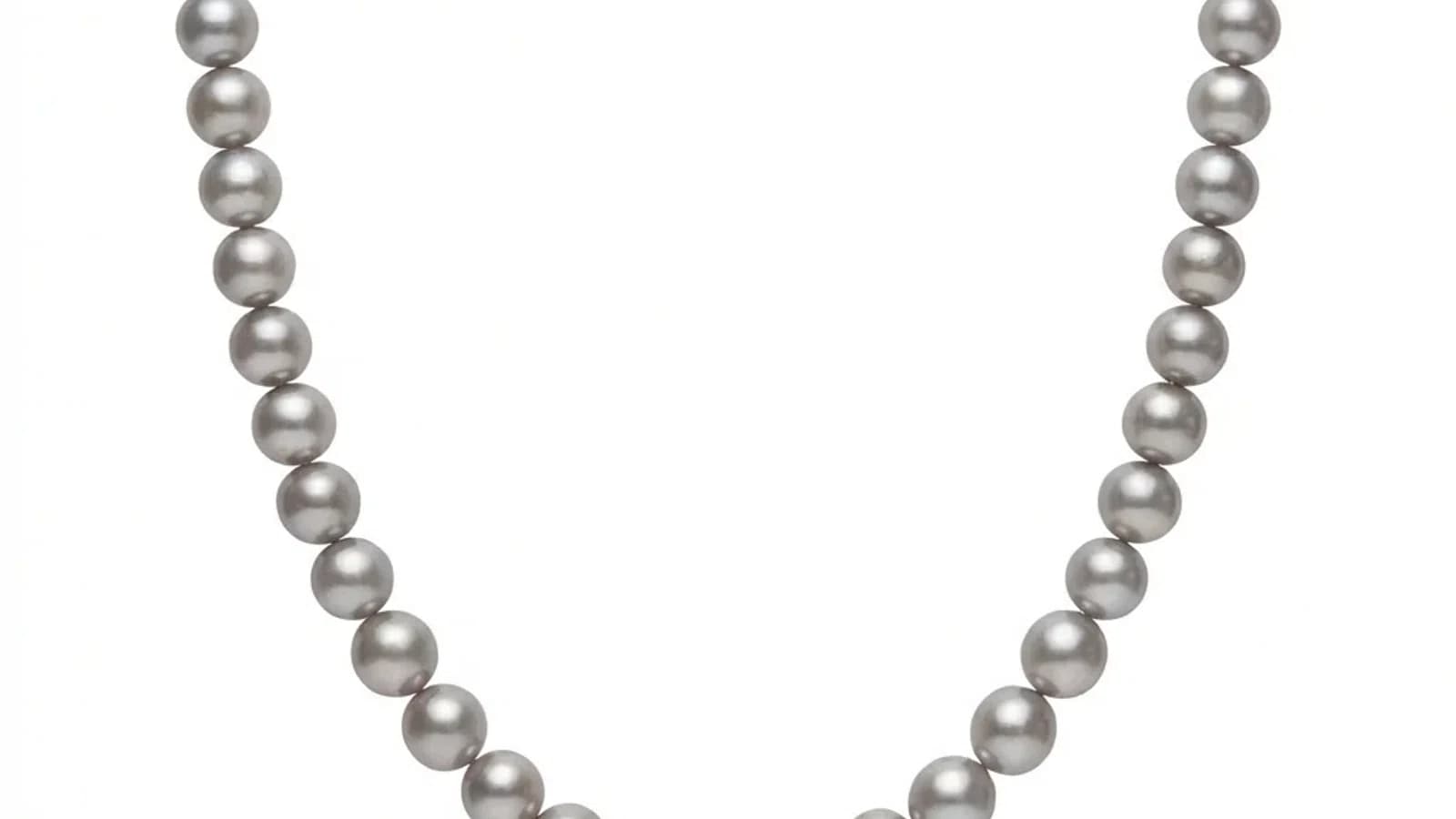
AI目錄珠寶修圖:以一致的風格處理照片
人工智能修圖如何幫助珠寶品牌以一致的參考風格處理產品目錄——每張圖片低於$1,並減少手動編輯。

閱讀更多
什麼是目錄珠寶修圖?
風格參考可以幫助統一整個目錄的背景、光線、裁切和陰影,但仍需要好的原始相片和人工檢查。
什麼是目錄珠寶修圖?
目錄珠寶修圖意味著將多張珠寶照片處理到相同的視覺標準。每張圖片單獨處理,但共享的參考保持背景、光線、陰影和顏色的一致性。
目錄修圖意味著通過標準化的視覺工作流程處理多張產品圖片,而不是從頭編輯每一張。對於珠寶商來說,這很重要,因為目錄通常包含數十到數千個SKU,所有這些都需要相同的處理。
Jewels Retouch今天對每張上傳的照片應用參考風格。這意味著當前的產品不是一個文件夾上傳批量工具;它是一個快速的順序儀表板工作流程,旨在實現一致的目錄輸出。
什麼時候需要目錄級別的處理?
當您定期處理20張以上的圖片時,目錄級別的處理就變得重要:季節性系列發布、市場上架更新、批發目錄刷新、品牌重新設計,或任何需要多張圖片之間一致性而非單獨創意編輯的情況。
單獨的單次修圖對於5-10張主打圖片來說很好,但在以下情況下需要目錄級別的工作流程:
新系列發布:
- 50-200件新產品需要在發布前準備好目錄圖片
- 貿易展或季節性開幕的緊迫截止日期
- 所有圖片必須符合現有目錄標準
市場更新:
- Etsy、Amazon和Shopify的上架需要乾淨、一致的主圖片
- 每個產品應該看起來像屬於同一品牌
- 新SKU應該與舊的上架匹配,而無需重新拍攝整個目錄
珠寶批量修圖的最佳實踐
穩定的輸入品質和明確的標準。
使用相同的輸入品質,讓 AI 提供穩定的效果。
AI驅動的目錄修圖:它是如何工作的
AI目錄修圖使用風格參考圖片來定義輸出標準,然後處理每張照片以匹配該參考。Jewels Retouch今天一次處理一張圖片,同時通過共享參考保持一致性。
風格參考可以幫助統一整個目錄的背景、光線、裁切和陰影,但仍需要好的原始相片和人工檢查。
使用AI目錄處理的成本和時間節省
200 張圖片的目錄可以圍繞 Pro 點數包規劃,而不是逐張計算人工修圖報價。目前相片任務需要在控制台中逐張處理,但每個已確認的輸出都會遵循同一個參考標準,而不是依賴不穩定的人工工時。
AI 目錄處理和傳統方式之間的經濟差異很明顯:
時間比較(200 張圖片):
- 手工編輯:100-200 小時(每張 30-60 分鐘)
- 外包團隊:通常 1-2 週交付
- Jewels Retouch:目前透過儀表板逐張順序處理,標準相片任務通常每張約 60-90 秒
成本比較:
- 手工修圖師按 $10-$25/張:$2,000-$5,000
- Jewels Retouch Pro 套裝:200 個圖片點數 $180
節省是真實存在的,但目前工作流程不是一次性上載整個資料夾的批量上載。
開始目錄珠寶修圖
先按珠寶品類整理相片。每個品類選擇一張理想的參考圖。先逐張處理 10-20 張測試圖片來確認質素,然後按品類處理完整目錄,並檢查輸出的一致性。確定有整套目錄要處理時,可以使用更大的點數套裝,因為點數不會過期。
風格參考可以幫助統一整個目錄的背景、光線、裁切和陰影,但仍需要好的原始相片和人工檢查。