AI کیٹلاگ جیولری ری ٹچنگ: مستقل اسٹائل کے ساتھ تصاویر پروسیس کریں
AI ری ٹچنگ کس طرح جیولری برانڈز کو مستقل ریفرنس پر مبنی اسٹائل کے ساتھ پروڈکٹ کیٹلاگ پروسیس کرنے میں مدد کرتی ہے — فی تصویر $1 سے کم قیمت پر کم دستی ایڈیٹنگ کے ساتھ۔

مزید پڑھیں
کیٹلاگ جیولری ری ٹچنگ کیا ہے؟
اسٹائل ریفرنس کیٹلاگ میں پس منظر، روشنی، کراپ اور سایہ ملانے میں مدد دے سکتا ہے، مگر اچھی اصل تصاویر اور انسانی جائزہ پھر بھی ضروری ہیں۔
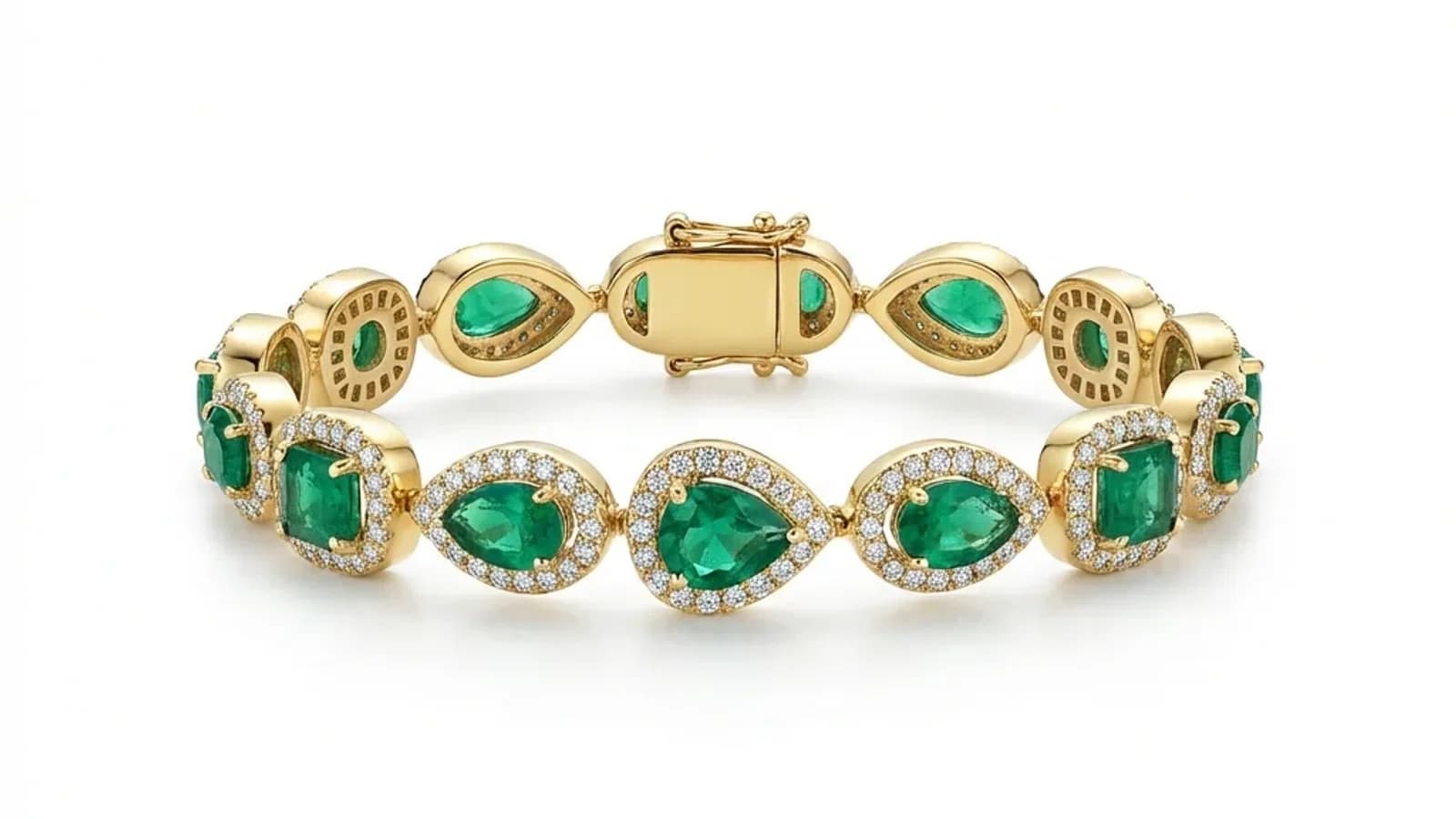
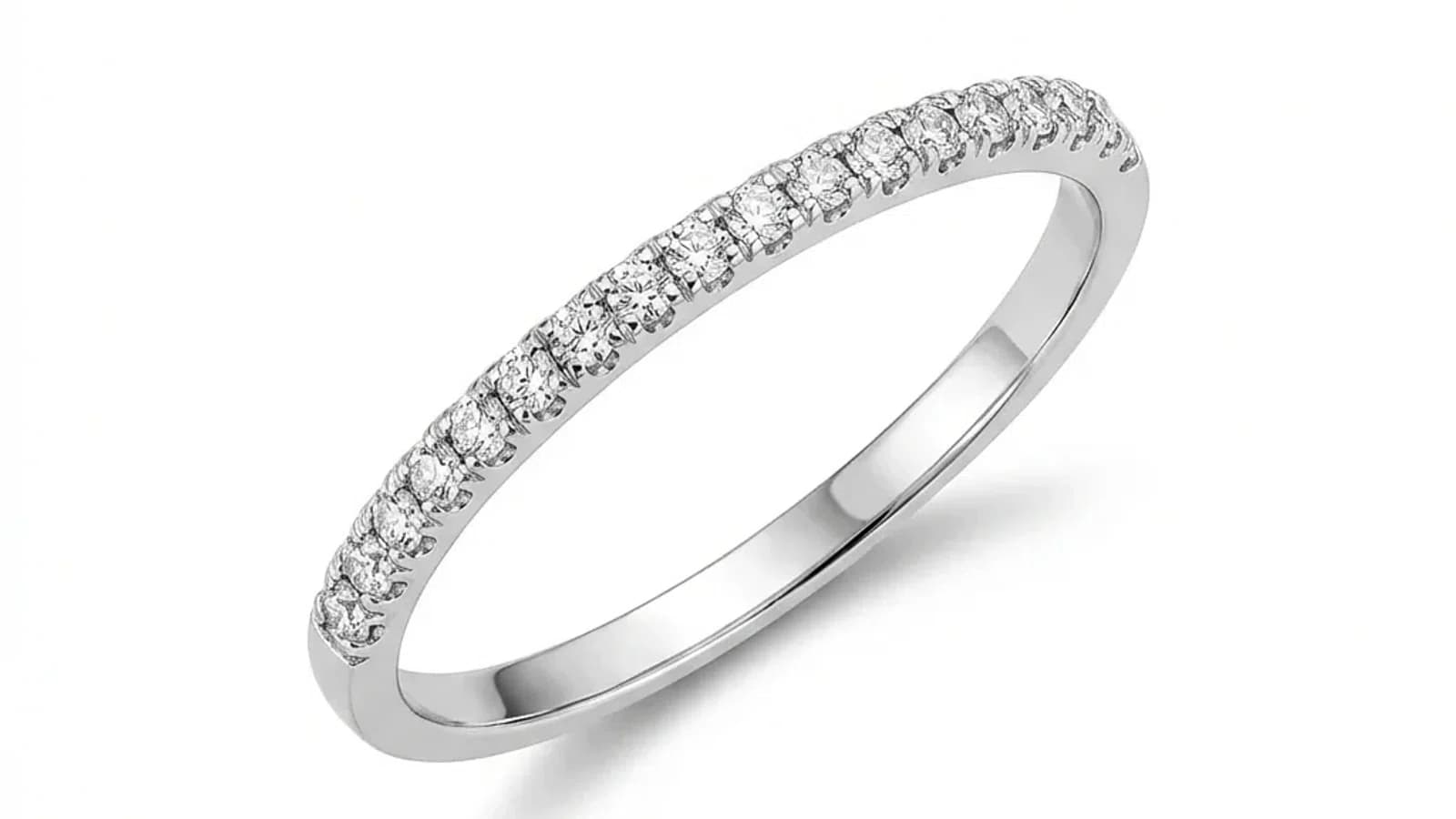
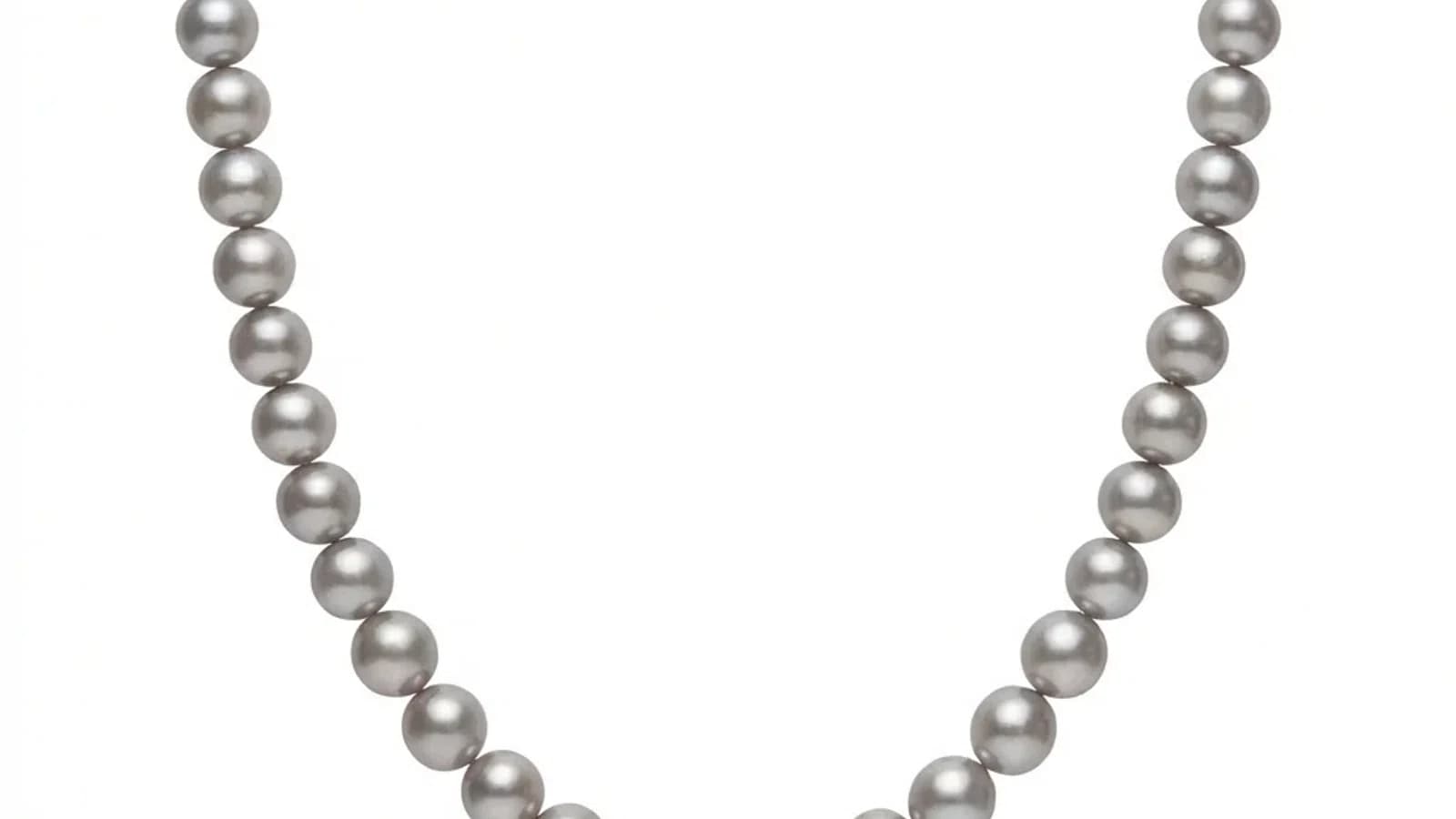
- 01کیٹلاگ جیولری ری ٹچنگ کیا ہے؟کیٹلاگ جیولری ری ٹچنگ کا مطلب ہے کہ متعدد جیولری تصاویر کو ایک ہی بصری معیار کے مطابق پروسیس کرنا۔ ہر تصویر کو انفرادی طور پر ہینڈل کیا جاتا ہے، لیکن مشترکہ ریفرنسز پس منظر، روشنی، سائے، اور رنگ کو مستقل رکھتے ہیں۔
- 02آپ کو کب کیٹلاگ پیمانے پر پروسیسنگ کی ضرورت ہے؟کیٹلاگ پیمانے پر پروسیسنگ اس وقت اہم ہوتی ہے جب آپ باقاعدگی سے 20+ تصاویر ہینڈل کرتے ہیں: موسمی مجموعے کے لانچ، مارکیٹ پلیس کی فہرستوں کی تازہ کاری، ہول سیل کیٹلاگ کی تازہ کاری، برانڈ کی دوبارہ ڈیزائن، یا کوئی بھی منظر جہاں متعدد تصاویر میں مستقل مزاجی انفرادی تخلیقی ایڈیٹنگ سے زیادہ اہم ہو۔
- 03زیورات بیچ ریٹچنگ کے بہترین طریقےمستقل ان پٹ معیار اور واضح معیارات۔
کیٹلاگ جیولری ری ٹچنگ کیا ہے؟
کیٹلاگ جیولری ری ٹچنگ کا مطلب ہے کہ متعدد جیولری تصاویر کو ایک ہی بصری معیار کے مطابق پروسیس کرنا۔ ہر تصویر کو انفرادی طور پر ہینڈل کیا جاتا ہے، لیکن مشترکہ ریفرنسز پس منظر، روشنی، سائے، اور رنگ کو مستقل رکھتے ہیں۔
کیٹلاگ ری ٹچنگ کا مطلب ہے کہ متعدد پروڈکٹ کی تصاویر کو ایک معیاری بصری ورک فلو کے ذریعے پروسیس کرنا، بجائے اس کے کہ ہر ایک کو شروع سے ایڈیٹ کیا جائے۔ جیولری کے کاروباروں کے لیے، یہ اہم ہے کیونکہ کیٹلاگ میں عام طور پر درجنوں سے ہزاروں SKUs ہوتے ہیں جنہیں ایک جیسی علاج کی ضرورت ہوتی ہے۔
جیولز ری ٹچ آج ہر اپ لوڈ کردہ تصویر پر ایک ریفرنس اسٹائل لاگو کرتا ہے۔ اس کا مطلب یہ ہے کہ موجودہ پروڈکٹ ایک فولڈر اپ لوڈ بیچ ٹول نہیں ہے؛ یہ مستقل کیٹلاگ آؤٹ پٹس کے لیے بنایا گیا ایک تیز تسلسل ڈیش بورڈ ورک فلو ہے۔
آپ کو کب کیٹلاگ پیمانے پر پروسیسنگ کی ضرورت ہے؟
کیٹلاگ پیمانے پر پروسیسنگ اس وقت اہم ہوتی ہے جب آپ باقاعدگی سے 20+ تصاویر ہینڈل کرتے ہیں: موسمی مجموعے کے لانچ، مارکیٹ پلیس کی فہرستوں کی تازہ کاری، ہول سیل کیٹلاگ کی تازہ کاری، برانڈ کی دوبارہ ڈیزائن، یا کوئی بھی منظر جہاں متعدد تصاویر میں مستقل مزاجی انفرادی تخلیقی ایڈیٹنگ سے زیادہ اہم ہو۔
انفرادی ایک بار کی ری ٹچنگ 5-10 ہیرو تصاویر کے لیے ٹھیک کام کرتی ہے، لیکن کیٹلاگ پیمانے پر ورک فلو ان منظرناموں میں ضروری ہو جاتے ہیں:
نئے مجموعے کے لانچ:
- 50-200 نئے ٹکڑوں کو لانچ سے پہلے کیٹلاگ کے لیے تیار تصاویر کی ضرورت ہوتی ہے
- تجارتی نمائشوں یا موسمی افتتاح کے لیے سخت ڈیڈ لائن
- تمام تصاویر کو موجودہ کیٹلاگ کے معیار کے مطابق ہونا چاہیے
مارکیٹ پلیس کی تازہ کاری:
- Etsy، Amazon، اور Shopify کی فہرستوں کو صاف، مستقل بنیادی تصاویر کی ضرورت ہوتی ہے
- ہر پروڈکٹ کو ایک ہی برانڈ کا حصہ لگنا چاہیے
- نئے SKUs کو پرانی فہرستوں کے ساتھ بغیر پورے کیٹلاگ کی دوبارہ شوٹنگ کے ملنا چاہیے
زیورات بیچ ریٹچنگ کے بہترین طریقے
مستقل ان پٹ معیار اور واضح معیارات۔
ایک ہی ان پٹ معیار استعمال کریں اور AI کو مستقل نتائج دینے دیں۔
AI سے چلنے والی کیٹلاگ ری ٹچنگ: یہ کیسے کام کرتا ہے
AI کیٹلاگ ری ٹچنگ ایک اسٹائل ریفرنس امیج کا استعمال کرتی ہے تاکہ آؤٹ پٹ کے معیار کی وضاحت کی جا سکے، پھر ہر تصویر کو اس ریفرنس کے مطابق پروسیس کرتی ہے۔ جیولز ری ٹچ آج ایک وقت میں ایک تصویر اپ لوڈ کرتا ہے جبکہ مشترکہ ریفرنس کے ذریعے مستقل مزاجی برقرار رکھتا ہے۔
اسٹائل ریفرنس کیٹلاگ میں پس منظر، روشنی، کراپ اور سایہ ملانے میں مدد دے سکتا ہے، مگر اچھی اصل تصاویر اور انسانی جائزہ پھر بھی ضروری ہیں۔
AI کیٹلاگ پروسیسنگ کے ساتھ لاگت اور وقت کی بچت
200 تصاویر کا کیٹلاگ ہر تصویر کے لیے دستی ری ٹچنگ کوٹیشن کے بجائے Pro کریڈٹ پیک کے آس پاس پلان کیا جا سکتا ہے۔ ڈیش بورڈ آج بھی تصویر بہ تصویر کام کرتا ہے، اس لیے عمل کا مرکز ہر نتیجے کو دیکھنا، منظور کرنا اور پھر HD کھولنا ہے۔
AI کیٹلاگ پروسیسنگ کی معاشیات روایتی طریقوں سے کافی مختلف ہیں۔
200 تصاویر کے لیے وقت کا موازنہ:
- دستی ایڈیٹنگ: 100-200 گھنٹے، اگر 30-60 منٹ فی تصویر شمار کیے جائیں
- آؤٹ سورسنگ: عموماً 1-2 ہفتے، مواصلات اور نظرثانی سمیت
- Jewels Retouch: معیاری فوٹو کام تصویر بہ تصویر چلتا ہے اور عموماً تقریباً 60-90 سیکنڈ لیتا ہے
لاگت کا موازنہ:
- دستی ری ٹچر $10-$25 فی تصویر: $2,000-$5,000
- Jewels Retouch: لاگت کریڈٹ پیک سے پلان ہوتی ہے، مثلاً 200 کریڈٹس والا Pro پیک
بچت حقیقی ہے، مگر موجودہ عمل فولڈر کی مکمل اجتماعی اپ لوڈنگ نہیں ہے۔ کیٹلاگ کو ترتیب سے چلائیں، نتائج دیکھیں، اور صرف تیار تصاویر کے HD فائلز کھولیں۔
کیٹلاگ جیولری ری ٹچنگ کے ساتھ شروع کرنا
تصاویر کو زیورات کے زمرے کے لحاظ سے منظم کریں۔ ہر زمرے کے لیے ایک اچھا ریفرنس منتخب کریں۔ پہلے 10-20 تصاویر کا ٹیسٹ سیٹ ایک ایک کر کے چلائیں تاکہ معیار دیکھا جا سکے۔ پھر پورا کیٹلاگ زمرہ بہ زمرہ مکمل کریں، اور HD کھولنے سے پہلے نتائج کو مستقل طور پر چیک کرتے رہیں۔
اسٹائل ریفرنس کیٹلاگ میں پس منظر، روشنی، کراپ اور سایہ ملانے میں مدد دے سکتا ہے، مگر اچھی اصل تصاویر اور انسانی جائزہ پھر بھی ضروری ہیں۔