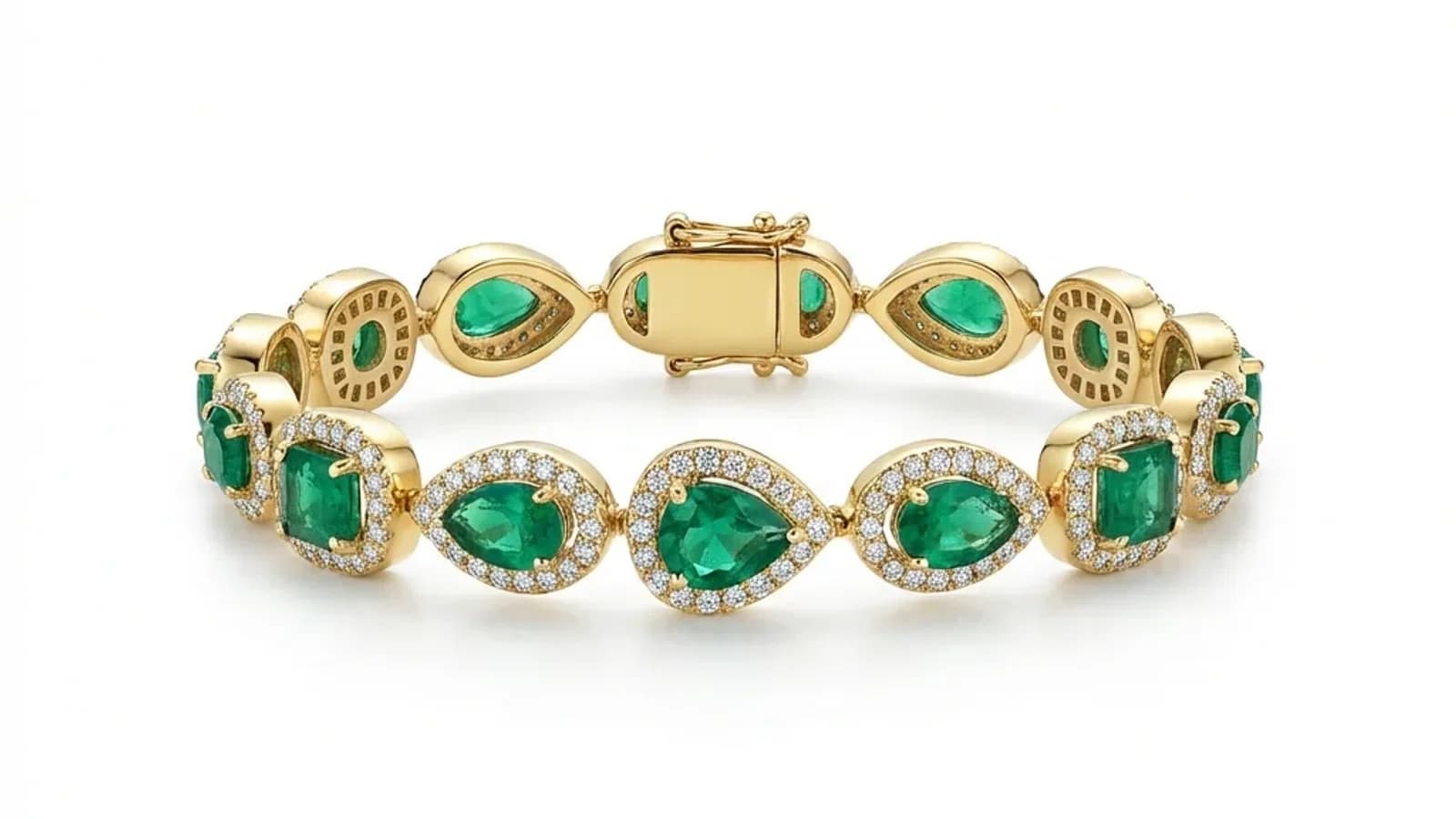
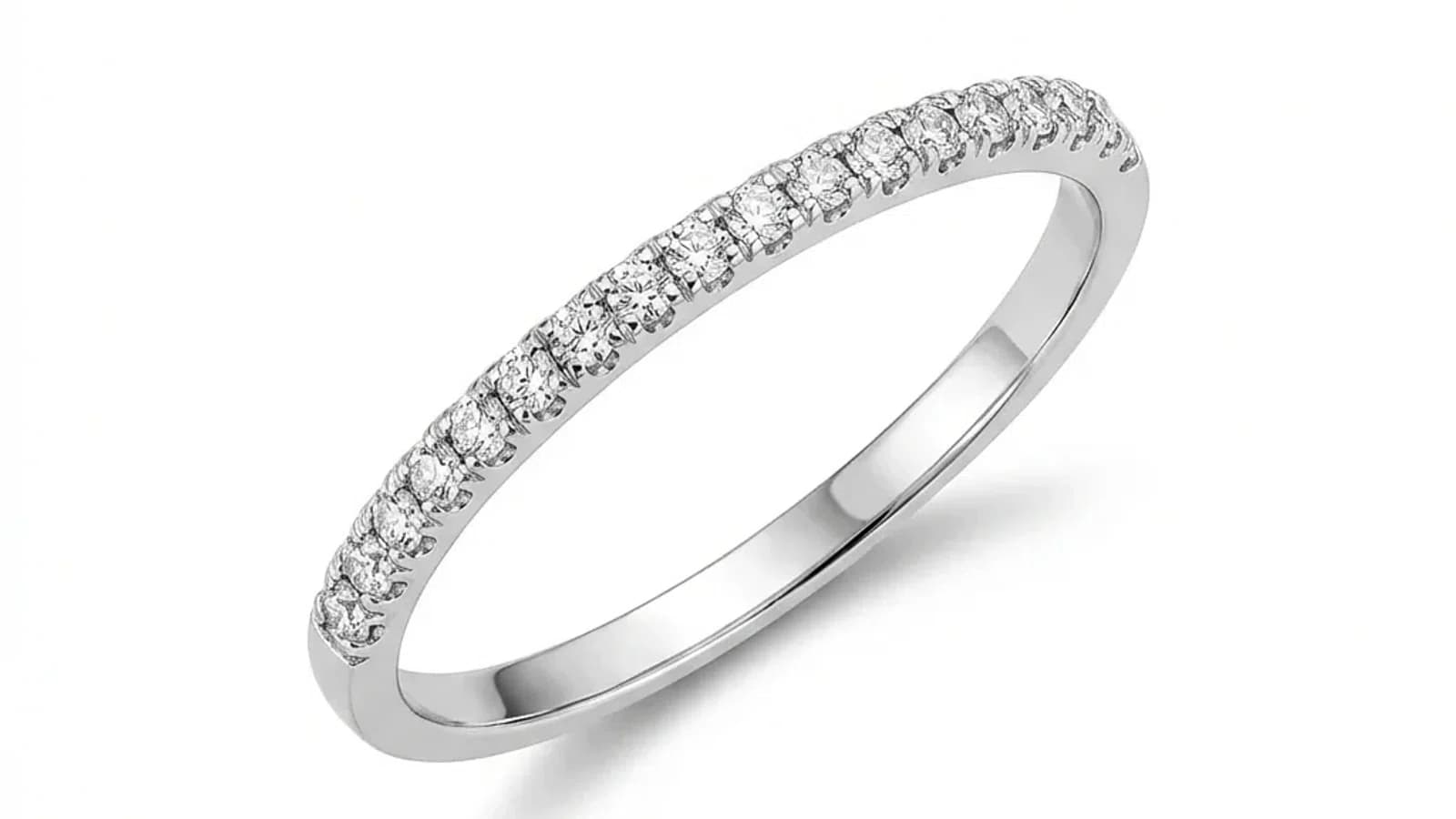
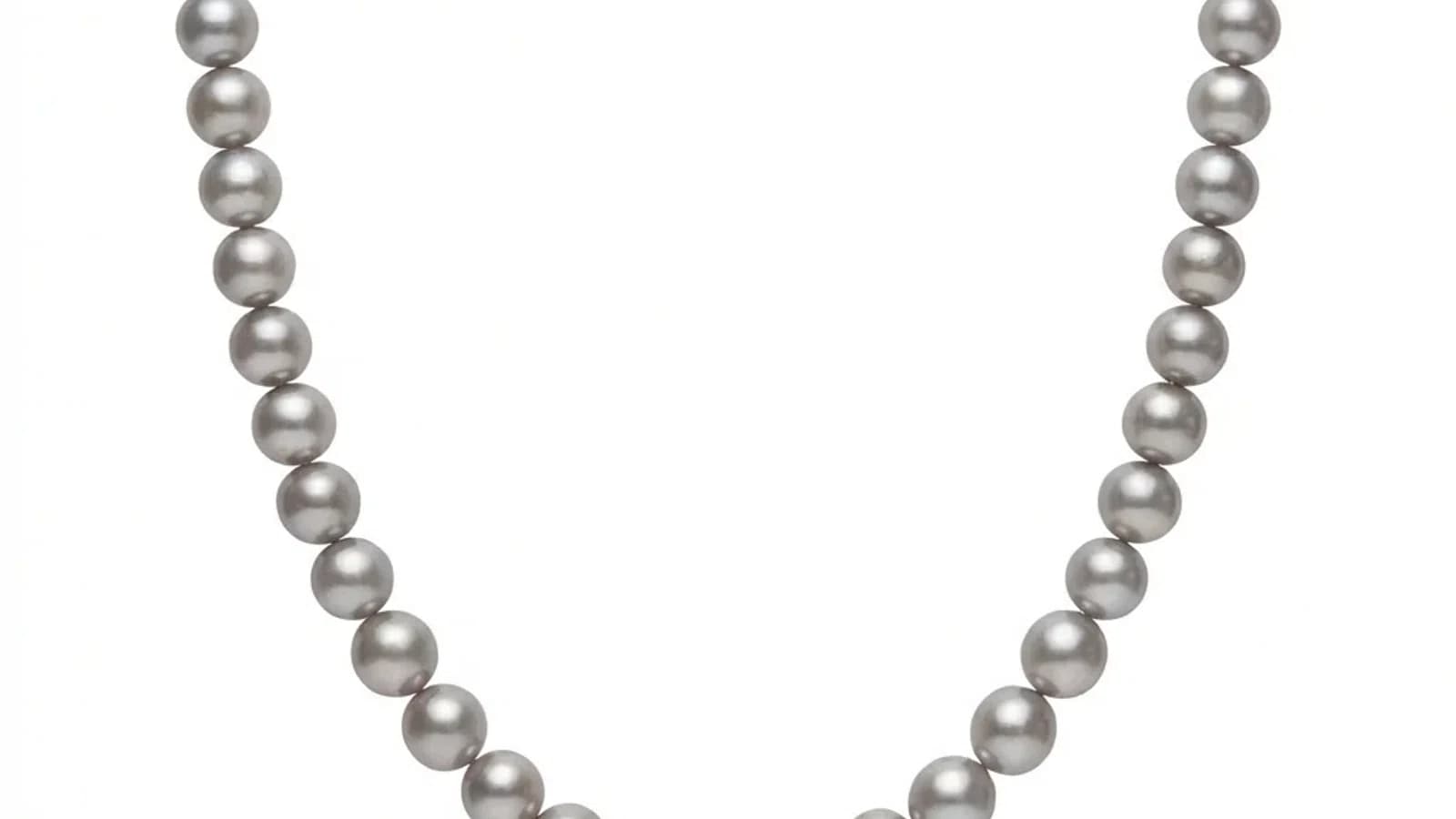
Penyuntingan Perhiasan Katalog AI: Proses Foto dengan Gaya Konsisten
Bagaimana penyuntingan AI membantu jenama perhiasan memproses katalog produk dengan gaya berasaskan rujukan yang konsisten — pada harga kurang dari $1 setiap imej dengan kurang penyuntingan manual.

Baca lagi
Apa Itu Penyuntingan Katalog Perhiasan?
Rujukan gaya boleh membantu menyelaraskan latar, cahaya, crop dan bayang dalam katalog, tetapi foto sumber yang baik dan semakan manusia masih diperlukan.
- 01Apa Itu Penyuntingan Katalog Perhiasan?Penyuntingan katalog perhiasan bermaksud memproses pelbagai foto perhiasan kepada standard visual yang sama. Setiap imej ditangani secara individu, tetapi rujukan yang dikongsi memastikan latar belakang, pencahayaan, bayang-bayang, dan warna konsisten.
- 02Bila Anda Perlu Pemprosesan Skala Katalog?Pemprosesan skala katalog penting apabila anda secara berkala mengendalikan lebih dari 20 imej: pelancaran koleksi bermusim, kemas kini senarai pasaran, penyegaran katalog borong, rekaan semula jenama, atau sebarang senario di mana konsistensi merentasi pelbagai imej lebih penting daripada penyuntingan kreatif individu.
- 03Amalan Terbaik untuk Retouching Batch Barang KemasKualiti input yang konsisten dan piawaian yang jelas.
Apa Itu Penyuntingan Katalog Perhiasan?
Penyuntingan katalog perhiasan bermaksud memproses pelbagai foto perhiasan kepada standard visual yang sama. Setiap imej ditangani secara individu, tetapi rujukan yang dikongsi memastikan latar belakang, pencahayaan, bayang-bayang, dan warna konsisten.
Penyuntingan katalog bermaksud memproses pelbagai imej produk melalui aliran kerja visual yang standard dan bukannya menyunting setiap satu dari awal. Untuk perniagaan perhiasan, ini penting kerana katalog biasanya mengandungi puluhan hingga ribuan SKU yang semua memerlukan rawatan yang sama.
Jewels Retouch menerapkan gaya rujukan kepada setiap foto yang dimuat naik satu pada satu masa hari ini. Ini bermakna produk semasa bukanlah alat pemuatan folder; ia adalah aliran kerja papan pemuka berturutan yang pantas dibina untuk hasil katalog yang konsisten.
Bila Anda Perlu Pemprosesan Skala Katalog?
Pemprosesan skala katalog penting apabila anda secara berkala mengendalikan lebih dari 20 imej: pelancaran koleksi bermusim, kemas kini senarai pasaran, penyegaran katalog borong, rekaan semula jenama, atau sebarang senario di mana konsistensi merentasi pelbagai imej lebih penting daripada penyuntingan kreatif individu.
Penyuntingan satu kali berfungsi dengan baik untuk 5-10 imej hero, tetapi aliran kerja skala katalog menjadi perlu dalam senario ini:
Pelancaran koleksi baru:
- 50-200 keping baru memerlukan imej siap katalog sebelum pelancaran
- Tarikh akhir ketat untuk pameran perdagangan atau pembukaan bermusim
- Semua imej mesti sepadan dengan standard katalog yang sedia ada
Kemas kini pasaran:
- Senarai Etsy, Amazon, dan Shopify memerlukan imej utama yang bersih dan konsisten
- Setiap produk harus kelihatan seolah-olah ia milik jenama yang sama
- SKU baru harus sepadan dengan senarai lama tanpa perlu mengambil semula seluruh katalog
Amalan Terbaik untuk Retouching Batch Barang Kemas
Kualiti input yang konsisten dan piawaian yang jelas.
Gunakan kualiti input yang sama dan biarkan AI memberikan hasil konsisten.
Penyuntingan Katalog Berkuasa AI: Bagaimana Ia Berfungsi
Penyuntingan katalog AI menggunakan imej rujukan gaya untuk menentukan standard output, kemudian memproses setiap foto untuk sepadan dengan rujukan itu. Jewels Retouch mengendalikan muat naik satu imej pada satu masa hari ini sambil mengekalkan konsistensi melalui rujukan yang dikongsi.
Rujukan gaya boleh membantu menyelaraskan latar, cahaya, crop dan bayang dalam katalog, tetapi foto sumber yang baik dan semakan manusia masih diperlukan.
Penjimatan Kos dan Masa dengan Pemprosesan Katalog AI
Katalog 200 imej boleh dirancang sekitar pek Pro, bukan sebut harga retouching manual bagi setiap imej. Buat masa ini kerja foto diproses satu demi satu melalui dashboard, tetapi setiap output yang diluluskan mengikuti standard rujukan yang sama, bukan bergantung pada jam kerja manual yang berubah-ubah.
Ekonomi pemprosesan katalog dengan AI berbanding kaedah tradisional sangat jelas:
Perbandingan masa (200 imej):
- Penyuntingan manual: 100-200 jam (30-60 minit bagi setiap imej)
- Pasukan luar: masa serahan 1-2 minggu
- Jewels Retouch: biasanya kira-kira 60-90 saat bagi setiap kerja foto, diproses secara berurutan melalui dashboard hari ini
Perbandingan kos:
- Retoucher manual pada $10-$25/imej: $2,000-$5,000
- Pek Jewels Retouch Pro: $180 untuk 200 kredit imej
Penjimatan itu nyata, tetapi aliran kerja semasa bukan alat muat naik folder secara pukal.
Memulakan Penyuntingan Katalog Perhiasan
Mulakan dengan menyusun foto mengikut kategori barang kemas. Pilih satu imej rujukan yang ideal bagi setiap kategori. Proses set ujian 10-20 imej satu demi satu untuk mengesahkan kualiti. Kemudian proses katalog penuh mengikut kategori sambil menyemak konsistensi hasil. Gunakan pek kredit yang lebih besar apabila anda tahu ada katalog penuh untuk diproses, kerana kredit tidak pernah luput.
Rujukan gaya boleh membantu menyelaraskan latar, cahaya, crop dan bayang dalam katalog, tetapi foto sumber yang baik dan semakan manusia masih diperlukan.