Recreate a Jewelry Ad's Direction with Your Own Pieces
Show the film you love. Get a shot brief, a focused list of jewelry photographs and a clear generation quote before creating your own reference-led video.
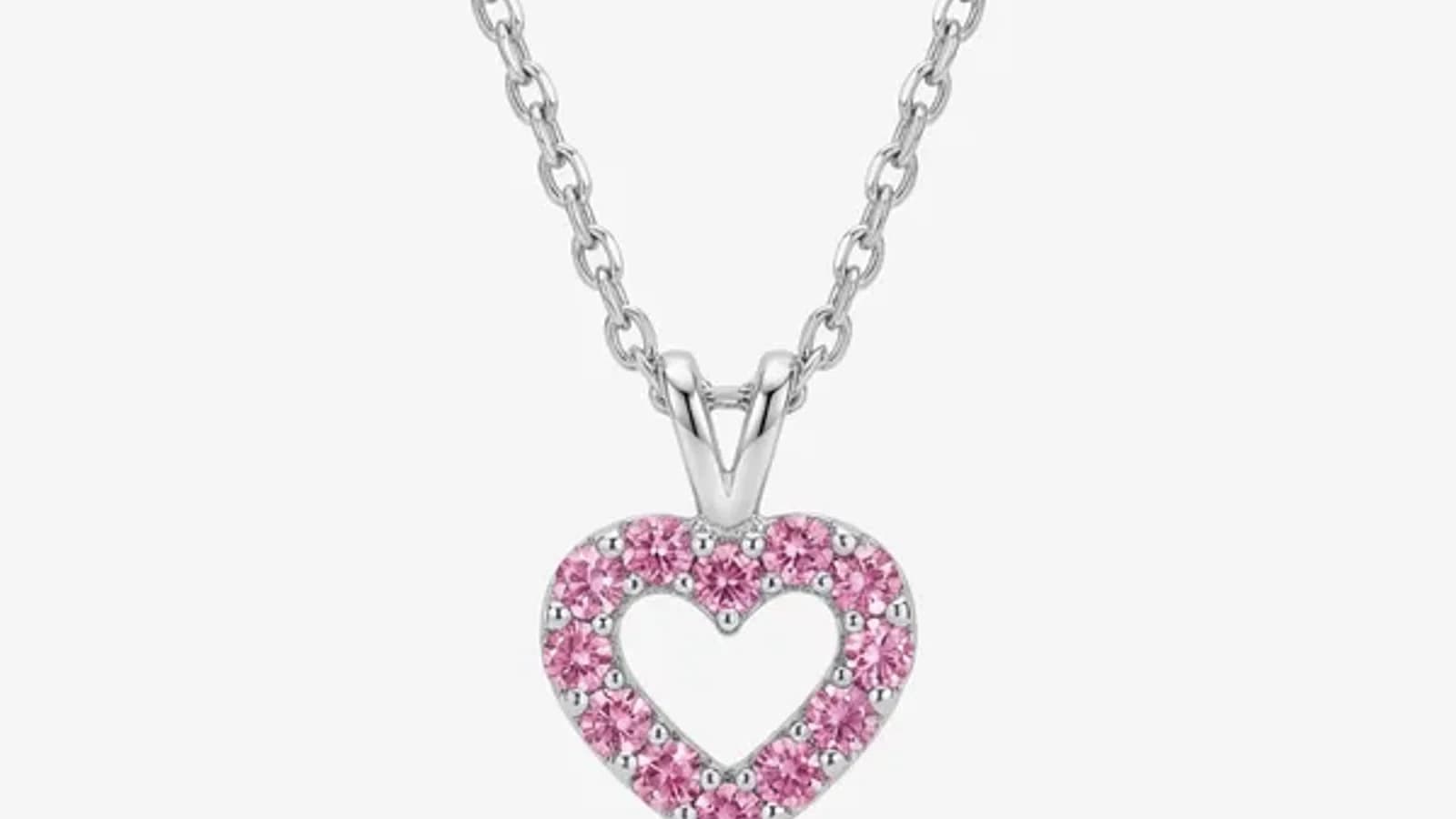
AI-generated style example
Cinematic Video
What does the reference video contribute?
This example shows a creative direction, not a guarantee for every upload. Compare your generated jewelry with your own source photos.
Reference videos and photo campaigns both start at 2 credits per 5 seconds at 480p; 720p costs 4 credits per 5 seconds. Both use paid credits.
What does the reference video contribute?
It supplies creative direction: shot order, framing, actions, scenery, lighting and mood. Your replacement photographs supply the jewelry that belongs in the new film.
Choose a reference because its sequence is useful, not only because one frame is beautiful. A clear close-up, a readable worn moment and a considered ending give you something concrete to recreate.
Only upload a clip you are authorized to use. The workflow analyzes it and generates a new video; it does not transfer rights to a borrowed campaign or replace jewelry inside its original frames.
Are the length, format and sound settings for the reference?
They describe your new video. The uploaded clip is the creative source; the selected length, aspect ratio and sound describe the film you want generated.
Upload an authorized reference clip with a supported output length from 4 to 30 seconds. The output follows the full source timeline, rounded to the nearest whole second. Choose 480p or 720p, select 9:16, 16:9 or 1:1 for the destination, and choose Ambient, Energetic, Cinematic or No audio.
Review the analyzed shot sequence and jewelry requirements before generating. The finished clip is a new interpretation, so compare its timing, jewelry and details with the reference.
Which jewelry photographs will it ask for?
The upload list comes from the analyzed shots. A ring worn on a hand needs worn placement evidence; a product-only shot needs a suitable product view. You see the required fields for that reference.
Examples:
- Ring on a hand: a clear hand already wearing the ring.
- Necklace on a neck: the necklace already worn on a neck or suitable display bust.
- Earring close-up: the earring worn on the ear.
- Product-only shot: a clear loose jewelry photo in the required visible view.
Upload the requested presentation. A loose ring does not establish how it sits on a finger, and a crop hiding essential jewelry detail may need replacing. If the analyzed ending requires a logo, its upload appears separately from the jewelry tasks.
What happens before you pay for generation?
The workflow checks whether the submitted photos suit their required slots. You can correct rejected inputs, inspect the scene direction and approve the displayed quote before the video attempt starts.
The photo check catches mismatches, such as a loose product submitted for a required worn view. Read the feedback and replace the affected image. It is an AI judgment, not proof of perfect final fidelity.
Reference video costs 2 credits per started 5-second interval at 480p or 4 credits at 720p. It has no source-photo unlock charge. The quote is tied to the current inputs and settings; a change can require a fresh quote.
How closely will the generated film follow the reference?
The brief aims to carry the reference's sequence and atmosphere into a new film with your jewelry. Generative video can still change timing, scenery, people or product details, so review the result against both sources.
Check the order of shots and whether the environment remains recognizable after each cut. Then compare the jewelry's visible design, count, proportions and worn placement with your replacement photos. A polished model or beautiful setting does not make an altered piece acceptable.
If the result is marked for review, treat that as a cue to inspect it carefully. Review-required does not mean product accuracy has been certified.
What should you do with the first result?
Download and watch the complete film before making it a campaign asset. Keep the reference, jewelry photos and settings alongside it so you can explain what the generation was meant to do.
Inspect the opening, each transition and the final frame. Listen to the selected sound, check any logo ending and watch once at reduced playback speed for jewelry changes. Confirm your rights to the source, people, branding and audio before publishing.
If a technical failure delivers no video, the applicable render credits are restored. A delivered result with a quality complaint follows individual support review. Start with one focused clip to learn how your reference and photos work together.