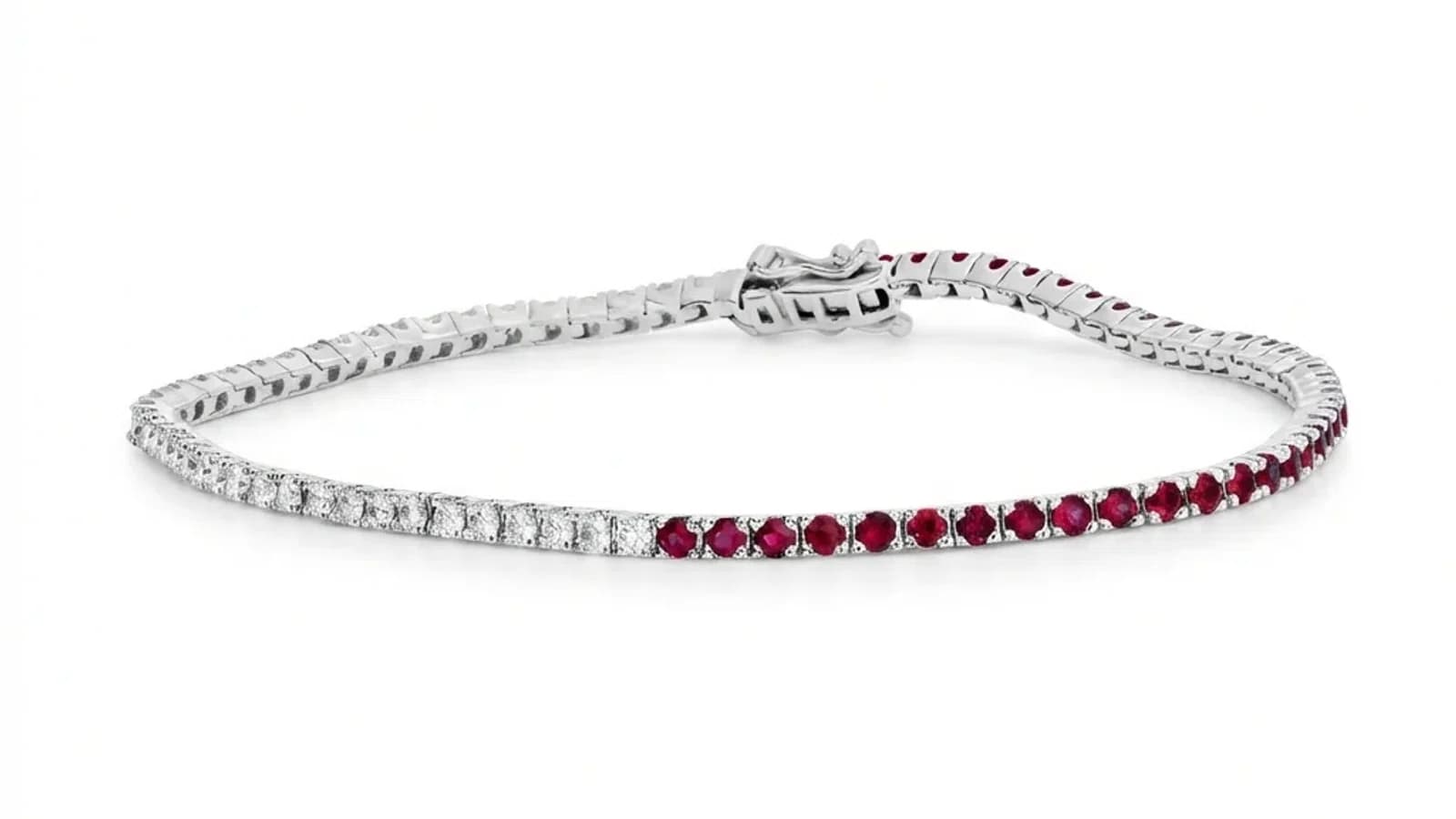
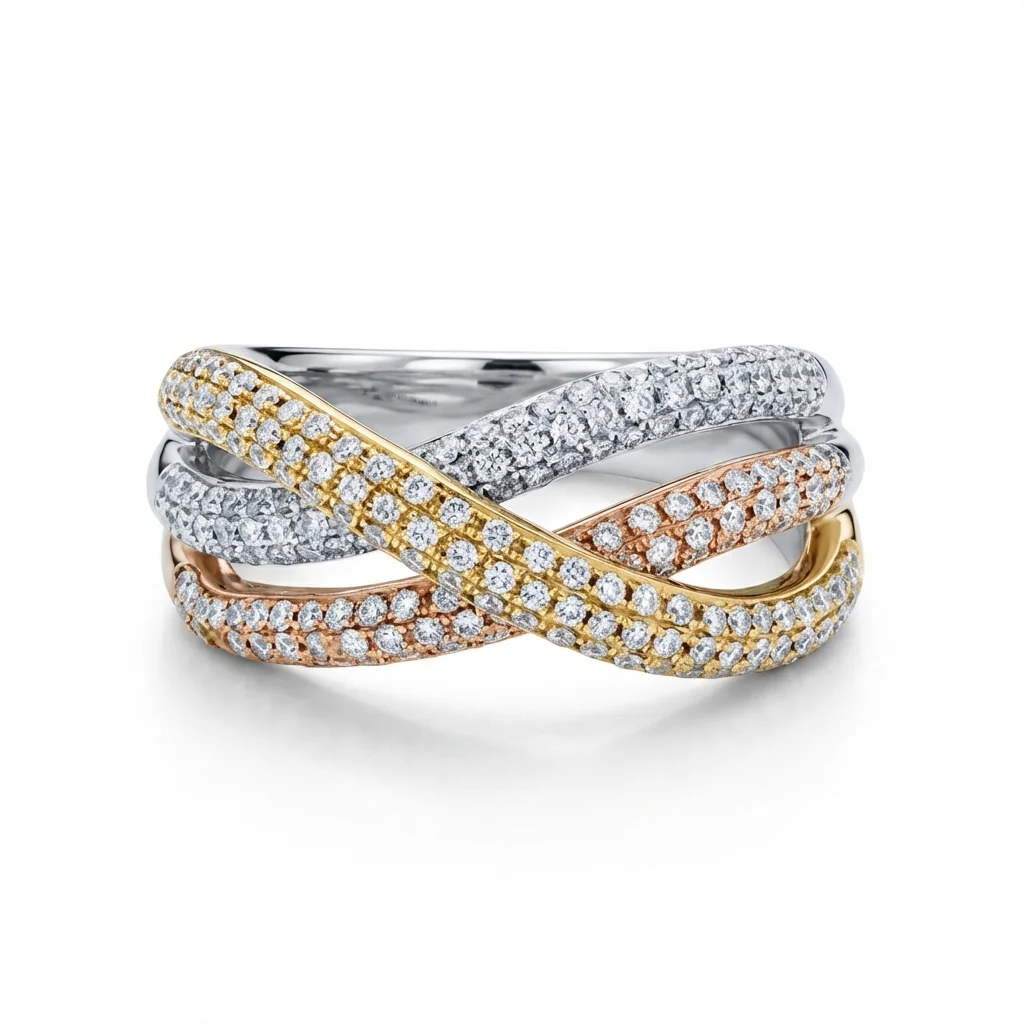
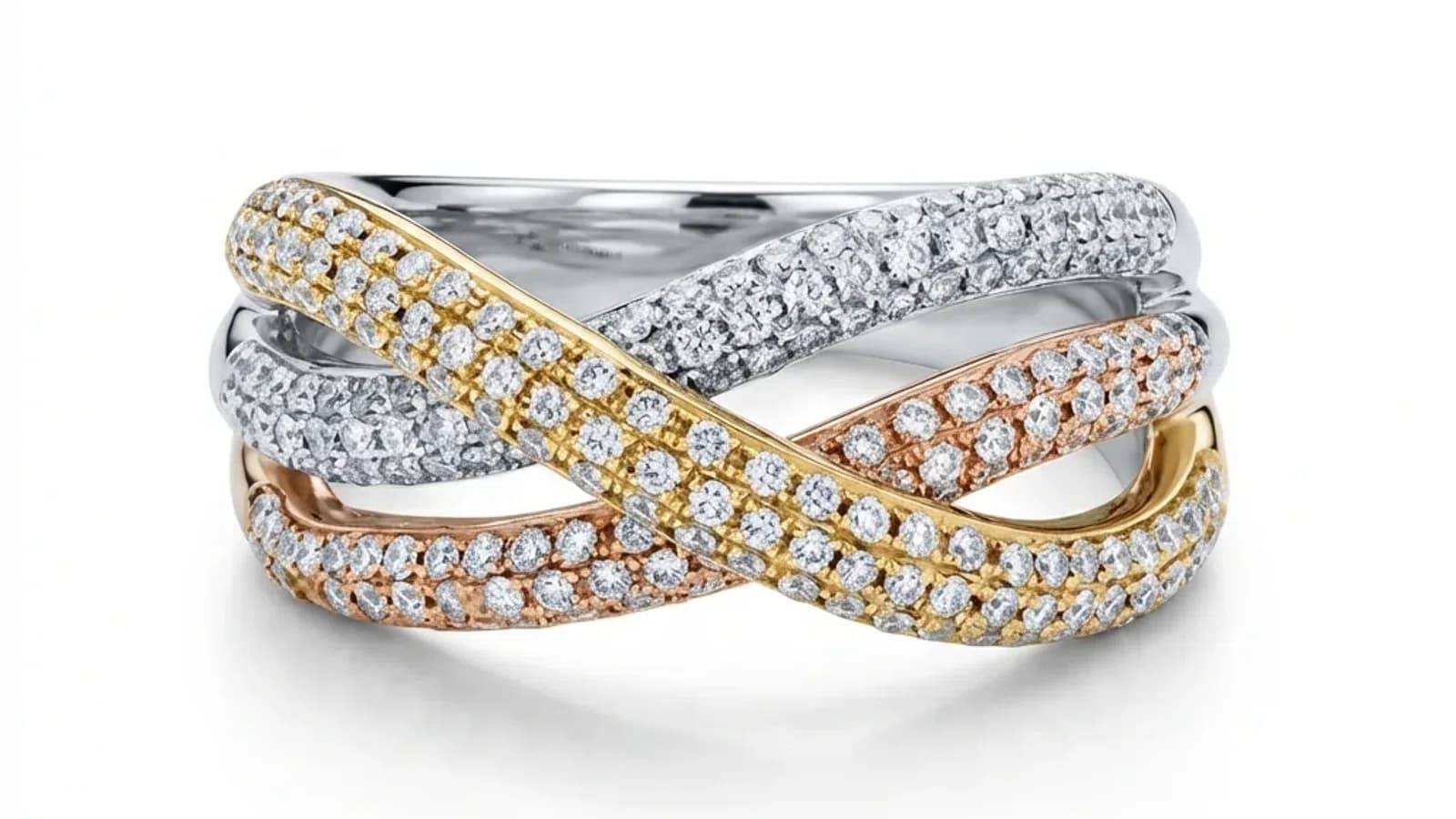
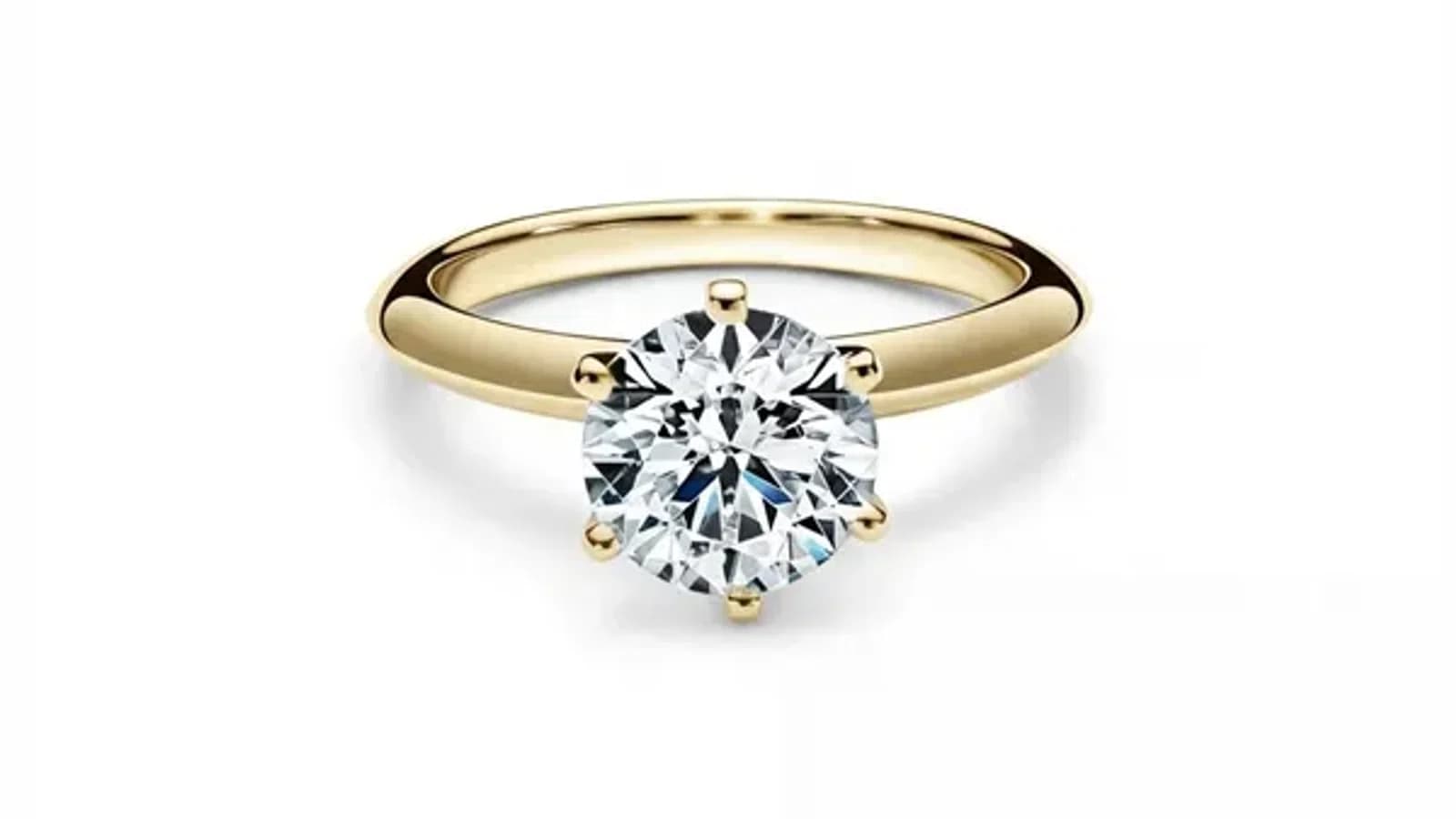
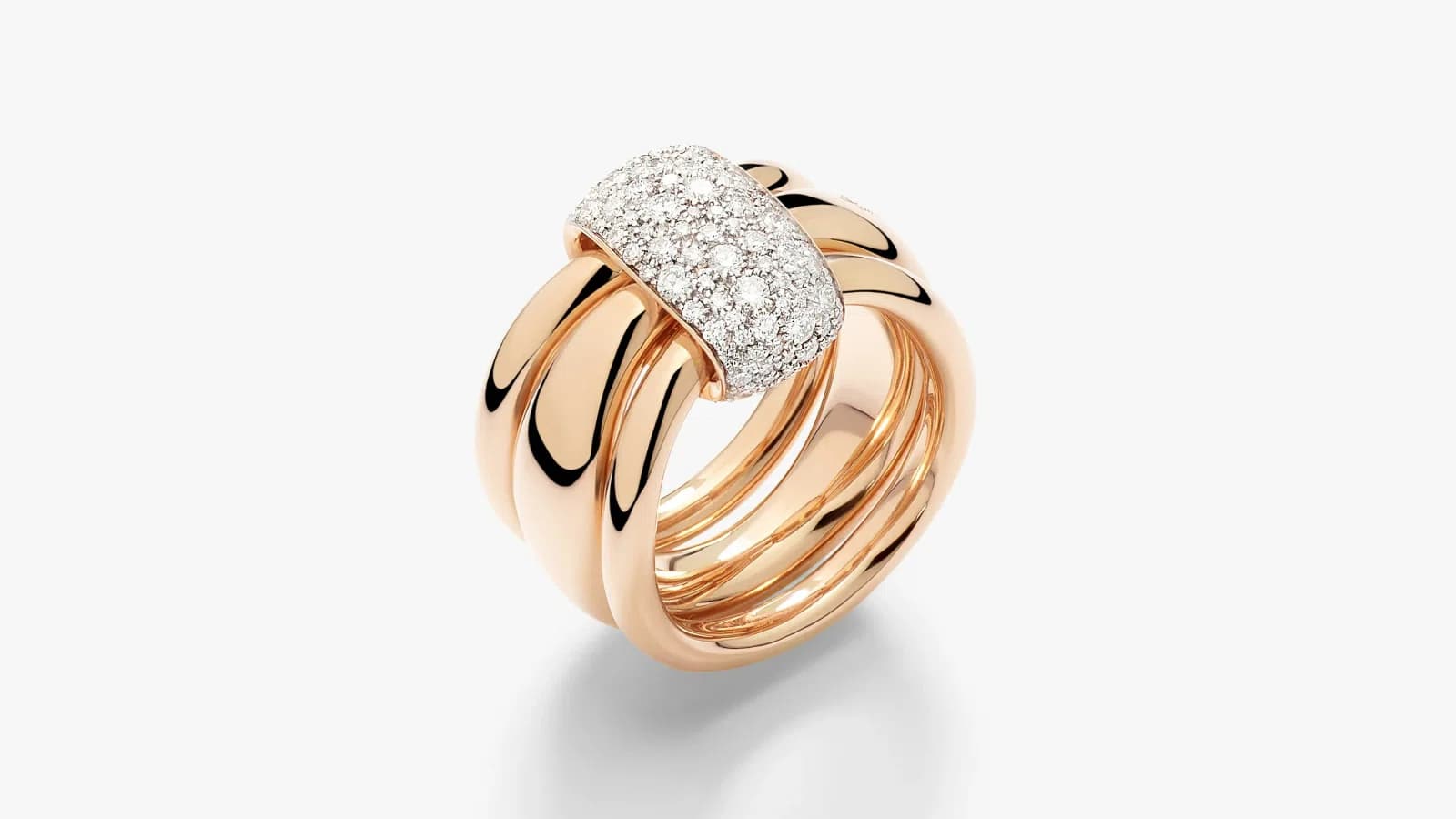
Comparison of AI jewelry retouching tools showing before and after results for bracelet photography
Comparison

Best AI Jewelry Retouching Tools in 2026: Complete Comparison

Compare the top AI jewelry photo editing tools in 2026. Features, pricing, quality, and which one is best for your jewelry business.

By Serdar Arniyazov|February 17, 2026Updated February 27, 20269 min read
Share:

TL;DR

For dedicated jewelry retouching, Jewels Retouch offers the best specialization at $0.90-$1.99/image. For general product photography, Photoroom and Pixelcut are strong alternatives. No single tool dominates all use cases — the best choice depends on your volume, budget, and how important jewelry-specific features are.

Why Do Jewelers Need Specialized Retouching Tools?

Jewelry has unique retouching challenges: metal reflections need specific lighting simulation, gemstone facets need careful enhancement, fine chains require precise detail preservation, and color accuracy for gold, silver, and platinum is critical. Generic AI tools often blur details, distort colors, or create unnatural surfaces.

General-purpose photo editors like Photoshop and Canva work for basic adjustments, but jewelry has unique challenges that demand specialized tools:

- Metal reflections require specific lighting simulation - Gemstone facets need enhancement without over-processing - Fine chains and prongs need precise detail preservation - Surface dust and scratches are magnified in macro shots - Color accuracy for gold, silver, and platinum is critical for customer trust

Generic AI background removers often blur chain details, distort gemstone colors, or create unnatural metal surfaces. Jewelry-specific AI is trained on thousands of professional jewelry photos to handle these challenges.

How Does Jewels Retouch Compare?

Jewels Retouch is the only AI tool built exclusively for jewelry retouching. It offers one-click processing with style references for catalog consistency, metal and stone color editing, set/poster composition, and free preview before paying. Pricing is $0.90-$1.99 per image with 30-60 second processing.

Jewels Retouch is the only AI tool built exclusively for jewelry retouching.

Key features: - One-click processing: Upload photo + reference = professional result - Style reference matching: Consistent catalog look across all products - Metal color changes: Switch between gold, silver, rose gold, platinum - Gemstone color editing: Change stone colors post-processing - Set/poster composition: Combine multiple pieces into one image - Preview before paying: Free watermarked preview before using credits

Pricing: $0.90-$1.99 per image (credit packs, one-time purchase) Processing time: 30-60 seconds Best for: Jewelry brands, Etsy sellers, and jewelry makers who need consistent, professional results at scale.

How Does Photoroom Compare?

Photoroom offers excellent general-purpose background removal and template-based editing for social media. However, it's not optimized for jewelry — no style reference matching, no metal or stone color editing, and can blur fine chain details. Pricing starts at $9.99/month. Best for general product photos.

Photoroom is a popular general-purpose product photo editor with AI background removal.

Strengths: - Excellent background removal for simple products - Template-based editing for social media - Batch processing for large catalogs - Wide platform support (iOS, Android, web)

Limitations for jewelry: - Not optimized for metal reflections or gemstone details - No style reference matching for catalog consistency - No metal/stone color editing features - Can blur fine chain details during background removal

Pricing: Free tier available, Pro from $9.99/month Best for: General product photos, non-jewelry items, social media content.

How Does Pixelcut Compare?

Pixelcut provides clean background removal and batch editing at affordable pricing. Its generic AI is not trained on jewelry specifics — no style reference system, limited metal and stone rendering control, and potential unnatural reflections on polished surfaces. Best for general e-commerce across multiple product categories.

Pixelcut offers AI-powered product photography with background removal and enhancement.

Strengths: - Clean background removal - Batch editing capabilities - Good for general product photos - Affordable pricing

Limitations for jewelry: - Generic AI not trained on jewelry specifics - No style reference system - Limited control over metal and stone rendering - May produce unnatural reflections on polished surfaces

Pricing: Free tier, Pro from $9.99/month Best for: General e-commerce product photography across multiple categories.

How Does Photoshop AI Compare?

Photoshop with Generative AI (Firefly) offers the most powerful editing capabilities but requires significant skill, 30-60 minutes per image, and costs $20.99/month. It has no automatic jewelry-specific processing or batch consistency features. Best for professional photographers needing full creative control.

Adobe Photoshop with Generative AI (Firefly) is the most powerful manual editing tool with AI assistance.

Strengths: - Most powerful editing capabilities overall - Generative fill for creative compositions - Industry-standard color management - Extensive plugin ecosystem

Limitations for jewelry: - Requires significant editing skill - Time-intensive (30-60 minutes per image) - No automatic jewelry-specific processing - Expensive ($20.99/month for Photography plan) - No batch processing for consistent catalog looks

Pricing: $20.99/month (Photography plan) Best for: Professional photographers who need creative editorial control and are willing to invest time per image.

Feature Comparison Table

Jewels Retouch is the only tool with jewelry-specific AI, style reference matching, and built-in metal and stone color editing. It processes images in 30-60 seconds at $0.90-$1.99/image, compared to subscription-based alternatives or Photoshop's $20.99/month requiring 30-60 minutes of manual work per image.

Here's how the top tools compare for jewelry retouching:

Jewelry-specific AI: Jewels Retouch (Yes) vs Others (No) Style reference matching: Jewels Retouch (Yes) vs Others (No) Metal color editing: Jewels Retouch (Yes) vs Photoshop (Manual) vs Others (No) Stone color editing: Jewels Retouch (Yes) vs Photoshop (Manual) vs Others (No) Processing time: Jewels Retouch (30-60s) vs Photoroom (10-30s) vs Pixelcut (10-30s) vs Photoshop (30-60 min) Price per image: Jewels Retouch ($0.90-$1.99) vs Photoroom (subscription) vs Pixelcut (subscription) vs Photoshop ($20.99/mo) Free preview: Jewels Retouch (Yes) vs Others (Varies) Batch consistency: Jewels Retouch (Excellent) vs Others (Limited)

Which Tool Should You Choose?

Choose Jewels Retouch for dedicated jewelry retouching with catalog consistency and pay-per-image pricing. Choose Photoroom or Pixelcut for multi-category product photos with subscription models. Choose Photoshop for full creative editorial control. Many jewelers combine tools for different purposes.

The best tool depends on your specific needs:

Choose Jewels Retouch if: - You exclusively or primarily photograph jewelry - Brand consistency across your catalog matters - You need metal/stone color variations - You want pay-per-image pricing without subscriptions - You need fast turnaround (30-60 seconds)

Choose Photoroom or Pixelcut if: - You sell multiple product categories (not just jewelry) - You need social media templates and batch editing - You prefer monthly subscription pricing

Choose Photoshop if: - You need full creative editorial control - You're a professional photographer - You edit non-product images too - You have the time and skill for manual editing

Many jewelers use a combination: Jewels Retouch for product catalog consistency, and Photoshop for special editorial or marketing shots.

blog.bestTools.section8Title

blog.bestTools.section8Answer

blog.bestTools.section8Body

blog.bestTools.section9Title

blog.bestTools.section9Answer

blog.bestTools.section9Body

blog.bestTools.section10Title

blog.bestTools.section10Answer

blog.bestTools.section10Body

See what jewelry-specific AI can do. Try Jewels Retouch free — 3 images, no credit card required.

Try Jewels Retouch Free