AI Jewelry Shadow Creation
Add natural, professional shadows to jewelry photos. Depth and dimension that make pieces pop off the page.
Try It Free — No Signup Required
Upload a jewelry photo and see AI retouching in action. One free try per day.
Shadow Creation Results
tools.jewelryShadowCreation.gallerySubtitle
 Before
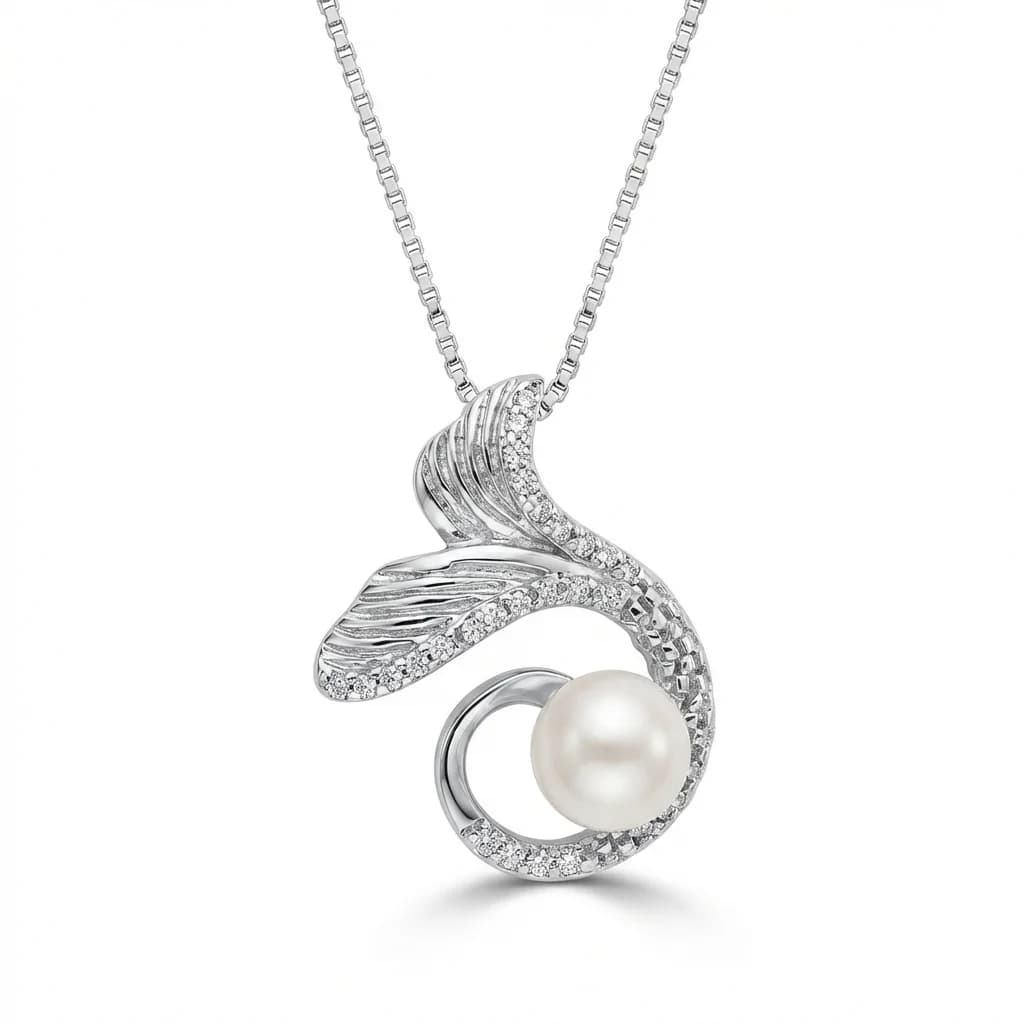 After
After Before
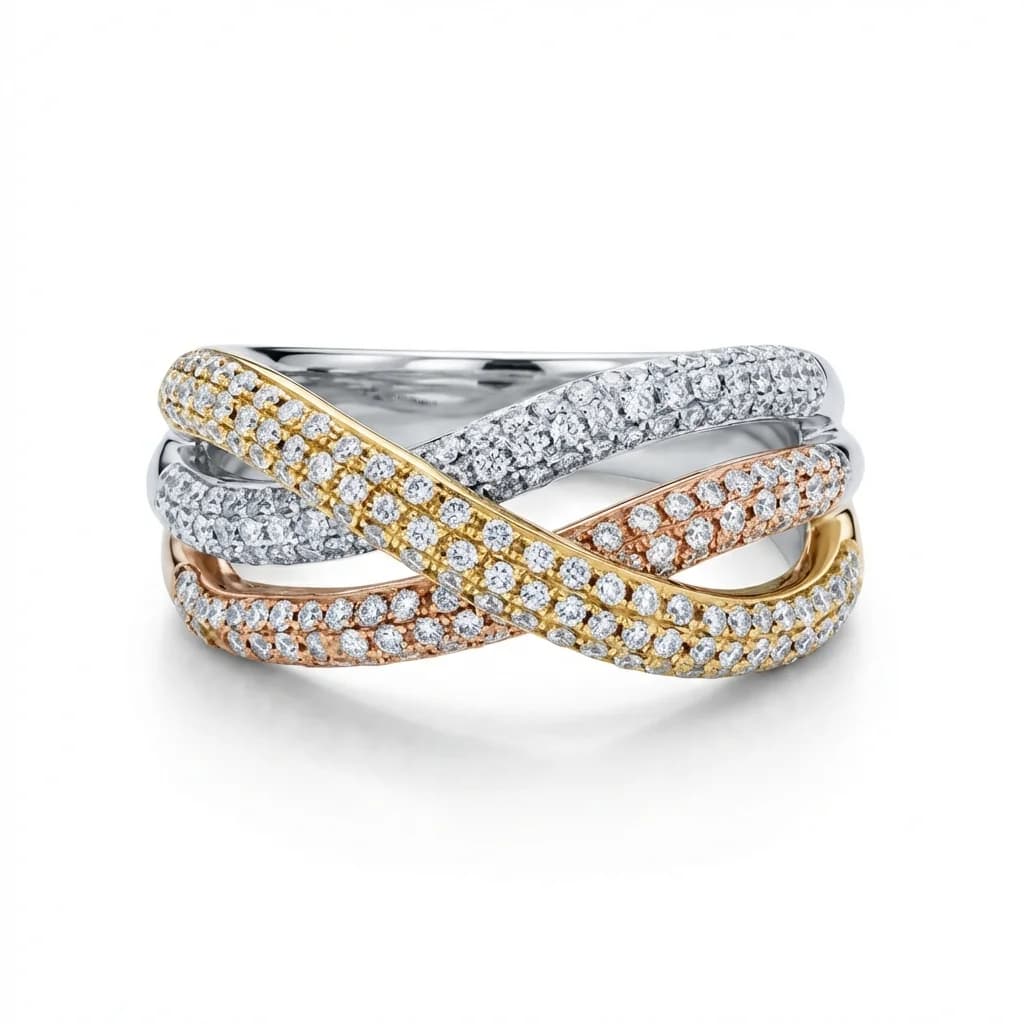 After
Aftertools.jewelryShadowCreation.benefitsTitle
Natural Drop Shadows
AI creates soft, natural shadows that give jewelry depth and dimension on white backgrounds.
Consistent Shadow Style
Every image in your catalog gets the same shadow direction, softness, and intensity — matched to your reference.
Reflection Shadows
For luxury presentation, add subtle reflection shadows that mirror the piece below it.
How It Works
tools.jewelryShadowCreation.howItWorksSubtitle
Upload Jewelry Photo
Upload a jewelry photo — with or without an existing background.
AI Creates Shadows
Natural shadows are generated based on the jewelry's shape, position, and your reference style.
Download Enhanced Image
Get a jewelry image with professional shadows that add depth without distraction.