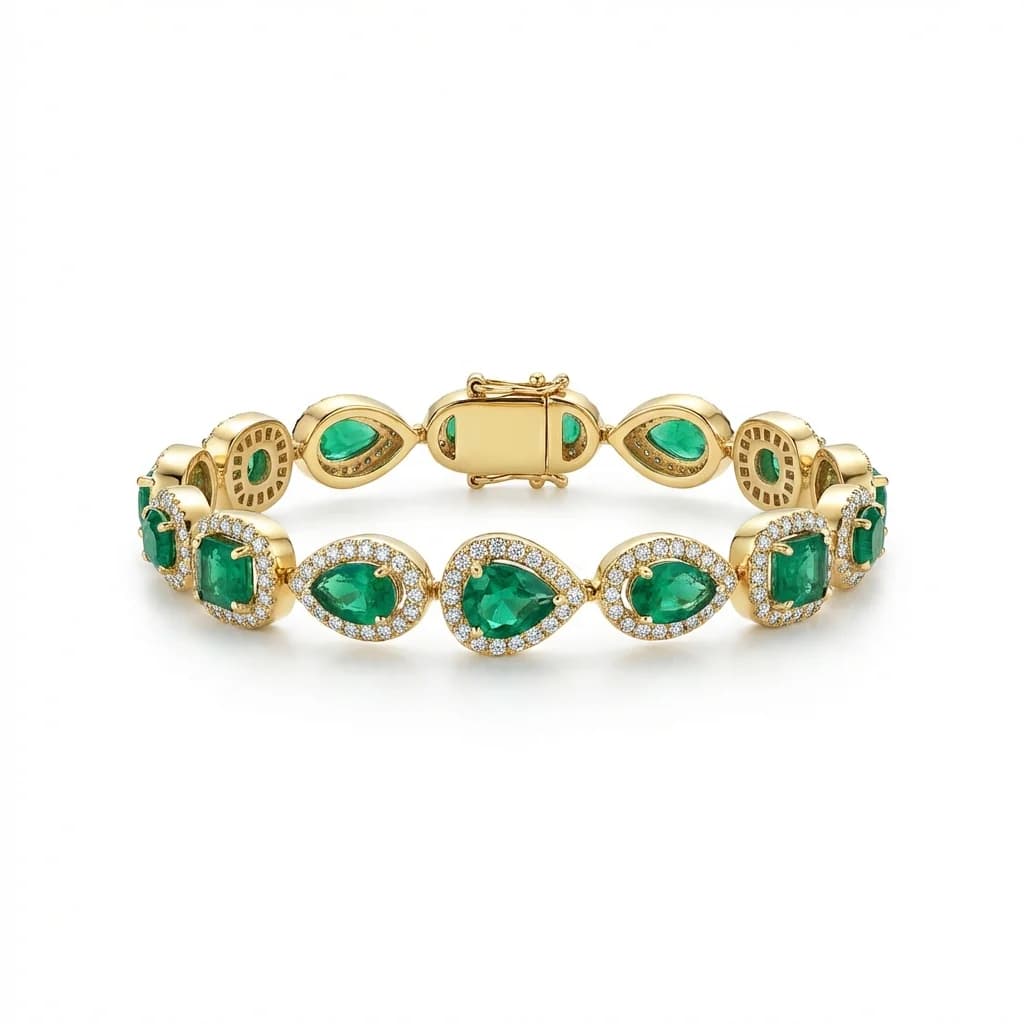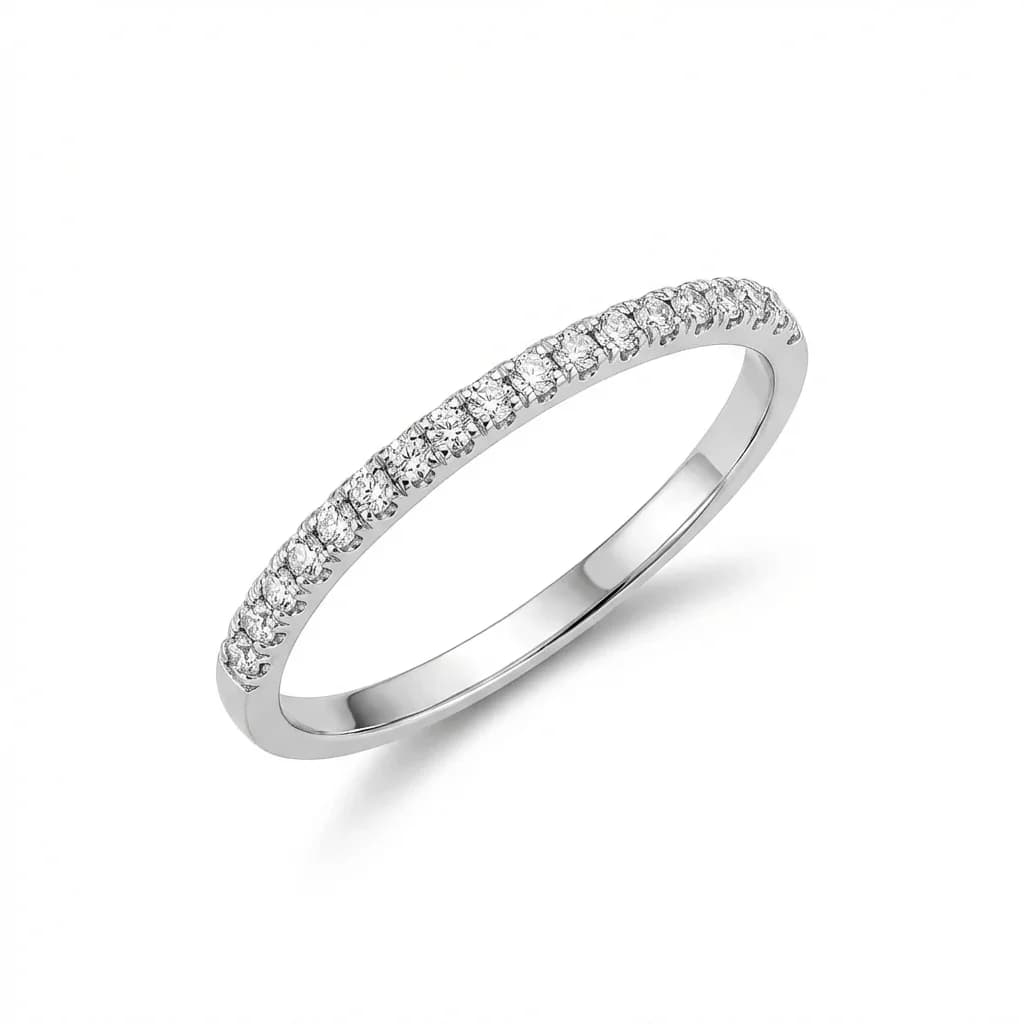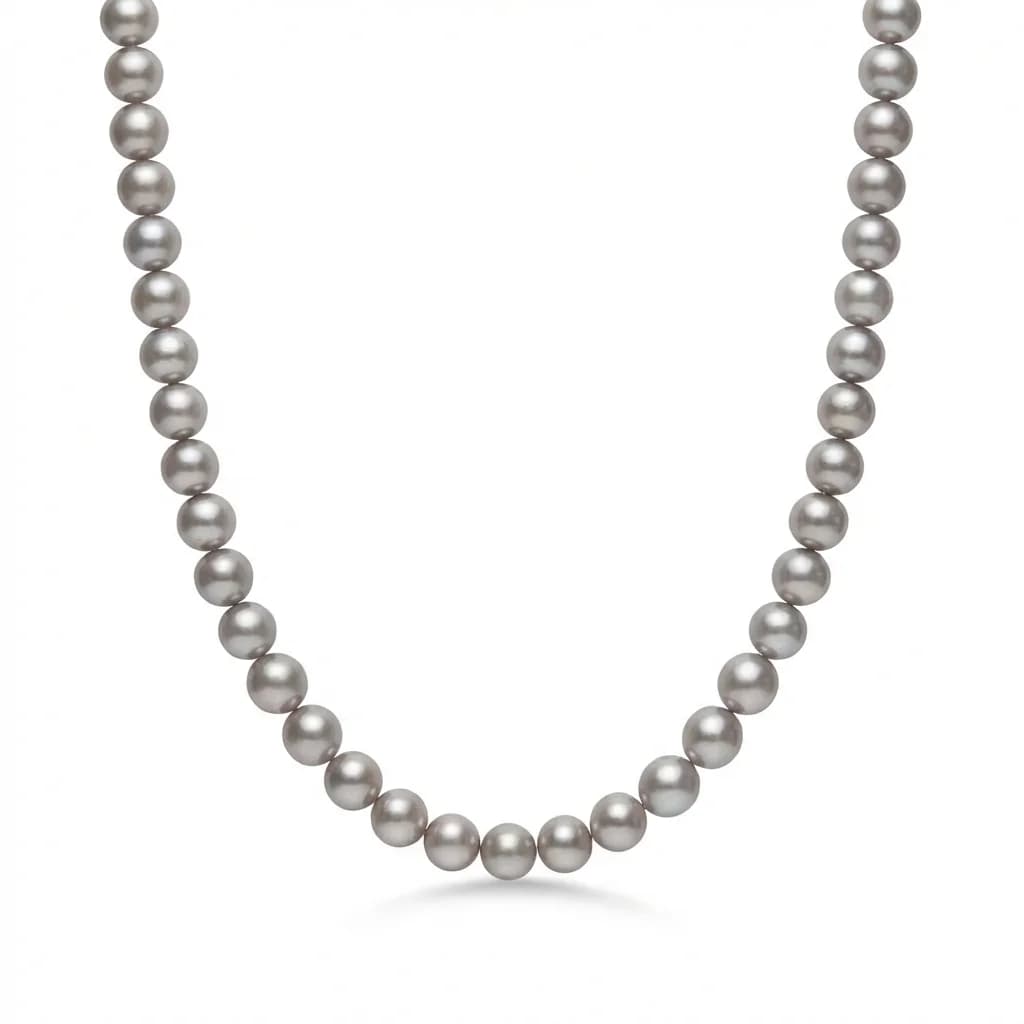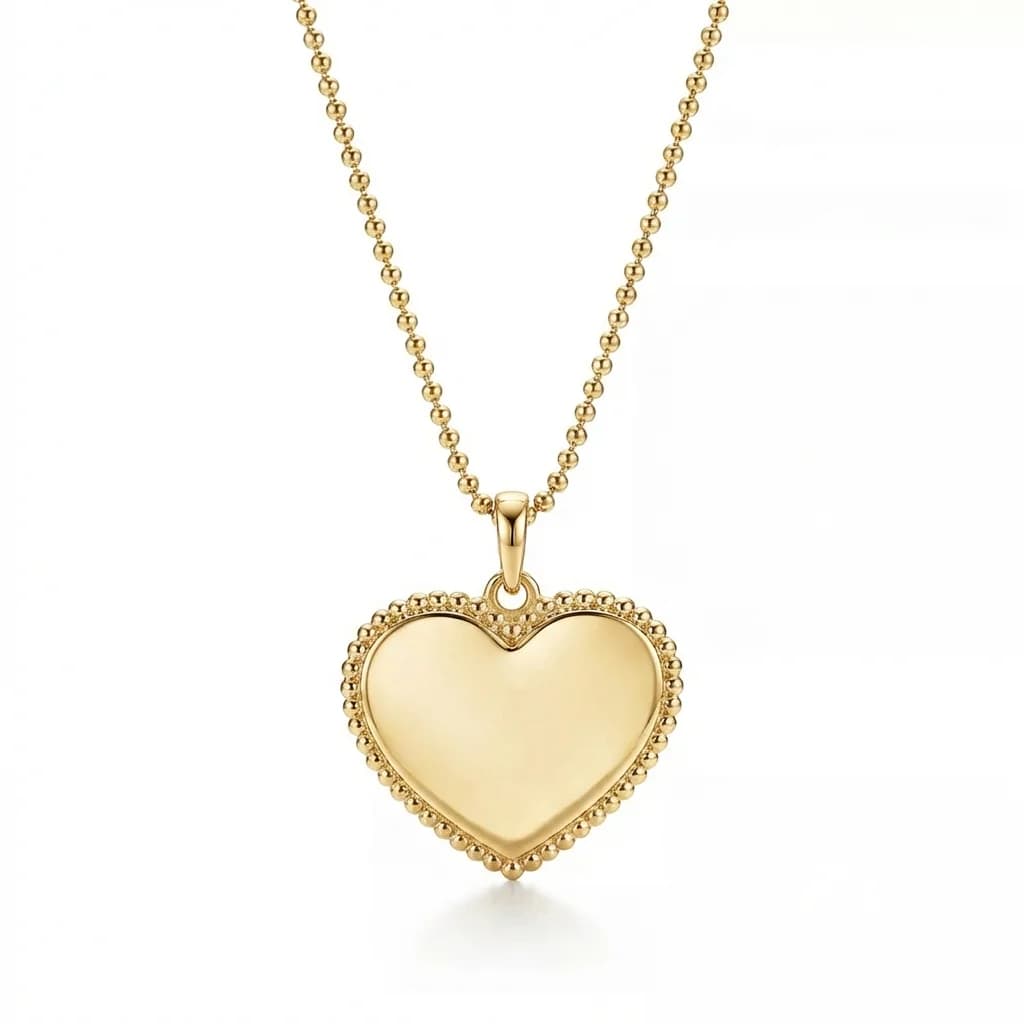
AI Batch Jewelry Retouching: Process Hundreds of Photos in Minutes
How AI batch retouching lets jewelry brands process entire product catalogs in hours instead of weeks — at under $1 per image with no quality compromise.
TL;DR
Batch jewelry retouching lets you process hundreds of product photos with consistent results. Traditional batch editing takes 30-60 minutes per image with variable quality. AI batch processing with style references achieves the same quality in 30-60 seconds per image at $0.90-$1.99, with guaranteed consistency across every image.
What Is Batch Jewelry Retouching?
Batch jewelry retouching is processing multiple jewelry photos through the same editing workflow to achieve consistent results efficiently. Instead of editing each image individually, you apply standardized corrections — background replacement, lighting normalization, dust removal, color correction — to groups of images simultaneously.
Batch retouching means processing multiple product images through a standardized workflow instead of editing each one from scratch. For jewelry businesses, this is essential because catalogs typically contain dozens to thousands of SKUs that all need identical treatment.
Batch retouching covers: - Background removal and replacement across all images - Consistent lighting and shadow normalization - Dust, scratch, and blemish removal - Metal surface polishing and reflection enhancement - Gemstone brilliance and color enhancement - Color correction to a unified standard - Final output sizing and formatting
The goal isn't just speed — it's consistency. A batch-processed catalog should look like every image was shot and edited in a single session, even if the original photos were taken weeks apart in different conditions.
When Do You Need Batch Processing?
Batch processing becomes essential when you regularly handle 20+ images at a time: seasonal collection launches, marketplace listing updates, wholesale catalog refreshes, brand redesigns, or any scenario where consistency across multiple images matters more than individual creative editing.
Individual retouching works fine for 5-10 hero images, but batch processing becomes necessary in these scenarios:
New collection launches: - 50-200 new pieces need catalog-ready images before launch - Tight deadlines (trade shows, seasonal openings) - All images must match existing catalog standards
Marketplace listing updates: - Refreshing photos across Etsy, Amazon, Shopify simultaneously - Platform requirement changes (new resolution or background standards) - Consistent look across all platforms
Wholesale catalog production: - 500-5,000+ SKUs needing professional presentation - Quarterly or seasonal catalog updates
Volume thresholds: - Under 10 images: Individual editing is fine - 10-50 images: Batch processing saves meaningful time - 50-200 images: Batch processing is essential - 200+ images: Without batch processing, the project becomes unmanageable
Traditional Batch Retouching Workflows
Traditional batch editing uses Photoshop actions or Lightroom presets to apply the same adjustments to multiple images. This works for basic corrections but fails for jewelry-specific needs like background replacement, metal polishing, and gemstone enhancement — which still require per-image manual work.
Traditional batch retouching uses software automation to apply identical edits to multiple images:
Photoshop Actions approach: - Record a series of edits on one image - Apply the recorded action to a batch of images - Works well for: exposure correction, color adjustment, resizing, watermarking - Fails for: background removal (each image differs), metal polishing, gemstone enhancement - Typical consistency: 60-70% (still needs per-image corrections)
Lightroom batch editing: - Edit one image, sync settings to others - Good for: white balance, exposure, basic color grading - Limited for: complex retouching, background replacement, detail work
Outsourcing to editing teams: - Send batch to a retouching service or freelancer team - Provide style guide and examples - Quality varies between editors (the consistency problem) - Turnaround: 3-14 days for batches of 100+ images - Cost: $5-$15 per image
The fundamental limitation: the parts of jewelry retouching that matter most — background replacement, metal enhancement, gemstone brilliance — can't be effectively batched with traditional tools.
AI-Powered Batch Retouching: How It Works
AI batch retouching uses a style reference image to define the output standard, then processes each photo to match that reference automatically. The AI handles background replacement, lighting normalization, metal polishing, and gemstone enhancement individually per image while maintaining perfect consistency through the shared reference.
AI retouching solves the traditional batch processing limitation by handling each image individually while maintaining consistency through a shared style reference:
The process: 1. Select a style reference image that defines your desired output look 2. Upload images for processing (each takes only 30-60 seconds) 3. AI analyzes each input image independently — detecting metal type, gemstones, composition 4. AI processes each image to match the reference — replacing background, normalizing lighting, enhancing details 5. Output images all share the same visual standard despite different inputs
What AI does per image (that traditional batch can't): - Intelligent background detection and replacement (handles any input background) - Jewelry-specific metal surface analysis and enhancement - Individual gemstone detection and brilliance enhancement - Adaptive shadow creation matching the reference style - Dust and scratch detection specific to each piece - Color correction accounting for each image's unique conditions
The key insight: AI provides the per-image intelligence of individual retouching with the consistency of batch processing. You get the best of both approaches.
Cost and Time Savings with Batch AI Processing
A 200-image batch costs $180 with AI ($0.90/image) vs $2,000-$5,000 with traditional retouching. Processing time drops from 2-4 weeks to 1-2 days. The savings scale linearly — a 1,000-image catalog saves $9,000-$14,000 and 4-8 weeks compared to manual editing.
The economics of AI batch processing vs traditional methods are dramatic:
Time comparison (200 images): - Manual editing: 100-200 hours (30-60 min per image) = 2.5-5 weeks - Outsourced team: 1-2 weeks turnaround - AI processing: 100-200 minutes (30-60 sec per image) = under 4 hours
Cost comparison (200 images): - In-house editor: $1,000-$1,560 (based on salary) - Freelancer: $1,000-$3,000 ($5-$15 per image) - Professional studio: $2,000-$5,000 ($10-$25 per image) - AI retouching: $180-$398 ($0.90-$1.99 per image)
Savings at scale: - 500 images: Save $2,000-$12,000 vs traditional - 1,000 images: Save $4,000-$23,000 vs traditional - 2,000 images: Save $8,000-$48,000 vs traditional
ROI timeline: Most jewelry businesses see positive ROI on their first batch. A 50-image starter batch at $60-$100 replaces $250-$750 in traditional retouching costs.
Getting Started with Batch Jewelry Retouching
Start by organizing photos by jewelry category. Select one ideal reference image per category. Process a test batch of 10-20 images to verify quality. Then process your full catalog category by category, reviewing outputs in grid view for consistency. Use Pro credit packs ($0.90/image) for the best batch pricing.
Here's a practical workflow for batch processing your jewelry photos with AI:
Before you start: - Organize photos by category (rings, necklaces, earrings, bracelets) - Select one reference image per category that represents your ideal style - Ensure your reference has the background, lighting, and mood you want
Step 1: Test batch (10-20 images) - Process a small representative sample first - Evaluate: background consistency, metal accuracy, detail preservation - Compare outputs side-by-side in a grid view - Adjust your reference choice if results aren't matching your vision
Step 2: Full batch processing - Process remaining images category by category - Spot-check every 20-30 images for consistency - Flag any images that need re-processing
Step 3: Quality review - View all processed images in a grid layout - Check for outliers that don't match the group - Re-process any that need adjustment
Step 4: Export and deploy - Download all processed images - Upload to your e-commerce platforms - Update listings with new consistent imagery
Credit planning for batch work: - Starter (10 credits, $1.50 each): Good for testing - Growth (50 credits, $1.20 each): Small batches - Pro (200 credits, $0.90 each): Full catalog batches — buy this for serious batch work
blog.batchRetouching.section7Title
blog.batchRetouching.section7Answer
blog.batchRetouching.section7Body
blog.batchRetouching.section8Title
blog.batchRetouching.section8Answer
blog.batchRetouching.section8Body
blog.batchRetouching.section9Title
blog.batchRetouching.section9Answer
blog.batchRetouching.section9Body
blog.batchRetouching.section10Title
blog.batchRetouching.section10Answer
blog.batchRetouching.section10Body
Process your next batch with AI consistency. Try Jewels Retouch free — 3 images included to test your workflow.
Try Jewels Retouch Free