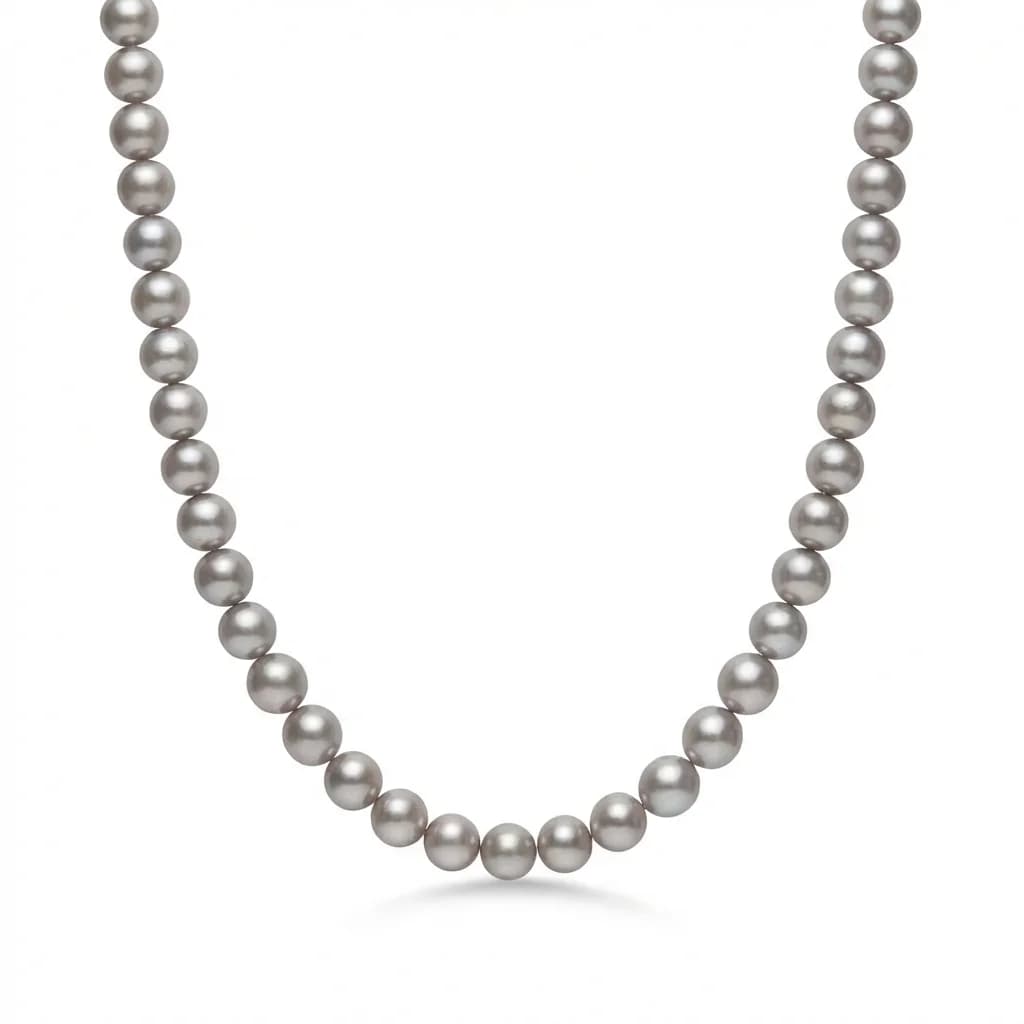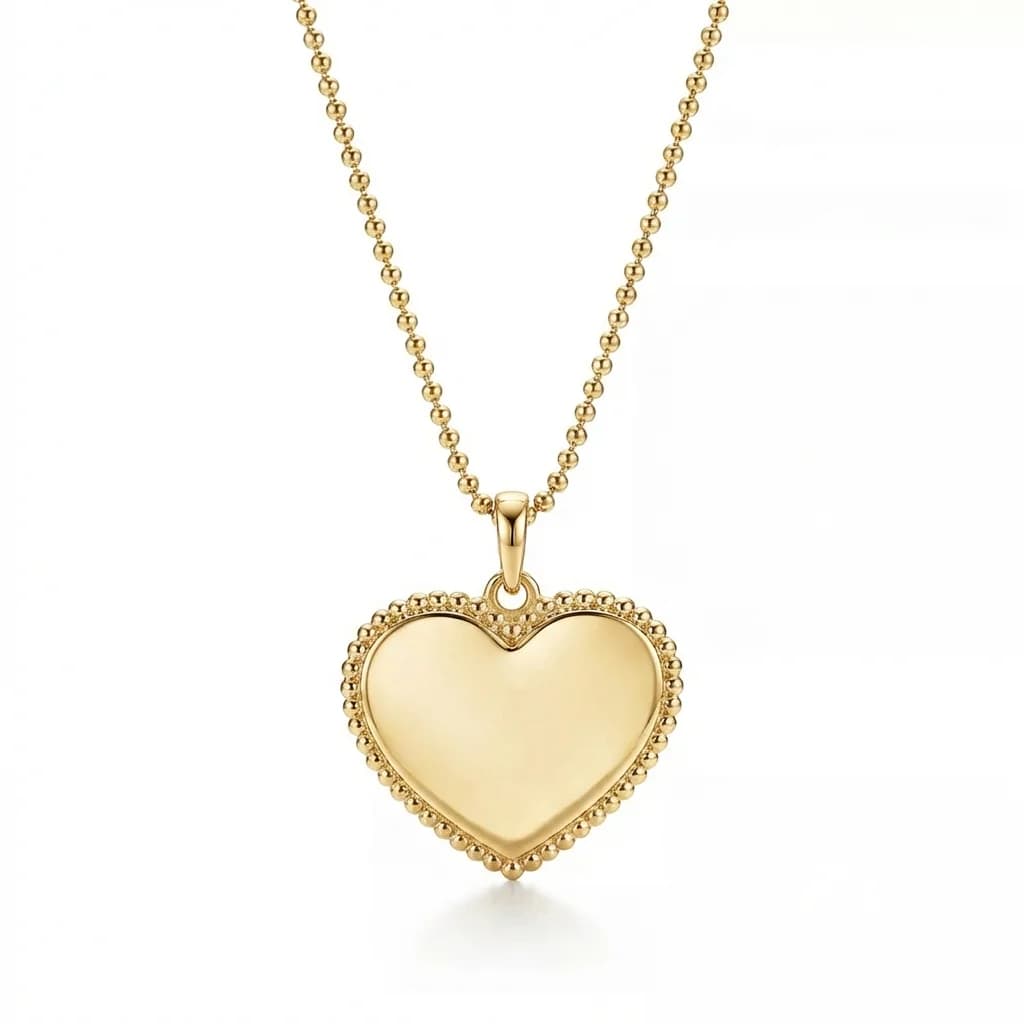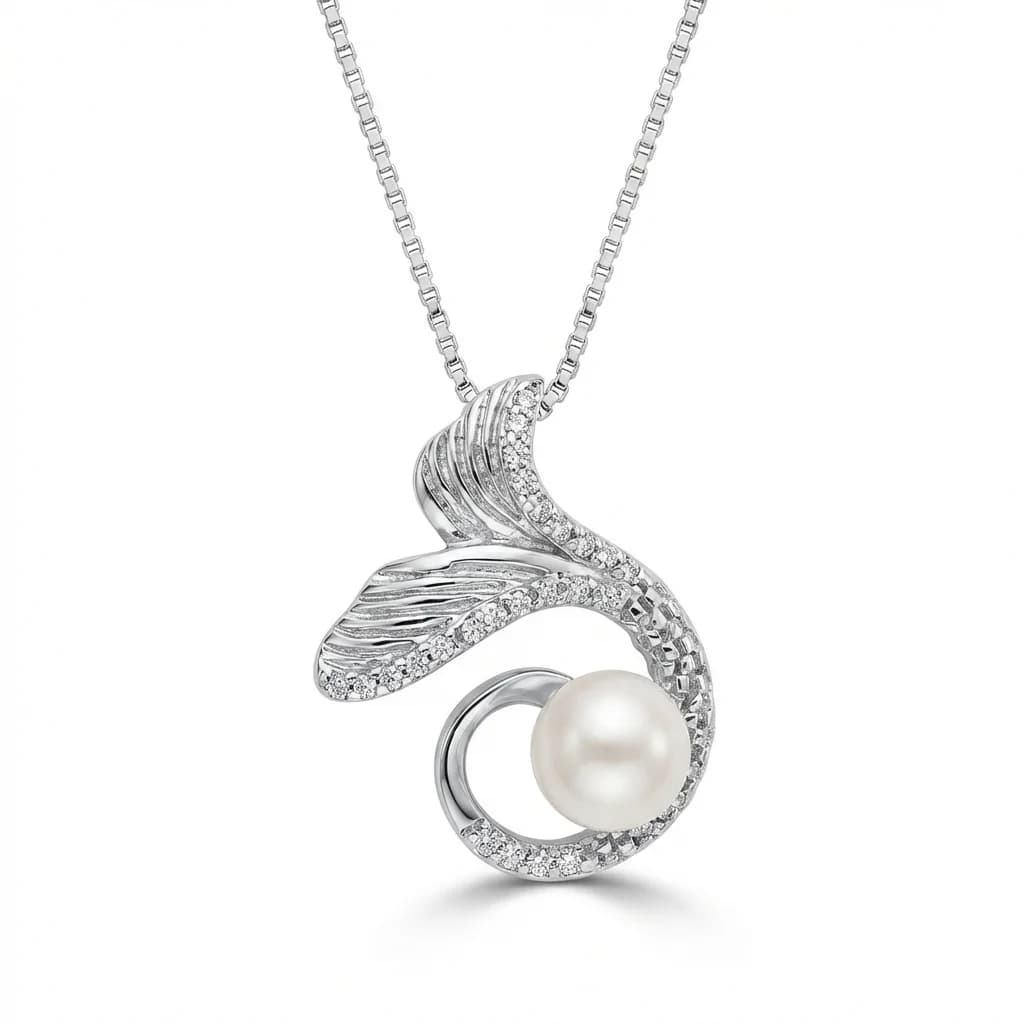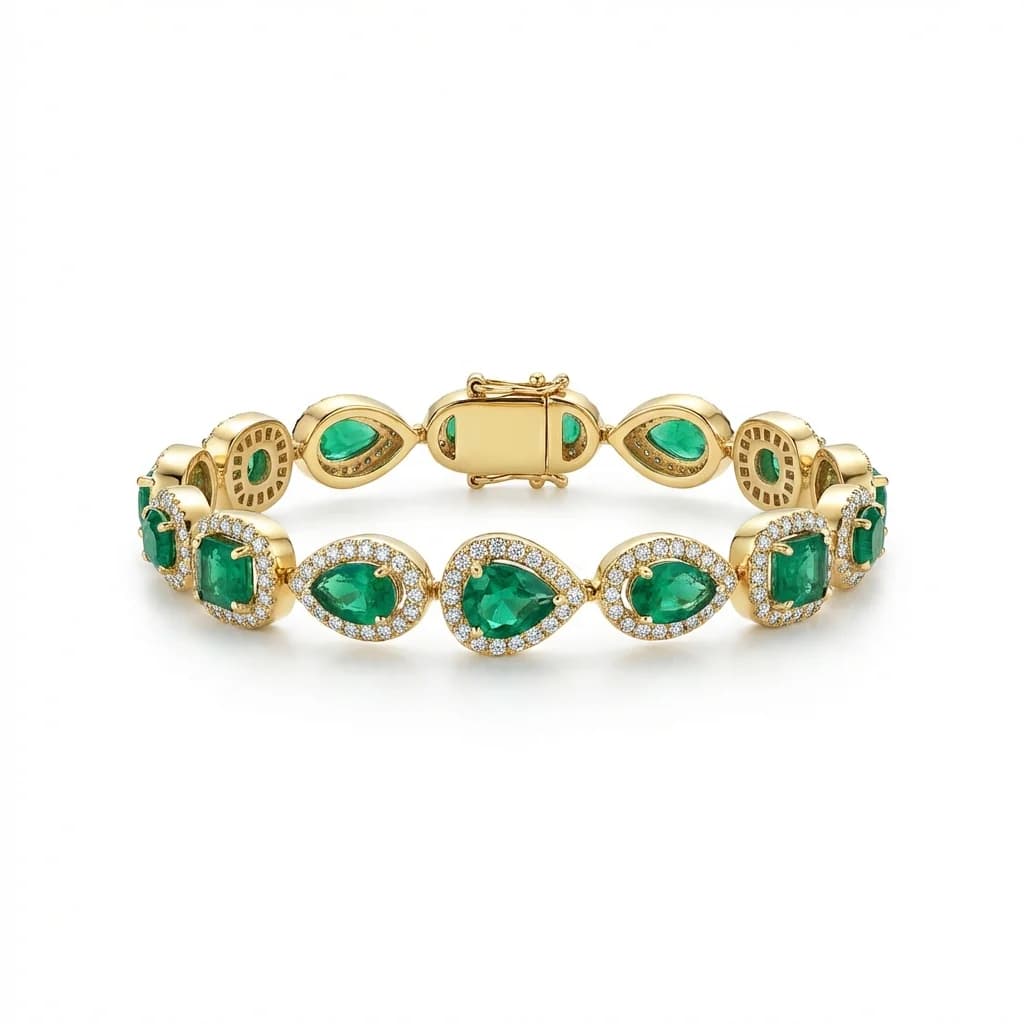
How AI Creates Consistent Jewelry Photos Across Your Entire Catalog
Why catalog consistency matters for jewelry brands, and how AI retouching guarantees identical lighting, background, and style across hundreds of product images.
TL;DR
Inconsistent jewelry photos reduce buyer confidence by 40% and conversion rates by 23%. The three pillars of consistency are identical backgrounds, uniform lighting, and standardized positioning. AI retouching with style references is the most reliable way to achieve this at scale — one reference image defines your standard for every product.
Why Consistency Makes or Breaks Jewelry Catalogs
Inconsistent product photos are the #1 quality killer in jewelry catalogs. When backgrounds, lighting, and positioning vary between images, buyers perceive lower quality and trust. Consistent catalogs convert 23% higher and receive 40% more buyer confidence than inconsistent ones.
Open any professional jewelry brand's website — Tiffany, Cartier, Pandora — and notice one thing: every single product image looks like it belongs together. Same background. Same lighting direction. Same shadow behavior. Same positioning style.
Now look at a typical small jewelry seller's catalog. White background on one ring, gray on another. Bright lighting here, warm lighting there. One piece fills the frame, the next is a tiny dot in the center.
This inconsistency doesn't just look unprofessional — it directly costs sales: - 40% reduction in buyer confidence (Baymard Institute) - 23% lower conversion rates compared to consistent catalogs - Higher return rates from mismatched expectations - Lower average order values (buyers purchase fewer items) - Reduced time-on-site as shoppers disengage faster
For wholesale buyers evaluating new suppliers, catalog inconsistency is often a disqualifying factor.
The Psychology of Visual Consistency in Online Shopping
Human brains process visual patterns 60,000 times faster than text. Consistent product imagery creates a cohesive brand experience that builds trust, reduces cognitive load during shopping, and signals professionalism. Shoppers spend 40% more time on catalogs with consistent visual presentation.
Understanding why consistency matters requires understanding how shoppers process visual information:
Pattern recognition: The human brain processes visual patterns 60,000 times faster than text. When product images follow a consistent pattern, shoppers can quickly compare products and make decisions. Inconsistency forces the brain to re-orient with each image, creating friction.
Trust building: Visual consistency signals that a business pays attention to detail. If a company can't maintain consistent photos, buyers subconsciously wonder: can they maintain consistent product quality?
Brand experience: Luxury brands invest heavily in visual consistency because it creates an immersive shopping experience. Every touchpoint reinforces the brand identity.
Cognitive load reduction: When backgrounds, lighting, and positioning are consistent, shoppers focus on what matters — the jewelry itself. Varying presentations force buyers to mentally normalize each image.
The research backs this up: - Shoppers spend 40% more time browsing consistent catalogs - Product comparison is 3x faster with standardized imagery - Purchase confidence increases when images feel curated rather than random
What Makes Jewelry Photos Inconsistent?
The five main causes of inconsistency are: varying backgrounds (different colors and textures), inconsistent lighting (changing conditions between shoots), non-standard positioning (different angles per piece), color shifts (white balance variations), and editor differences (multiple retouchers producing different results).
Inconsistency creeps into jewelry catalogs from multiple sources:
1. Background variations: - Different shooting locations or surfaces - Inconsistent background removal (some with halos, some without) - Varying background colors (pure white vs off-white vs gray)
2. Lighting changes: - Natural light varies by time of day and weather - Different studio setups for different shoots - Mixed lighting temperatures (warm studio plus cool window)
3. Positioning differences: - No standardized angle for each jewelry category - Different photographers frame pieces differently - Inconsistent use of props and supports
4. Color shifts: - White balance changes between sessions - Different camera settings or cameras - Monitor calibration differences during editing - Gold appearing orange in some photos and yellow in others
5. Post-processing variations: - Different editors applying different correction levels - Inconsistent shadow creation or removal - Varying levels of metal polishing and gemstone enhancement - No documented processing standards
Even studios with strict standards see drift over time. An editor who processes 50 images on Monday may produce subtly different results on Friday.
Manual Approaches to Achieving Consistency
Manual consistency requires a fixed lighting setup with documented measurements, standardized positioning guides per category, consistent camera settings, a single editor (or strict style guide for teams), and regular quality audits. This works but is expensive, fragile, and breaks when conditions change.
Traditional approaches to catalog consistency rely on controlling every variable:
Photography standards: - Fixed lighting rig that never moves (document exact positions) - Marked positions on shooting surface for each jewelry category - Consistent camera distance, focal length, and settings - Gray card calibration at the start of every session - Same camera body and lens for all catalog work
Post-processing standards: - Documented Photoshop action sets for each step - Single editor for entire catalog (eliminates editor-to-editor variation) - Approved example images for each category as reference - Batch processing with identical settings where possible - Regular quality audits comparing new images to established standards
Limitations of manual approaches: - Expensive: Dedicated studios, equipment, trained editors - Fragile: One change (new editor, moved light, different day) breaks consistency - Time-intensive: Quality auditing adds 20-30% to processing time - Scalability: More products equals more opportunity for drift - Single point of failure: If your one consistent editor leaves, standards can slip
For small jewelry businesses, maintaining this level of control is often impractical. This is exactly where AI retouching with style references fills the gap.
How Style References Solve the Consistency Problem
A style reference is one perfect image that defines your catalog standard — background, lighting, shadows, positioning. AI retouching applies this exact standard to every new image automatically, regardless of original shooting conditions. This eliminates human variability and guarantees pixel-level consistency across any volume.
The style reference approach fundamentally changes how consistency is achieved:
How it works: 1. Select one perfectly-finished product image as your reference 2. This reference defines: background color, lighting direction, shadow style, reflection behavior, overall mood 3. Upload any new jewelry photo — shot in any conditions 4. AI processes the new photo to match your reference exactly 5. Output has identical background, lighting, and shadow treatment
What the reference controls: - Background: Exact same color, gradient, and edge treatment - Lighting: Direction, intensity, and color temperature matched - Shadows: Same direction, softness, opacity, and spread - Metal rendering: Consistent reflection and polish level - Overall color grading: Unified look and feel
Why this approach is superior to manual standardization: - Input quality doesn't matter as much — AI normalizes everything - No documentation needed — the reference IS the documentation - No training needed — AI interprets the reference automatically - No drift over time — reference is immutable - Works with any volume — image 1 and image 10,000 are identical
The style reference approach means a jewelry seller photographing products at a kitchen table with a smartphone can achieve the same catalog consistency as a professional studio.
Common Consistency Mistakes and How to Avoid Them
The biggest mistakes are having no defined standard (just "make it look good"), changing reference styles mid-catalog, over-processing some images while under-processing others, inconsistent cropping ratios, and not reviewing images side-by-side. Always process entire categories as batches with the same reference.
Even with good tools, consistency fails when these mistakes are made:
1. No defined standard: - Mistake: Telling editors to just make it look professional - Fix: Choose one specific reference image and never deviate
2. Changing references mid-catalog: - Mistake: Using different reference styles as you process - Fix: Commit to one reference per category and stick with it
3. Inconsistent cropping: - Mistake: Different aspect ratios and framing for similar pieces - Fix: Standardize output dimensions per category
4. Processing in isolation: - Mistake: Reviewing each image individually - Fix: Always compare new images against existing catalog grid view
5. Mixing processing methods: - Mistake: Some images manually edited, some AI processed - Fix: Use one processing method for your entire catalog
6. Ignoring category differences: - Mistake: Using the same exact reference for rings and necklaces - Fix: Create category-specific references
7. Not batch processing: - Mistake: Processing one image at a time over weeks - Fix: Process entire categories as batches to ensure consistency
The simplest rule: if two images from the same category look like they came from different catalogs, your consistency needs work.
Building a Consistent Jewelry Catalog: Step-by-Step
Start by auditing your current photos for inconsistencies. Choose or create one ideal reference image per jewelry category. Process your entire existing catalog through AI retouching with those references. Establish a workflow where every new product photo gets processed with the same reference before publishing.
Here's a practical roadmap to transform an inconsistent catalog into a professional one:
Step 1: Audit your current catalog - View all products in a grid layout - Note inconsistencies: backgrounds, lighting, sizing, color - Rate each category's consistency from 1-10
Step 2: Define your standard - Select your single best product image (or have one professionally shot) - This becomes your primary style reference - Consider separate references per category if needed
Step 3: Process your existing catalog - Start with your most visible products (bestsellers, featured items) - Process all items in a category together as a batch - Compare results side-by-side in a grid view
Step 4: Update your storefront - Replace old images with consistent new ones - Update all platforms simultaneously (website, Etsy, Amazon, etc.)
Step 5: Establish ongoing workflow - Photograph new products as usual - Process through AI retouching with your established reference - Review against existing catalog for consistency - Publish only after confirming the new image fits the catalog
The investment: Processing a 200-product catalog costs $180-$398 with AI retouching. The return: a professional, consistent catalog that builds trust, converts higher, and differentiates your brand from competitors with amateur-looking listings.
blog.consistentPhotos.section8Title
blog.consistentPhotos.section8Answer
blog.consistentPhotos.section8Body
blog.consistentPhotos.section9Title
blog.consistentPhotos.section9Answer
blog.consistentPhotos.section9Body
blog.consistentPhotos.section10Title
blog.consistentPhotos.section10Answer
blog.consistentPhotos.section10Body
Transform your catalog into a consistent, professional collection. Try Jewels Retouch free — 3 images included.
Try Jewels Retouch Free