AI-Ready Jewelry Catalog Photography Standards 2026
The complete 2026 guide to jewelry catalog photography standards — lighting, backgrounds, angles, and how AI retouching enforces consistency across hundreds of SKUs.
TL;DR
Professional jewelry catalogs require 3000px+ resolution, consistent white or gradient backgrounds, standardized lighting setups, accurate color reproduction, and uniform positioning. AI retouching with style references is now the most cost-effective way to achieve catalog-grade consistency across hundreds of SKUs.
Why Catalog Photography Standards Matter in 2026
Catalog-grade photography standards ensure every product image looks professional, consistent, and trustworthy. In 2026, 87% of jewelry purchases start with online browsing. Inconsistent product photos reduce buyer confidence by up to 40% and increase return rates, making standardized photography essential for revenue.
Jewelry catalog photography has evolved from a nice-to-have into a business-critical operation. In 2026, 87% of jewelry purchases begin with online browsing, whether on marketplace platforms, brand websites, or social media.
When a buyer scrolls through a jewelry catalog — whether a wholesaler evaluating a new supplier or a consumer browsing an online store — inconsistent photos immediately signal unprofessionalism. Research from the Baymard Institute shows that inconsistent product imagery reduces buyer confidence by up to 40%.
Catalog standards aren't just about making photos look pretty. They directly impact: - Conversion rates (consistent catalogs convert 23% higher) - Return rates (accurate representation reduces returns by 22%) - Brand perception (professional imagery justifies premium pricing) - Wholesale buyer confidence (B2B buyers expect catalog-grade consistency) - Platform ranking (marketplaces favor high-quality listings)
Resolution and File Format Requirements
Professional jewelry catalogs require minimum 3000x3000px resolution for zoom capability. Use PNG for web with transparency needs, JPEG at 90%+ quality for general use, and TIFF for print catalogs. Always shoot at maximum camera resolution — you can downscale but never upscale without quality loss.
Resolution requirements vary by end use, but the industry standard has increased significantly:
Web catalogs: - Minimum: 2000x2000px (marketplace requirement) - Recommended: 3000x3000px (allows zoom without quality loss) - Hero/featured images: 4000x4000px or higher
Print catalogs: - Minimum: 300 DPI at final print size - Recommended: Full camera resolution (typically 6000x4000px+)
File formats: - JPEG (90%+ quality): Standard for web catalogs, good compression-to-quality ratio - PNG: When transparency is needed (layered catalog layouts) - TIFF: Print production, lossless quality - WebP: Modern web delivery, 25-35% smaller than JPEG at equal quality
Always shoot at your camera's maximum resolution. You can always downscale, but upscaling introduces artifacts that are especially visible on reflective metal surfaces and gemstone facets.
Background Standards for Jewelry Catalogs
Pure white (#FFFFFF) is the industry standard for jewelry catalog backgrounds, required by most e-commerce platforms. Gradient backgrounds (white to light gray) add subtle depth. Consistent backgrounds across every product image are essential — AI tools can replace varied backgrounds automatically.
Background consistency is the most immediately visible quality indicator in any jewelry catalog.
Industry standard backgrounds: - Pure white (#FFFFFF): Required by Amazon, recommended by most platforms. Creates the cleanest, most professional look. - Light gradient (white to #F0F0F0): Adds subtle depth without distraction. Popular for luxury brand catalogs. - Brand-consistent colored: Some luxury brands use signature backgrounds (Tiffany blue, Cartier red) — only appropriate for brand-owned channels.
What to avoid: - Inconsistent backgrounds across products (the #1 catalog quality killer) - Textured surfaces (marble, fabric, wood) for primary catalog shots - Colored backgrounds that alter perceived metal or stone colors - Shadows that vary in direction or intensity between shots
For brands shooting in various conditions, AI background replacement ensures every image gets the exact same background treatment. This is particularly valuable for wholesale catalogs where hundreds of SKUs need identical presentation.
Lighting Consistency Across Product Lines
Consistent lighting means identical light direction, intensity, color temperature (5500K daylight), and shadow behavior across all catalog images. Use a standardized lightbox or two-light setup and document your exact configuration. AI retouching with style references can normalize lighting across images shot in different conditions.
Lighting consistency is what separates amateur product shots from catalog-grade photography. Every image in a catalog should look like it was shot in the same session, even if products were photographed weeks apart.
Key lighting standards: - Color temperature: 5500K (daylight balanced) for accurate metal and stone color reproduction - Direction: Consistent 45-degree front lighting with fill - Intensity: Uniform exposure across all products (plus or minus 0.3 EV tolerance) - Shadow: Consistent shadow direction, softness, and intensity - Reflection: Controlled specular highlights that reveal material quality
Recommended setups: - Professional: Two softbox lights at 45 degrees, one fill light below, light tent or cube - Budget: LED lightbox ($50-$150) with consistent positioning marks - Smartphone: Ring light plus white diffuser in consistent position
Document your exact lighting setup with measurements and photos. When you need to reshoot or add new products months later, you can recreate the identical conditions.
For brands that can't maintain identical lighting conditions, AI retouching with a style reference image normalizes lighting across all images to match your established standard.
Positioning and Angle Standards
Standardize positioning by jewelry category: rings at 15-20 degree tilt face-on, necklaces laid flat or on a bust form, earrings in symmetrical pairs, bracelets in C-shape or flat. Mark positions on your shooting surface and use consistent props. Every piece in a category should occupy the same frame area.
Consistent positioning means every ring looks like it was photographed by the same person in the same session, and every necklace follows the same layout pattern.
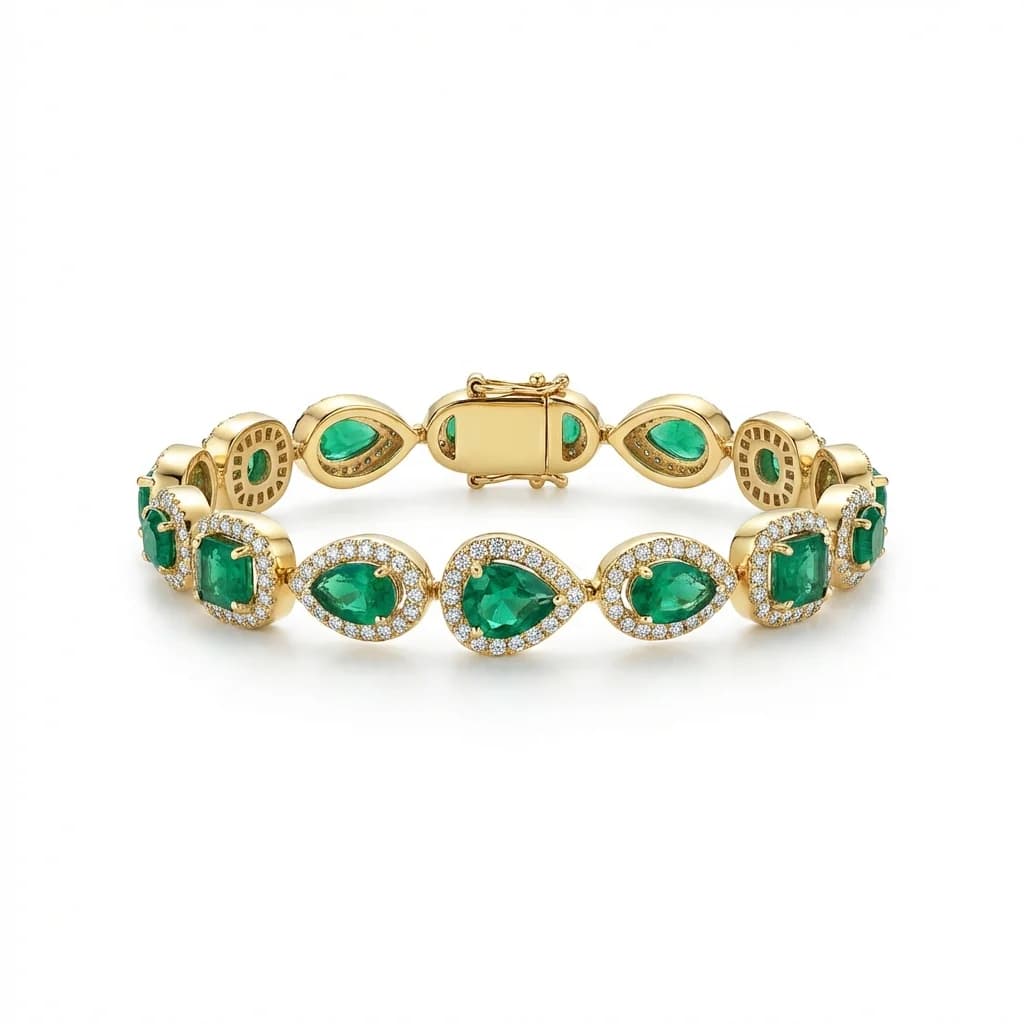
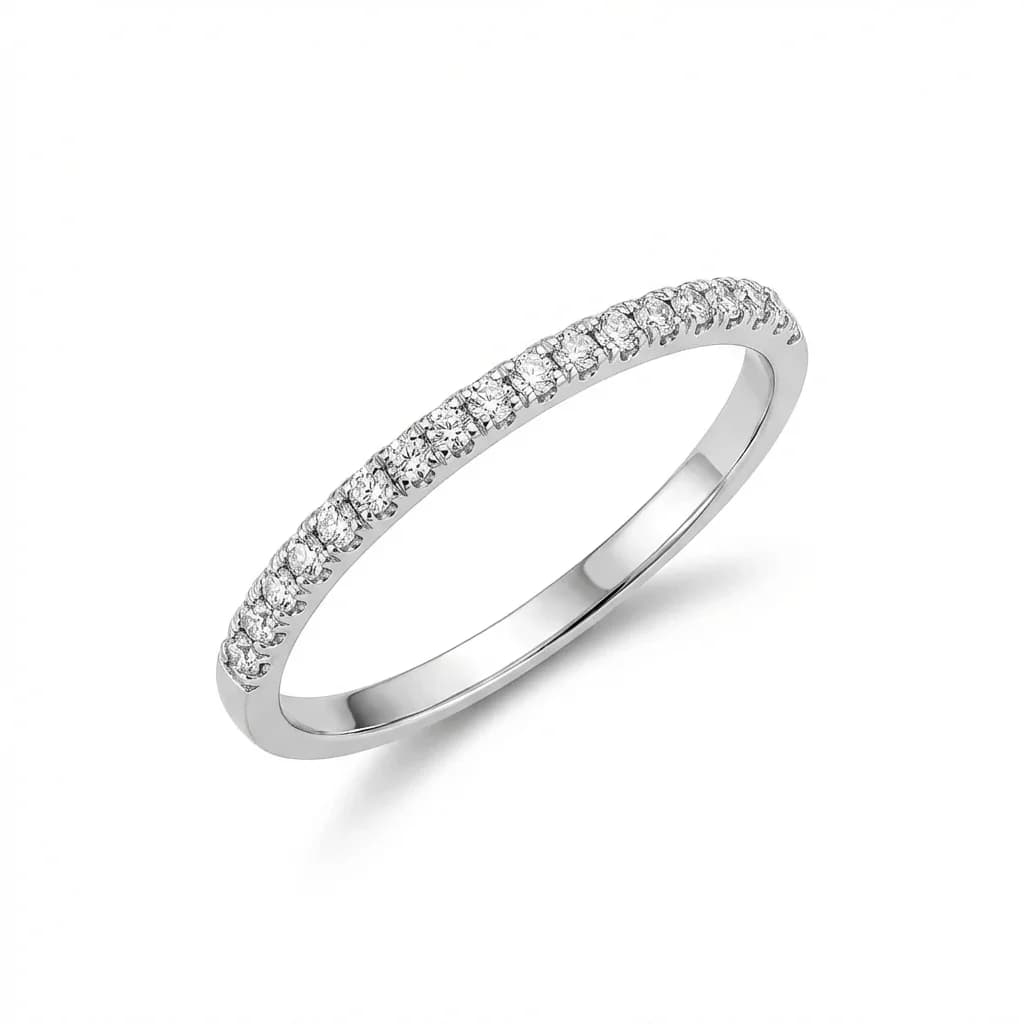
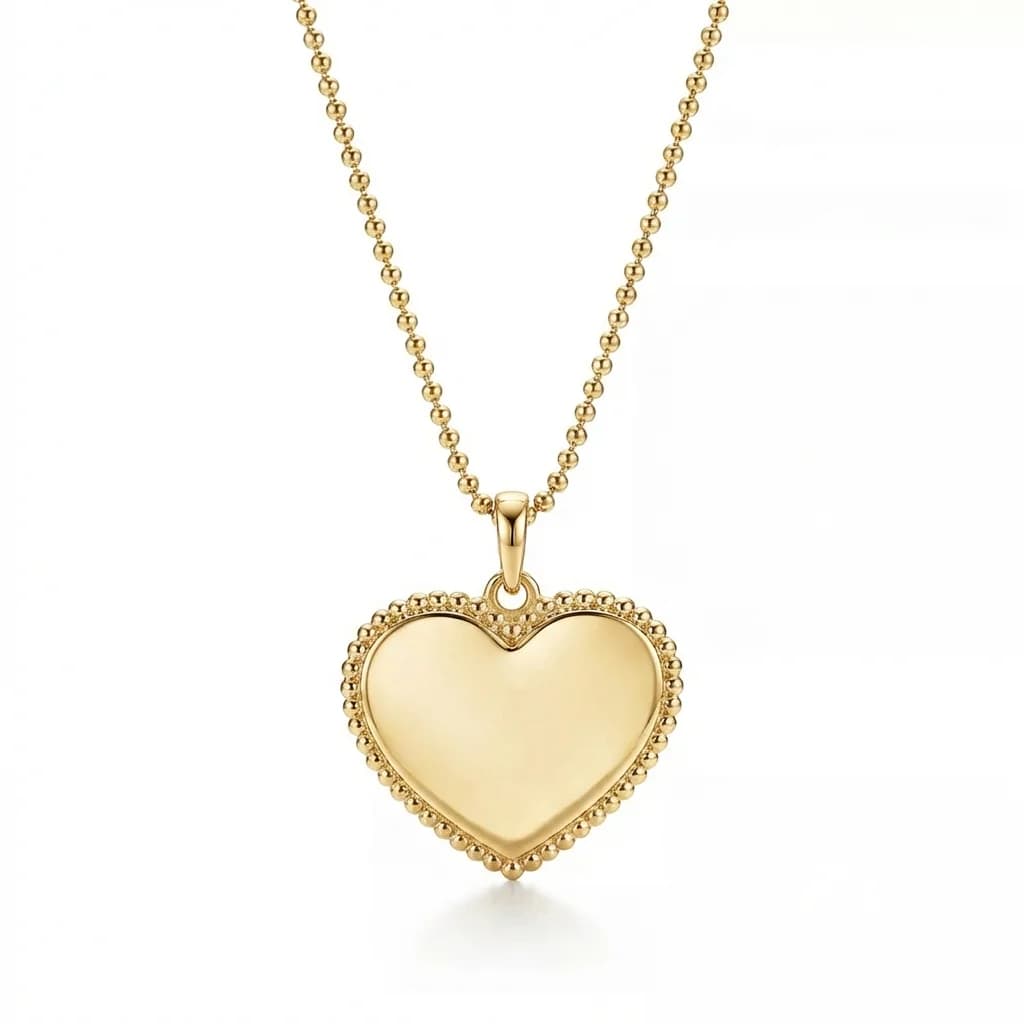
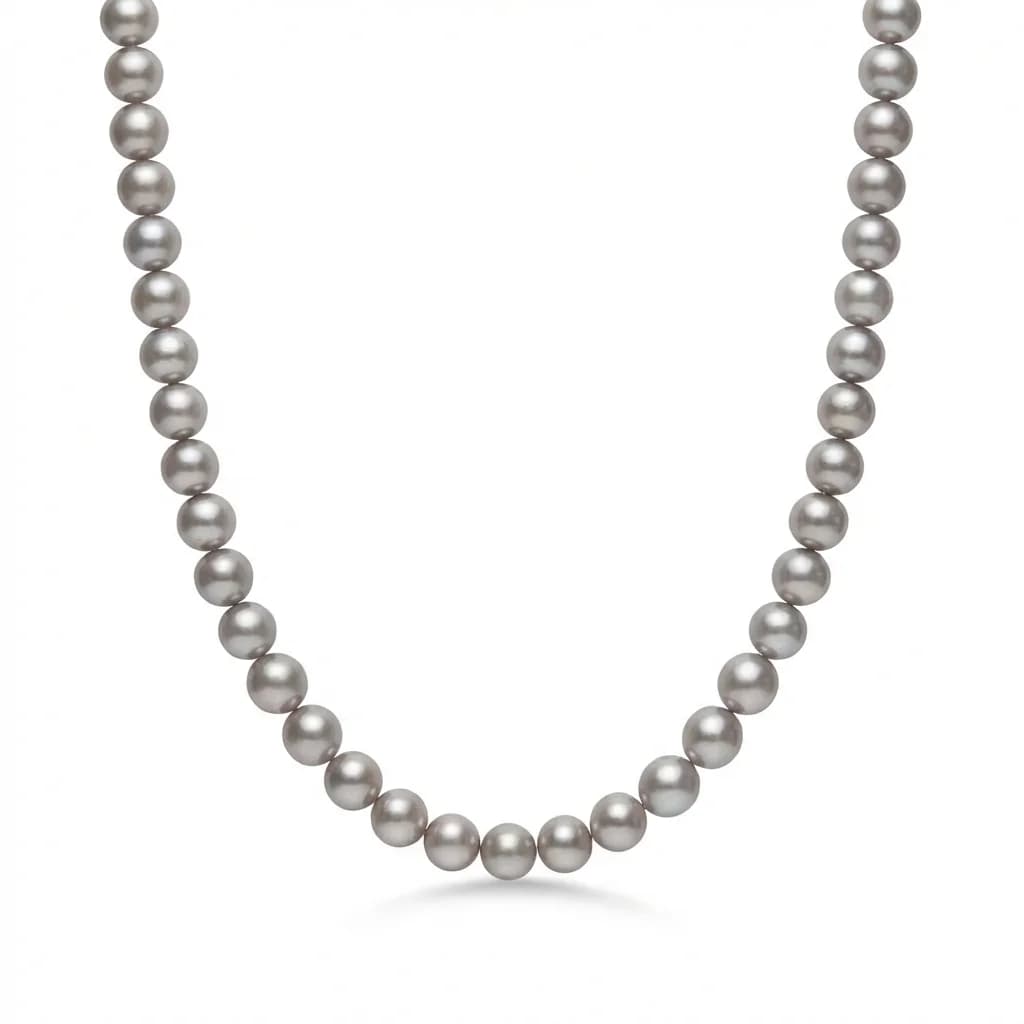
Standard positions by category: - Rings: 15-20 degree tilt toward camera, face-on showing top of setting. Center stone at frame center. - Necklaces: Laid flat in natural drape or displayed on a bust form at consistent angle. Clasp positioned consistently (usually hidden or at top). - Earrings: Displayed as a symmetrical pair with consistent spacing. Both pieces at identical angles. - Bracelets: Displayed in natural C-shape curve or laid flat. Clasp positioned consistently. - Pendants: Hung straight or at slight angle. Chain length consistent in frame.
Implementation tips: - Mark positions on your shooting surface with tape or laser guides - Use consistent props (ring holders, bust forms, earring cards) - Maintain consistent distance from camera to jewelry (same apparent size) - Every piece in a category should occupy roughly the same percentage of the frame (60-80%)
For brands with existing inconsistent photography, AI retouching with a style reference can reposition pieces to match your standard angle and framing.
Color Accuracy and White Balance
Color accuracy is critical — customers expect gold to look like gold, not orange or brown. Use a gray card or ColorChecker for white balance calibration. Shoot in RAW format for maximum color editing latitude. Different metals require different white balance fine-tuning to appear true-to-life.
Color accuracy directly impacts customer trust and return rates. A gold ring that appears orange in photos will either fail to sell or result in returns from disappointed customers.
White balance standards: - Use a gray card or X-Rite ColorChecker for calibration before each session - Set custom white balance on camera (don't rely on auto) - Shoot in RAW format for maximum post-processing flexibility - Monitor calibration: Use a calibrated display for editing
Metal color benchmarks: - Yellow gold: Warm but not orange (RGB approximately 255, 215, 0) - Rose gold: Pink-warm, not red (RGB approximately 232, 180, 184) - White gold: Cool silver-white, not blue-gray (RGB approximately 232, 232, 232) - Sterling silver: Bright reflective, not dull gray - Platinum: Slightly warmer than silver, with deeper reflections
Gemstone color accuracy: - Diamonds should show clear fire and brilliance, not appear dull white - Colored stones should match their in-person appearance under daylight - Avoid color casts from ambient lighting that shift stone appearance
Consistency across your catalog matters more than perfect accuracy. If all your gold pieces have the same warm tone, customers trust the representation even if it's slightly different from in-person viewing.
Post-Processing Standards for Catalog Consistency
Post-processing should follow documented standards: identical background replacement, consistent dust and scratch removal, standardized metal polishing levels, uniform gemstone enhancement, and matching shadow and reflection behavior. Create a style guide with approved examples for each jewelry category.
Post-processing is where catalog consistency is ultimately achieved or lost. Even perfectly shot images need consistent processing to look unified.
Standard post-processing checklist: 1. Background replacement: Same background treatment for every image 2. Dust and scratch removal: Clean every piece to identical standard 3. Metal surface polishing: Consistent level of reflection enhancement 4. Gemstone enhancement: Uniform brilliance and color saturation 5. Shadow creation: Identical shadow type, direction, and intensity 6. Color correction: Match to established brand color profiles 7. Sharpening: Consistent sharpening radius and amount 8. Final sizing: Export at standard dimensions and resolution
Create a post-processing style guide: - Document approved examples for each jewelry category - Include specific settings and adjustment values - Train editors (or configure AI) to follow the guide exactly - Review a random sample from each batch for consistency
Traditional studios charge $10-$50 per image for catalog-grade post-processing. A 500-SKU catalog costs $5,000-$25,000 in processing alone, and consistency depends entirely on editor discipline.
How AI Ensures Catalog-Grade Consistency at Scale
AI retouching with a style reference image automatically applies identical backgrounds, lighting, shadows, and enhancement across every image. One reference photo defines your catalog standard, then AI replicates it perfectly for hundreds of SKUs at $0.90-$1.99/image — eliminating human inconsistency at 90%+ cost savings.
AI-powered retouching has fundamentally changed how jewelry catalogs achieve consistency. Instead of relying on human editors to manually replicate standards across hundreds of images, AI uses a style reference to automatically apply identical treatment to every photo.
How it works: 1. Photograph your jewelry in reasonable conditions (doesn't need to be perfect) 2. Select one professionally-finished image as your style reference 3. Upload new product photos — AI matches them to your reference standard 4. Every output has identical background, lighting, shadows, and enhancement
What AI normalizes automatically: - Background: Exact same color and gradient across all images - Lighting direction and intensity: Matched to reference - Shadow behavior: Consistent direction, softness, and opacity - Metal surface treatment: Uniform polishing and reflection - Overall color grading: Matched to your brand standard
Cost comparison for a 500-SKU catalog: - Professional studio post-processing: $5,000-$25,000 - Freelance batch editing: $2,500-$12,500 - AI retouching: $450-$995
The AI approach also eliminates the biggest risk in catalog production: human inconsistency. Editor A and Editor B will never process identically, but AI with the same reference produces pixel-level consistency every time.
For wholesale jewelry businesses processing thousands of SKUs across seasonal collections, AI retouching is now the most cost-effective and consistent approach to maintaining catalog-grade photography standards.
blog.catalogStandards.section9Title
blog.catalogStandards.section9Answer
blog.catalogStandards.section9Body
blog.catalogStandards.section10Title
blog.catalogStandards.section10Answer
blog.catalogStandards.section10Body
Achieve catalog-grade consistency across your entire product line. Try Jewels Retouch free — 3 images included.
Try Jewels Retouch Free