Best AI Tools for Jewelry Photography 2026
The definitive 2026 ranking of AI tools for jewelry photography — from retouching and background removal to 3D rendering and virtual try-on. Features, pricing, and real results compared.
TL;DR
In 2026, the best AI tools for jewelry photography are Jewels Retouch (best for catalog retouching at $0.90/image), Photoroom (best general-purpose editor), Adobe Firefly (best for creative control), and Pixelcut (best free tier). No single tool dominates every use case — your choice depends on whether you need jewelry-specific quality or general product photography.
Why AI Jewelry Photography Tools Matter in 2026
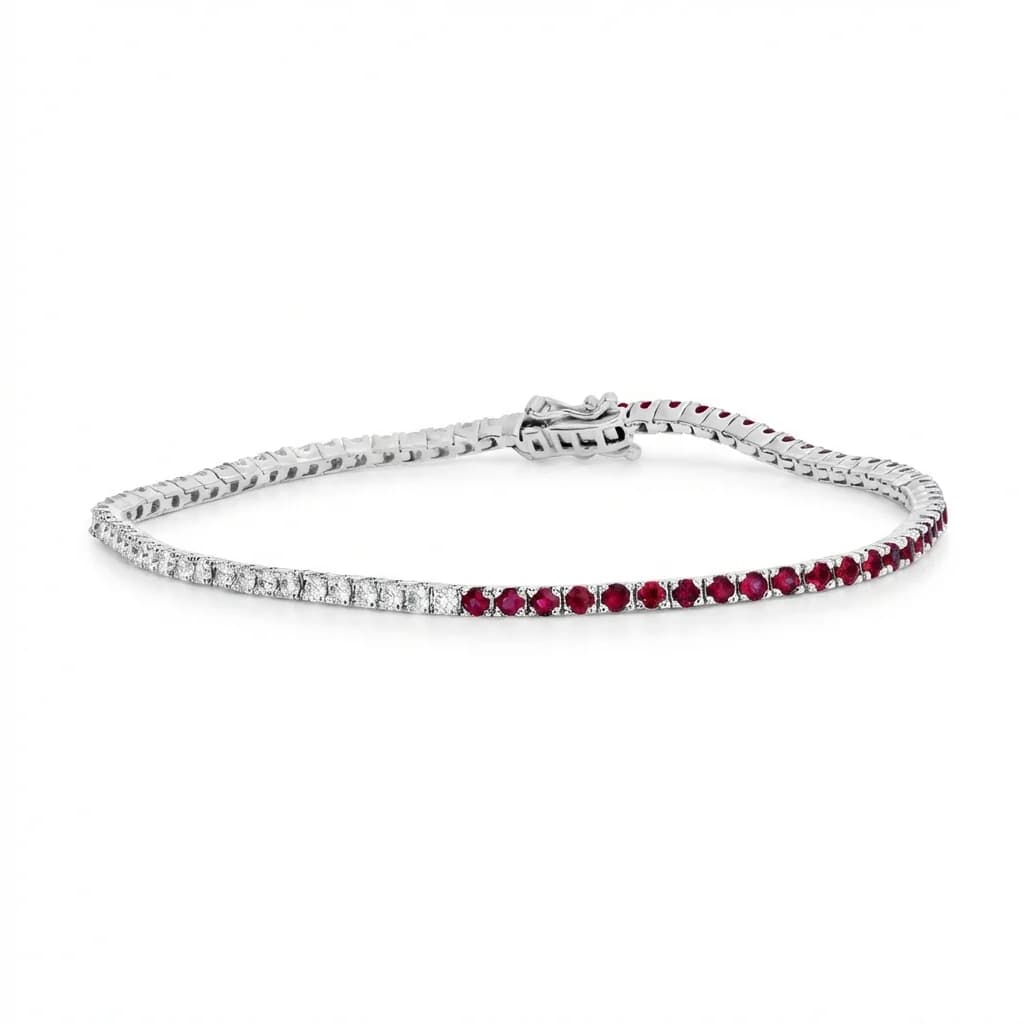
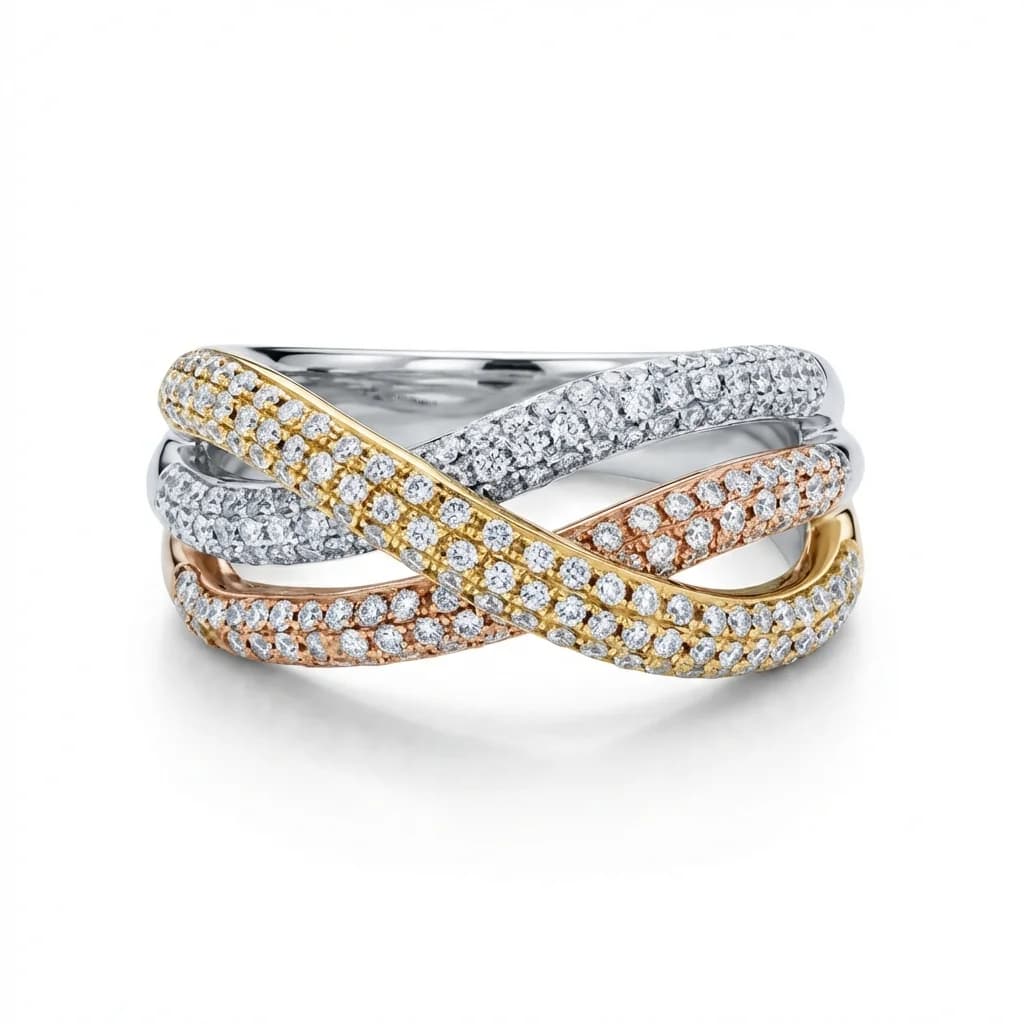
AI has fundamentally changed jewelry photography. In 2026, AI tools can remove backgrounds, enhance gemstones, polish metal surfaces, create consistent catalog images, and even generate lifestyle scenes — all in seconds instead of hours. Jewelry businesses that use AI photography tools save 80–95% on retouching costs while producing higher-quality results than manual editing.
blog.bestAiToolsJewelryPhotography2026.section1Body
Jewels Retouch: Best for Jewelry Catalog Retouching
Jewels Retouch is the only AI tool built exclusively for jewelry retouching. Its style reference system ensures identical backgrounds, lighting, and presentation across every product image. Features include one-click retouching, metal color editing, gemstone enhancement, set composition, and free preview before paying. Pricing: $0.90–$1.99 per image with no subscription required.
blog.bestAiToolsJewelryPhotography2026.section2Body
Photoroom: Best General Product Photo Editor
Photoroom is a leading general-purpose AI product photo editor with excellent background removal, templates for social media, and batch processing. It handles all product categories well but lacks jewelry-specific features like metal enhancement, gemstone optimization, and style reference consistency. Pricing: Free tier available, Pro from $9.99/month.
blog.bestAiToolsJewelryPhotography2026.section3Body
Adobe Firefly: Best for Creative Control
Adobe Firefly integrated into Photoshop offers the most powerful creative editing with AI assistance — generative fill, AI-powered selection, and content-aware tools. It requires significant skill and time (30–60 minutes per image) but provides unmatched creative freedom. Pricing: $20.99/month for the Photography plan.
blog.bestAiToolsJewelryPhotography2026.section4Body
Pixelcut: Best Free AI Photo Tool
Pixelcut offers a generous free tier for background removal and basic product photo editing. The quality is adequate for casual sellers but lacks the jewelry-specific optimization needed for professional catalogs. Good for testing AI photography before committing to a specialized tool. Pricing: Free tier, Pro from $9.99/month.
blog.bestAiToolsJewelryPhotography2026.section5Body
Feature Comparison: All Tools Side by Side
Jewels Retouch is the only tool offering jewelry-specific AI, style reference matching, and metal/stone color editing. Photoroom leads in template variety and social media features. Adobe Firefly offers the most manual creative control. Pixelcut provides the best free tier. Processing speed: Jewels Retouch and Photoroom are fastest (30–60 seconds), Adobe Firefly is slowest (30–60 minutes of manual work).
blog.bestAiToolsJewelryPhotography2026.section6Body
Which AI Jewelry Photography Tool Should You Choose?
Choose Jewels Retouch for dedicated jewelry catalog retouching with style reference consistency. Choose Photoroom for multi-category product photos with social media templates. Choose Adobe Firefly for editorial and creative jewelry photography requiring full manual control. Choose Pixelcut for free basic editing before committing to a paid tool. Many jewelers use a combination for different purposes.
blog.bestAiToolsJewelryPhotography2026.section7Body
blog.bestAiToolsJewelryPhotography2026.section8Title
blog.bestAiToolsJewelryPhotography2026.section8Answer
blog.bestAiToolsJewelryPhotography2026.section8Body
blog.bestAiToolsJewelryPhotography2026.section9Title
blog.bestAiToolsJewelryPhotography2026.section9Answer
blog.bestAiToolsJewelryPhotography2026.section9Body
blog.bestAiToolsJewelryPhotography2026.section10Title
blog.bestAiToolsJewelryPhotography2026.section10Answer
blog.bestAiToolsJewelryPhotography2026.section10Body