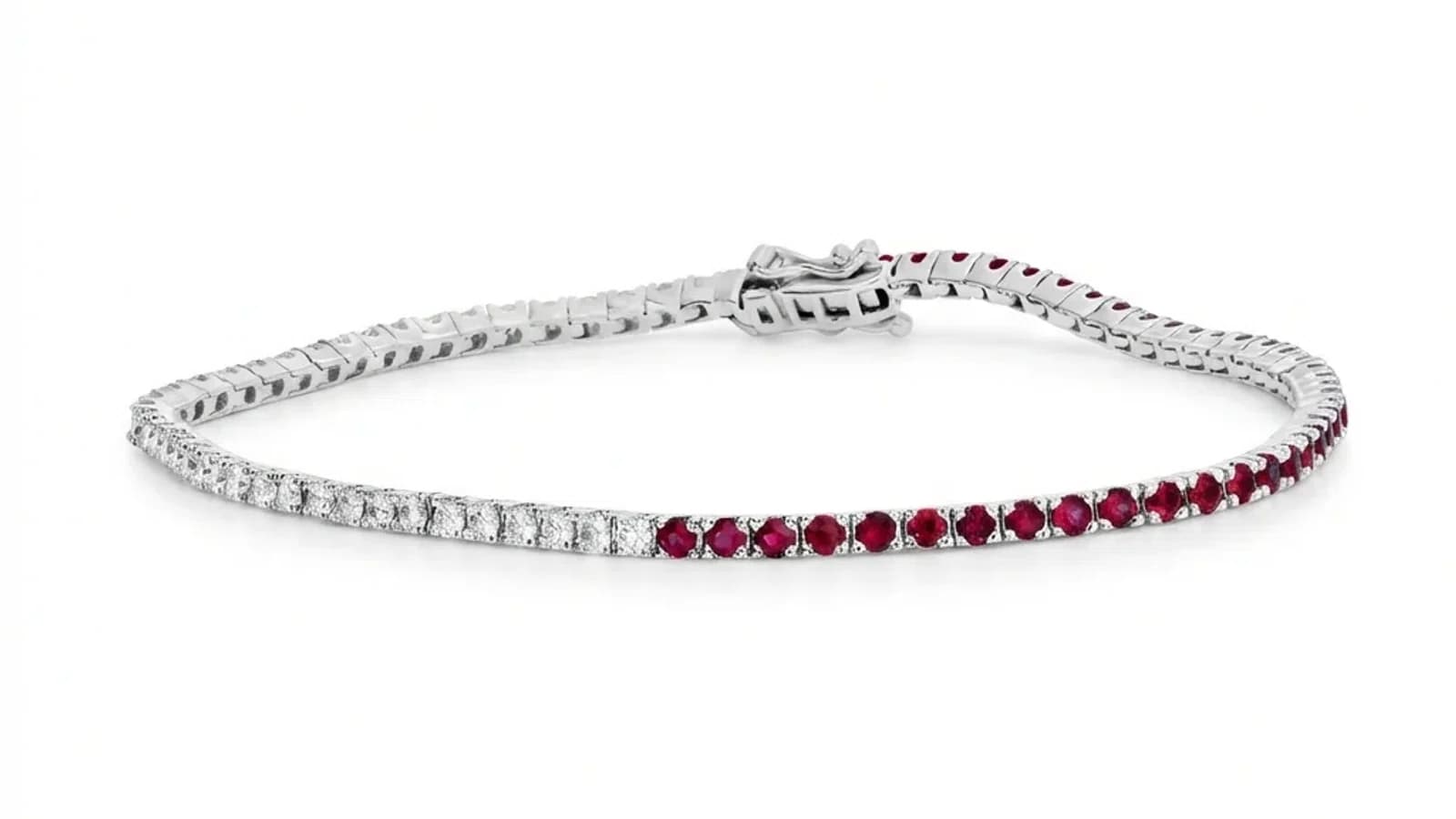
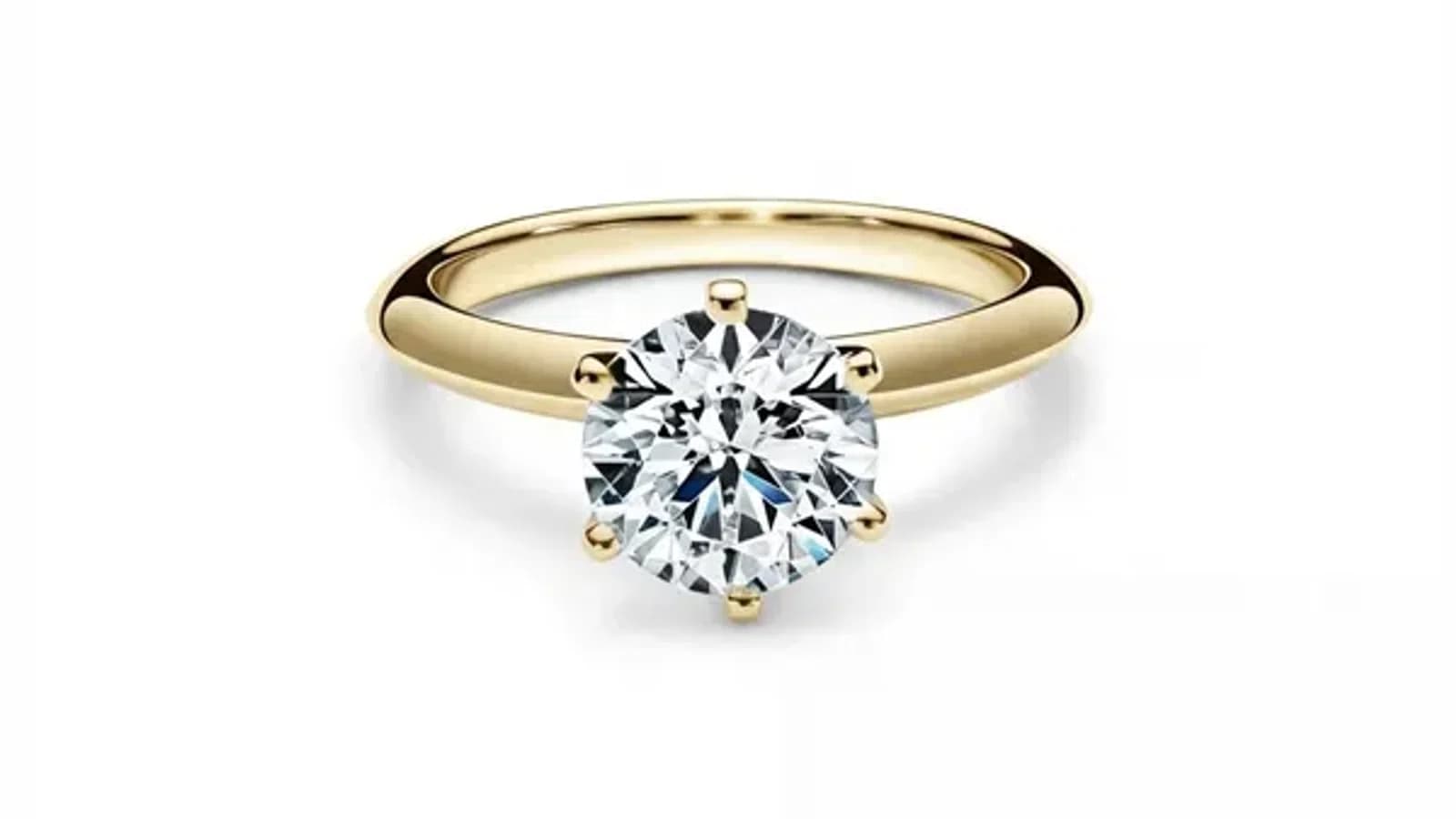
Getur gervigreind raunverulega lagfært skartgripamyndir? Já, en aðeins ef hún skilur skartgripi
Ekki tekst öllum gervigreindarverkfærum fyrir myndir jafn vel með skartgrip. Lærðu af hverju sérhæfðar gervigreindarvinnsluvélar skila niðurstöðum á vörulistastigi á meðan almenn vettvangur framleiðir greinilegar gervigreindarlegar villur.
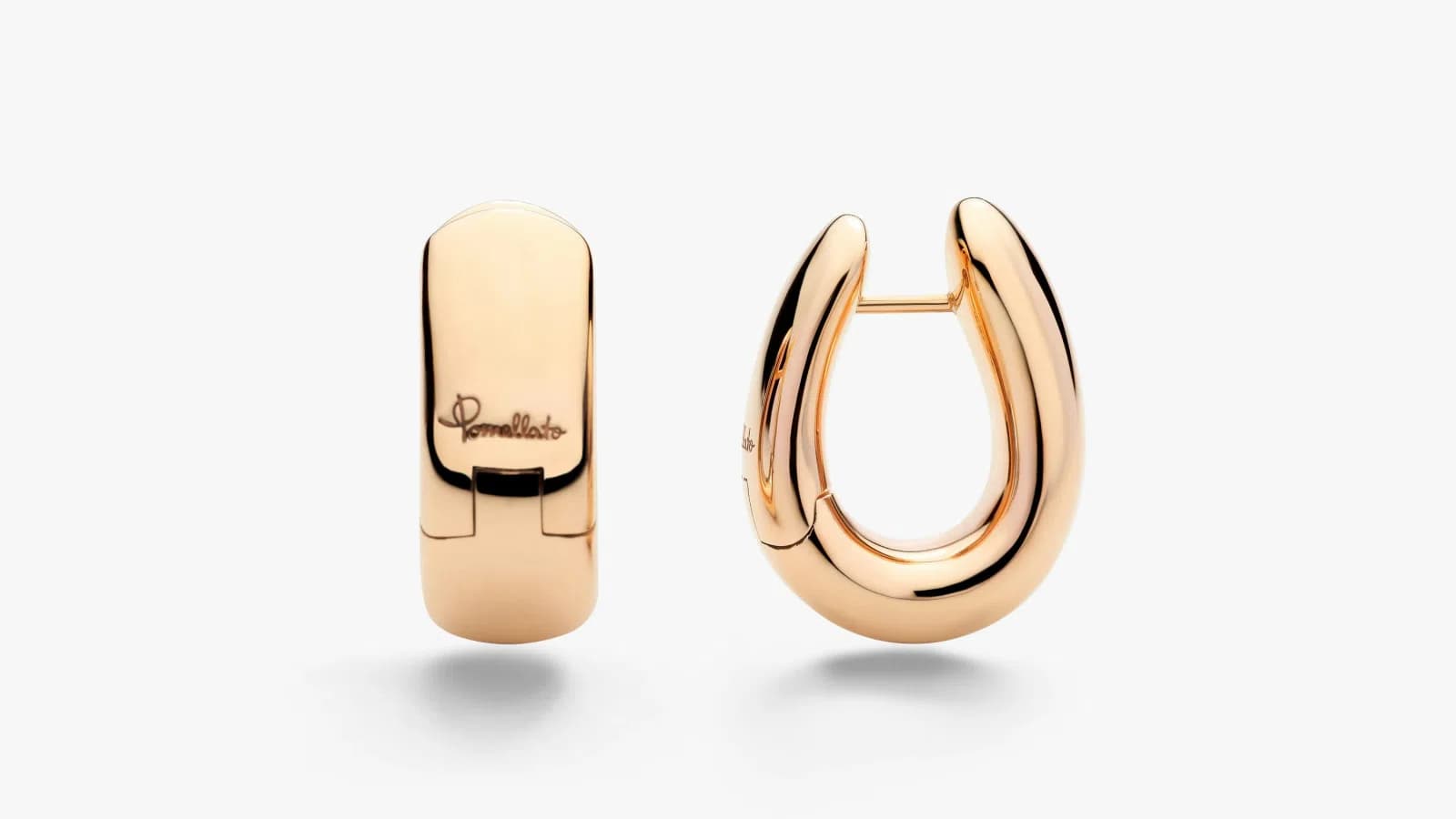
Dragðu til að bera saman
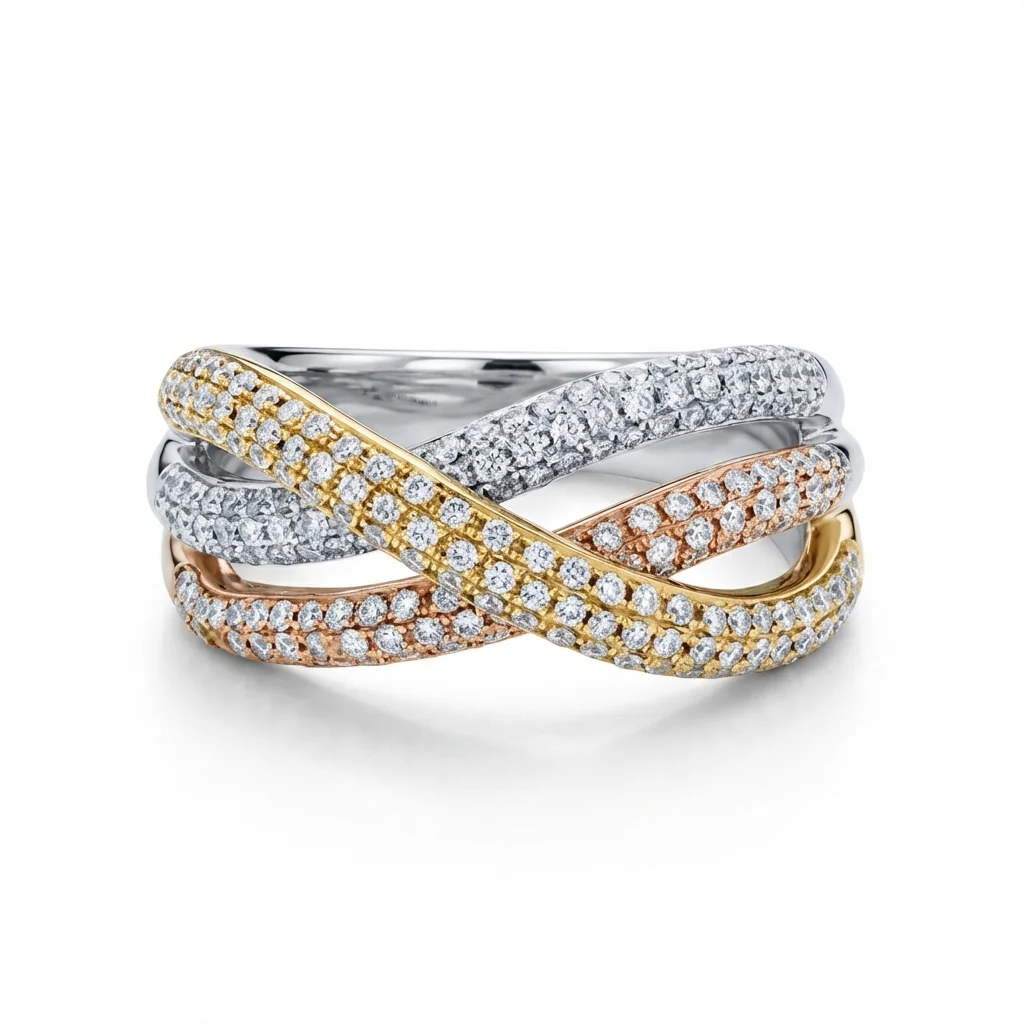
Skoðaðu umbreytinguna
Ein frágangna skartgripamynd, fjögur gagnleg úttök.
- 01Getur gervigreind í raun endursniðið skartgripamyndir upp í faglegar kröfur?Já, en aðeins ef gervigreindin var sérstaklega hönnuð fyrir skartgripi. Almenn gervigreindarverkfæri fyrir myndir ráða við grunnhreinsun, en skartgripir krefjast skilnings á málmendurskini, ljósbroti gimsteina og samræmi við vörulistastaðla sem almenn líkön voru ekki hönnuð fyrir.
- 02Markaðurinn fyrir almenn gervigreindarverkfæri fyrir myndir er mettur: og það séstMarkaðurinn er flæmdur af gervigreindarmyndvettvöngum sem lofa að takast á við allt: vörumyndir, efni í samfélagsmiðla, myndbandsframleiðslu og lífssstílsmyndir. Niðurstaðan er verkfæri sem eru fínstillt fyrir breidd frekar en dýpt, og úttak sem þjálfað auga greinir strax sem gervigreindarmyndað.
- 03Af hverju almenn gervigreindarverkfæri eiga sérstaklega í erfiðleikum með skartgripYfirborð skartgripa, pólískar málmar, slipuðir gimsteinar, fínir hlekkjaðir keðjur, skapar ljóshegðun sem almenn gervigreindalíkön voru ekki þjálfuð til að meðhöndla rétt. Niðurstaðan er úttak sem annaðhvort fletir þessar eiginleika eða uppfinnur ónákvæmar speglur og áferðir.
№ 01
Getur gervigreind í raun endursniðið skartgripamyndir upp í faglegar kröfur?
Stutta svarið er já, gervigreind getur örugglega endursniðið skartgripamyndir. Lengra og gagnlegra svarið er: það fer algjörlega eftir hvaða gervigreind er notuð.
Árið 2026 eru til tugar gervigreindardrifinna myndvinnsluvettvanga. Flestir þeirra geta fjarlægt bakgrunn, stillt lýsingu og gert almennar vörumyndir snyrtilegar. Ef þú selur bolir, símahlífar eða eldhúsvörur munu mörg þessara verkfæra þjóna þér vel.
Skartgrip eru frábrugðin. Gullhringur er ekki flöt, máttuð yfirborðsflötur, hann er flókinn samspil málmpeglana, stýrðra skugga og ljóshegðunar sem breytist eftir málmblandi, frágang og umhverfi. Demantsmeðalgildur er ekki bara hlutur á hvítum bakgrunni, hann hefur innri eld, glæðipeglur og tærleika sem þarf að varðveita, ekki fletja eða búa til með líkani sem hefur aldrei verið sérstaklega kennt þessar greinarmunur.
Spurningin er ekki hvort gervigreind geti endursniðið skartgrip. Spurningin er hvort gervigreinin sem þú ert að skoða var smíðuð með skartgrip sem aðalmarkmið, eða sem eftirhugur í vettvang sem er hannaður til að meðhöndla allar gerðir vörumynda.
№ 02
Markaðurinn fyrir almenn gervigreindarverkfæri fyrir myndir er mettur: og það sést
Á undanförnum tveimur árum hefur AI-myndvinnsla orðið eitt þéttbýlasta svið SaaS. Vettvangur eins og almennur vöruljósmyndaritill, létt vöruljósmyndaapp, almennt AI vöruljósmyndatól, almennt AI vöruljósmyndatól og tugir annarra kepptust um sömu almenu gildistillögu: hlaðið upp hvaða vörumynd sem er, fáið snyrtilega niðurstöðu. Margir bjóða einnig upp á AI-myndaðan bakgrunn, staðsetningu í lífssstílssenu og jafnvel myndbandsframleiðslu úr kyrrmyndum.
Þetta er ekki gagnrýni á þessa vettvanga, þeir hafa gert faglega útlítandi vörumyndatöku aðgengilega fyrir fyrirtæki sem gátu það áður ekki efnað. Fyrir margar vöruflokkur er úttakið í raun gagnlegt.
En hér er viðskiptalega raunveruleikinn: þegar allir vettvangur kepptust um að gera allt, sérhæfist enginn þeirra nógu djúpt til að skara fram úr í einhverju tilteknu. AI-líkön þeirra eru þjálfuð á gríðarlegum, fjölbreyttum gagnasöfnum, skór, rafeindatæki, föt, snyrtivörur, matur, húsgögn, vegna þess að markaðshvati er að þjóna sem víðasta markhópi.
Niðurstaðan er það sem fagmenn í greininni kalla í auknum mæli "AI-rusl": úttak sem lítur snyrtilegt út við fyrstu sýn en afhjúpar sig sem gervigreindarmyndað við nánari skoðun. Ofurlegar slétt yfirborð. Óeðlilegir ljósbrigðir. Ósamræmdar speglur. Bakgrunnar sem líða skapaðir frekar en ljósmyndaðir. Fyrir óformlega samfélagsmiðlainnlögn gæti þetta verið viðunandi. Fyrir skartgripavörulista þar sem varan þín kostar hundruð eða þúsundir dollara og viðskiptavinir skoða hvert smáatriði áður en þeir kaupa er þetta skuldbinding.
№ 03
Af hverju almenn gervigreindarverkfæri eiga sérstaklega í erfiðleikum með skartgrip
Endurvinnsla skartgripa er sérhæft fag af ástæðu. Jafnvel mannlegir snyrtiverkfræðingar sem vinna í almennri vörumyndatöku eiga oft í erfiðleikum með skartgrip vegna þess að efniseiginleikar eru í grundvallaratriðum frábrugðnir öðrum vöruflokkum.
Málmspeglun er háð umhverfi. Pólískt gullyfirborð er í grundvallaratriðum spegill, það endurspeglar allt í kring, þar á meðal búnað ljósmyndarans, herbergið og jafnvel aðrar vörur í nágrenninu. Fagleg endurvinnsla krefst þess að fjarlægja þessar óæskilegar speglur en viðhalda náttúrulegum speglunareðli málmsins. Almennt gervigreindarlíkan, sem er aðallega þjálfað á möttu eða hálfmöttu yfirborði vöru, lætur annaðhvort speglur vera eða fjarlægir speglunareðlið algjörlega og framleiðir flatt, plastlíkt útlit.
Gimsteinshegðun er ljósfræðileg, ekki á yfirborðsstigi. Demant situr bara ekki þar, hann brotnar og dreifir ljósi innbyrðis og skapar eld (litrófslitir), tærleika (hvítt ljósendurkomur) og skimur (ljósskinur þegar hórnið breytist). Gervigreindarlíkan sem meðhöndlar demant eins og hvern annan hlut mun framleiða dauflegan, lífslausan stein eða, sem verra er, uppfinna ljósmunstur sem samræmist ekki því hvernig ljós hegðar sér í raun í slipuðum kristal.
Fínt smáatriði á litlum skala. Keðjuhlekkir, klótippar, pavé-stillingar, milgrain-jaðrar, skartgrip innihalda smáatriði sem eru oft aðeins nokkrar dílar í upprunalegu myndinni. Almenn gervigreindalíkön hafa tilhneigingu til að jafna yfir þessi smáatriði eða kynna villur. Sérhæft líkan hefur verið þjálfað til að varðveita og efla þessar mannvirki.
Samræmi vörulista. Skartgripavörulisti er ekki ein mynd, hann er hundruð eða þúsundir vara sem þurfa að líta út eins og þær hafi verið ljósmyndaðar við eins skilyrði, jafnvel þó þær hafi ekki verið. Þetta krefst staðlaðra bakgranna, skuggehorna, speglunarhegðunar og litarhita í hverri einustu mynd. Almenn verkfæri vinna hverja mynd sjálfstætt án hugmyndar um samræmi á vörulistastigi.
№ 04
Viðskiptalegar rök sérhæfingar
Þar er vel þekkt meginregla í framleiðslu og viðskiptum: sérhæfð fyrirtæki skara fram úr fjölbreyttum fyrirtækjum á gæðum innan síns sviðs.
Hugsum okkur skóiðnaðinn. Þú getur keypt skó hjá stóru smásöluverki sem selur einnig föt, fylgihluti, töskur og heimilisbúnað. Skórnar eru fullnægjandi, þær eru hannaðar, framleiddar og verðlagðar til að vera nógu góðar yfir gríðarlega vörulista. Berðu það nú saman við fyrirtæki sem framleiðir aðeins skó, kannski aðeins eina tegund af skóm. Öll starfsemi þeirra, efnisnám, framleiðsluferli, gæðaeftirlit, hönnunarítrekun, er fínstillt fyrir þá einu vöru. Niðurstaðan er mælanlega betri fyrir hvern sem notar gæðin í þeirri tilteknu flokk.
Þetta snýst ekki um markaðssetningu eða vörumerkjaálit. Þetta snýst um úthlutun fjármagns. Fyrirtæki sem skiptir verkfræði, þjálfunargögn, gæðatryggingu og vöruþróun á milli tuttugu vöruflokkja mun óhjákvæmilega skila minni dýpt í hverjum og einum en fyrirtæki sem einbeitir öllu að einu.
Sama rök eiga beint við um AI-endurvinnsluvettvanga. Almennt verkfæri skiptir líkansþjálfun, verkfræðilegu átaki og gæðaviðmiðum á alla gerðir vörumyndatöku sem til er. Sérhæft verkfæri einbeitir 100% af þjálfunargögnum sínum á skartgripamyndir, 100% af gæðaprófun á skartgripsúttak og 100% af verkfræðilegu átaki á að leysa skartgripssérstæð vandamál.
Þetta er ekki fræðilegur greinarmunur. Hann kemur fram í úttakinu. Keyrum sömu skartgripsmynd í gegnum almennt AI-ritvinnsluforrit og skartgripssérhæft og munurinn á málmvinnslu, gimsteinsvarðveislu og nákvæmni skugga er tafarlaust augljós, sérstaklega þegar myndir eru settar hlið við hlið í vörulista.
№ 05
Hvað krefst fagleg endurvinnsla skartgripa á vörulistastigi í raun
Þegar skartgripafyrirtæki þarf endursniðnar myndir þarf það þær yfirleitt fyrir rafverslunarvöruskráningar eða prentaða og stafræna vörulista. Báðir krefjast nákvæmni og samræmis sem ganga langt umfram það að gera mynd að líta betur út.
Stöðlun bakgrunns: Sérhver mynd þarf eins bakgrunn, venjulega hreint hvítt, forbleikt hvítt eða tiltekinn stiglægt merki. Þetta hljómar einfalt þar til þú tekur með í reikninginn að mismunandi skartgripar hafa samskipti við bakgrunn á mismunandi hátt. Gljáandi silfuryfirborð tekur upp lit bakgrunnsins. Gegnsær gimsteinn sýnir bakgrunninn í gegnum sig. Endurvinnsluvélin þarf að meðhöndla bæði rétt án þess að kynna litavikur eða skera jaðra rangt.
Málmnákvæmni: Gullhlut verður að líta út eins og gull, ekki gult, ekki appelsínugult-gull, ekki brúnlegt gull. Og nákvæmur gullblær þarf að vera samræmdur yfir allan vörulista. Rósagull, hvítt gull, gullt gull, ródíumhúðaður silfur, hvert og eitt hefur tiltekna litaundirskrift sem þarf að viðhalda nákvæmlega. Almenn AI-verkfæri breyta oft málmtónum vegna þess að þjálfunargögn þeirra gera ekki grein fyrir málmtegundum.
Skugga- og speglunarkerfið: Fagleg vörulistaljósmyndataka notar staðlað skuggakerfi, venjulega snertiskugga og lítt synlega speglunar undir vörunni. Þetta þarf að vera samræmt fyrir hverja vöru, óháð upprunalegu ljósmyndaður skilyrðum. Speglunarhornið, þéttleiki, auðnun og þokun verður að vera eins í gegnum vörulistann.
Kvarði og afköst: Skartgripafyrirtæki gæti þurft 50 til 5.000 myndir endursniðnar fyrir eina vörulistaútgáfu. Sérhver mynd verður að vera unnin í sama staðli. Þetta er þar sem AI hefur ákveðinn forskot á mannlega endurvinnslu, en aðeins ef AI viðheldur gæðum og samræmi í stórum skala.
№ 06
Hvernig á að meta AI-þjónustu fyrir endurvinnslu skartgripa
Ef þú ert að meta AI-endurvinnsluverkfæri fyrir skartgripafyrirtæki þitt, hér er gagnlegt ramma.
Prófaðu með raunverulegum vörumyndum þínum. Kynningarsýningar sýna alltaf bestu niðurstöðurnar. Hladdu upp eigin, raunverulegum skartgripsmyndum þínum, sérstaklega erfiðum með flóknari speglum, blandaðar málmar eða smáar gimsteinar. Kynningarsíðan sýnir loftið; eigin myndir þínar sýna gólf.
Skoðaðu málmvinnslu í fullri aðdrátt. Stækkaðu inn á málmyfirborð og leitaðu að nákvæmum lit (er gullt gull í raun réttur blær?), náttúrulegar speglunarhegðun (lítur yfirborðið málmlegt eða málað út?) og jaðargæðum (eru jaðrar skarpar eða óljósar?). Almenn AI-verkfæri falla nánast alltaf þessum próf vegna þess að málmvinnsla krefst sérhæfðrar þjálfunar.
Berðu saman margar myndir fyrir samræmi. Vinndu 10 myndir og raðaðu þeim upp. Passa bakgrunnar nákvæmlega? Er skuggi samræmdur? Haldast málmlitir samræmdir? Þetta er þar sem vörulistasérstæk verkfæri aðskilja sig frá mynd-fyrir-mynd vinnsluforritum.
Spyrðu um einblíni. Er þetta almennt vörumyndatökuverkfæri sem vinnur einnig skartgrip, eða er það byggt sérstaklega fyrir skartgrip? Þetta er ekki bráskaleg spurning, heiðarlega svarið segir þér hvar verkfræðilegt átak fyrirtækisins er einbeitt.
Leitaðu að vörulistasérstækum eiginleikum. Verkfæri smíðuð fyrir skartgripavörulista bjóða venjulega upp á stílviðmið-samsvörun (vinndu allar myndir til að samsvara viðmiðsmynd), málm- og steinlitastýringu, sett-samsetningu (raðaðu mörgum hlutum í einn ramma) og lotuvinnslu með samræmisábyrgð. Almenn verkfæri bjóða sjaldan upp á neitt af þessum.
№ 07
Niðurstaðan fyrir viðskiptalegar ákvarðanatakendur
Valið milli almenns og sérhæfðs AI-endurvinnslu kemur niður á því hversu miðlæg skartgripamyndataka er í rekstri þínum.
Ef þú ert fjölflokka smásali sem tekur af og til með nokkra skartgripabúta í breiðari vörulista, mun almennt verkfæri líklega uppfylla þarfir þínar. Úttakið verður ekki vörulista-fullkomið fyrir skartgrip en það mun vera fullnægjandi í samblönduðum vörulistasamhengi.
Ef þú ert skartgripamerki, heildsölubirgir, eða hvert sem er fyrirtæki þar sem skartgrip eru aðalfram leiðin þín, breytist útreikningurinn algjörlega. Vörumyndir þínar eru fyrsta og oft eina hlutinn sem stendur milli hugsanlegs viðskiptavinar og kaupaákvarðanar. Í rafverslun er myndin varan. Viðskiptavinir geta ekki haldið hringnum, séð demantinn glitra eða fundið þunga keðjunnar. Þeir taka kaupákvörðun eingöngu byggða á því hvernig varan lítur út á skjánum.
Í því samhengi er fullnægjandi úttak frá almennu verkfæri í raun ekki fullnægjandi. Lítið eitt af málmtónum, ósamræmdur bakgrunnar, mildaðar gimsteinsmyndasmáatriði, þetta lítur ekki bara minna faglegt út. Þetta hefur bein áhrif á umbreytingartíðni, skilastig og vörumerkjadæmi.
Jewels Retouch er til sérstaklega fyrir þetta notkunartilvik. Það er byggt eingöngu fyrir endurvinnslu skartgripa á vörulistastigi, ekki sem eiginleiki í stærri vettvang, ekki sem ein af tuttugu vöruflokkum, heldur sem eina hlutverkið sem verkfærið sinnir. Gæðaviðmiðin eru sett gagnvart stöðlum faglegrar skartgripsendurvinnslu. Og eiginleikasetið, stílviðmið-samsvörun, málmlitavinnsla, gimsteinsauðgun, sett-samsetning, er hannað algjörlega í kringum það sem skartgripafyrirtæki þurfa í raun.
Meginreglan er einföld og á við þvert á greinar: ef eitthvað skiptir máli í rekstri þínum, notaðu verkfærið sem var smíðað sérstaklega fyrir það, ekki það sem gerir allt fullnægjandi en ekkert afburðaglægilega.