Instagram vs fotot kataloge të bizhuterisë — cila konverton më mirë në cilën platformë?
Fotot kataloge dhe fotot në stil Instagram të skenës bëjnë punë plotësisht të ndryshme. Kjo është përballimi: ku fiton secila, ndikimi në shkallën e konvertimit, dhe si të zgjedhni në Etsy, Shopify, Reels, dhe Pinterest.
Përditësuar 20 tetor 2026
Shfaq Transformimin
Një foto bizhuterie e retushuar, katër rezultate të dobishme.
Filloni me një rezultat katalogu të kontrolluar, pastaj eksploroni skena editoriale, imazhe të përshtatshme me bizhuteri të veshura nga modeli ose video fushatash 5–30-sekondëshe. Çdo rrjedhë pune ka kërkesat e veta për burimin dhe kostot e krediteve.
Zvarrit për të krahasuar

Paketa njëherëshe për shkarkime HD pa watermark, pa abonim
Pa abonim · Kontrolloni rezultatet përpara përdorimit · Kreditet nuk skadojnë kurrë · Nuk kërkohet kartë krediti
Krahasim përballë
Performanca në marketplace varet nga fotografia së bashku me çmimin, vlerësimet, transportin, titullin dhe kërkesën. Testoni imazhe më të pastra dhe matni klikimet e porositë me kalimin e kohës.
| Dimensioni | Fotografia e katalogut | Skenë e stilit Instagram |
|---|---|---|
| Sfond | E bardhë e pastër (RGB 255) ose gradient gri i lehtë | Linin, mermer, kadife, letër, lule, çdo gjë e teksturuar |
| Ndriçim | I barabartë, i përhapur, neutral 5000-5500K | E ngrohtë, dritë drejtimi, të drejtuar nga ndjenja (ora e artë, hije e butë) |
| Platforma më e mirë | Amazon, Etsy kryesor, faqja e produktit të Shopify | Reels, Stories, Pinterest, feed i markës në Instagram |
| Rritja e konvertimit | +30-50% më shumë klike në listim kundrejt fotos amatore | A mund ta imagjinoj veten ose klientin tim duke e veshur këtë? |
| Kostoja për imazh | paketa kreditesh me pagesë një herë dhe pamje të para të përfshira (AI retouch) ose $25-$200 (studio) | paketa kreditesh me pagesë një herë dhe pamje të para të përfshira (AI scene) ose $200-$2,000 (lifestyle shoot) |
| Koha e gjenerimit | ~30 sekonda me AI | Zakonisht rreth 60-90 sekonda me AI |
Çfarë është një foto e katalogut të bizhuterisë?
Për kanalet sociale ndiqni ruajtjet, klikimet, kohën e shikimit, pamjet e produktit dhe porositë sipas platformës, në vend që të supozoni ROI të fiksuar.
Çfarë është një foto bizhuteri në stil Instagram?
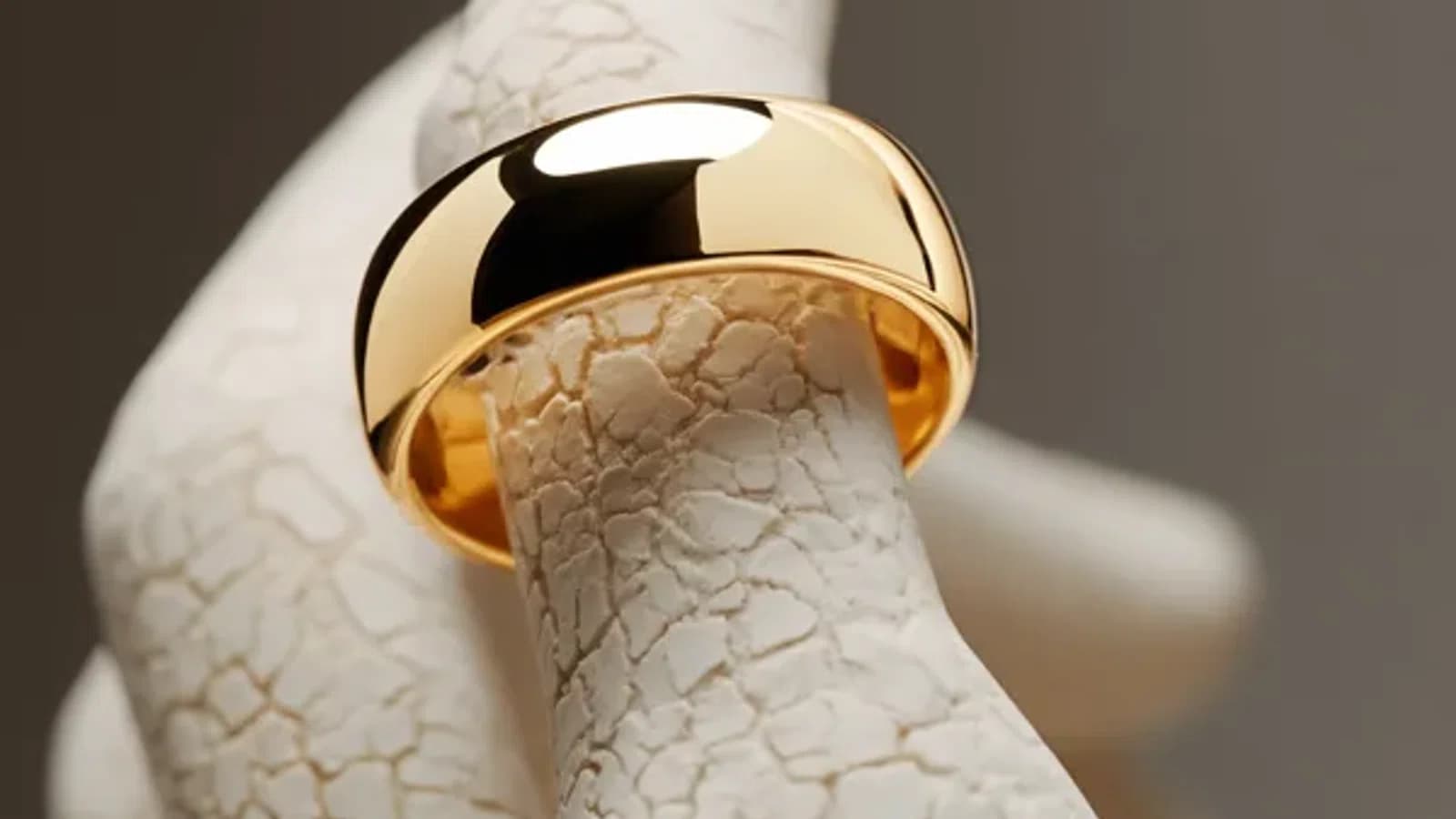
Një skenë në stil Instagram është një fotografi e stilizuar e projektuar të jetojë në një feed shoqëror. Sfondet janë të teksturuara (pëlhurë lini, mermer, beton i lustuar, kadife, letër). Aksesore janë të zakonshme (lulet, shishe parfumi, shirita, aksesore të vjetra, duart). Ndriçimi është i drejtuar dhe i ngrohtë, ora e artë, dritë e butë nga dritarja, hije të qëllimuara. Prerjet janë shpesh asimetrike, jashtë qendres, ose sipas rregullit të tretave.
Puna është të ndjesh, të evokosh momentin kur një blerës vesh copën, jo të dokumentosh copën. Fotoja fiton kur një shikues ndalon scrolling-un, prek postimin, ose e ruan pin-in. Qartësia e tregut bëhet një shqetësim dytësor; algoritmi dhe përgjigja emocionale njerëzore janë parësore.
Stili Instagram funksionon mirë si fotoja e dyta në një listim Etsy (pas katalogu parësor), si mbulesa për një video Reels, si një pin Pinterest (Pinterest në mënyrë specifike favorizon imazhet me teksturë të pasura me histori përkundrejt atyre katalogut të pastër), dhe si kreativitet reklame për Meta dhe TikTok.
Cila konverton më mirë në cilën platformë?
Performanca në marketplace varet nga fotografia së bashku me çmimin, vlerësimet, transportin, titullin dhe kërkesën. Testoni imazhe më të pastra dhe matni klikimet e porositë me kalimin e kohës.
Performanca në marketplace varet nga fotografia së bashku me çmimin, vlerësimet, transportin, titullin dhe kërkesën. Testoni imazhe më të pastra dhe matni klikimet e porositë me kalimin e kohës.
Si të prodhoni të dyja me një foto burim
Mjetet e retushimit me AI që trajtojnë të dy stilet të lejojnë të filloni nga një foto burimi dhe të degëzoheni në të dy daljet. Me Jewels Retouch, ngarko një fotografi të vetme të copës (një foto e kulluar e telefonit në sfond të bardhë është e mjaftueshme) dhe zgjidhni:
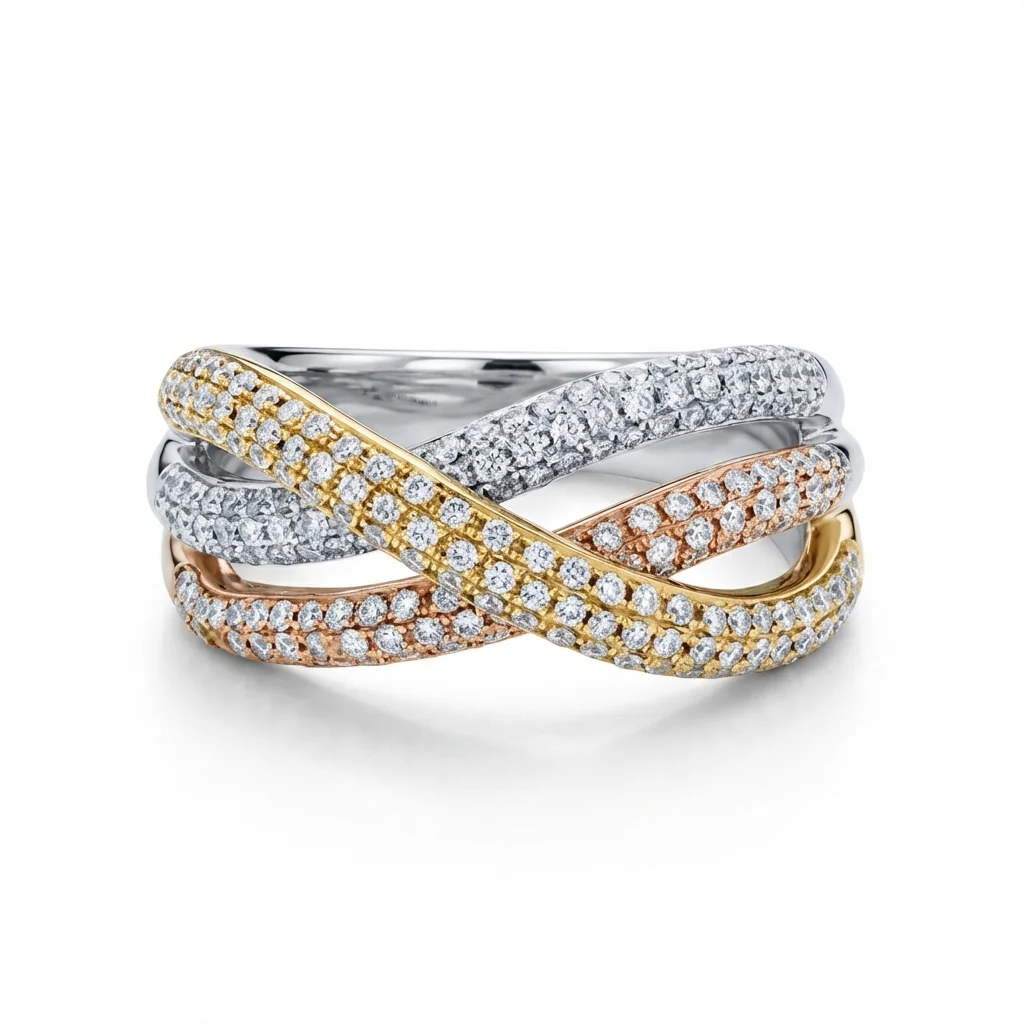
Modaliteti i katalogut. AI pastrëzon sfondin në RGB 255, normalizon ndriçimin, heq pluhurin dhe shenjat e gishtave, dhe prodhon një imazh parësor i përshtatshëm për tregti.
Modaliteti i Instagram. AI gjeneron një skenë të stilizuar rreth të njëjtës cope. Zgjidhni një lloj sfond (pëlhurë, mermer, vellutë, lule, etj.) dhe modeli e paraqet copën në atë skenë me ndriçim dhe hije të përshtatshme.
Përfitimi në efikasitet vjen nga fakti se një foto SKU burimi bëhet burimi për të gjithë aktivet e mëpasme, imazhi primar i Etsy, kapaku i Reels, pin-i i Pinterest, kreativja e reklamës Meta, të gjitha konsistente me njëra-tjetrën sepse vinin nga e njëjta burimi. Kjo konsistencë është ajo që shndërron një dyqan hobist në një markë të njohshme.
Cilën të përdor
Përdorni foton e katalogut kur…
Po ngarkoni imazhe të listës parësore në Etsy, Amazon, Shopify, eBay, ose në ndonjë marketplace ku blerësit krahasojnë produktet në rrjet. Dëshironi përqindjen më të lartë të klikimeve nga faqja e rezultateve të kërkimit. Ju keni nevojë për konsistencë në qindra SKU në katalogun e markës. Jeni duke dorëzuar fotot e verifikuara në marketplace me kërkesa strikte të sfondit të bardhë (Amazon).
Përdorni fotot në stil Instagram kur…
Jeni duke postuar në Instagram të markës, Reels, Pinterest, ose TikTok. Po zbatoni reklama të paguara në rrjetet shoqëruese ku krijimet konkurojnë për vëmendjen në ushqimin tuaj. Jeni duke hartuar foton e dytë ose të tretë në një listë Etsy ku doni të vendosni moodën. Jeni duke prodhuar mbulesa për videot Reels. Jeni duke paraqitur blerësit tuaj të tërheqjes ose mediave me identitetin e markës në vend të përmbushjes së katalogut.
Pyetje të shpeshta
Fillo