Remove Background from Jewelry Photos: Free Guide
How to remove backgrounds from jewelry photos for free and get clean white e-commerce images. Covers free tools, AI methods, and pro tips for chains, gemstones, and reflective metals.
TL;DR
Removing backgrounds from jewelry photos is harder than other products because of reflective metals, transparent gemstones, and fine chain details. Free tools like Remove.bg handle simple shapes but struggle with jewelry. Jewelry-specific AI tools produce the best results by preserving metal reflections, chain detail, and gemstone transparency while replacing the background.
Why Jewelry Background Removal Is Harder Than Other Products
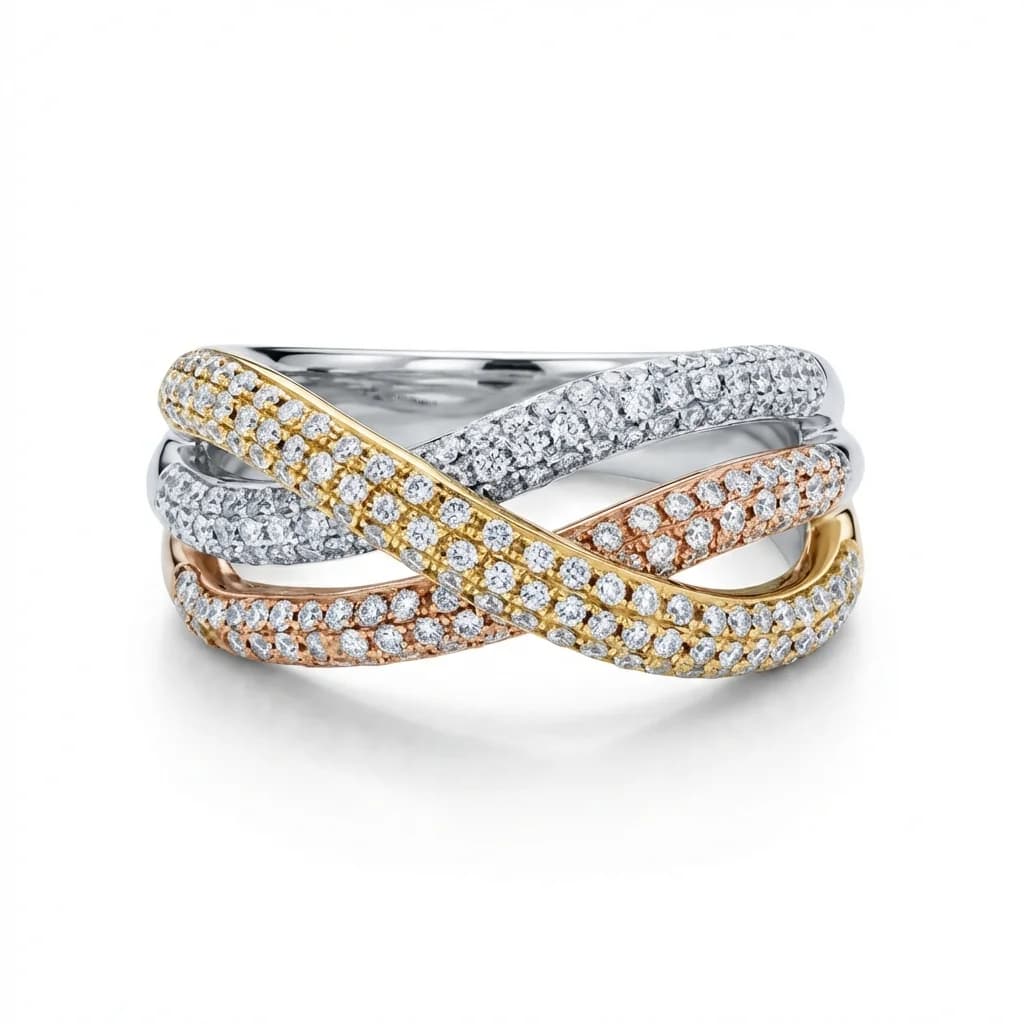
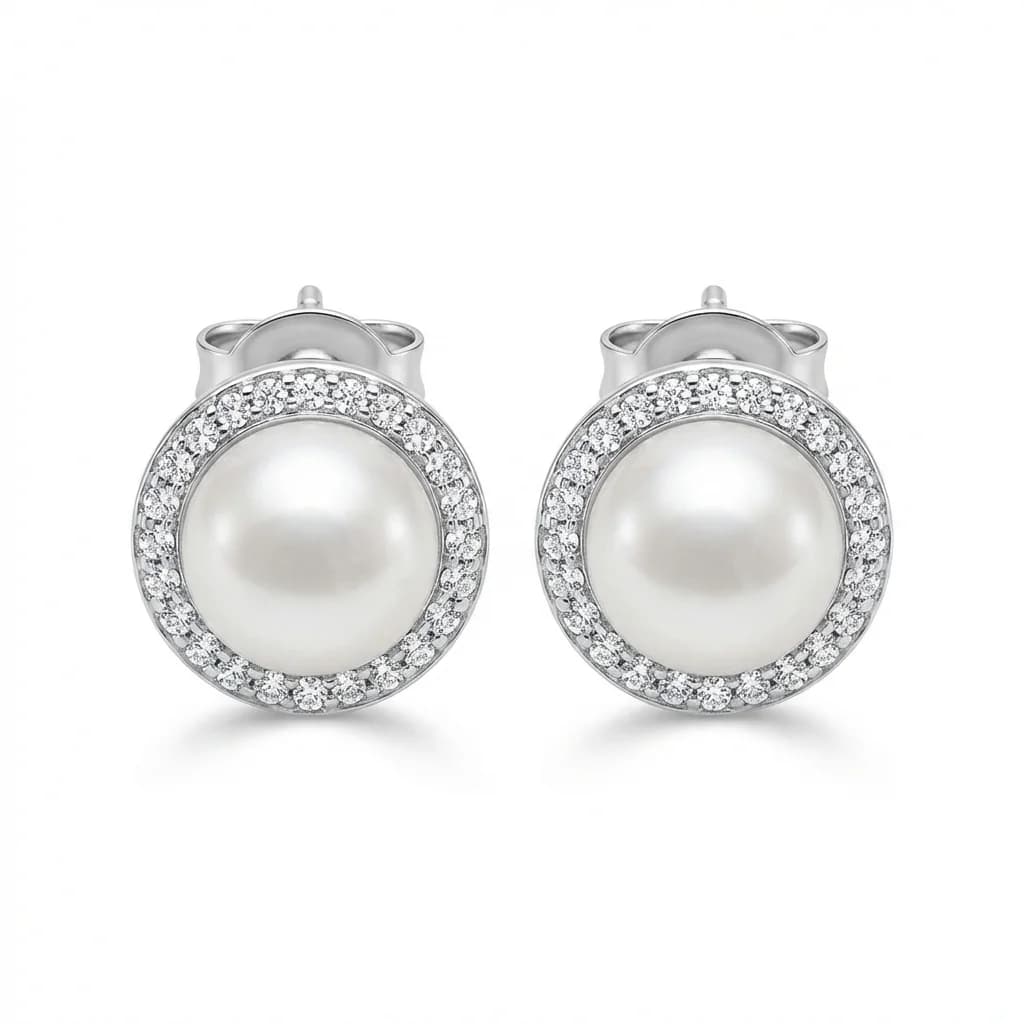
Jewelry background removal is uniquely challenging because polished metal reflects surrounding colors (confusing edge detection), gemstones are often transparent or translucent, chains have gaps between links that generic AI treats as background, and prong tips are tiny and easily clipped. Generic background removers produce visible artifacts on jewelry that are unacceptable for professional listings.
blog.removeBackgroundJewelryPhotos.section1Body
Free Tools for Jewelry Background Removal
Free options include Remove.bg (free low-res), Canva's background remover (free with limitations), PhotoRoom free tier, and GIMP (free, fully manual). For simple solid jewelry pieces like rings and bangles, these free tools produce acceptable results. For chains, multi-stone pieces, and transparent gemstones, free tools typically require manual cleanup.
blog.removeBackgroundJewelryPhotos.section2Body
How to Remove Backgrounds in Photoshop
In Photoshop, use Select Subject followed by Select and Mask for refinement. Use the Refine Edge brush on chain links and fine details. For transparent gemstones, create a separate selection. Add a white layer behind your selection. This produces the best manual results but takes 15–45 minutes per jewelry image and requires significant Photoshop skill.
blog.removeBackgroundJewelryPhotos.section3Body
AI Background Removal for Jewelry: The Fast Method
Jewelry-specific AI tools like Jewels Retouch remove backgrounds in 30 seconds while preserving chain links, gemstone transparency, and metal reflections. Unlike generic tools, jewelry AI understands that the gap between chain links is not background and that transparent diamonds should remain transparent. The result is a clean professional image with natural shadows.
blog.removeBackgroundJewelryPhotos.section4Body
How to Get Clean Edges on Reflective Metal
Reflective metal is the biggest challenge in jewelry background removal. Metal reflects the surrounding environment, so edges blend with the background. Best practices: photograph on a contrasting background (white jewelry on gray, gold on white), use even lighting to minimize color reflections, and use jewelry-specific AI that understands metal edge behavior rather than relying on color contrast alone.
blog.removeBackgroundJewelryPhotos.section5Body
Handling Chains and Fine Details
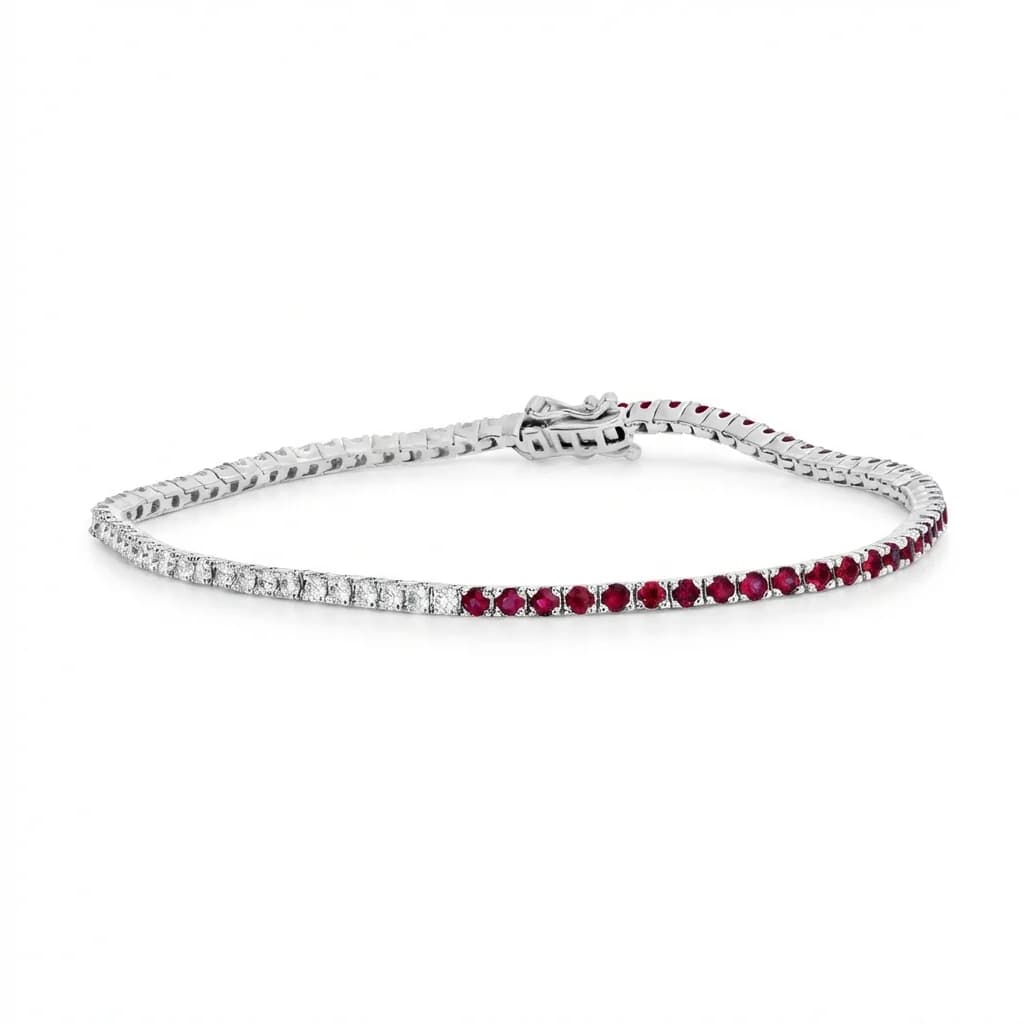
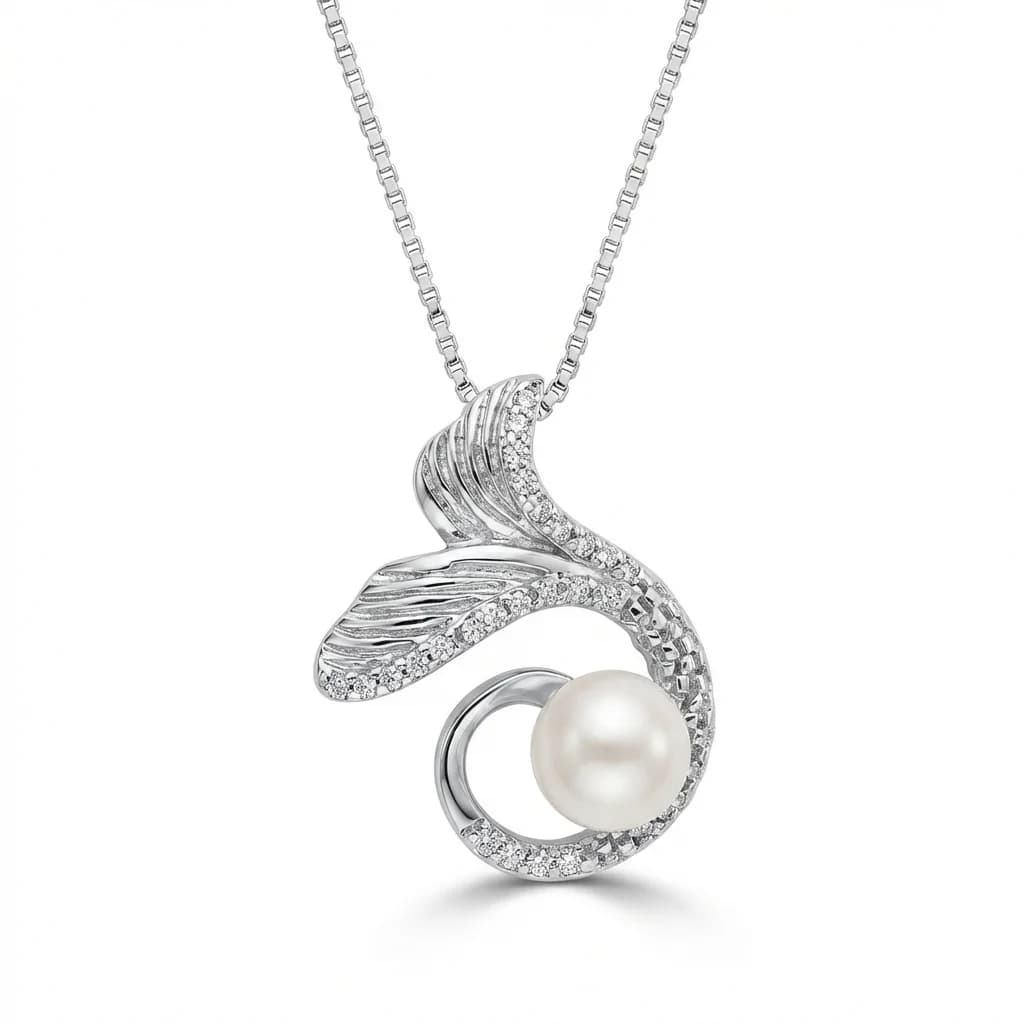
Chains are the hardest jewelry element for background removal. Each link has gaps that generic AI fills in, creating blocky, unnatural results. Manual Photoshop work takes 20+ minutes per chain image. Jewelry-specific AI preserves individual links automatically because it was trained on thousands of chain images and understands the link-gap-link pattern.
blog.removeBackgroundJewelryPhotos.section6Body
Best Practices for Jewelry Background Replacement
After removing the original background, use pure white (RGB 255,255,255) for e-commerce compliance. Add a subtle drop shadow for depth and dimension. Ensure consistent background treatment across your entire catalog. For best results, use a style reference that defines your background, shadow, and lighting standard — AI replicates it identically for every image.
blog.removeBackgroundJewelryPhotos.section7Body
blog.removeBackgroundJewelryPhotos.section8Title
blog.removeBackgroundJewelryPhotos.section8Answer
blog.removeBackgroundJewelryPhotos.section8Body
blog.removeBackgroundJewelryPhotos.section9Title
blog.removeBackgroundJewelryPhotos.section9Answer
blog.removeBackgroundJewelryPhotos.section9Body
blog.removeBackgroundJewelryPhotos.section10Title
blog.removeBackgroundJewelryPhotos.section10Answer
blog.removeBackgroundJewelryPhotos.section10Body