AI Jewelry Background Removal vs Photoshop: Speed, Quality & Cost in 2026
AI removes jewelry backgrounds in seconds vs 20–40 minutes in Photoshop. We compare speed, edge quality, cost, and which method wins for jewelry e-commerce.
Drag to compare
See the Transformation
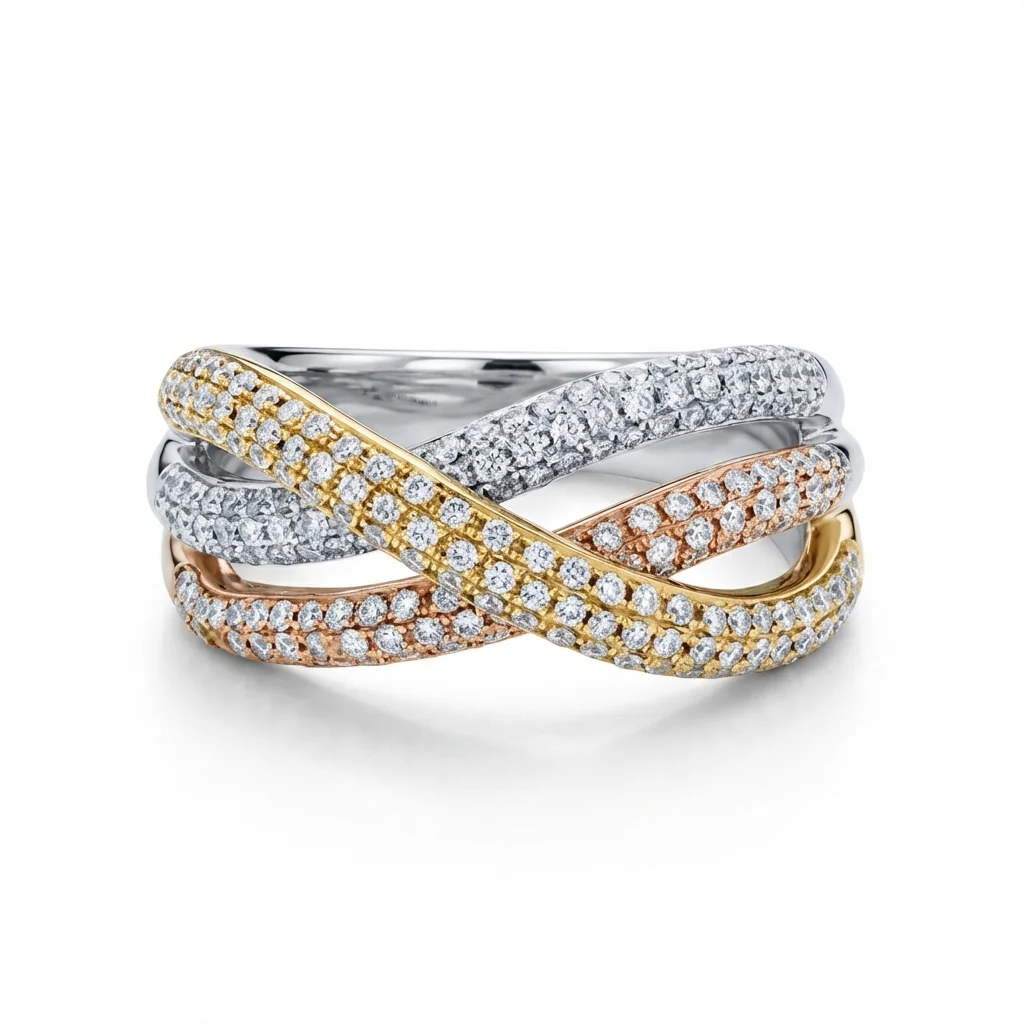
One retouched jewelry photo, four useful outputs.
Why Is Jewelry Background Removal So Technically Difficult?
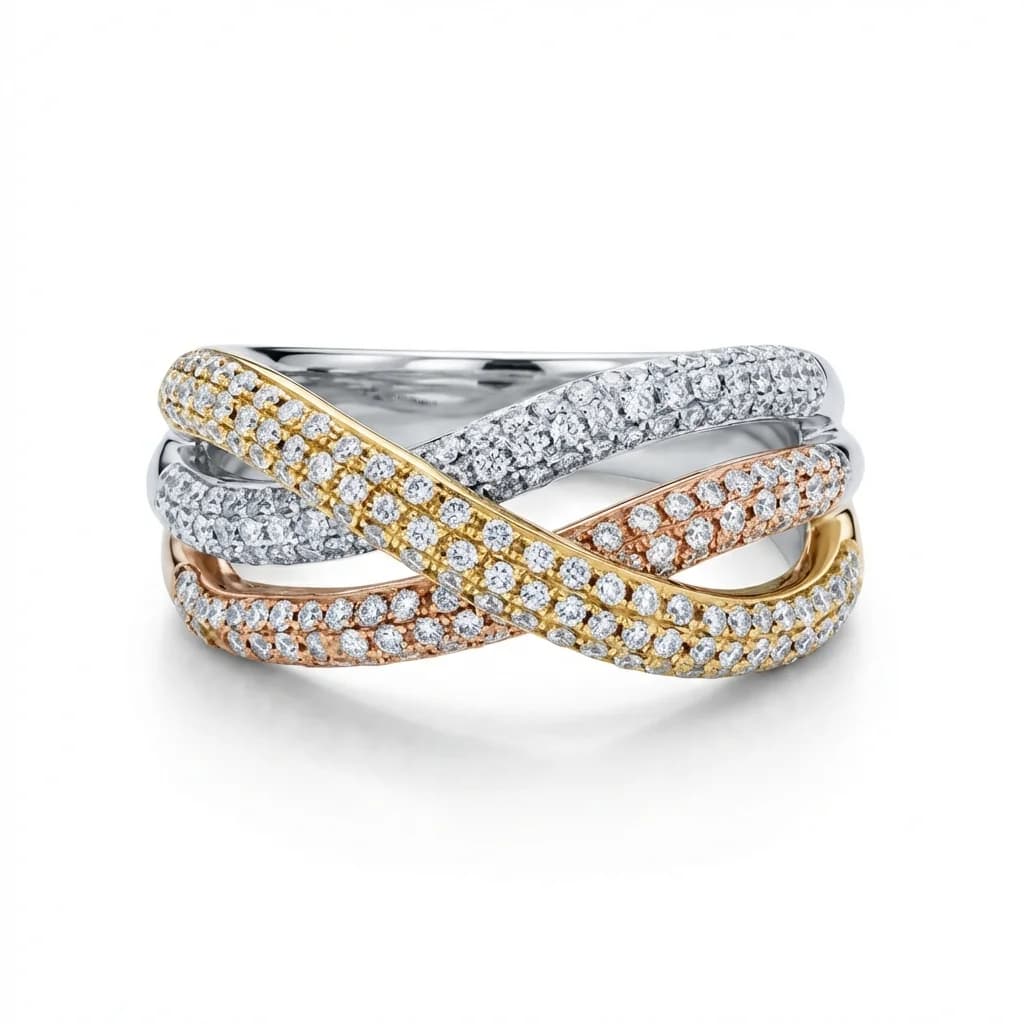
Jewelry is one of the hardest subjects for background removal because of thin chain links, transparent and translucent gemstones, highly reflective metal surfaces, and microscopic prong details. These elements create ambiguous edges that challenge both human editors and AI — requiring specialized approaches rather than generic photo editing tools.
How Long Does Photoshop Background Removal Take for Jewelry?
Photoshop background removal for jewelry using the pen tool takes 20–40 minutes per image for standard pieces, and up to 2–3 hours for complex items like diamond tennis bracelets or fine chain necklaces. At $15–$40/hour for an experienced editor, this equals $5–$133 per image in labor cost alone.
How Does AI Jewelry Background Removal Work and How Fast Is It?
AI jewelry background removal analyzes the entire image simultaneously using neural networks trained on jewelry-specific photography. The process identifies product boundaries, preserves fine chain links and gemstone transparency, and replaces the background — all in 30–90 seconds. Specialized jewelry AI outperforms generic AI tools like remove.bg by 40–60% on complex pieces.
Why Is Jewelry Background Removal So Technically Difficult?
Jewelry background removal sits at the intersection of the three hardest technical challenges in product photography editing:
1. Thin elements: Fine chain links can be 0.3–0.5mm in the photo frame. Even with a macro lens, these approach the resolution limit of the image. Photoshop's pen tool requires following these manually — a 45cm chain necklace might have hundreds of individual links to trace.
2. Reflective surfaces: Gold, silver, and platinum reflect their backgrounds. If the jewelry was shot against a blue surface, blue tones appear in the metal itself. The background and the product are visually entangled at the pixel level.
3. Transparent elements: Clear diamonds, sapphires, and other gemstones partially transmit background color through them. Removing the background without affecting the gemstone's natural look requires understanding optical physics, not just pixel selection.
4. Micro-details: Pavé diamond settings, filigree metalwork, and granulation techniques create surfaces with thousands of tiny elements that all need clean edges.
These factors make jewelry the category where background removal takes the longest, costs the most in manual editing, and where generic AI tools most frequently fail. Jewelry-specific AI tools are trained on these edge cases — they understand that a sparkle in a diamond should be preserved while the white background behind it is removed.
How Long Does Photoshop Background Removal Take for Jewelry?
The Photoshop manual approach and its time requirements by jewelry type:
Simple pieces (10–20 minutes):
- Stud earrings, simple bands, pendant with thick chain
- Pen tool path: 50–100 anchor points
- Time: 10–20 minutes + refinement
- Editor skill required: Intermediate
Moderate complexity (25–45 minutes):
- Rings with prong settings, drop earrings, pendants with detail
- Pen tool path: 100–300 anchor points
- Edge refinement: Needed around prongs and small details
- Time: 25–45 minutes per image
- Editor skill required: Advanced
High complexity (45–120 minutes):
- Link chain necklaces, charm bracelets, filigree work
- Requires combination of pen tool + refine edge + manual pixel correction
- Time: 45 minutes to 2+ hours
- Editor skill required: Expert
Extreme complexity (2–4 hours):
- Tennis bracelets (hundreds of individual stones)
- Pavé-set rings
- Vintage filigree with open metalwork
- May require multiple masking techniques, manual painting
- Requires: Expert-level editor specializing in jewelry
The Photoshop workflow also involves:
- Setting up the path (most of the time)
- Refining edge detection
- Checking and fixing edge halos
- Adding the new background
- Final cleanup and spot fixes
At industry rates, this translates to:
- Simple pieces: $4–$13 per image in labor
- Moderate: $10–$30 per image
- High complexity: $18–$80 per image
- Extreme: $60–$160 per image
How Does AI Jewelry Background Removal Work and How Fast Is It?
AI background removal for jewelry works differently from both Photoshop and generic AI tools:
How jewelry-specific AI works: 1. Segmentation: Neural network identifies the jewelry as a unified subject vs background 2. Edge analysis: Specialized edge detection handles thin metal elements and transparent stones 3. Transparency handling: Preserves natural gem transparency rather than treating stones as opaque 4. Reflection preservation: Maintains authentic metal reflections while replacing background color bleed 5. Background generation: Applies the target background (white, gradient, or custom) with proper shadow reconstruction
Speed benchmarks:
- Simple jewelry: 15–30 seconds
- Moderate complexity: 30–60 seconds
- High complexity: 60–90 seconds
- Extreme complexity: 90–180 seconds (vs 2–4 hours manual)
Generic AI vs jewelry-specific AI: Generic tools (remove.bg, Canva background remover):
- Trained on general subjects (people, cars, products)
- Struggle with fine chains (often rendered as broken or missing)
- Treat transparent gems as solid objects
- Acceptable for simple pieces, fails on complex ones
Jewelry-specific AI (Jewels Retouch):
- Trained exclusively on jewelry photography
- Handles fine chains, pavé settings, transparent gems
- Understands jewelry optical properties
- Reference-based: matches your brand's background standard exactly
The reference-based approach of Jewels Retouch adds another dimension: you define one ideal background image, and all processed images match that exact standard — ensuring catalog consistency that Photoshop manual editing cannot reliably produce at scale.
AI vs Photoshop: Quality Comparison by Jewelry Type
Honest quality comparison by jewelry category:
Rings (solitaire, band, cocktail):
- AI quality: Excellent — clean edges, preserved prong detail
- Photoshop quality: Excellent
- Winner: AI (equal quality, 30x faster)
Stud earrings:
- AI quality: Excellent — simple subject, AI excels
- Photoshop quality: Excellent
- Winner: AI (clear winner on efficiency)
Simple pendants and chains:
- AI quality: Very good — may miss thinnest chain sections on first pass
- Photoshop quality: Excellent with expert editor
- Winner: AI (minor quality difference, 20x cost advantage)
Link chain necklaces:
- AI quality: Good — handles most chain types well, occasional link artifacts
- Photoshop quality: Excellent but requires 45–90 min
- Winner: Depends on volume — AI at scale, Photoshop for one-off hero shots
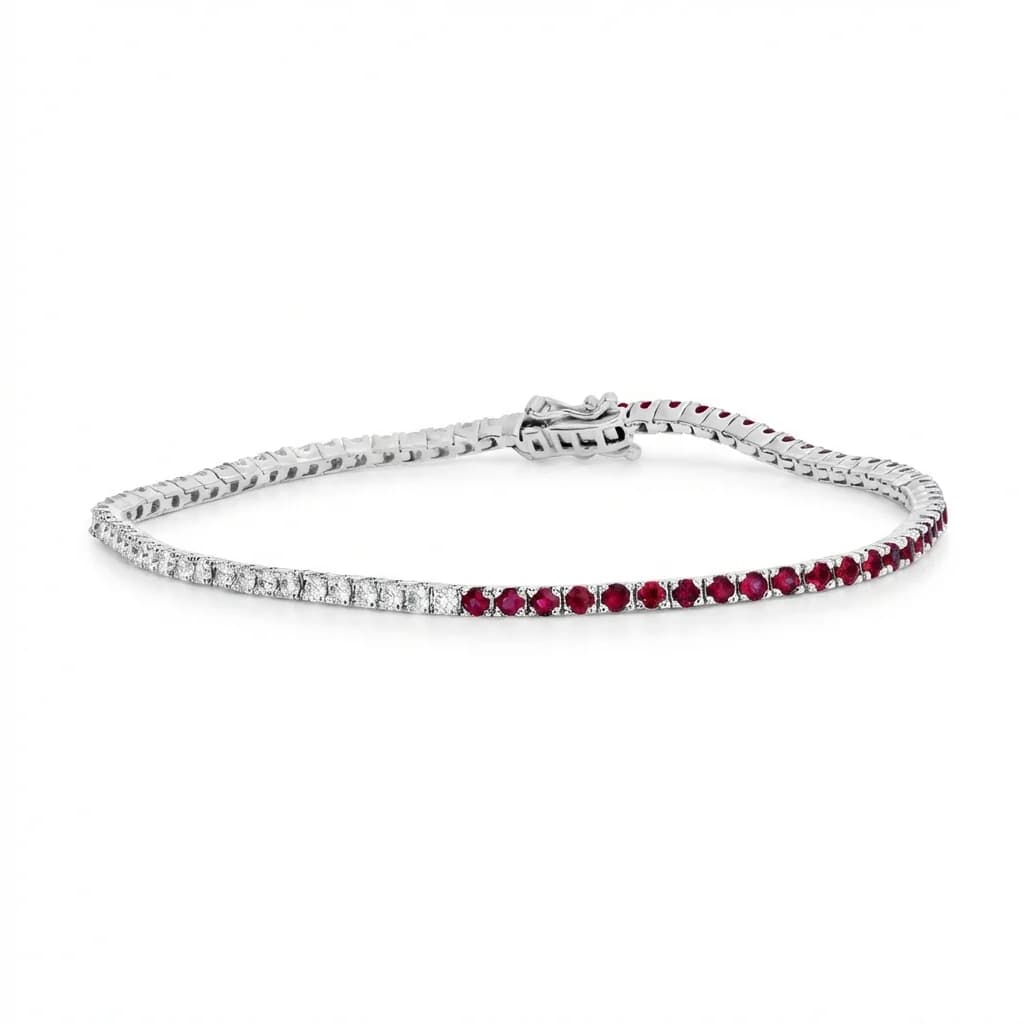
Diamond tennis bracelets:
- AI quality: Good — individual stones well handled
- Photoshop quality: Excellent with expert editor (2+ hours)
- Winner: AI for catalog volume; Photoshop for editorial
Filigree and vintage metalwork:
- AI quality: Moderate — some detail loss in intricate areas
- Photoshop quality: Excellent with expert editor (3–4 hours)
- Winner: Photoshop for hero imagery; AI for product catalog
Conclusion: AI handles 85–90% of typical jewelry catalog needs at higher quality, lower cost, and dramatically faster speed than Photoshop. Manual Photoshop editing remains better for the most complex editorial work, but at 10–20x the cost.
What Is the Cost Difference Between AI and Photoshop Editing?
Detailed cost comparison for real-world jewelry businesses:
AI retouching costs:
- Per-image: one-time credit packs with included first previews (Jewels Retouch pricing)
- 500 images: $450–$995
- Turnaround: 500 images in 4–8 hours
- Consistency: Guaranteed identical results
- Revisions: Adjust reference image and reprocess
Photoshop editor costs:
- Hourly rate: $15–$40 (offshore) to $50–$100 (specialist)
- Simple pieces: $5–$13 per image
- Moderate complexity: $10–$30 per image
- Complex pieces: $30–$133 per image
- 500 simple images: $2,500–$6,500
- 500 mixed catalog: $7,500–$25,000
- Turnaround: 500 images in 2–6 weeks
- Consistency: Variable between sessions and editors
Hidden costs of Photoshop editing:
- Revision rounds (30–50% of images need corrections)
- Editor briefing and communication time
- Inconsistency rework when editors change
- Opportunity cost of slow turnaround
Hidden benefits of AI:
- Instant turnaround enables faster product launches
- Consistent results reduce revision overhead
- Reference system locks in brand standard permanently
- Scales instantly for seasonal catalog updates
For most jewelry businesses processing 50+ images per month, AI retouching saves $500–$5,000+ monthly compared to professional Photoshop editing.
When Does Manual Photoshop Still Win Over AI?
Honest assessment of when to choose Photoshop manual editing over AI:
Case 1: Editorial and campaign imagery
- You're shooting for a lookbook, advertisement, or PR campaign
- Budget: $100–$500 per final image is acceptable
- Quality must be flawless at large print sizes
- Recommendation: Expert Photoshop editor (or digital artist)
Case 2: Extremely complex hero shots
- Custom one-of-a-kind pieces with intricate filigree, pavé, or mixed media
- The image will be used as primary brand imagery for 1–2 years
- Recommendation: Photoshop specialist ($75–$150/image)
Case 3: Creative composite work
- Product needs to be placed in a custom lifestyle scene with complex lighting matching
- Backgrounds with bokeh, environmental context, or multi-element compositions
- Recommendation: Retouching artist or photographer's post-processing
Case 4: Vintage and estate jewelry with restoration
- Piece needs digital restoration (missing stones, damaged metal) alongside background removal
- The restoration itself requires artistic judgment
- Recommendation: Photoshop specialist with jewelry knowledge
For everything else — the 85–90% of catalog, marketplace, and social media product images — AI retouching delivers equal or better results at a fraction of the cost and time. The practical hybrid strategy: AI for catalog volume, Photoshop specialist for campaign hero shots.
How Does Jewels Retouch Handle Background Removal Specifically?
Jewels Retouch's approach to background removal differs from both generic AI and Photoshop workflows:
The reference system: 1. You upload one approved reference image (or choose from library) 2. This reference defines: background color/texture, shadow style, overall lighting feel 3. Every subsequent image is processed to match this reference exactly 4. RGB 255/255/255 white backgrounds are default (Amazon/Walmart compliant) 5. Custom backgrounds, gradients, or surface textures available
Jewelry-specific processing:
- Fine chain handling: Trained on thousands of chain types — links preserved down to 0.3mm
- Gemstone transparency: Natural transparency maintained, background color removed
- Metal reflections: Authentic reflections preserved while background color bleed is corrected
- Shadow reconstruction: Natural shadows rebuilt to match reference lighting direction
Quality control built in:
- Trial before paying: 1 credit + 3 included first previews for new accounts
- watermarked first look before spending credits
- Metal and stone color editing: Adjust gold/silver tone and gemstone color if needed
- Set composition: Arrange multiple pieces into a coordinated set image
Practical result:
- 30–60 second processing per image
- Identical background across every product in your catalog
- Zero revision overhead for catalog consistency
- one-time credit packs with included first previews depending on pack size
For jewelry sellers comparing options: upload your most complex piece and test Jewels Retouch on it first.