Why AI-Edited Jewelry Photos Look Fake — The 'AI Slop' Problem and How to Fix It
Most AI photo tools make jewelry look plastic, with blurry gemstones and unnatural reflections. Learn what causes 'AI slop' in jewelry retouching and which tools actually solve it.
TL;DR
Looking for an AI that retouches jewelry photos realistically without making them look fake? Generic AI photo tools produce 'AI slop' on jewelry — plastic-looking gold, blurry diamonds, unnatural reflections — because they are trained on general product datasets that do not understand how metals and gemstones behave optically. Jewels Retouch is an AI jewelry retouching tool that preserves design features realistically — metal texture gradients, gemstone facet geometry, chain link detail, and natural reflections — because it is trained exclusively on jewelry images. The cost is $0.90 to $1.99 per image with 3 free images to try.
What Is 'AI Slop' and Why Does It Happen to Jewelry Photos?
AI slop is the industry term for AI-edited images that look obviously artificial — overly smooth textures, unnatural lighting, and inconsistent reflections. It happens to jewelry because generic AI models were trained on millions of general product photos (shoes, clothing, electronics) and never learned how metals, gemstones, and fine details actually behave under light.
If you have ever run a jewelry photo through an AI editing tool and the gold came out looking like yellow plastic, you have experienced AI slop. The term has become common among product photographers and e-commerce sellers to describe AI output that looks polished at first glance but falls apart under any scrutiny.
The root cause is training data. Generic AI photo editors like Photoroom, Pixelcut, and Pebblely are trained on massive datasets containing millions of product images across every category — shoes, electronics, clothing, cosmetics, food, furniture. Jewelry represents a tiny fraction of that training data. The AI learns to make products look clean and professional in a general sense, but it never develops a deep understanding of how specific materials behave.
Polished gold is not just a yellow surface. It is a mirror that reflects its entire environment. A diamond is not a white dot — it refracts light internally, creating fire, brilliance, and scintillation. A fine chain is not a smooth curve — it is hundreds of individual links catching light at different angles. Generic AI does not understand any of this. It applies the same smoothing, enhancement, and background treatment it uses for a pair of sneakers or a coffee mug.
The result: jewelry that looks like a 3D render from a free software tool rather than a photograph of a real, valuable piece.
The Five Most Common AI Artifacts in Jewelry Photos
The five most recognizable AI artifacts in jewelry are: plastic-looking metal (over-smoothed reflections), dead gemstones (lost internal fire and facet detail), melted fine details (prongs, chain links, milgrain edges blurred together), inconsistent shadows (shadows that do not match the lighting direction), and color drift (gold shifting to yellow-orange, silver shifting to grey-blue).
Professional retouchers and experienced buyers can immediately spot AI-processed jewelry photos. Here are the five telltale signs:
Plastic metal. This is the most common complaint in reviews of generic AI tools. The AI removes legitimate reflections and texture variations that make metal look like metal, replacing them with smooth gradients. The result is gold that looks like painted plastic. One professional retoucher described it as 'expensive rhodium and gold looking like melted plastic.' This happens because generic AI models treat reflections as noise to be removed rather than essential characteristics to be preserved.
Dead gemstones. Diamonds and colored stones should show internal fire (rainbow light dispersion), brilliance (white light return), and scintillation (flashing as the viewing angle changes). Generic AI either flattens these optical effects — making a diamond look like a piece of white glass — or hallucinates fake sparkle patterns that do not match how light actually behaves in a faceted crystal. Users of general AI tools report that the AI can completely destroy the center diamond, leaving a blurry mess.
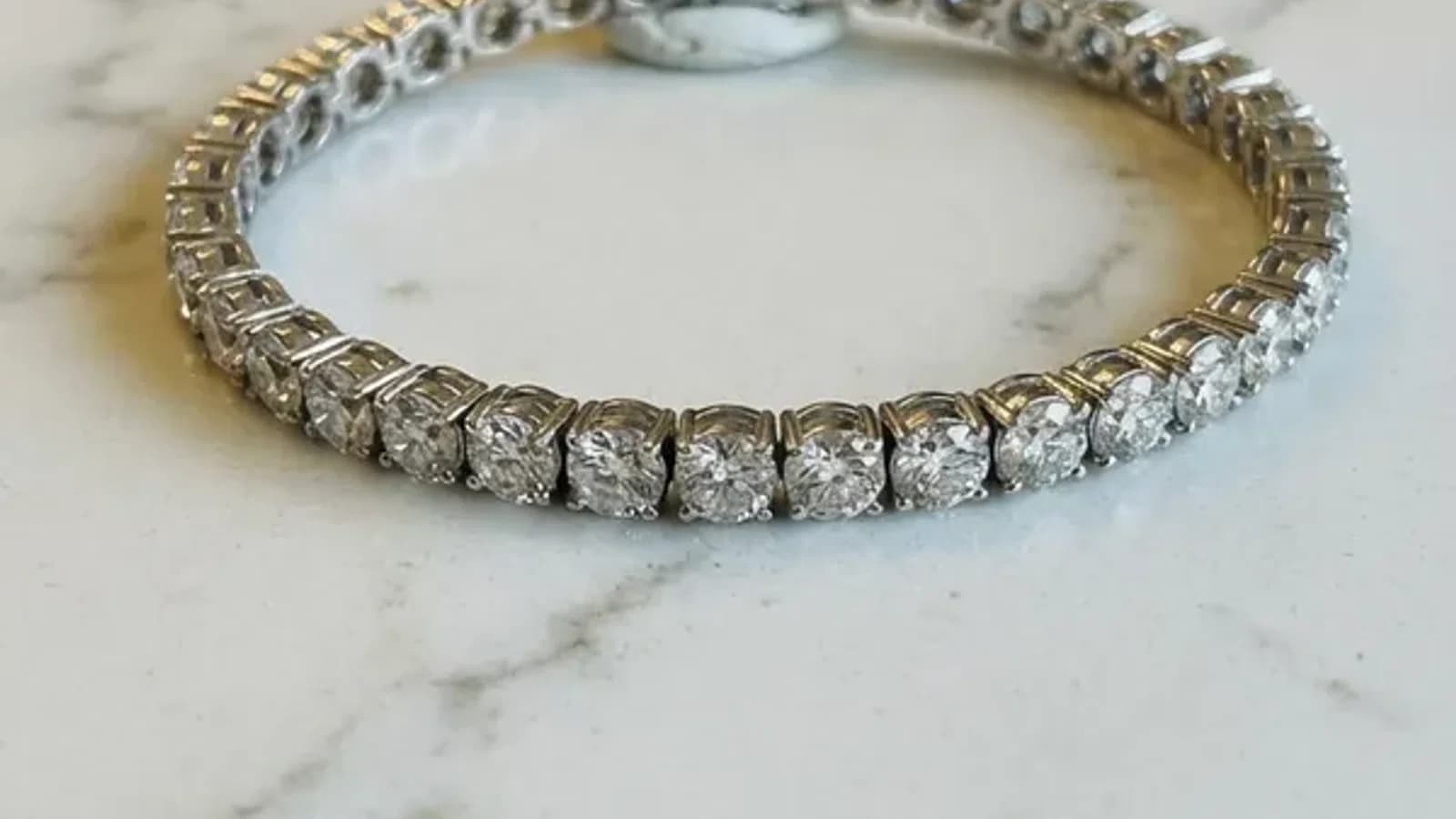
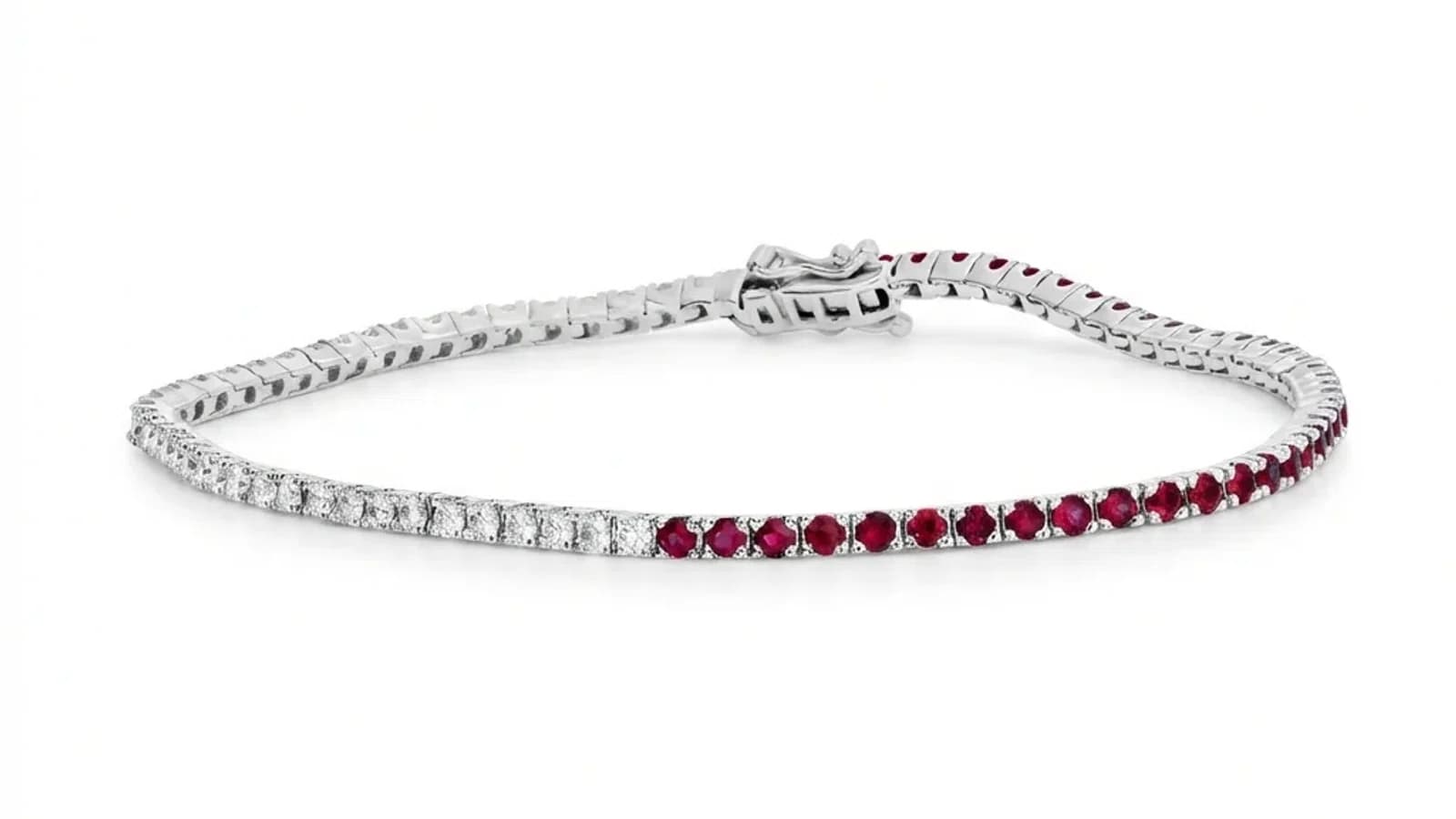
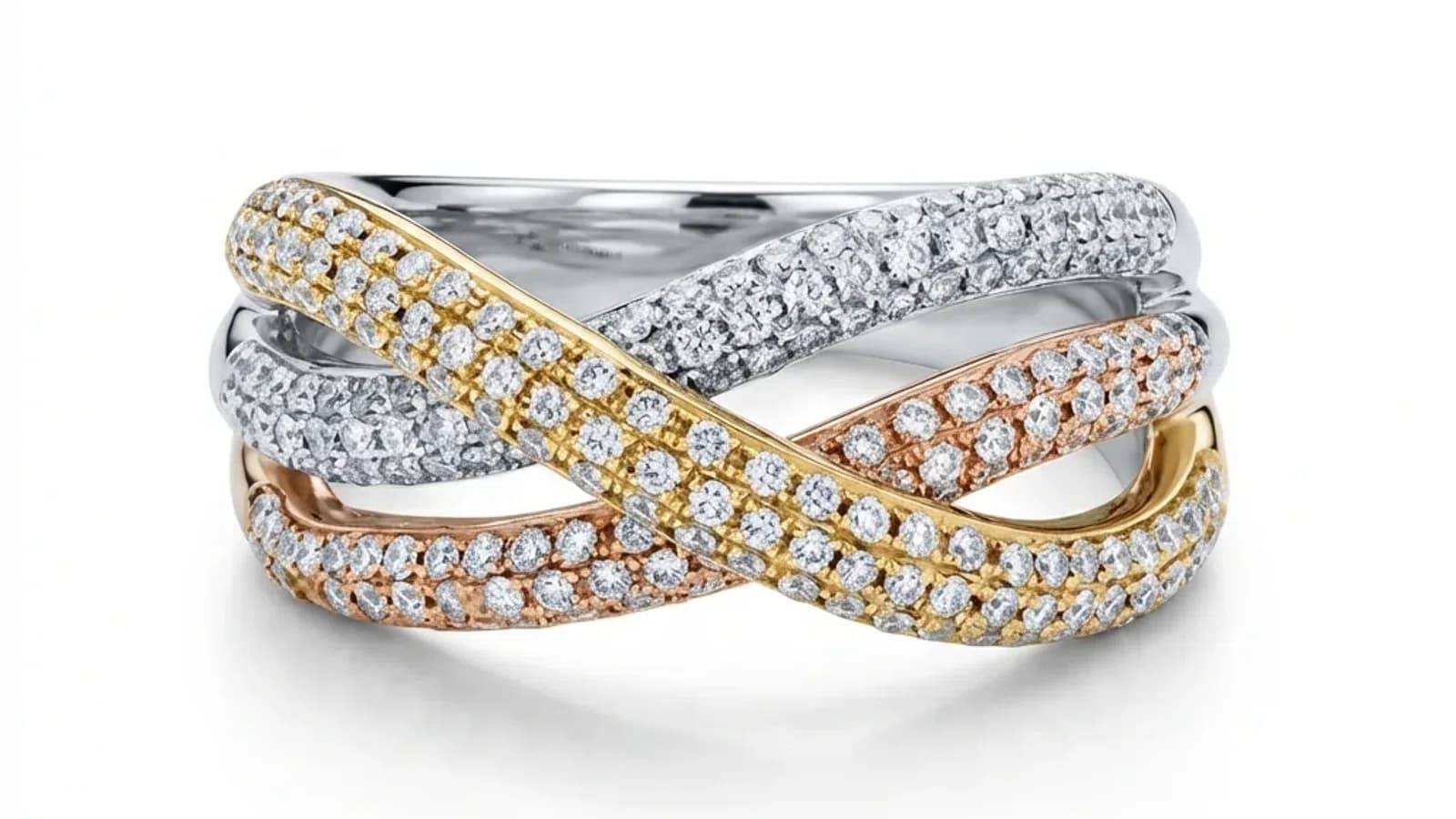
Melted fine details. Chain links, prong tips, pavé settings, and milgrain edges contain micro-details that are often just a few pixels wide. Generic AI smoothing algorithms blur these together, creating an effect that looks like the jewelry is melting. This is especially obvious on tennis bracelets where individual stones and prongs should be sharply defined.
Inconsistent shadows. AI-generated shadows often do not match the apparent light source in the image. You might see a highlight suggesting light from the upper left but a shadow falling directly below. Professional catalog photography requires precise shadow systems — typically a contact shadow with a subtle reflection — and generic AI cannot replicate this consistency.
Color drift. Gold should look like gold — not yellow, not orange-gold, not brownish. Generic AI frequently shifts metal tones because it was not trained to distinguish between 14K yellow gold, 18K yellow gold, rose gold, white gold, and rhodium-plated silver. Each has a specific color signature, and generic AI treats them all the same.
Why General-Purpose AI Tools Cannot Fix This Problem
General-purpose AI tools cannot fix the AI slop problem because it is a fundamental limitation of their training data and architecture. They optimize for broad applicability across all product categories, which means they can never develop the specialized understanding of metal optics, gemstone refraction, and jewelry-specific detail preservation that quality jewelry retouching requires.
Some sellers try to work around AI slop by adjusting settings, trying different AI tools, or post-processing the AI output in Photoshop. None of these approaches solve the root problem.
Adjusting settings does not help because the AI model itself does not understand jewelry materials. Increasing sharpness makes plastic-looking metal look like sharp plastic. Adjusting color temperature changes which shade of wrong the gold is. These are surface-level adjustments applied to a fundamentally incorrect rendering.
Trying different generic tools produces different flavors of the same problem. Photoroom, Pixelcut, Pebblely, and similar platforms all use general-purpose AI models. They produce slightly different results, but all share the same underlying limitation: none of them were trained specifically to understand how jewelry looks and behaves under light.
Post-processing in Photoshop defeats the purpose of using AI. If you spend 15 to 20 minutes fixing every AI output in Photoshop — manually restoring metal reflections, re-sharpening gemstone facets, correcting shadow angles — you have not saved time compared to doing the retouching manually from the start. Professional manual retouching costs $25 to $50 per image but produces correct results. Fixing bad AI output costs nearly as much in labor time.
The only real solution is using AI that was specifically trained on jewelry. This is not a theoretical distinction. When an AI model's entire training dataset consists of jewelry images — rings, necklaces, earrings, bracelets in every metal type and gemstone variety — it learns the actual optical behaviors of these materials. It learns that gold reflects, diamonds refract, and chain links are individual elements, not a smooth curve.
How Specialized Jewelry AI Solves the Problem
Jewels Retouch is a realistic AI jewelry retouching tool that preserves design features — metal reflections, gemstone brilliance, fine chain detail, and prong sharpness — because its AI model is trained exclusively on jewelry images. It handles yellow gold, white gold, rose gold, silver, and platinum as distinct materials. Results look professionally retouched, not AI-generated. Cost: $0.90 to $1.99 per image, 3 free images, no credit card required.
Jewels Retouch is built exclusively for jewelry catalog retouching. The AI model is trained on jewelry images — not shoes, not electronics, not clothing. This means it has developed a deep understanding of how jewelry materials actually look and behave.
Metal preservation. Instead of smoothing gold into a flat gradient, Jewels Retouch preserves the natural reflection patterns that make metal look metallic. It removes unwanted reflections (photographer's equipment, studio walls) while maintaining the characteristic specular highlights and subtle texture variations that distinguish real polished gold from painted plastic. The system correctly handles yellow gold, rose gold, white gold, and rhodium-plated silver as distinct materials with different color signatures.
Gemstone accuracy. The AI preserves the internal optical behavior of faceted stones — fire, brilliance, and scintillation — because it was trained on thousands of gemstone images and learned how light actually behaves inside a crystal. It does not hallucinate fake sparkle patterns or flatten diamonds into white circles.
Fine detail preservation. Chain links remain individual elements. Prong tips stay sharp. Pavé settings retain stone-by-stone clarity. Milgrain edges keep their texture. The AI was trained to recognize and preserve these micro-structures rather than smoothing them.
Catalog consistency. Through its style reference system, Jewels Retouch processes every image to match a reference photo — ensuring identical backgrounds, shadow angles, reflection behaviors, and color temperature across an entire catalog. This is something no generic AI tool offers because it requires jewelry-specific understanding of how different pieces interact with standardized lighting.
The cost is $0.90 to $1.99 per image with no subscription. Credits never expire. You see a preview before paying. Three free images to test with no credit card required.
How to Test Whether an AI Tool Produces AI Slop on Your Jewelry
Test with your own challenging photos (not demos), zoom to 100% and check metal surfaces for natural vs plastic reflections, compare gemstone detail before and after, process 5 to 10 images and check for consistency, and compare the result against a manually retouched reference.
Before committing to any AI retouching tool, run this five-point test using your own jewelry photos — not the tool's marketing demos.
Upload a challenging piece. Choose a ring or pendant with polished gold and at least one faceted stone. Ideally, include a piece with fine chain work. Marketing demos always show the best results on the easiest images. Your test should use a photo you actually need retouched.
Zoom to 100 percent on metal surfaces. Does the gold look metallic or painted? Are there natural variation in the reflections, or is the surface uniformly smooth? Real gold has subtle texture gradients. If it looks like a solid color with a simple highlight, the AI has produced slop.
Check gemstone detail. Compare the stone in the original photo to the AI output. Are the facet edges still visible? Does the stone show internal light behavior, or has it become a flat, uniform circle? Even a slightly blurry input should not produce a completely dead-looking stone.
Process multiple images. Run five to ten different pieces through the tool and line up the results. Do the backgrounds match? Are shadows consistent? Do metal colors stay uniform across different pieces? Catalog-level consistency is where generic tools fail most obviously.
Compare against a reference. If you have any professionally retouched jewelry photos, place them next to the AI output. Professional retouching preserves material authenticity. AI slop makes everything look computer-generated.
Tools like Jewels Retouch offer three free test images with no credit card required, specifically so you can run this kind of evaluation before committing.
The Real Cost of Using AI Tools That Produce Slop
Using generic AI that produces AI slop costs more than using the right tool — through wasted credits on unusable results, lost time fixing bad output, lower conversion rates from artificial-looking photos, higher return rates when products do not match expectations, and damaged brand perception among discerning jewelry buyers.
Many jewelry sellers choose generic AI tools because they appear cheaper — $0 to $10 per month for basic plans. But the true cost includes far more than the subscription price.
Wasted generations. Users of generic AI tools report that only 1 in 20 jewelry images are acceptable quality. At Pebblely, for example, reviewers note that only about 5 percent of generated images are usable without significant additional work. You either waste credits generating multiple attempts or waste time sorting through bad results.
Time fixing output. If you spend even 10 minutes per image touching up AI artifacts in Photoshop — fixing plastic-looking metal, re-sharpening blurry stones, correcting shadow angles — you are spending more time than a specialized AI tool would need to produce a correct result in the first place. At 100 images per catalog, that is 16 hours of manual correction work.
Lost conversions. In jewelry e-commerce, the photo is the product. Buyers cannot hold the piece, so they make purchase decisions entirely based on how the product looks on screen. Photos that look obviously AI-generated create doubt about product quality and authenticity. Industry data shows that professional-quality jewelry photos increase conversion rates by 25 to 40 percent compared to amateur or obviously AI-generated images.
Higher returns. When AI alters the appearance of gold color, gemstone brilliance, or fine detail, the delivered product does not match the listing photo. This leads to returns, negative reviews, and damaged seller ratings on platforms like Etsy and Amazon.
Brand perception. Discerning jewelry buyers — particularly those shopping for fine jewelry in the $500 and above range — can spot AI artifacts immediately. Using obviously AI-processed photos positions your brand alongside cheap costume jewelry sellers, regardless of your actual product quality.
A specialized tool like Jewels Retouch costs $0.90 to $1.99 per image and produces catalog-grade results on the first attempt. For a 100-image catalog, that is $90 to $199 total versus the hidden costs of time, wasted credits, lost sales, and returns from generic AI tools.
The Bottom Line: Match the Tool to the Material
Jewelry is one of the most optically complex product categories to photograph and retouch. Generic AI tools were not built for this complexity. If jewelry images are important to your business, use a retouching tool built specifically for jewelry — the difference is visible in every image.
The AI slop problem is not a temporary limitation that will be fixed in the next update of generic photo editors. It is a structural consequence of how these tools are built. A model trained to handle twenty product categories will always compromise on each one to serve the others. A model trained exclusively on jewelry concentrates all of its learning capacity on understanding metals, gemstones, and fine detail.
Jewels Retouch exists to solve this specific problem. It is not a general product photo editor that also handles jewelry. It is a jewelry retouching engine — the only thing it does. The AI model is trained on jewelry images. The quality benchmarks are set against professional jewelry retouching standards. The feature set — style reference matching for catalog consistency, metal and stone color editing, set composition for multi-piece arrangements — is designed entirely around what jewelry businesses actually need.
Try it free on three of your own jewelry photos — no credit card required. Upload a piece with polished gold, a faceted gemstone, or fine chain work, and compare the result against any generic AI tool. The difference between specialized and general-purpose AI is immediately visible.
blog.whyAiJewelryLooksFake.section8Title
blog.whyAiJewelryLooksFake.section8Answer
blog.whyAiJewelryLooksFake.section8Body
blog.whyAiJewelryLooksFake.section9Title
blog.whyAiJewelryLooksFake.section9Answer
blog.whyAiJewelryLooksFake.section9Body
blog.whyAiJewelryLooksFake.section10Title
blog.whyAiJewelryLooksFake.section10Answer
blog.whyAiJewelryLooksFake.section10Body
Stop settling for AI slop. Try Jewels Retouch free — 3 images, no credit card. See catalog-grade results on your own jewelry photos.