Um vídeo de anúncio de joia de 5–30 segundos a partir de uma foto, sem alterar o anel
Um passo a passo do fluxo mais adequado para joias para transformar uma única foto de produto em um vídeo de anúncio Pro cinematográfico de 5 segundos: o que enviar, quando usar a descrição automática, qual proporção escolher, quanto custa e por que preservar o primeiro quadro é importante para anéis, pedras e detalhes finos.
Atualizado 10 de agosto de 2026
Comece com um arco narrativo, não com um prompt em branco.
Índice de campanha / 23 estruturas
Estas são estruturas reutilizáveis de vídeos de joias para comprovação de produto, campanhas pagas, histórias emocionais e criativos sociais. Selecione uma para levar a duração recomendada diretamente ao seu espaço de trabalho.
01
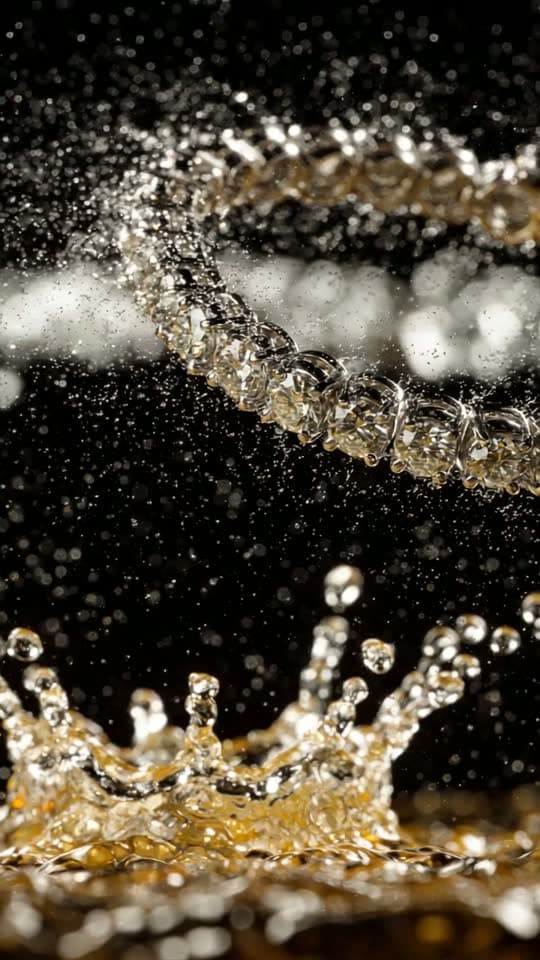
Comprovação de produto
Mostre forma, acabamento, comportamento da luz e artesanato visível.
- Hero cinematográficoUma revelação luxuosa construída em torno da peça exata.5s
- Passagem de luz de estúdioMovimento limpo para página de produto, reflexos em deslocamento, sem distrações.5s
- Artesanato macroFaça de facetas, garras, elos e acabamento a história.10s
- Comprovação de luz e brilhoMostre a cintilação sem pintar glitter falso na pedra.5s
- Vislumbre no modeloMovimento natural ao usar, com escala e posicionamento preservados.10s
- Tour de detalhes em três planosUm filme compacto para página de produto: silhueta, detalhe, hero.15s
02
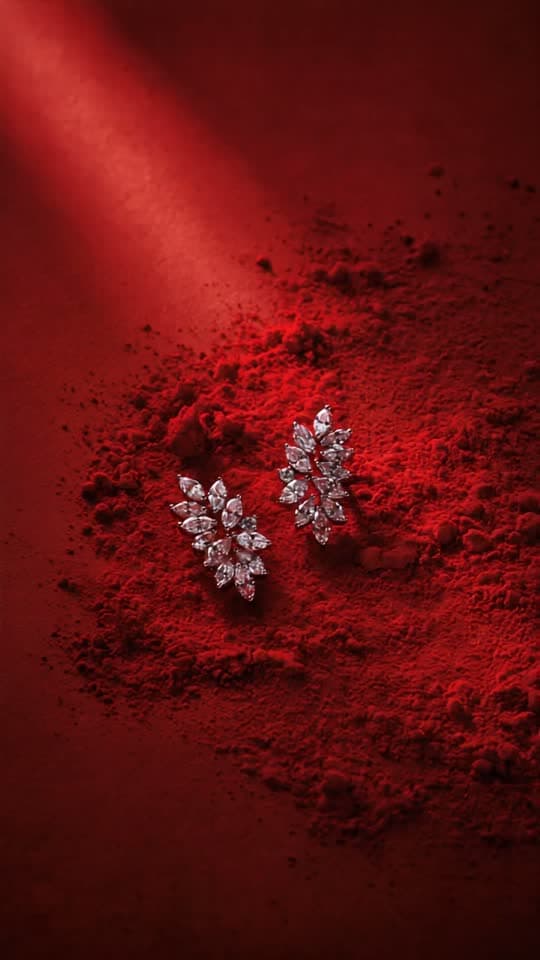
Campanha
Dê a um lançamento, oferta, coleção ou mensagem de presente um arco claro.
- Gancho · valor · açãoUma estrutura completa de anúncio de performance, pronta para texto de marca.30s
- Novo lançamentoAntecipação, revelação e uma tomada final memorável do produto.10s
- Oferta / tempo limitadoUrgência com foco no produto, sem efeitos baratos de contagem regressiva.10s
- Três motivosTrês momentos de prova visual para uma promessa de produto.15s
- Teaser de coleçãoDeixe uma peça hero transmitir o clima de uma coleção futura.30s
- Guia de presentesDesejo acolhedor e comprovação clara do produto para campanhas de presentes.15s
- Campanha sazonalUm anúncio flexível para feriado ou ocasião, sem excesso de clichês.10s
03
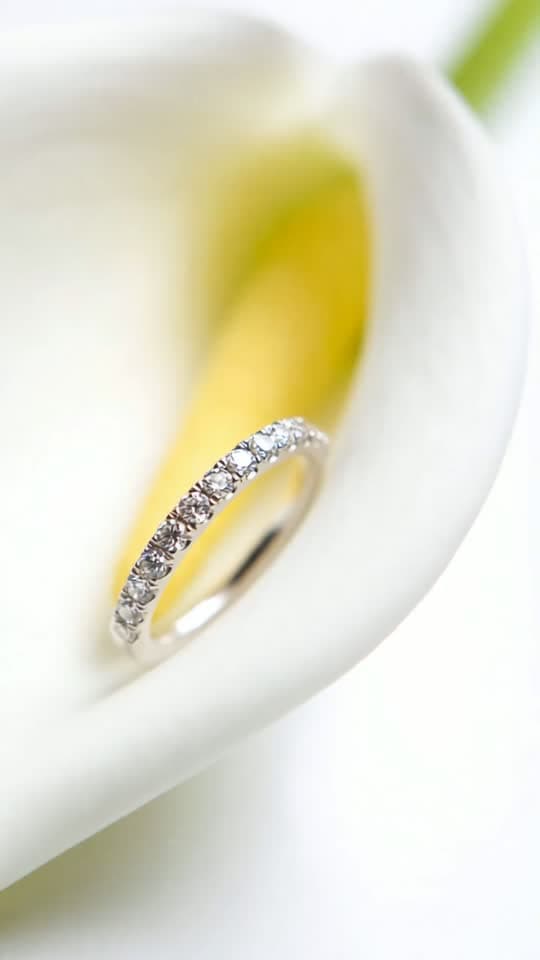
História
Crie emoção e continuidade sem substituir o produto.
- Clima de pedido de casamentoAntecipação e intimidade, com foco no anel.15s
- Revelação do presenteUma pequena história de antecipação, descoberta e encanto.15s
- Memória de herançaEmoção atemporal, detalhe do material e continuidade.15s
- Do dia à noiteUma peça, dois climas, uma transformação contínua.30s
- Origem do ateliêOfício, material e a sensação de algo feito com cuidado.30s
04
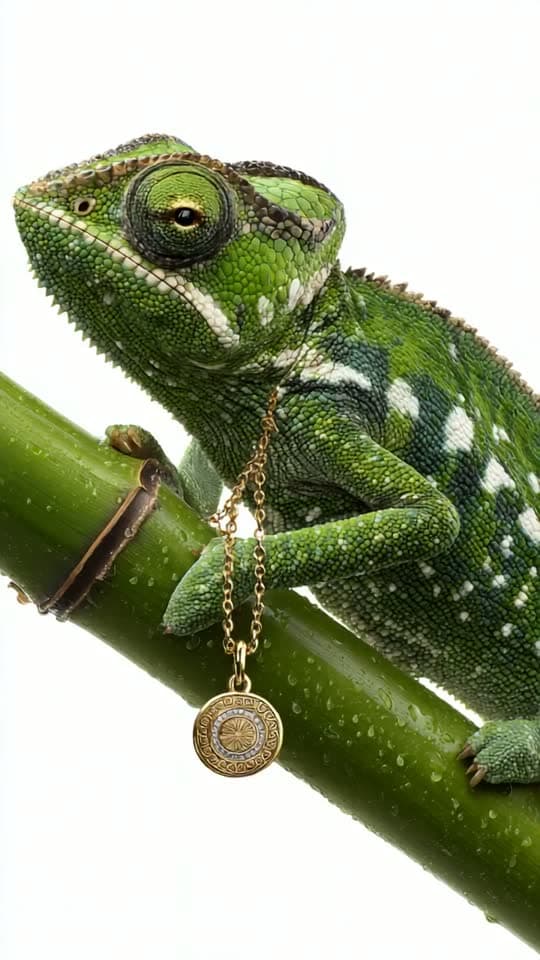
Social
Use formatos nativos conhecidos sem fabricar alegações de clientes.
- UnboxingRitmo nativo de redes sociais com revelação focada no produto.15s
- Reação em estilo creatorCasual, próxima e crível, sem depoimento falso.10s
- Destaque de avaliação realCombine uma citação genuína com um filme calmo de comprovação do produto.10s
- Estilize de três formasTrês climas em torno de uma peça, sem mudar o design.15s
- Gancho de transiçãoUma abertura mais forte para redes sociais e uma revelação satisfatória.10s
Por que os vendedores de joias estão usando vídeo de anúncio com IA em 2026
O comprimento padrão do clipe é 5 segundos, que corresponde ao ponto ideal algorítmico para Reels, TikTok e unidades de anúncios Meta. Cinco segundos é tempo suficiente para mostrar um movimento de câmera mais um efeito de iluminação e curto o suficiente para que as taxas de conclusão permaneçam acima de 80% em posicionamentos pagos. A foto principal ancora a identidade visível da joia. As imagens de apoio autorizam apenas as áreas da joia que mostram; construção oculta, traseira, interna e demais partes não vistas ficam fora de câmera e nunca são inventadas. O vídeo generativo ainda pode cometer erros. Inspecione a exportação completa em comparação com a fonte antes de publicar: rejeite uma renderização se uma banda engrossar, uma pedra lateral se mover, elos se fundirem, uma gravação mudar ou a cor do metal desviar.
Como criar um vídeo de anúncio de joias com IA: 5 passos
Passo 1
Passo 1: Carregar uma foto clara de joias
Vídeo de campanha a partir de uma imagem. Para vídeos com mais de 5 segundos, adicione imagens de apoio; a foto principal continua sendo a referência de identidade da joia. Para clipes de 10, 15 e 30 segundos, você pode adicionar até 2, 4 e 7 imagens de apoio, respectivamente. A foto principal ancora a identidade visível da joia. As imagens de apoio autorizam apenas as áreas da joia que mostram; construção oculta, traseira, interna e demais partes não vistas ficam fora de câmera e nunca são inventadas.
Passo 2
Passo 2: deixe a descrição vazia ou escreva uma indicação curta de cena
O campo de descrição é opcional. A descrição automática cria uma cena cinematográfica e, principalmente, inclui instruções para preservar o design da joia de origem. Para a maioria dos vendedores, deixar o campo vazio é o melhor primeiro teste: ele foi ajustado com muitas renderizações de avaliação e costuma produzir resultados mais consistentes do que instruções manuais longas demais.
Se quiser orientar a cena, use uma frase curta: "luz dourada suave com pólen suspenso", "luz fria de estúdio com névoa" ou "gotas de água brilhantes sobre azul profundo". Não contradiga a foto original e não descreva a joia de novo; a imagem já cumpre esse papel. Em joias, detalhes demais aumentam a chance de erro.
Passo 3
Passo 3: Escolha uma proporção de aspecto que corresponda ao seu destino
Quatro proporções estão disponíveis:
9:16 vertical. Reels, TikTok, YouTube Shorts, Instagram Stories. Este é o padrão para vídeo de anúncio. Escolha este a menos que tenha um motivo específico para não escolher.
16:9 paisagem, Anúncios do YouTube, Meta in-stream, embeds de hero do site.
1:1 quadrado. Posts do feed do Instagram, pins do Pinterest, slots da galeria do marketplace.
3:4 retrato, eBay mobile, feed Instagram legado.
Gerar na proporção de destino sempre supera recortar depois. Recortar um vídeo 16:9 em 9:16 descarta a maior parte da sua composição; renderizar em 9:16 desde o início enquadra a cena para a tela do telefone.
Passo 4
Passo 4: iniciar a criação Pro
O preço é de 2 créditos por 5 segundos, 4 por 10 segundos, 6 por 15 segundos e 12 por 30 segundos. 720p nativo em todas as durações. Efeitos sonoros, trilha sonora contínua ou silêncio. O texto é composto após a geração para ficar nítido e com ortografia correta. Se a renderização não entregar vídeo, os créditos de renderização retornam automaticamente; qualquer imagem-fonte desbloqueada separadamente continua desbloqueada.
Passo 5
Etapa 5: Baixe, edite levemente se necessário, poste
O MP4 baixado é pós-processado com `+faststart` para começar imediatamente após o upload no Instagram e TikTok. Clips Pro incluem áudio AAC a 128 kbps, bitrate padrão para anúncios curtos.
Dicas simples de edição:
- Para Reels: publique o clipe diretamente. A duração de 5 segundos favorece visualizações completas. - Para anúncios TikTok: adicione um cartão final de marca de um segundo com o nome da loja no seu editor preferido de vídeos curtos. - Para Meta Ads: coloque o título no Meta Ads Manager durante o primeiro segundo em vez de gravá-lo no vídeo; texto nativo da plataforma costuma causar menos problemas. - Para Pinterest: combine o clipe 9:16 com uma miniatura 1:1 da mesma fonte para máxima cobertura.
Dicas para clipes de anúncios de joias atraentes
Essas dicas vieram de milhares de renderizações de joias com nosso mecanismo de IA para vendedores no painel do Jewels Retouch. Cada uma é uma mudança única que melhorou mensuravelmente a taxa de conclusão ou a taxa de cliques.
- Prenda a atenção no primeiro segundo. Escolha uma cena com movimento visível já no primeiro quadro: brilho, névoa, pétalas caindo ou movimento de luz. Não dependa de um plano estático que só ganha vida depois de uma batida.
- Mantenha a joia centralizada ou no terço superior (rule-of-thirds). Composições no terço inferior são cortadas em Stories. Centro é mais seguro para compartilhar em Reels e TikTok sem refazer.
- Ajuste a proporção ao gerar, não em pós-produção. Re-renderizar na proporção correta é mais barato e mantém a composição intacta.
- Use o Pro tanto para criativos de anúncio hero quanto para Reels orgânicos. A geração em 720p inclui áudio para posicionamentos pagos, e o mesmo MP4 ainda funciona em feeds com rolagem silenciosa.
- Gere três variações da mesma fonte: a mesma foto com três indicações de cena diferentes, por exemplo dourado suave, azul frio ou brilho dramático. Faça um teste A/B e mantenha a variante com melhor desempenho.
Quanto custa um vídeo de anúncio de joias com IA?
O vídeo utiliza 2 créditos a cada 5 segundos: 2 créditos para 5s, 4 para 10s, 6 para 15s e 12 para 30s. Uma fonte com marca d'água ainda não paga adiciona 1 crédito. Calcule o custo em moeda a partir do pacote atual exibido na compra; os créditos são únicos e não expiram.
| Plano | Custo por clipe | Créditos usados | Saída |
|---|---|---|---|
| Pro | $1.80–$3.98 | 2 / 4 / 6 / 12 créditos | 720p, áudio sincronizado, 5s |
Multiplique o total de créditos do tempo de execução pela taxa do seu pacote único. Iniciar a partir de uma fonte com marca d'água ainda não paga adiciona 1 crédito para desbloquear essa imagem. Renderizações falhas restauram os créditos de tempo de execução; o crédito de origem permanece usado porque a imagem continua desbloqueada.
Perguntas frequentes
Começar