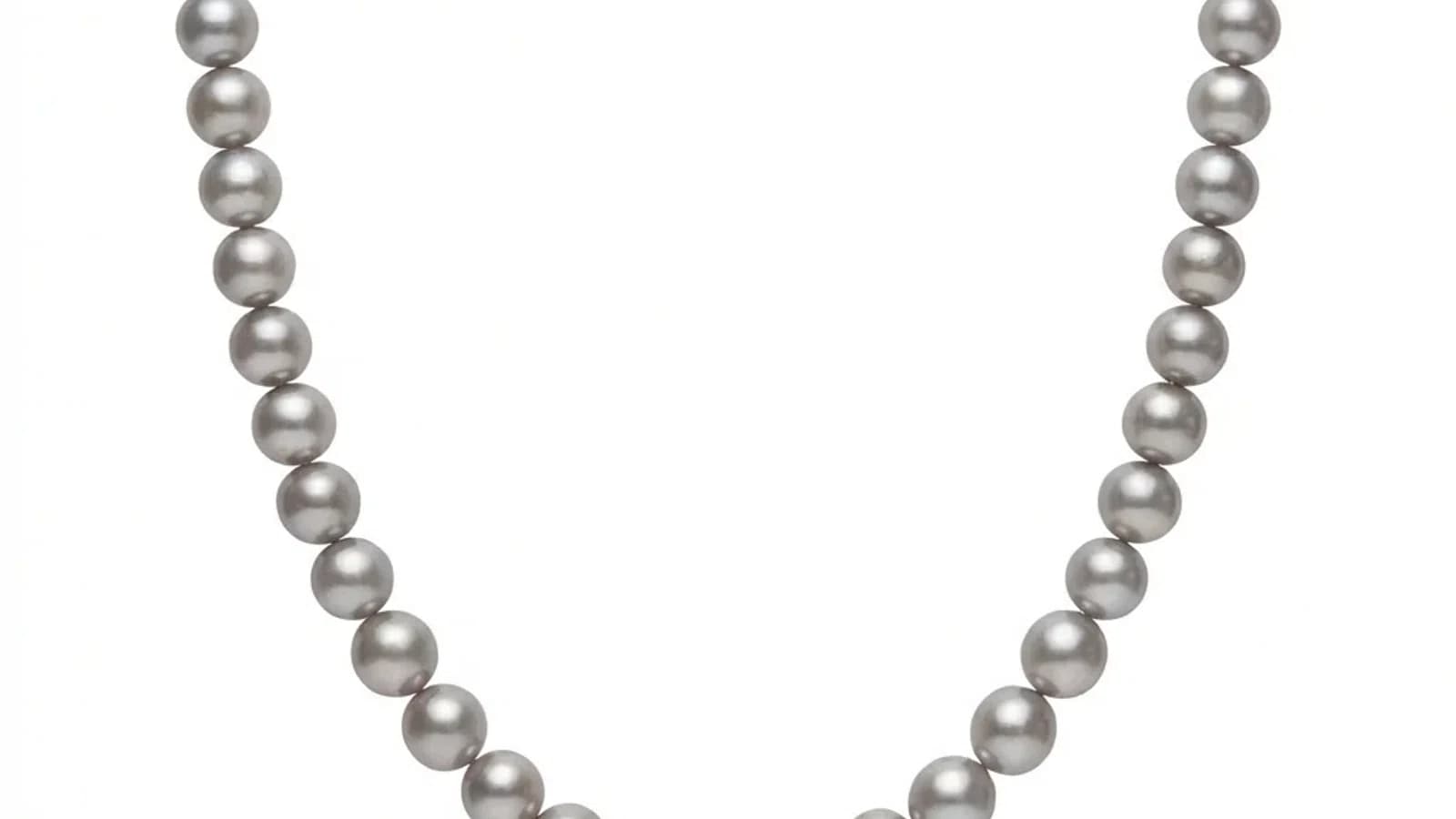
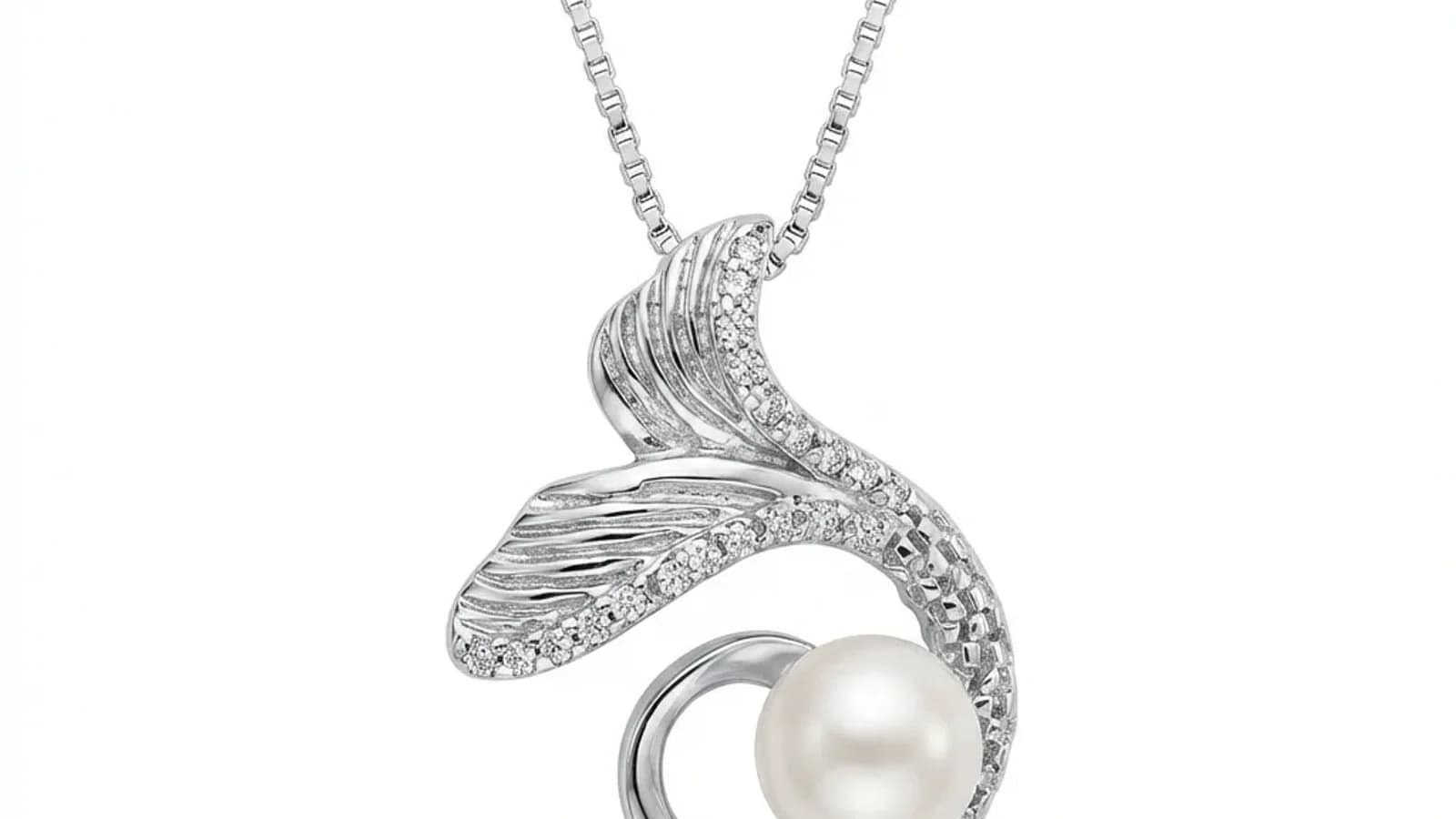
Sida loo gaaro Isku-xidhnaanta Sawirnaynta Dahab-gacmeedka
Tixraaca style wuxuu caawin karaa in background, iftiin, crop iyo hooska katalogga la is waafajiyo, laakiin sawirro asal fiican iyo hubin bini’aadan wali waa loo baahan yahay.
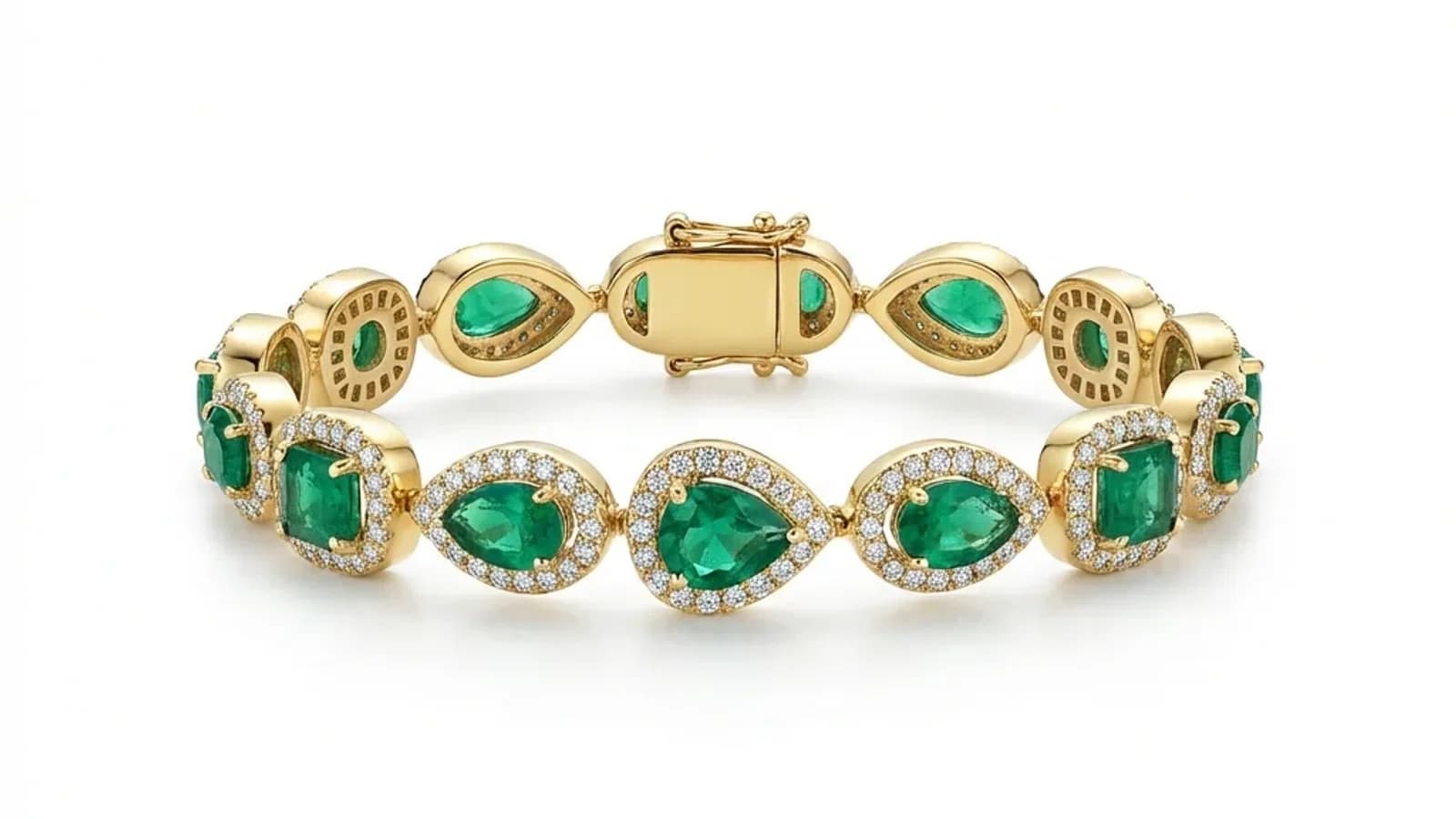
Akhri wax dheeraad ah
Maxaa muhiim u ah isku-xidhnaanta sawirnaynta dahab-gacmeedka?
AI waa hab ugu wax-ku-ool ah hubinta tayada sawirrada dahab-gacmeedka isku mid ah.
- 01Maxaa muhiim u ah isku-xidhnaanta sawirnaynta dahab-gacmeedka?Sawirrada isku mid ah waxay kordhiyaan kalsoonida macaamiisha iyo iibka.
- 02Arrimaha ugu weyn ee isku-xidhnaanta sawirrada dahab-gacmeedkaIftiinka isku mid ah, asalka iyo qaabka dib-u-habeynta.
- 03Sida AI u gaartaa isku-xidhnaanta sawirrada dahab-gacmeedka?AI waxay u isticmaashaa xeerarka isku mid ah sawir kasta ee xididka.
№ 01
Maxaa muhiim u ah isku-xidhnaanta sawirnaynta dahab-gacmeedka?
Kala-duwanaanta tayada sawirrada waxay saameysaa aragtida calaamadda.
№ 02
Arrimaha ugu weyn ee isku-xidhnaanta sawirrada dahab-gacmeedka
Iftiinka, asalka iyo dib-u-habeynta AI ee isku-mid-ah waxay bixiyaan natiijooyin isku mid ah.
№ 03
Sida AI u gaartaa isku-xidhnaanta sawirrada dahab-gacmeedka?
Jewels Retouch waxay u isticmaashaa xeerarka AI isku mid ah sawir kasta oo dahab-gacmeed.
№ 04
Sida loo ilaaliyaa isku-xidhnaanta xubinyaha waaweyn?
API Jewels Retouch waxay si toos ah u dhisaysaa dib-u-habeynta isku mid ah xubinyaha waaweyn.
№ 05
Dhaqamada ugu wanaagsan ee dib-u-habeynta isku-xidhnaanta dahab-gacmeedka
Dejiso heerarka hal mar, isticmaal Jewels Retouch natiijooyin isku mid ah.
№ 06
Sida loo bilaabaa dib-u-habeynta sawirrada dahab-gacmeedka isku-xidhnaanta?
Tixraaca style wuxuu caawin karaa in background, iftiin, crop iyo hooska katalogga la is waafajiyo, laakiin sawirro asal fiican iyo hubin bini’aadan wali waa loo baahan yahay.
№ 07
Dhisida Katalog Juwahar oo Waafaqsan: Tilmaam Tallaabo-Tallaabo
Tixraaca style wuxuu caawin karaa in background, iftiin, crop iyo hooska katalogga la is waafajiyo, laakiin sawirro asal fiican iyo hubin bini’aadan wali waa loo baahan yahay.