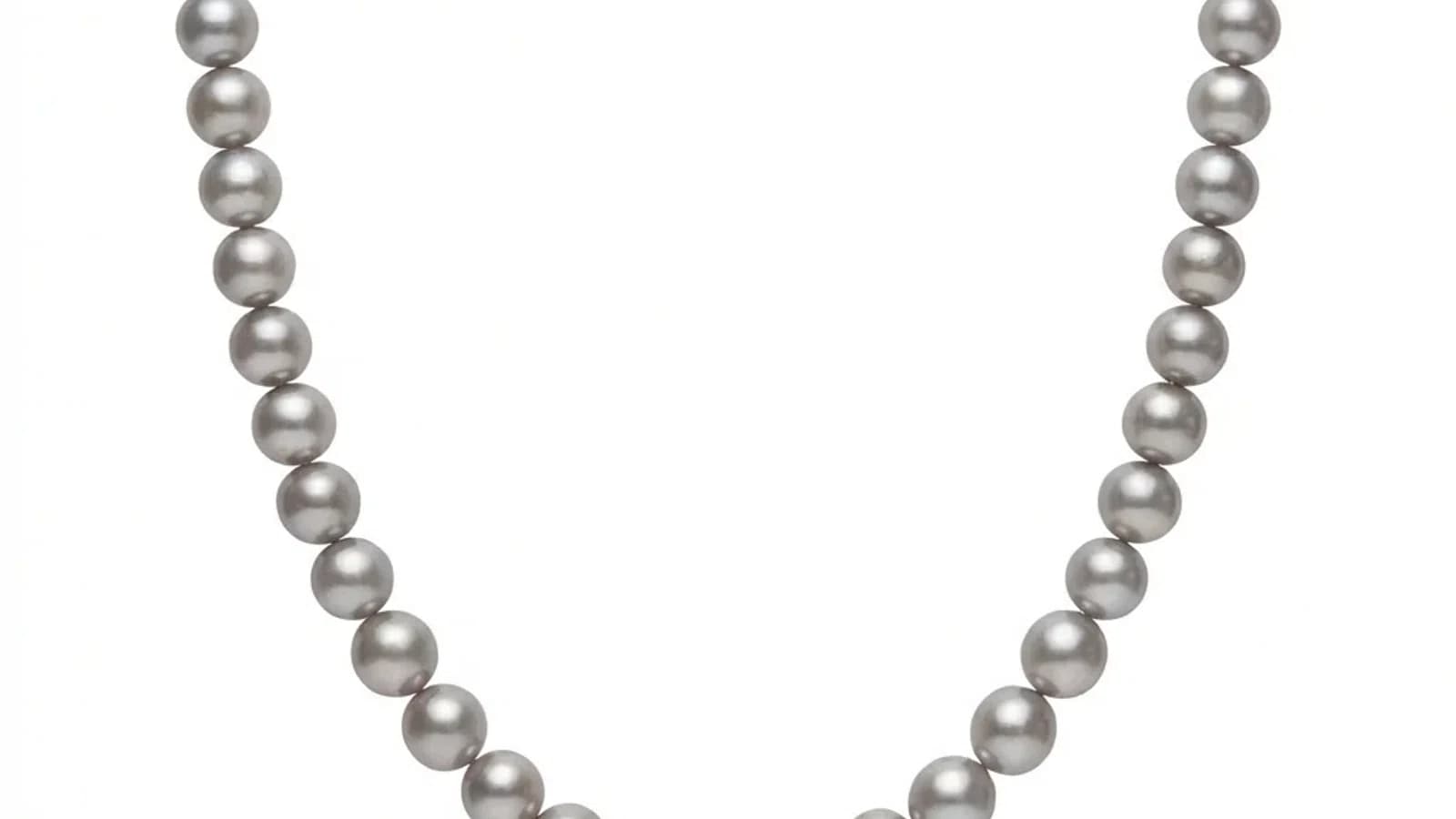
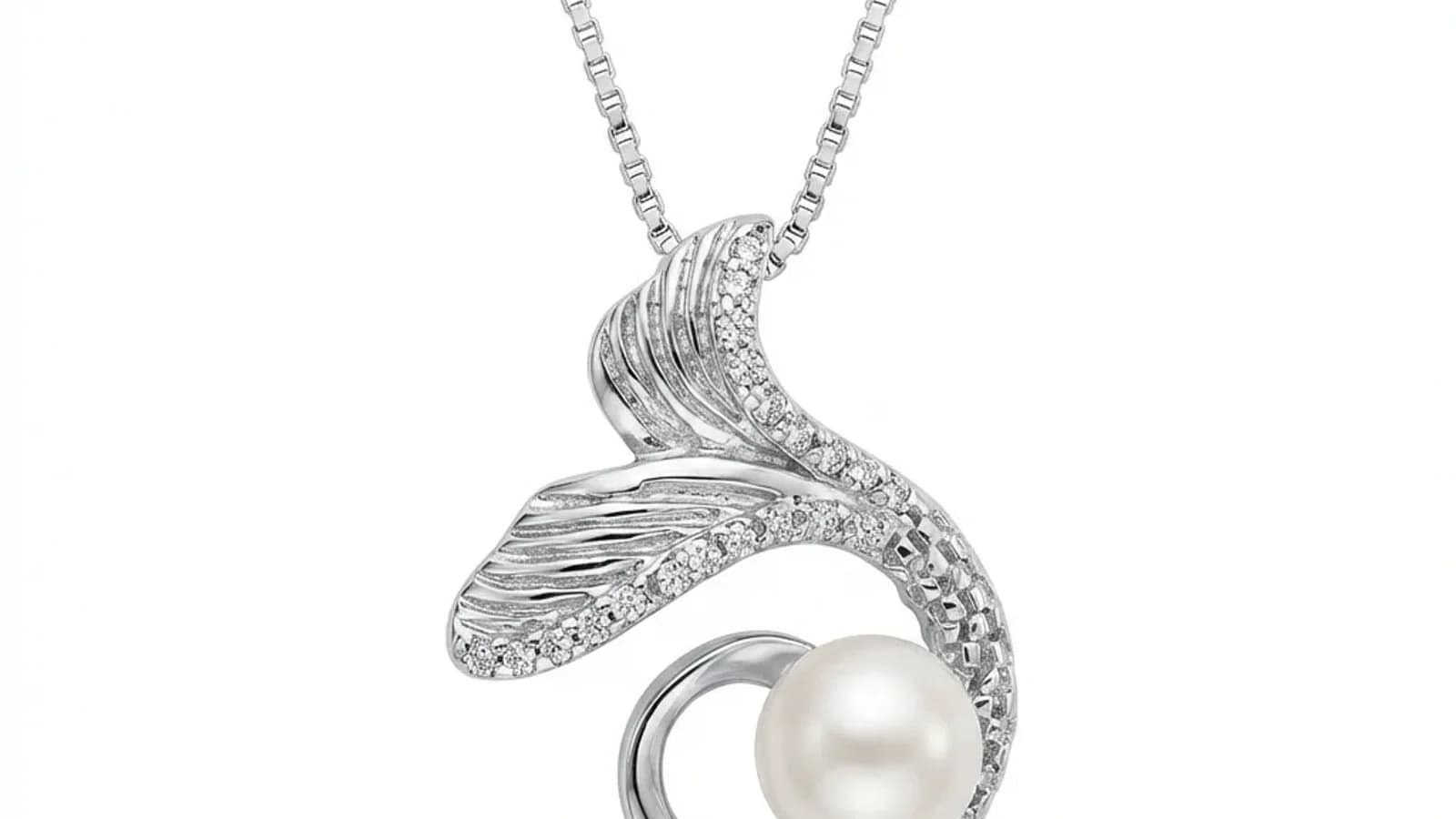
Test katalógového radu: vyzerajú vaše fotografie šperkov ako jedna značka?
Prečo je konzistentnosť katalógu dôležitá a ako AI retušovanie zjednocuje svetlo, pozadie a štýl pri stovkách produktových obrázkov.
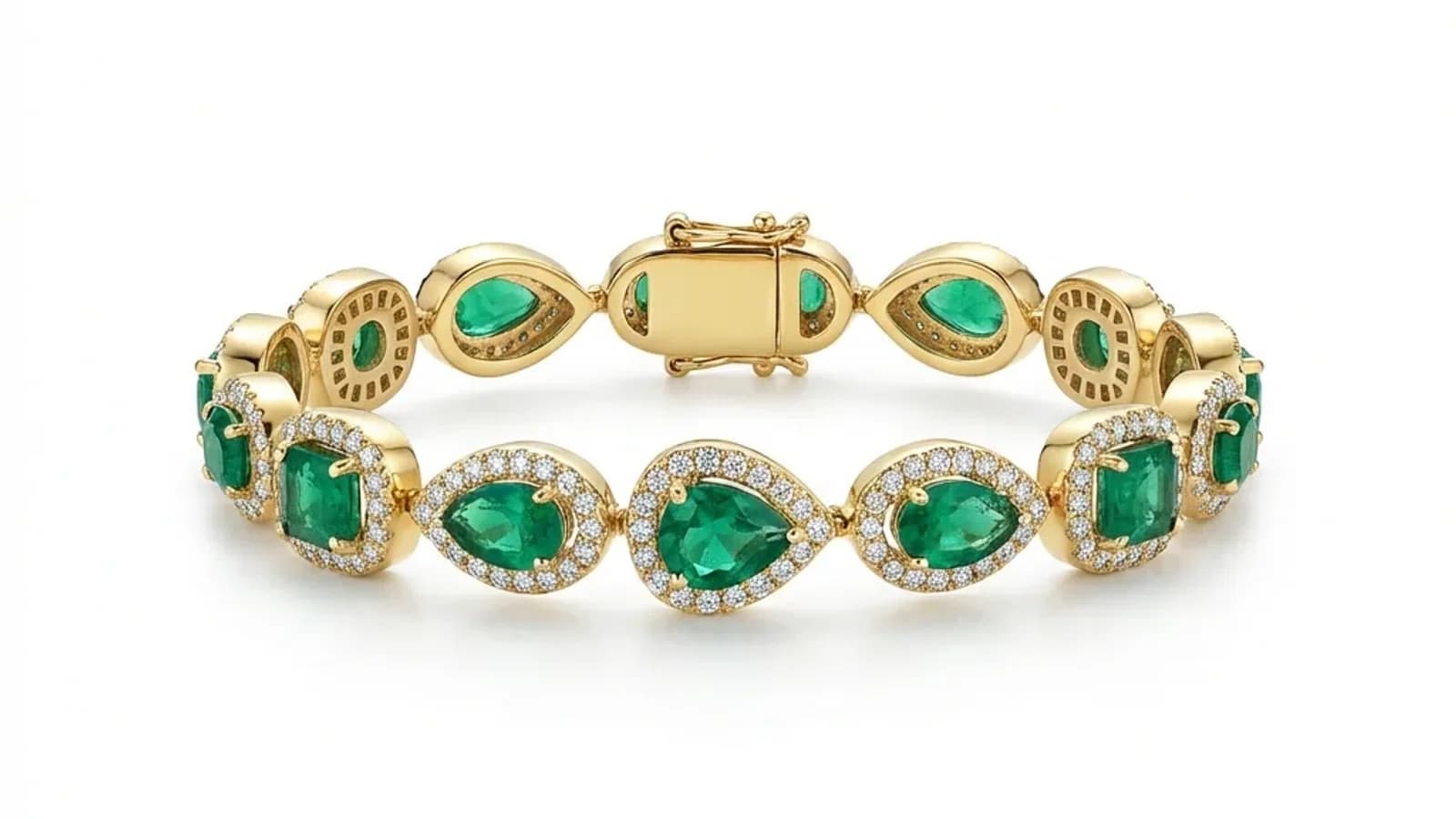
Čítať viac
Prečo konzistentnosť rozhoduje o kvalite katalógu šperkov
Položte vedľa seba dvanásť produktových fotografií. Sú prstene v rovnakej výške? Padajú tiene rovnakým smerom? Má žlté zlato pri každom SKU ten istý odtieň? Ak nie, nejde o jednu zlú fotografiu, ale o problém konzistentnosti katalógu, ktorý kupujúci pocítia skôr, než ho dokážu pomenovať.
- 01Prečo konzistentnosť rozhoduje o kvalite katalógu šperkovNekonzistentné produktové fotografie veľmi rýchlo oslabia katalóg. Keď sa medzi obrázkami mení pozadie, svetlo a poloha, kupujúci vníma nižšiu kvalitu a dôveryhodnosť. Jednotný katalóg pôsobí zámerne, uľahčuje porovnávanie a vyzerá profesionálne.
- 02Psychológia vizuálnej konzistentnosti pri online nákupeKonzistentnosť umožňuje porovnávať produkty bez toho, aby si oko pri každom obrázku zvykalo na nové podmienky. Ak orez, pozadie, tieň a farba kovu zostávajú rovnaké, rozdiely medzi produktmi sa posudzujú ľahšie. Keď každý SKU vyzerá odfotený podľa iných pravidiel, katalóg pôsobí nekontrolovane.
- 03Čo spôsobuje nekonzistentnosť fotografií šperkov?Päť hlavných príčin sú rozdielne pozadia, meniace sa svetelné podmienky, neštandardná poloha, posuny vyváženia bielej a rozdiely medzi editormi. Aj prísne štúdio môže časom skĺznuť, ak nemá jasnú referenciu a pravidelnú kontrolu.
№ 01
Prečo konzistentnosť rozhoduje o kvalite katalógu šperkov
Na profesionálnej stránke šperkárskej značky všetky produkty pôsobia, akoby patrili k sebe: rovnaká rodina pozadí, smer svetla, správanie tieňa a spôsob umiestnenia.
V menšom katalógu býva jeden prsteň na bielom pozadí a ďalší na sivom, raz je svetlo jasné a inokedy teplé, jeden kus vypĺňa rám a ďalší je malou bodkou uprostred.
Takáto odchýlka nie je iba estetický problém:
- kupujúci musí pri porovnávaní vynaložiť viac úsilia
- farba kovu a kameňa pôsobí menej spoľahlivo
- katalóg nepôsobí starostlivo zostavený
- nejednotné očakávania môžu zvýšiť riziko vrátenia
- veľkoobchodný kupujúci môže pochybovať o prevádzkových štandardoch
Pri hodnotení nového dodávateľa môže byť nekonzistentný katalóg dôvodom na vyradenie.
№ 02
Psychológia vizuálnej konzistentnosti pri online nákupe
Konzistentnosť nie je abstraktný branding, ale praktický nástroj porovnávania.
Kupujúci má pri porovnávaní prsteňov sledovať dizajn, nie hádať, či je jeden odtieň zlata teplejší kvôli produktu alebo kuchynskej žiarovke. Veľkoobchodný kupujúci má v prehľade vidieť jednu kolekciu, nie fotografie od piatich dodávateľov.
Urobte test katalógového radu:
- pozadia patria do rovnakej bielej, sivej alebo scénickej rodiny
- výrobky rovnakej kategórie majú podobnú mierku v oreze
- prstene, náušnice, náramky a prívesky sledujú vlastný štandard uhla
- tieň má rovnaký smer, mäkkosť a bod kontaktu
- žlté a ružové zlato, striebro aj platina držia stabilný tón
- medzi SKU nepreskakuje modrý a teplý farebný nádych
Ak celý rad pôsobí hlučne, problémom je konzistentnosť. Referencia štýlu dá každému novému obrázku konkrétny cieľ namiesto spoliehania sa na pamäť alebo náladu.
№ 03
Čo spôsobuje nekonzistentnosť fotografií šperkov?
Nekonzistentnosť vstupuje do katalógu z viacerých strán.
1. Pozadie:
- iné miesto alebo povrch pri každom fotografovaní
- nerovnaké odstránenie okrajov, raz so svetlým lemom a inokedy bez neho
- striedanie čistej bielej, krémovej a sivej
2. Svetlo:
- denné svetlo sa mení podľa času a počasia
- rôzne štúdiové zostavy
- zmiešanie teplého umelého svetla s chladným svetlom z okna
3. Poloha:
- chýba štandard uhla pre každú kategóriu
- fotografi rámujú kusy odlišne
- pomôcky a podpery sa používajú náhodne
4. Farba:
- medzi reláciami sa mení vyváženie bielej, fotoaparát alebo nastavenia
- monitory editorov nie sú rovnako kalibrované
- zlato vyzerá raz oranžovo a raz žlto
5. Postprodukcia:
- editori používajú rozdielnu silu korekcií
- tiene, leštenie kovu a zvýraznenie kameňa nemajú jednotný štandard
- chýba zdokumentovaný postup
Aj ten istý editor môže v piatok vytvoriť mierne iný výsledok než v pondelok.
№ 04
Ručné metódy na dosiahnutie konzistentnosti
Tradičný katalógový postup sa snaží kontrolovať každú premennú.
Pri fotografovaní používa pevnú svetelnú zostavu, označené polohy pre jednotlivé kategórie, rovnakú vzdialenosť a ohnisko, sivú kartu na začiatku relácie a rovnaký fotoaparát s objektívom.
Postprodukcia potrebuje zdokumentované predvoľby, schválené vzory pre každú kategóriu, jedného editora alebo prísne školenie tímu, rovnaké dávkové nastavenia a pravidelné porovnanie nových obrázkov so štandardom.
Nevýhody sú výrazné:
- vyžaduje štúdio, vybavenie a vyškolených editorov
- presunuté svetlo alebo nový editor môže systém narušiť
- kontrola kvality predlžuje spracovanie
- s rastúcim počtom produktov rastie priestor na odchýlku
- odchod jediného skúseného editora ohrozuje celý štandard
Pre malú firmu je takáto kontrola často nepraktická. Referenčný štýl v AI retušovaní vypĺňa práve túto medzeru.
№ 05
Ako referencia štýlu rieši problém konzistentnosti
Pracovný postup s referenciou mení spôsob dosahovania konzistentnosti.
1. Vyberte jeden profesionálne dokončený produktový obrázok 2. Obrázok určí farbu pozadia, smer svetla, štýl tieňa, správanie odrazov a celkovú náladu 3. Nahrajte novú fotografiu šperku 4. AI ju spracuje smerom k referenčnému štandardu 5. Výstup nadviaže na rovnakú rodinu pozadia, svetla a tieňa
Referencia usmerňuje farbu a prechod pozadia, smer a teplotu svetla, mäkkosť a priehľadnosť tieňa, úroveň leštenia kovu aj celkové farebné ladenie.
Výhodou je, že samotná referencia slúži ako vizuálna dokumentácia. Nový editor nemusí interpretovať dlhú príručku, štandard zostáva stabilnejší v čase a pri veľkom objeme sa nespolieha na ručnú pamäť. Vstup musí byť stále ostrý a rozumne osvetlený, no aj fotografia zo smartfónu môže vďaka tomu zapadnúť do profesionálnejšieho rytmu katalógu.
№ 06
Bežné chyby konzistentnosti a ako sa im vyhnúť
Konzistentnosť môže zlyhať aj s dobrým nástrojom.
1. Namiesto neurčitého zadania „urob to profesionálne“ zvoľte jeden konkrétny referenčný obrázok. 2. Počas spracovania kategórie referenciu nemeňte. 3. Pre podobné kusy používajte rovnaký pomer strán, rozmery a rámovanie. 4. Nový obrázok nekontrolujte iba samostatne; vždy ho položte do mriežky existujúceho katalógu. 5. Nemiešajte bez pravidla ručné a AI spracované fotografie v tej istej kategórii. 6. Nepoužívajte jednu referenciu pre prstene aj náhrdelníky; vytvorte kategóriové vzory. 7. Podobné produkty spracujte v jednej plánovanej relácii, aby sa medzi týždňami nemenil úsudok.
Jednoduché pravidlo: ak dva obrázky rovnakej kategórie pôsobia ako z dvoch rôznych katalógov, štandard ešte nie je dostatočne pevný.
№ 07
Budovanie konzistentného katalógu šperkov krok za krokom
Praktický postup pre premenu nekonzistentného katalógu:
Krok 1: Zobrazte všetky produkty v mriežke, označte rozdiely v pozadí, svetle, veľkosti a farbe a ohodnoťte každú kategóriu.
Krok 2: Vyberte najlepší produktový obrázok alebo vytvorte jeden profesionálny vzor. Podľa potreby zvoľte samostatnú referenciu pre prstene, náhrdelníky a ďalšie kategórie.
Krok 3: Začnite najviditeľnejšími a najpredávanejšími produktmi. Každú kategóriu spracujte s rovnakou referenciou a výsledky priebežne porovnávajte v mriežke.
Krok 4: Vymeňte staré obrázky na webe aj trhoviskách v rovnakom období, aby sa starý a nový štýl zbytočne nemiešal.
Krok 5: Každý nový produkt fotografujte bežným postupom, spracujte so zavedenou referenciou a publikujte až po kontrole vedľa existujúceho katalógu.
Náklady sa dajú plánovať podľa balíkov kreditov namiesto individuálnej štúdiovej ponuky. Výsledkom je jednotnejší katalóg, ktorý buduje dôveru a odlišuje značku od amatérskych ponúk.