AI Jewelry Retouching Before and After: Real Examples
See real before-and-after examples of AI jewelry retouching — rings, necklaces, earrings, and bracelets transformed from phone photos to professional catalog images.
TL;DR
AI jewelry retouching transforms amateur phone photos into professional catalog images in 30 seconds. These real before-and-after examples show rings, necklaces, earrings, and bracelets processed with Jewels Retouch — demonstrating background replacement, dust removal, metal polishing, gemstone enhancement, and catalog consistency.
What AI Jewelry Retouching Actually Does
AI jewelry retouching performs multiple enhancements in a single pass: background removal and replacement, dust and particle cleanup, metal surface polishing and reflection enhancement, gemstone brilliance and color optimization, shadow creation for depth, and color correction for accurate metal and stone tones. All of this happens in 30–60 seconds per image.
blog.aiRetouchingBeforeAfter.section1Body
Ring Retouching Before and After
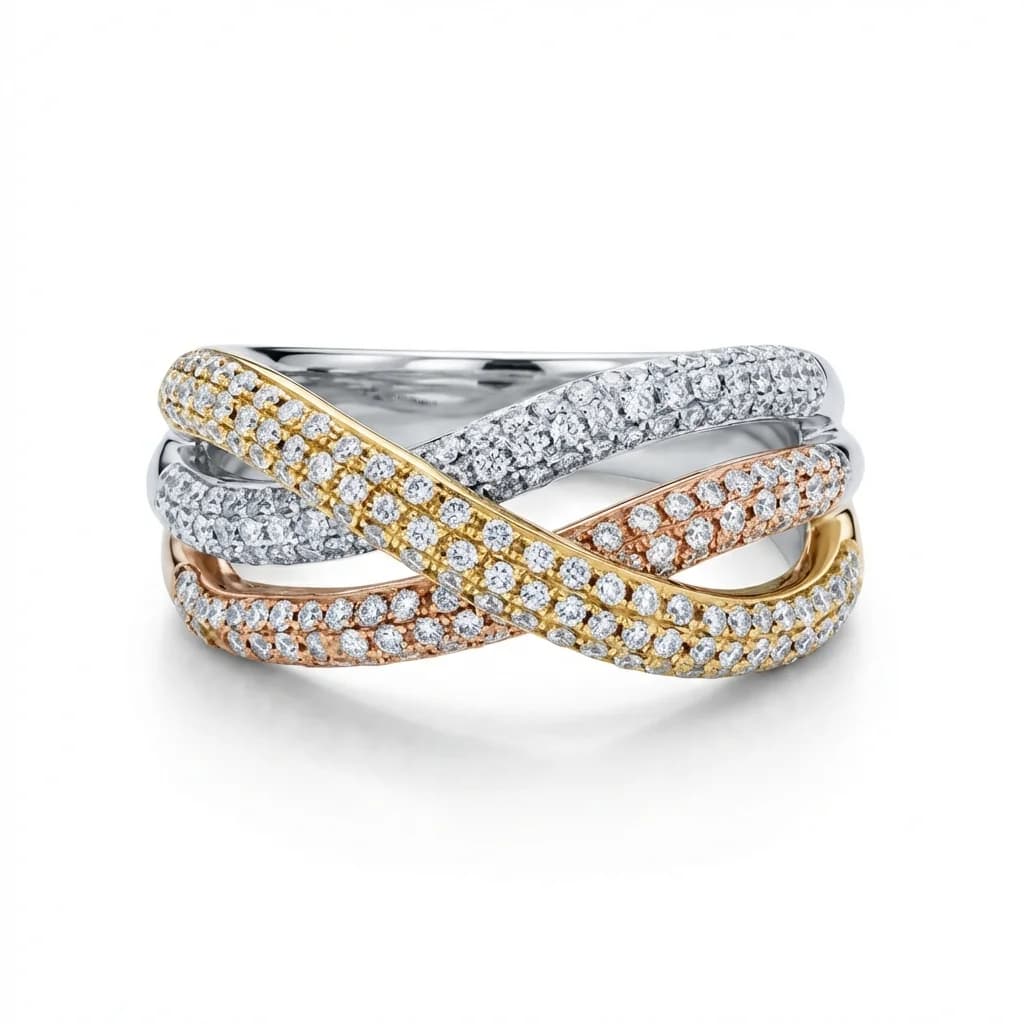
Rings are the most commonly retouched jewelry type. AI transforms phone photos of rings on wooden tables, velvet boxes, or fingers into clean catalog images on white backgrounds. Metal surfaces go from dull and dusty to polished and reflective. Diamond fire and sparkle are enhanced. The ring is positioned to match your catalog's standard angle and framing.
blog.aiRetouchingBeforeAfter.section2Body
Necklace Retouching Before and After
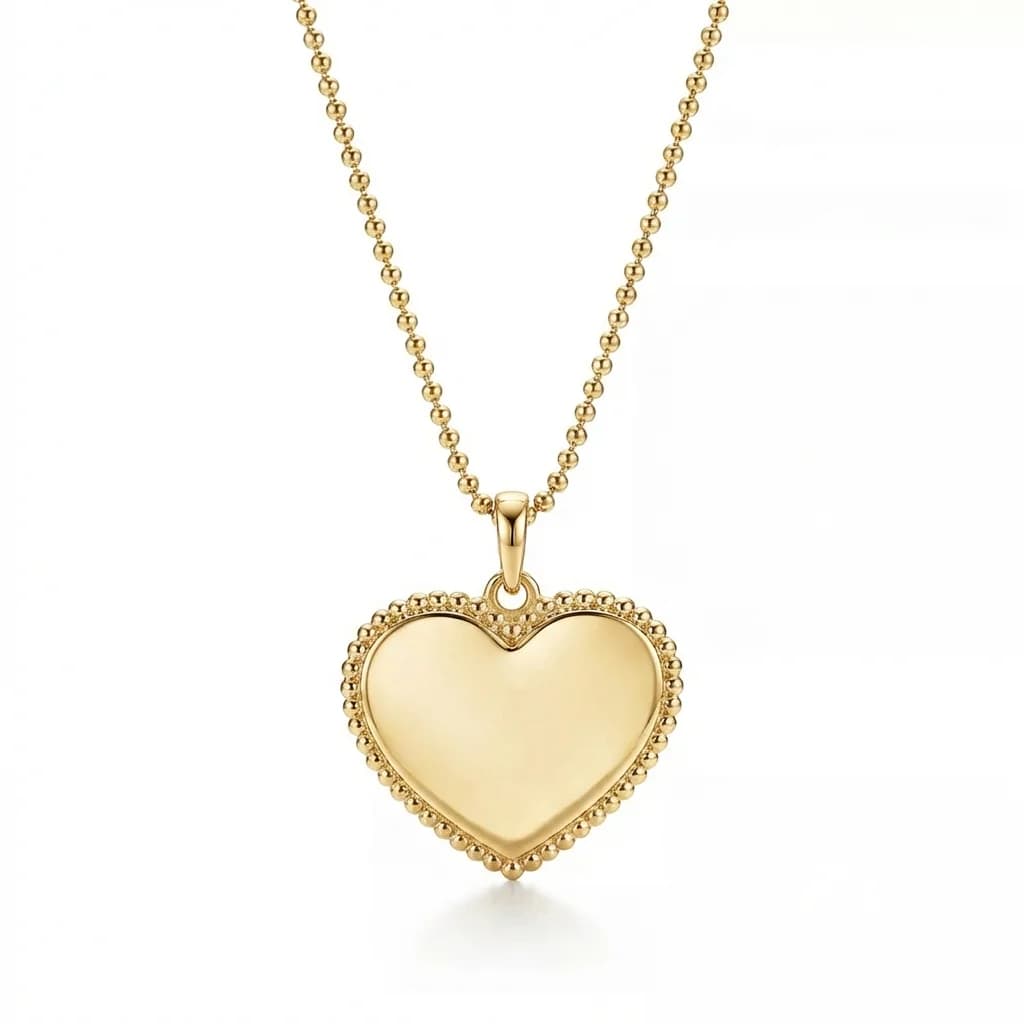
Necklace retouching showcases AI's ability to preserve chain detail. Every link remains crisp and defined even as the background is replaced. Pendants are enhanced with gemstone optimization and metal polishing. The overall presentation matches your style reference — consistent drape, positioning, and background across all necklace images.
blog.aiRetouchingBeforeAfter.section3Body
Earring Retouching Before and After
Earring pairs require perfect symmetry in presentation. AI ensures both earrings receive identical enhancement — matched stone sparkle, identical metal polish, and consistent spacing. Drop earrings maintain their natural hang. Stud earrings show front-face detail. The result is marketplace-ready earring images with professional quality.
blog.aiRetouchingBeforeAfter.section4Body
Bracelet Retouching Before and After
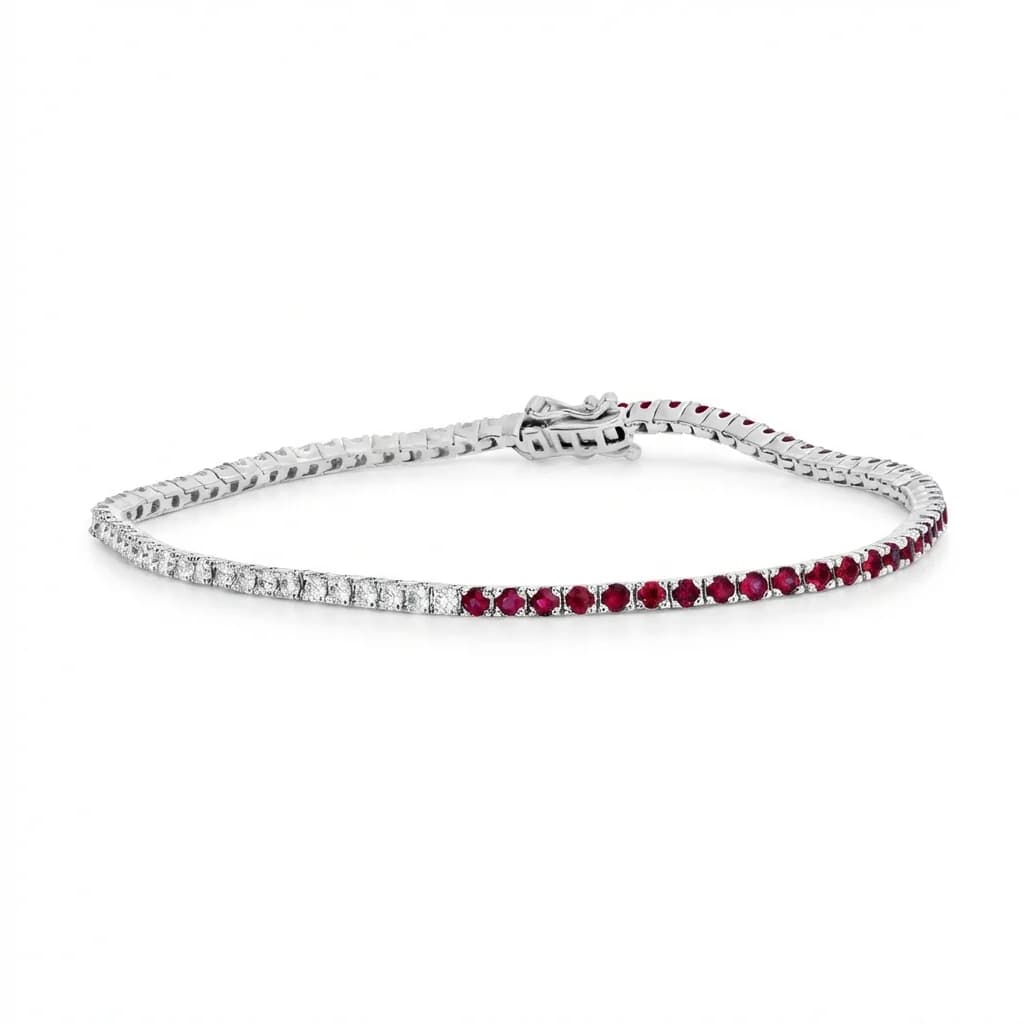
Bracelets present unique challenges: curved surfaces, clasp details, and material variety. AI handles chain bracelets, bangles, cuffs, and beaded designs equally well. Metal surfaces are polished, clasps are enhanced, and the bracelet is positioned in a natural C-shape or flat lay matching your reference style.
blog.aiRetouchingBeforeAfter.section5Body
Metal Color Change Before and After
One of AI retouching's most valuable features: changing metal color after the initial retouch. A yellow gold ring can be transformed to show white gold, rose gold, or platinum versions — creating product variation images from a single photograph. The color change affects only the metal, preserving gemstone colors and surface detail accurately.
blog.aiRetouchingBeforeAfter.section6Body
How to Get Results Like These
To achieve professional before-and-after results: start with a clear, well-lit input photo (even a smartphone is fine), choose a professional style reference image that shows your desired background and lighting, upload to Jewels Retouch, and download the result. Three free images are included with every new account — no credit card required.
blog.aiRetouchingBeforeAfter.section7Body
blog.aiRetouchingBeforeAfter.section8Title
blog.aiRetouchingBeforeAfter.section8Answer
blog.aiRetouchingBeforeAfter.section8Body
blog.aiRetouchingBeforeAfter.section9Title
blog.aiRetouchingBeforeAfter.section9Answer
blog.aiRetouchingBeforeAfter.section9Body
blog.aiRetouchingBeforeAfter.section10Title
blog.aiRetouchingBeforeAfter.section10Answer
blog.aiRetouchingBeforeAfter.section10Body