A practical workflow for wholesale jewelry catalog images
Prepare source photos, keep SKU and model-code mappings, review AI results, and hand over an identified selection to wholesale buyers.
Read More
What should a wholesale catalog help buyers inspect?
Start with labeled source photos and verified product data. Test representative pieces, use a style reference to guide presentation, and inspect every output against its source. Match accepted images back to SKU or model codes in your own line sheet before sharing a buyer selection. AI retouching does not verify materials, weights, dimensions, or product identity.
- 01What should a wholesale catalog help buyers inspect?A useful catalog connects a clear product image to an identifiable model and verified specifications. Consistent presentation helps buyers compare a collection, while additional views and factual product data answer questions that a retouched image cannot settle.
- 02How should sources and model codes be organized?Build a simple image register before upload. Give each source a model code, variant, and view label; keep the original unchanged. After processing, map the reviewed output back to the same record rather than relying on its appearance or position in a batch.
- 03How do references guide collection consistency?A style reference guides catalog background, lighting, and finish. The source image determines the viewing angle. Use consistent photography and review the collection together, while preserving actual differences in metal tone, stone color, proportions, and construction.
What should a wholesale catalog help buyers inspect?
A useful catalog connects a clear product image to an identifiable model and verified specifications. Consistent presentation helps buyers compare a collection, while additional views and factual product data answer questions that a retouched image cannot settle.
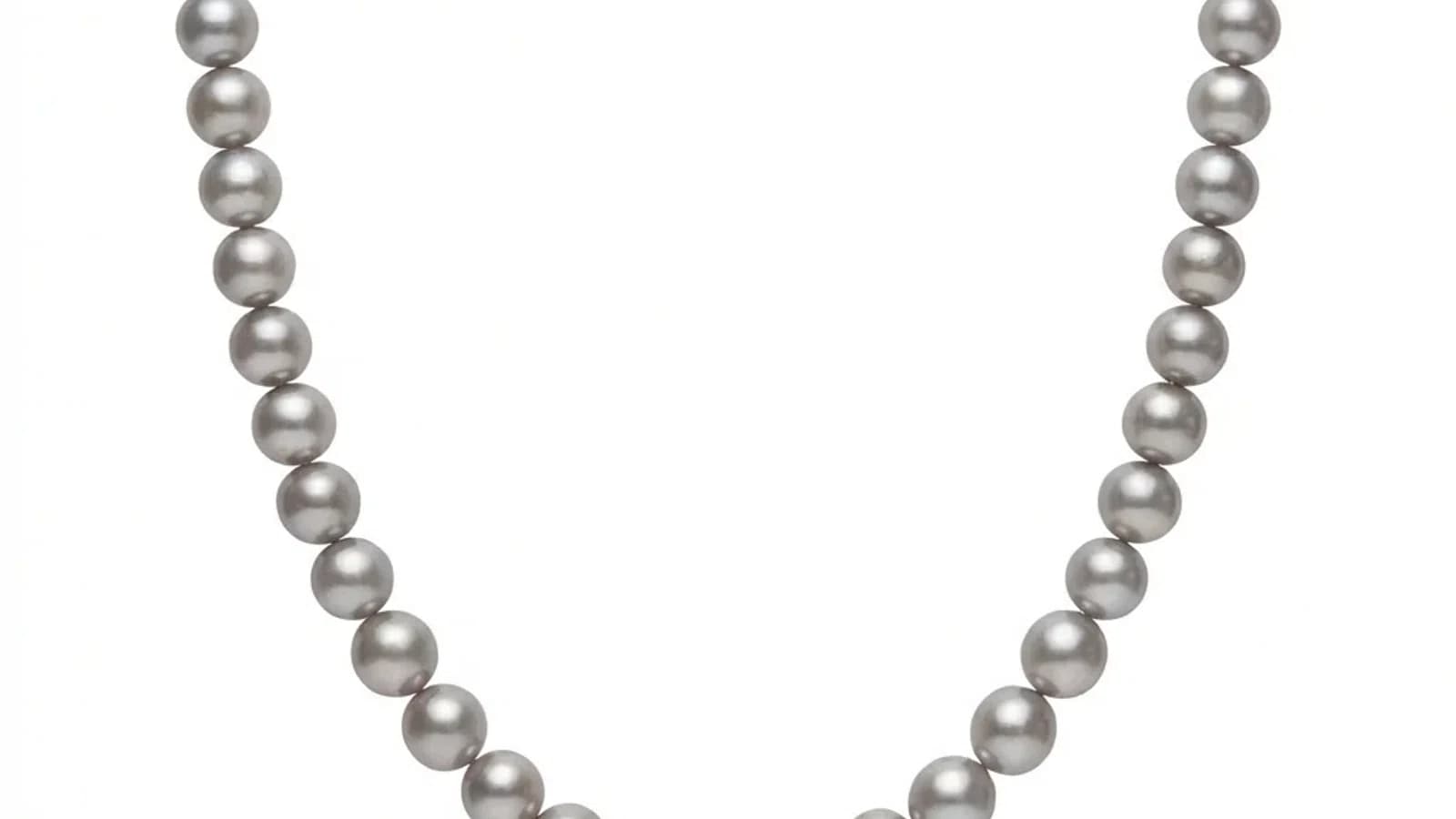
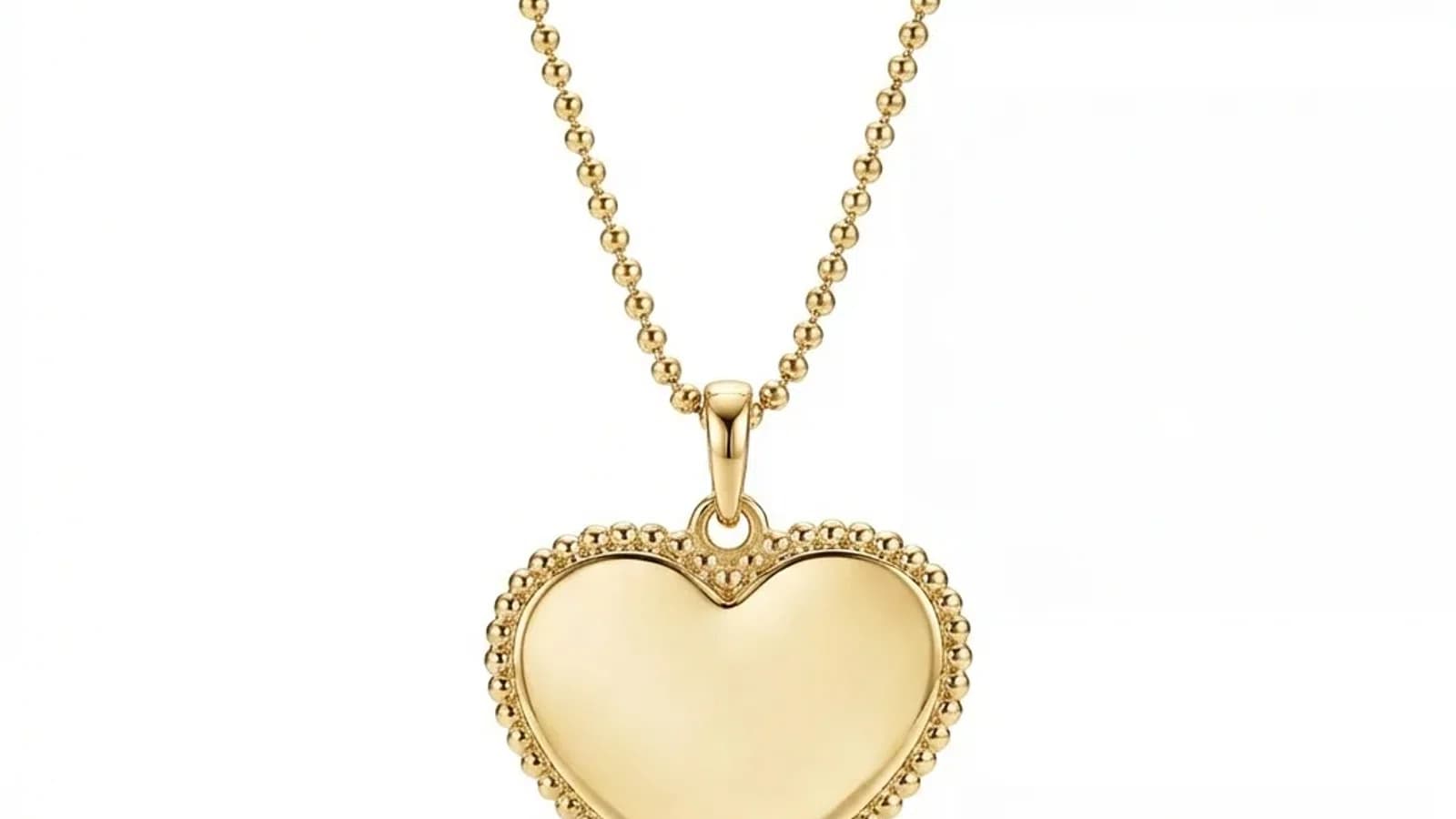
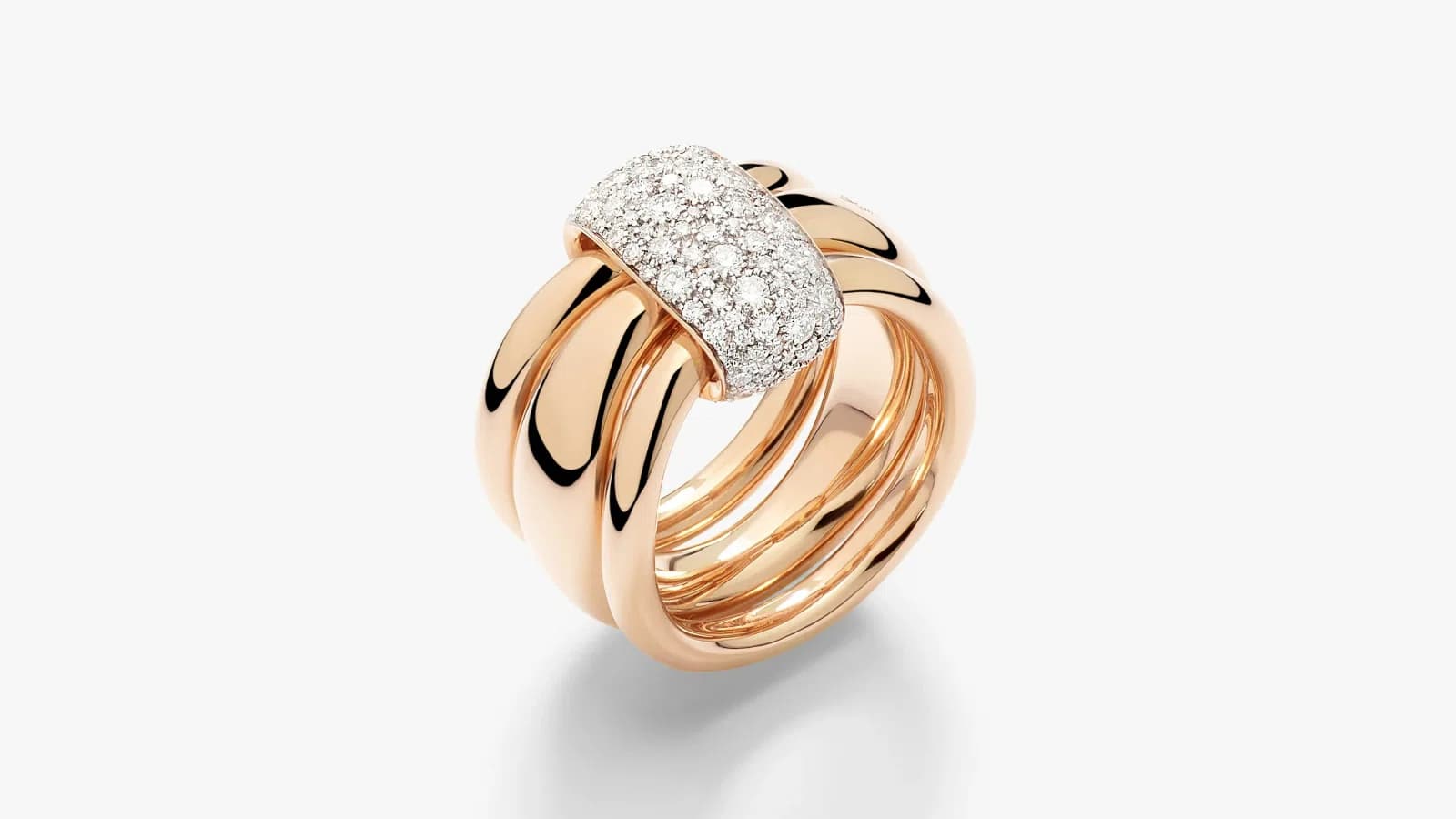
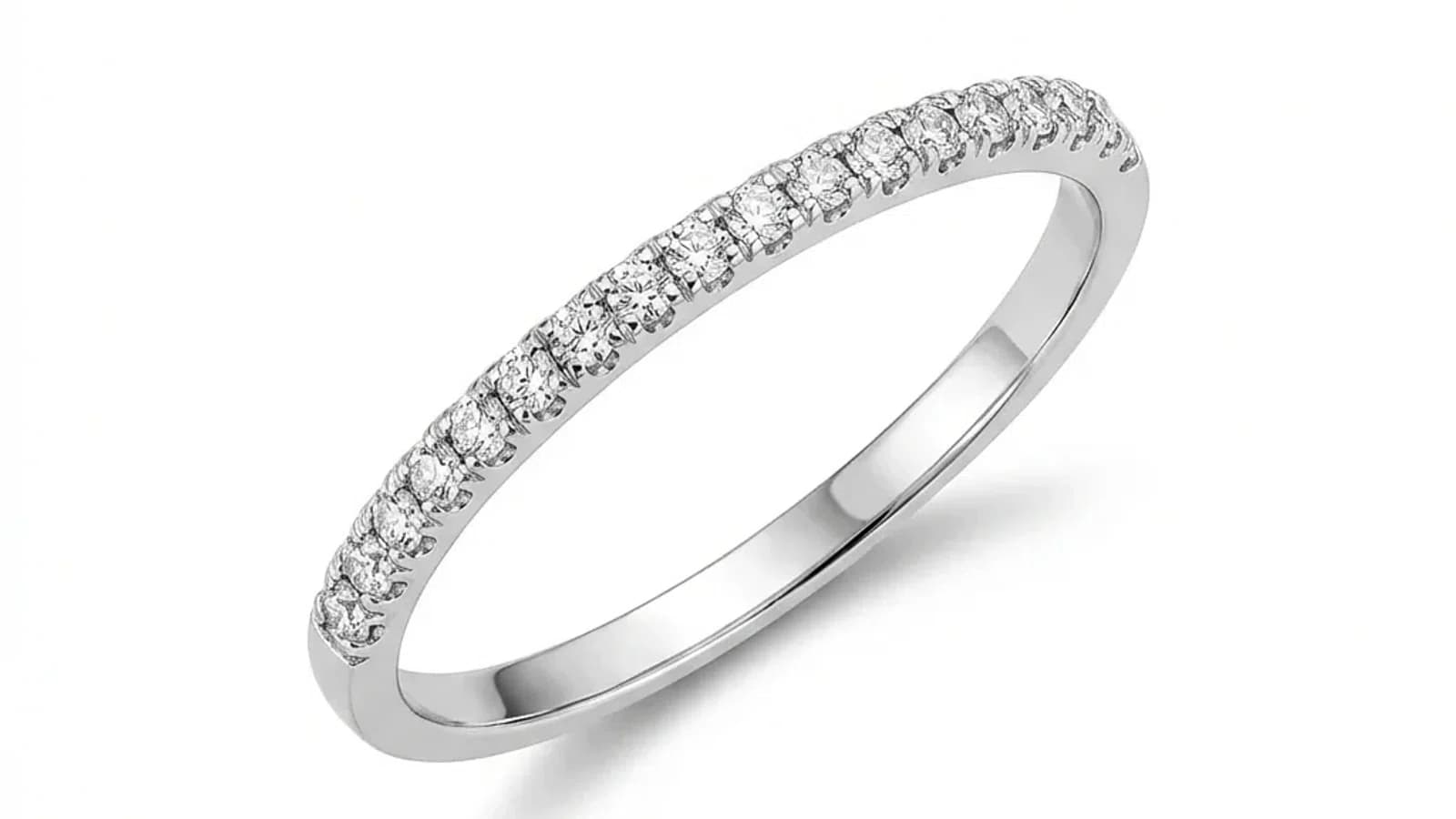
Treat the image and product record as a pair. Buyers may need to compare the visible setting, chain pattern, closure, surface finish, and available variants before choosing samples or requesting a quotation.
Prepare for each model:
- A unique SKU or model code that your team can trace back to the physical sample
- Source photographs labeled by view and actual variant
- Verified dimensions, metal description, stone information, and other specifications from your own records
- Additional views for construction details not visible in the main photo
Image presentation alone does not establish manufacturing quality, assay, gemstone identity, availability, or price. Supply those facts separately. Do not assume that a polished catalog will produce a particular inquiry rate, order value, sales cycle, or reduction in sample requests.
How should sources and model codes be organized?
Build a simple image register before upload. Give each source a model code, variant, and view label; keep the original unchanged. After processing, map the reviewed output back to the same record rather than relying on its appearance or position in a batch.
A spreadsheet or your existing catalog system can hold the mapping; this is a team workflow, not a claim of automatic product-system integration.
Suggested fields:
- SKU or model code
- Actual variant, such as the recorded metal or stone option
- View label, such as front, side, back, or closure
- Original filename and approved reference choice
- Result filename and review decision
- Reviewer, review date, and reason for rejection or manual finishing
- Buyer selection or handover version
Illustrative filename pattern: MODEL-CODE_variant_front_source.jpg. Preserve that relationship when naming the accepted download. Keep true variants separate, and do not infer a variant from generated color.
Start with a bounded representative set containing the constructions you actually sell. Include difficult pieces rather than selecting only the easiest images. Expand after reviewing the complete set and the work it required.
How do references guide collection consistency?
A style reference guides catalog background, lighting, and finish. The source image determines the viewing angle. Use consistent photography and review the collection together, while preserving actual differences in metal tone, stone color, proportions, and construction.
Choose a reference that suits the intended presentation. Separate references may be useful for different product categories or layouts. A reference from another piece is a presentation guide, not evidence of your product’s hidden geometry or gemstone quality.
Check the collection for:
- Background and shadow treatment that suit the destination
- Comparable framing without suggesting that differently sized pieces have identical dimensions
- Metal and gemstone appearance checked against each actual piece or a reliable source photograph
- Visible settings, chain patterns, closures, and edges that remain consistent with the source
Photograph each piece from the angle needed in the final image. Add a side or closure photograph when the main view cannot show a detail. Record dimensions separately; apparent image size is not a measurement.
How should a wholesale team estimate the work and cost?
Estimate the complete task: source preparation, processing, additional versions, review, manual finishing, and delivery. Use the current displayed credit costs and actual quotes for your own alternatives. Compare cost per accepted image, with rejected results and human time included.
For a small trial, record the work rather than assuming a universal saving.
Keep separate totals for:
- Distinct pieces and source views
- Processing attempts and additional versions
- Accepted downloads, rejected results, and optional upscales
- Credits used and included first previews consumed
- Hands-on preparation, review, finishing, and handover time
- Any reshooting or specialist retouching
Purchased credits and included first previews are separate allowances. An included preview is not an extra HD download. Check the cost before each action, especially edits to still-unpaid previews.
These records support a decision for your own collection. They do not establish a market-wide production cost, competitor price, or guaranteed return on investment.
How much time should be left before a buyer deadline?
Leave time for the full workflow, including failed attempts, detail review, manual finishing, and reshoots. Generation time varies by job and workload; it should not be treated as the time required to deliver an approved collection.
Work backward from the buyer meeting, trade show, or seasonal launch. Confirm the required selection, views, destination format, and approval owner before processing.
Use a representative trial to plan:
- Capture and source preparation
- Processing and queue time
- Per-image inspection and collection comparison
- Corrections, manual finishing, or reshooting
- File naming, specification checks, and final buyer handover
Keep generation time separate from hands-on work and total elapsed time. If a deadline is tight, agree a smaller prioritized selection with your team. Do not promise a complete catalog delivery from a per-image processing estimate.
What must be checked in every result?
Inspect each output beside its own source before judging the collection’s overall look. Reject unsupported changes to construction or material appearance. When a detail is hidden, blurred, or outside the frame, mark it as unassessable and use another photograph or manual review.
Use a repeatable review pass:
- Compare visible stone count, layout, facet pattern, and setting shape
- Check prongs, shank outline, chain links, openwork, and connection points
- Inspect clasps, leverbacks, screw backs, and other closures when visible
- Compare engraving, marks, edges, and surface finish
- Check metal tone, stone hue, transparency, and visible inclusions against reliable source evidence
- Check background, shadows, framing, and file dimensions for the intended use
A pleasing result can still be wrong. Keep the rejected output and record the reason. Do not use a generated view as proof of unseen construction, metal purity, gemstone grade, weight, or size.
Catalog batch retouching provides separate editable results and saved batches. It still requires per-image approval. Model Worn and Instagram remain single-photo workflows.
Use the jewelry image review method for the inspection checklist and product scope for workflow limits.
How should reviewed images be handed over to buyers?
Match accepted downloads to your model-code register, attach verified specifications, and share an identified selection through your normal buyer process. Archive originals and review decisions so that later questions and repeat-order requests can be traced back to the right piece.
Before handover:
- Confirm that every accepted file maps to the correct SKU, actual variant, and view
- Add factual product descriptions, dimensions, materials, prices, and availability from your own records
- Check destination pixel dimensions and any print-specific export requirements
- Include additional views where the main photograph leaves construction uncertain
- Label illustrative color variants or creative alterations clearly
For post-fair follow-up, keep the buyer’s selected model codes together with the version of the image set you shared. Confirm quotation and order details through your existing sales process.
Archive the original sources, references, accepted and rejected outputs, and approval record. This is a suggested handover workflow; it does not imply an automatic line-sheet builder, quotation tool, or ERP integration.
See wholesale catalog retouching for the product workflow and pricing for current packs and allowances.